



Powerful EcoFlow stations for energy anywhere!
In cart {{totalProductsCount}} item(s)
Your cart is empty
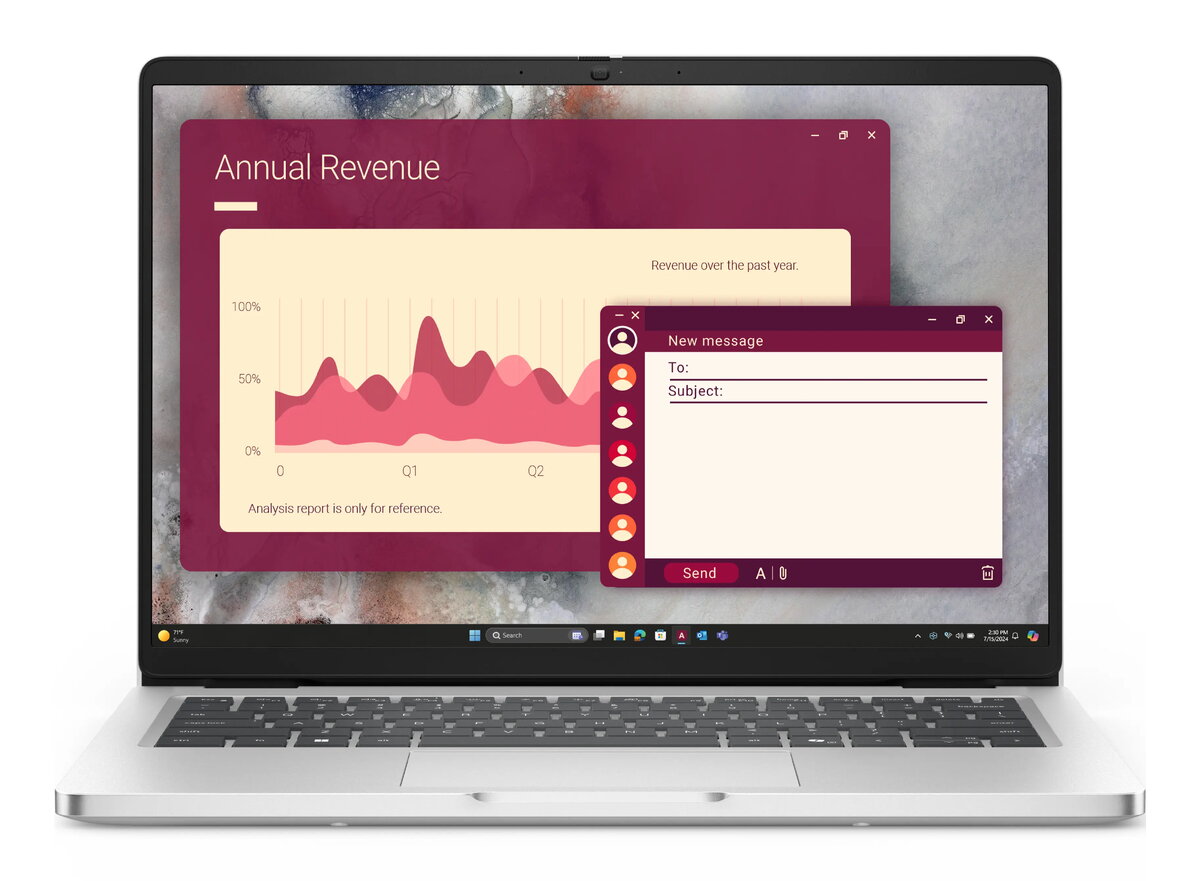
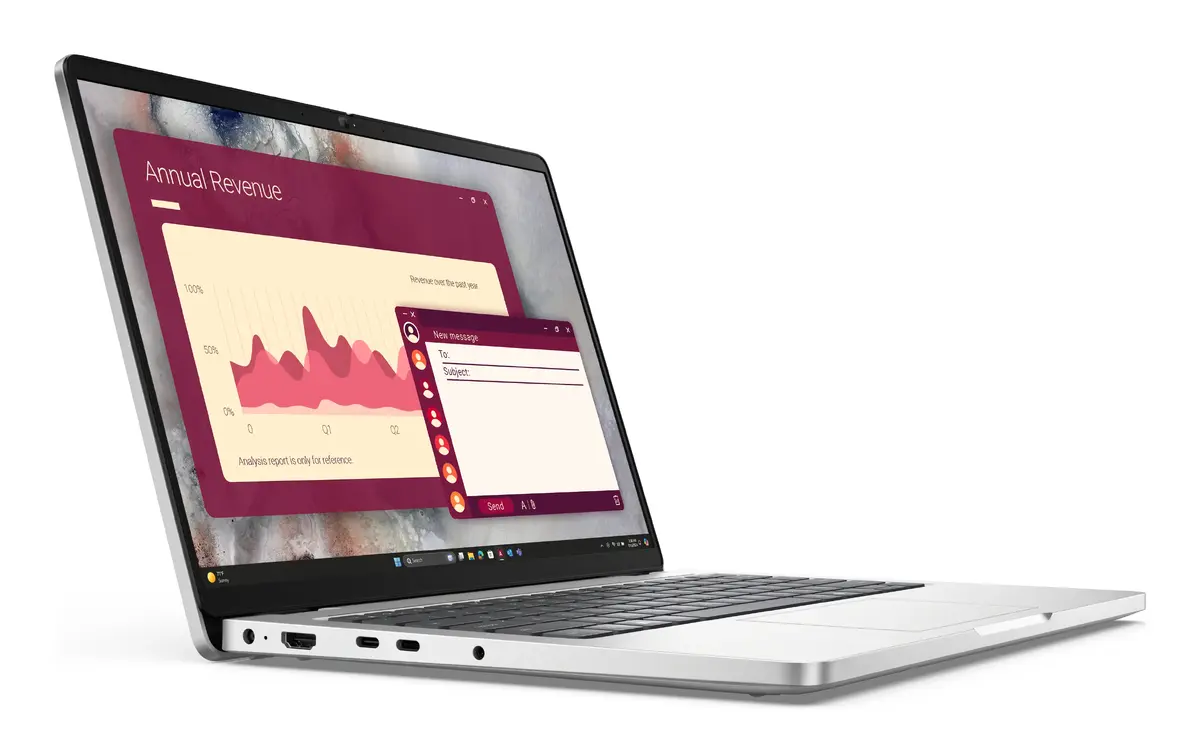
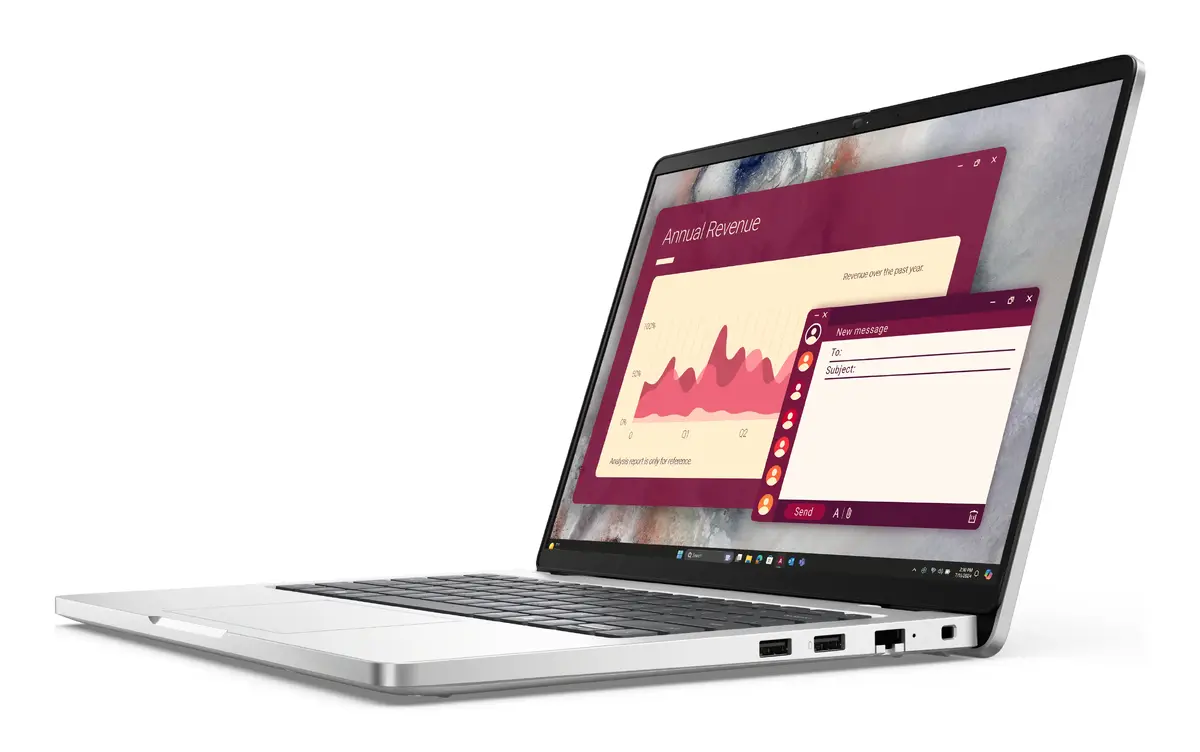
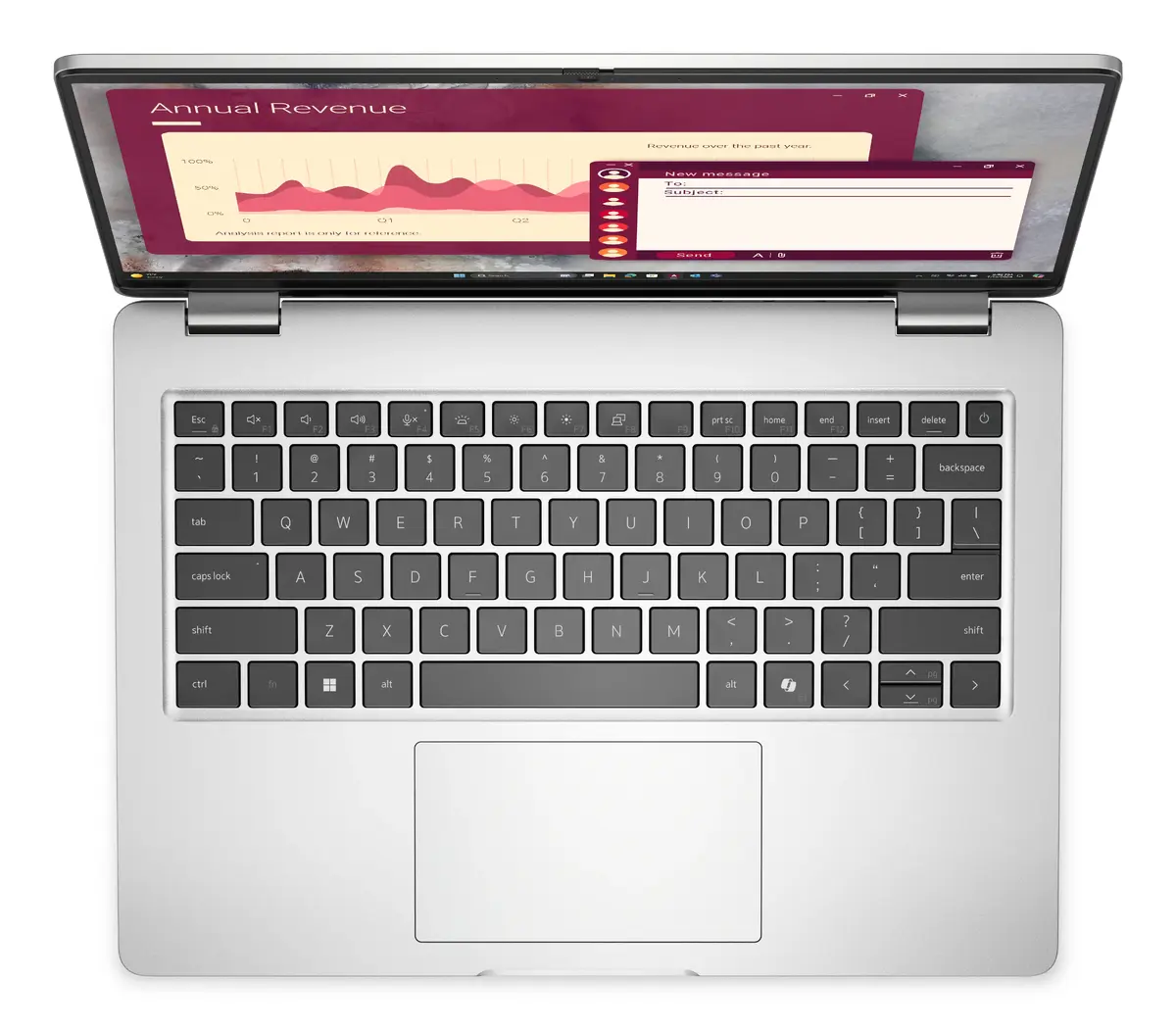
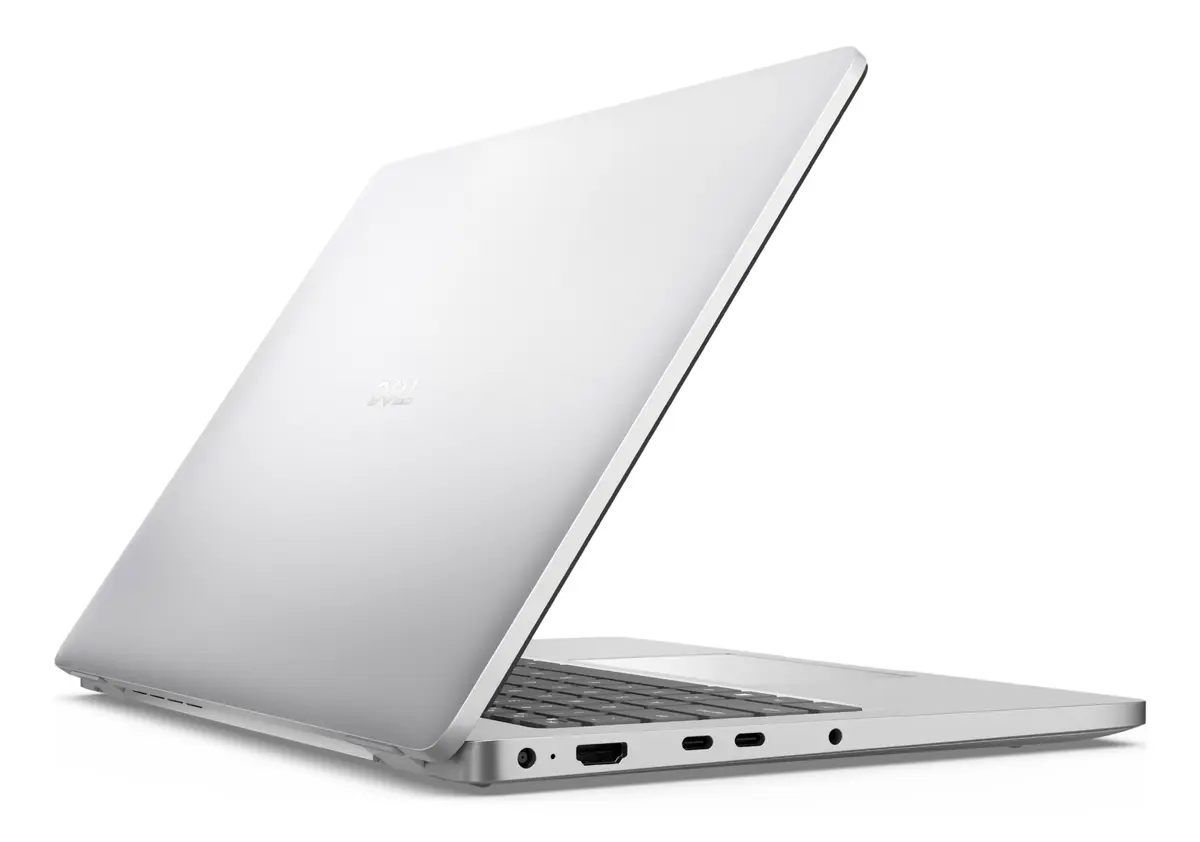
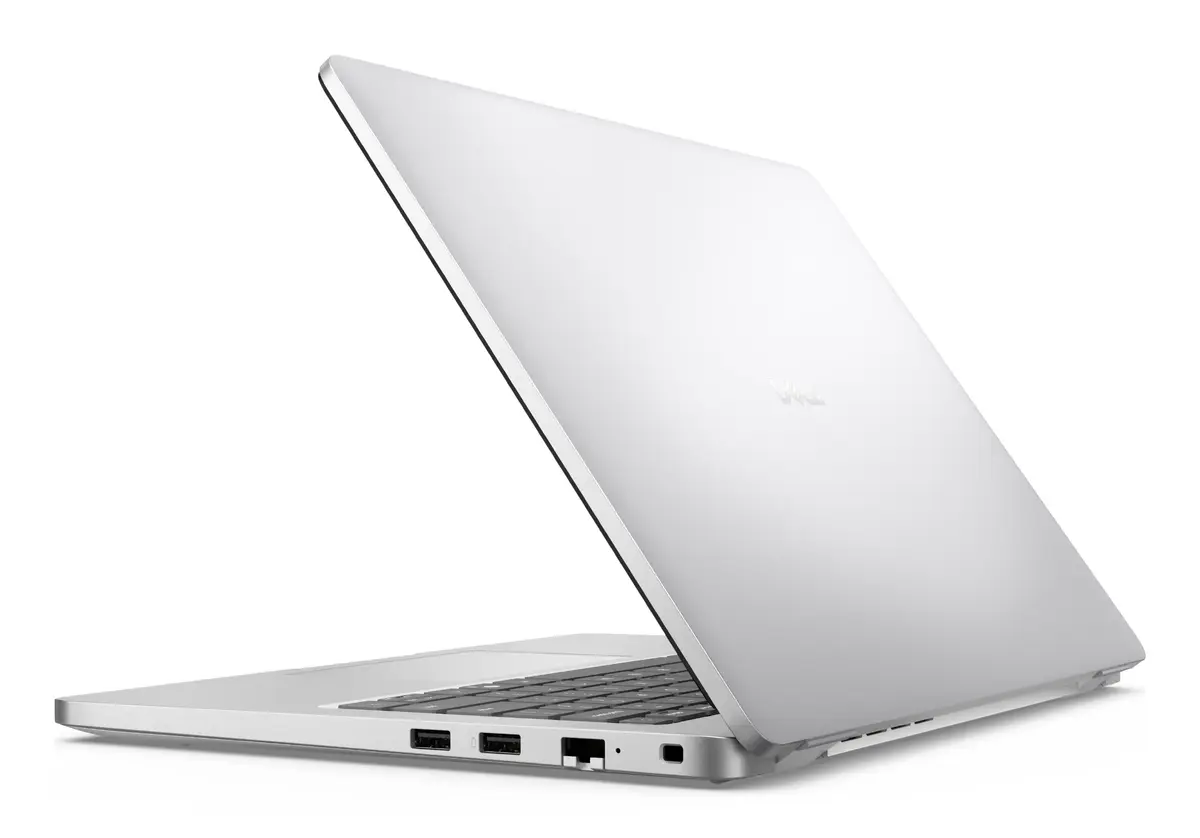
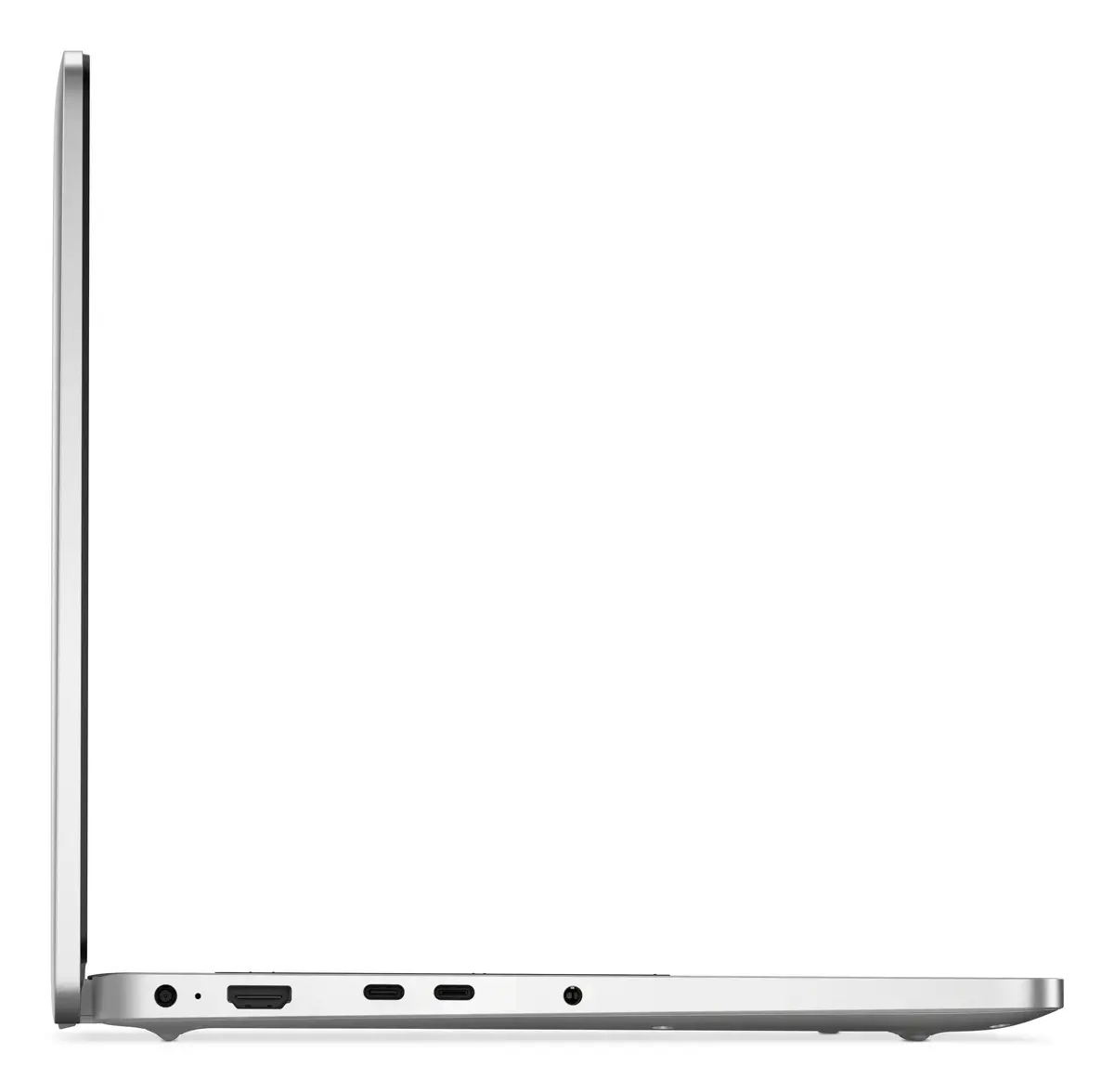
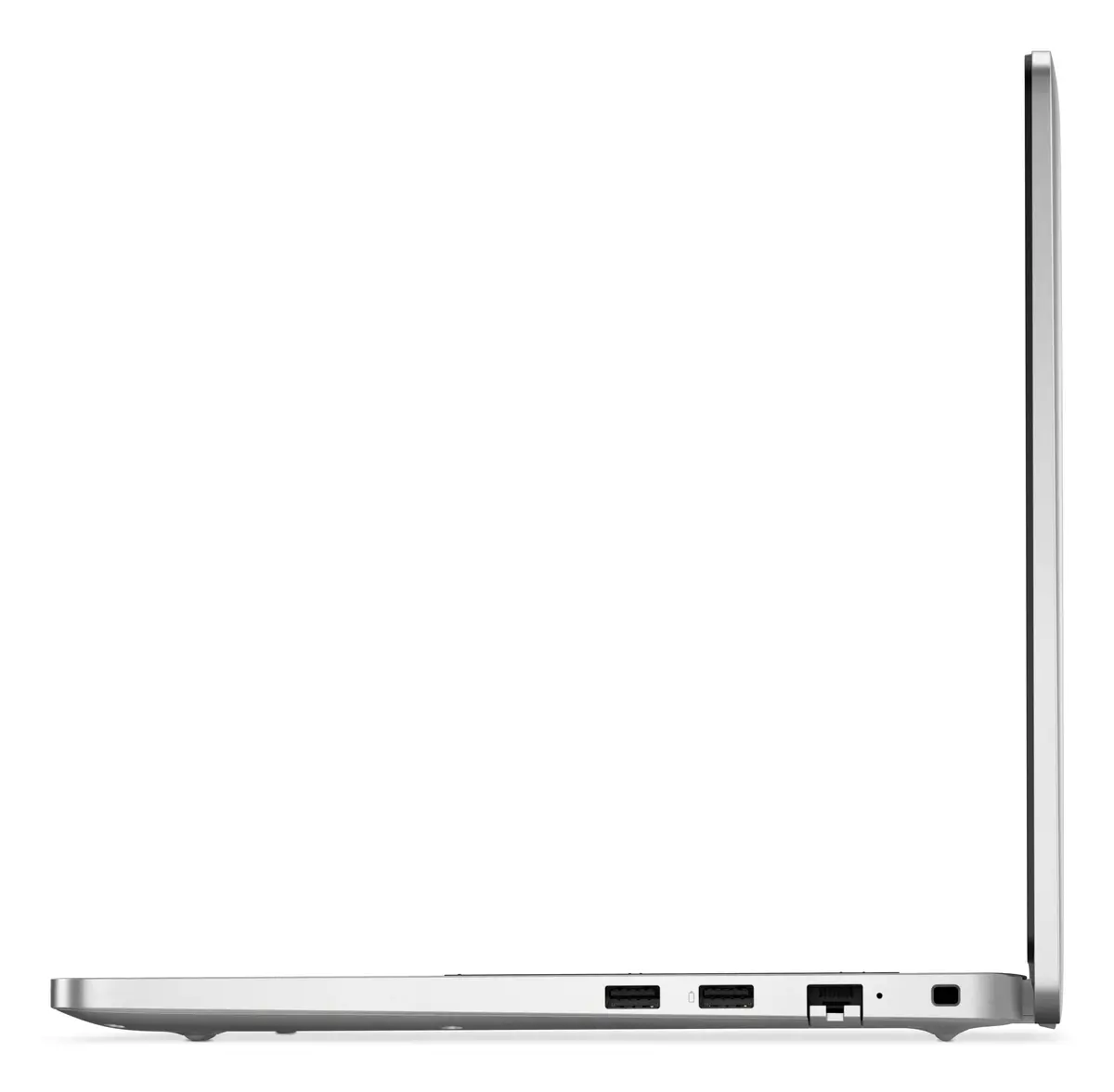
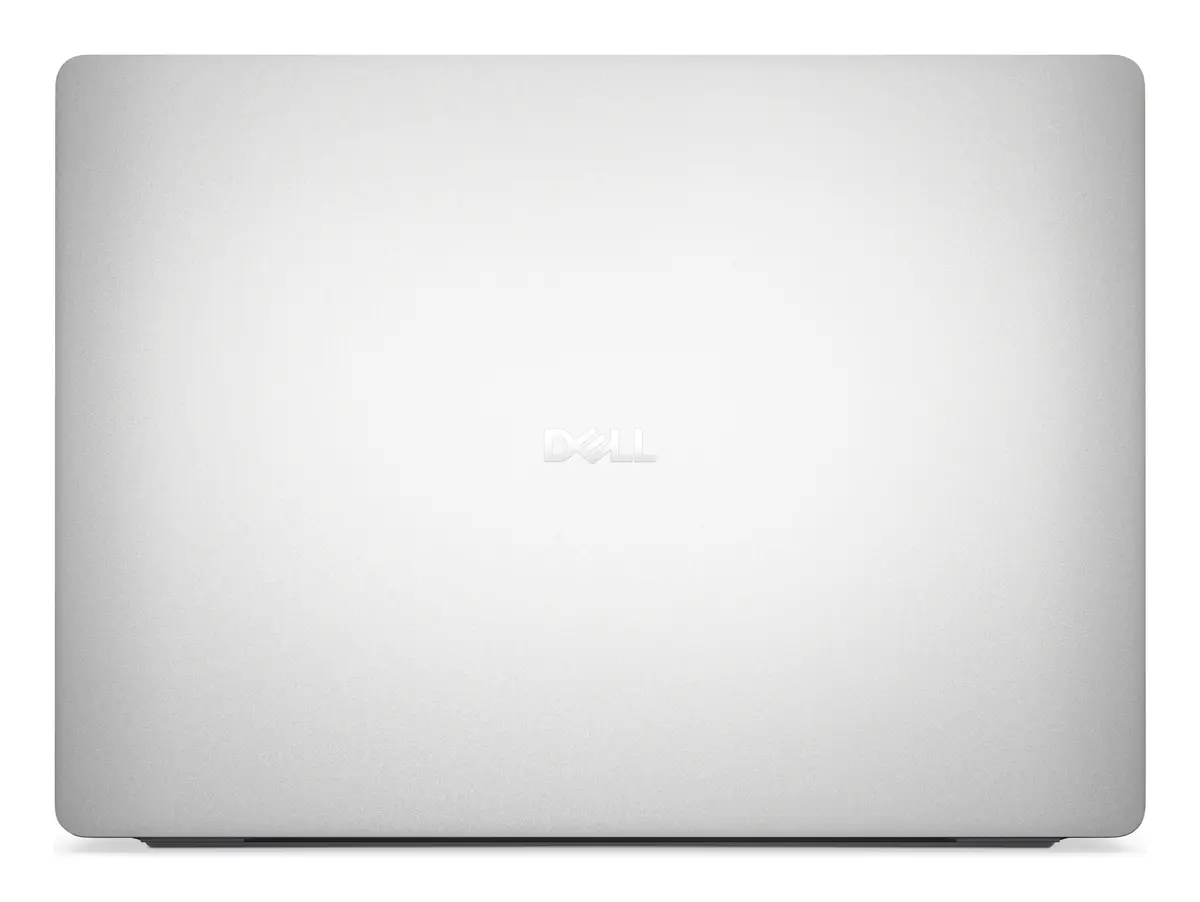
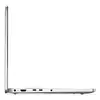
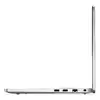
Laptop Dell Pro 14 PC14250 — Intel Core Ultra 7 255U, 14" Full HD+ (1920×1200), 16GB DDR5, 512GB SSD, Wi‑Fi 6E, Windows 11 Pro, Platinum
The Dell Pro 14 PC14250 is a 14" clamshell laptop built for mobile productivity. It combines a 1920×1200 Full HD+ IPS display in a 16:10 aspect ratio with an Intel Core Ultra 7 255U processor and integrated Intel graphics. With 16 GB of DDR5 memory and a 512 GB NVMe SSD, the system is configured for responsive multitasking and fast storage access. Connectivity includes Wi‑Fi 6E and Bluetooth, and the device ships with Windows 11 Pro, making it suitable for business and professional workflows while keeping weight around 1.36 kg.
The combination of an Intel Core Ultra 7 255U 12‑core processor, DDR5 memory and NVMe SSD delivers a balanced mix of compute performance and responsiveness for office applications, web conferencing and light content creation. The 14" Full HD+ 1920×1200 IPS panel offers more vertical space for documents and spreadsheets compared with standard 16:9 displays. Modern wireless connectivity with Wi‑Fi 6E and gigabit Ethernet options ensures stable network performance for cloud services and remote work. Windows 11 Pro provides business‑oriented features such as improved security and device management tools.
The integrated Intel graphics are adequate for everyday visual tasks and light multimedia editing, but this model is not intended for demanding gaming or professional 3D rendering workflows that require discrete GPUs. Users who need extremely high CPU single‑threaded performance for specialized engineering or scientific simulations may prefer a different configuration with higher-tier processors.
Power on the laptop and complete the Windows 11 Pro initial setup to configure user accounts and security settings. Use the built‑in Wi‑Fi 6E or wired Ethernet for network connectivity and sign in to cloud services or corporate networks as required. Install productivity and collaboration applications from trusted sources and keep system drivers and Windows updates current to ensure stability. For storage management, use the operating system tools to create backups or enable cloud sync to protect important files.
For reliable daily performance, keep the system firmware and Windows updates installed, use a reputable antivirus solution, and maintain regular backups. When on the move, enable power‑saving profiles to extend battery life and use a USB‑C or compatible docking solution for a full workstation setup at the office.
{{highlightedFeature.featureTitle}}:
{{getProductFeatureValueById(product, highlightedFeature.featureId)}}
{{ productComparisonGenerationError }}
