
Filters you can trust. Pure water every day.
In cart {{totalProductsCount}} item(s)
Your cart is empty
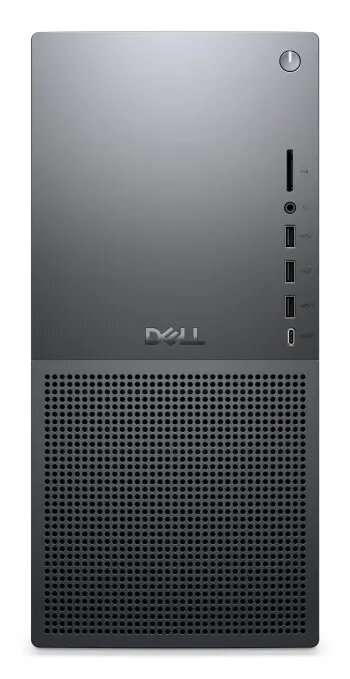
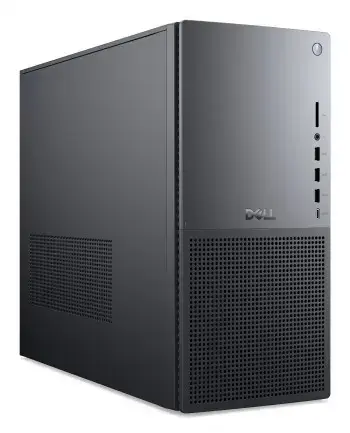
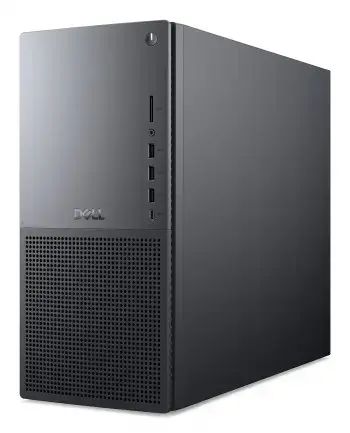
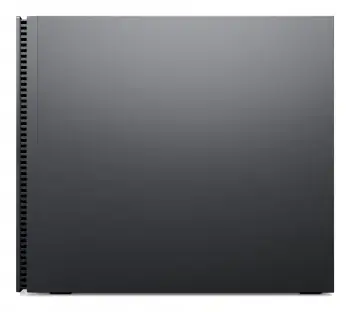
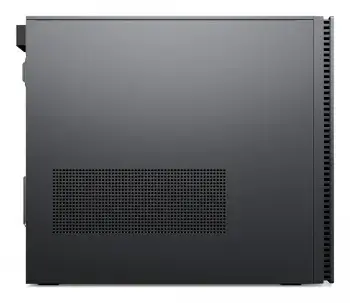
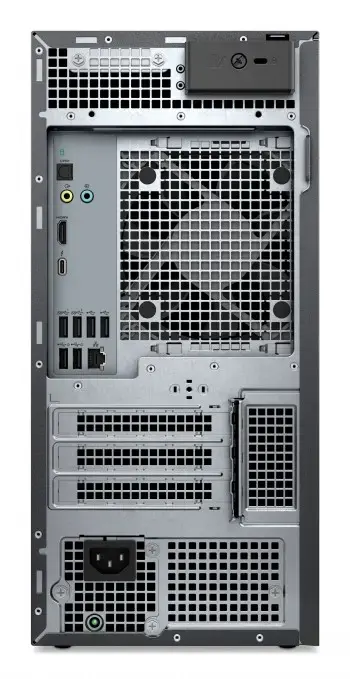
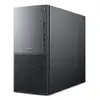
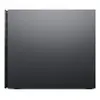
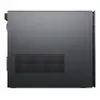
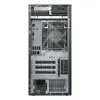
Desktop PC Dell Tower Plus U7 — 265 CPU / 32GB RAM / 1TB SSD / NVIDIA RTX 5070 12GB / 750W PSU / WLAN / Windows 11 Pro (no keyboard & mouse)
Dell Tower Plus (EBT2250) is a compact, upgradeable 27-liter desktop workstation designed for professionals, creators and enthusiasts who need a balance of strong performance and expandability. It is powered by the Intel® Core™ Ultra 7 265 processor and NVIDIA® GeForce RTX™ 5070 graphics with 12 GB GDDR7, supported by 32 GB DDR5 memory and a 1 TB PCIe Gen4 SSD. The Graphite chassis offers tool-less access, quiet thermal design and a 750 W Platinum power supply, while Intel Wi‑Fi 7 and Windows 11 Pro provide modern connectivity and software support. The system includes a 3-year Dell ProSupport warranty with Next Business Day onsite service.
The Dell Tower Plus combines high single- and multi-threaded CPU performance from the Intel Core Ultra 7 265 with GPU acceleration from the NVIDIA GeForce RTX 5070, making it suitable for multitasking, 3D rendering and AI-accelerated workflows. Fast DDR5 memory and a Gen4 NVMe SSD ensure responsive system performance and short load times. The 750 W Platinum-rated PSU and multiple PCIe and drive bays provide headroom for future upgrades. Tool-less chassis access and quiet cooling simplify maintenance and reduce operating noise.
Unpack the Dell Tower Plus and place it on a stable, well-ventilated surface. Connect a monitor, keyboard and mouse (not included) and attach power and network cables. Use Windows 11 Pro initial setup to configure user accounts and privacy settings, then install required drivers from Dell Support if necessary. For storage or memory upgrades, power down and disconnect the system, open the tool-less chassis, and install additional M.2 SSDs, 3.5" drives or DDR5 modules according to the motherboard slots. Follow ESD precautions and consult the service manual for correct installation and compatibility. Keep drivers and firmware up to date via Dell SupportAssist or the Dell website.
For graphics-intensive workloads or future-proofing, consider adding a higher-wattage GPU supported by the 750 W PSU and expanding system memory to the 64 GB maximum. Use the available M.2 slot and 3.5" bays to increase storage capacity or set up RAID if needed. Ensure proper ventilation around the chassis and register the system for Dell ProSupport to enable timely service.
{{highlightedFeature.featureTitle}}:
{{getProductFeatureValueById(product, highlightedFeature.featureId)}}
{{ productComparisonGenerationError }}
