
Dreame vacuums for fast and efficient cleaning!
In cart {{totalProductsCount}} item(s)
Your cart is empty
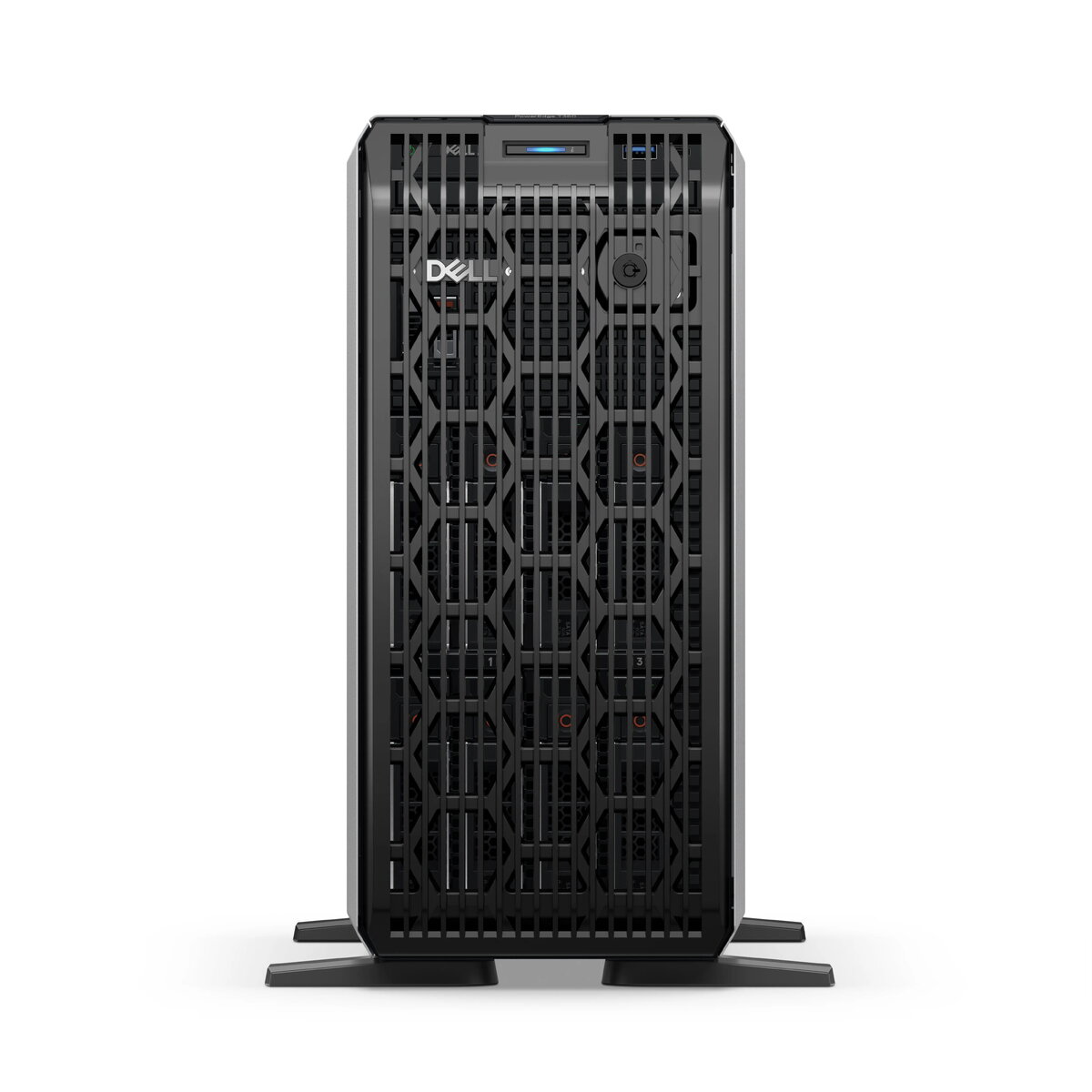
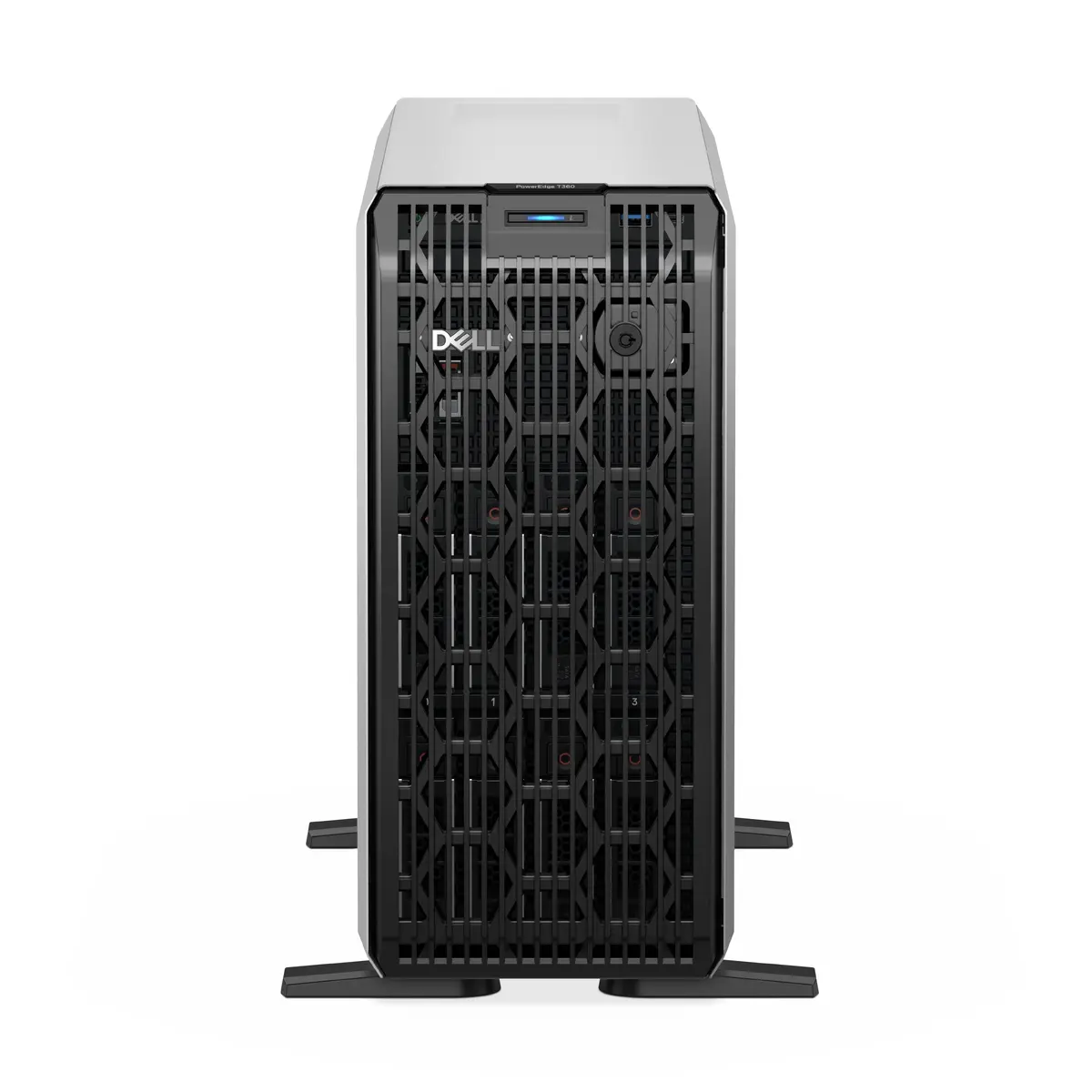
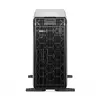
Tower server Dell PowerEdge T360 — Intel Xeon 6353P 2.7 GHz, 32 GB DDR5, 1.92 TB, 700 W, 4.5U
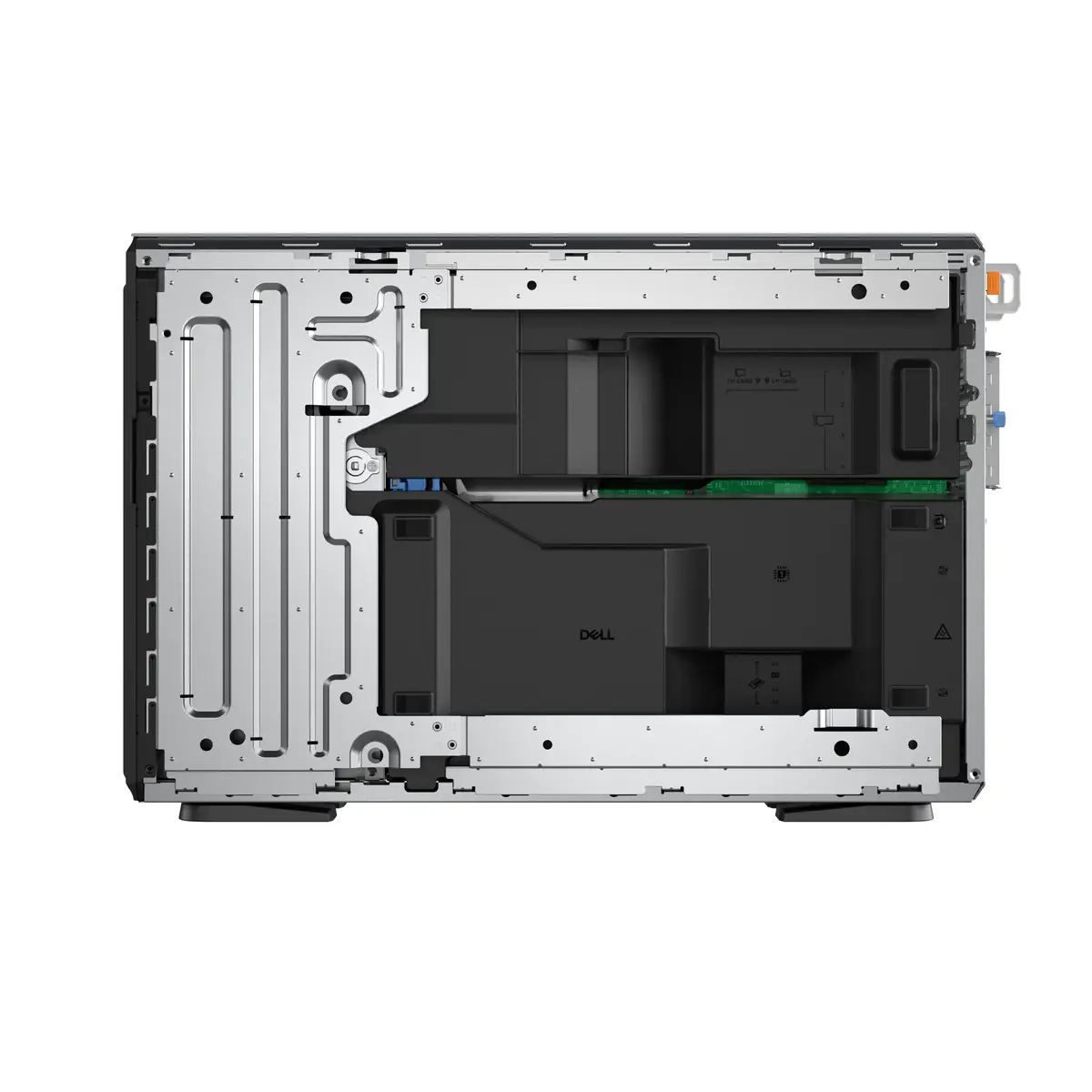
Dell PowerEdge T360 is a 4.5U tower server built for small and mid-sized business environments that require reliable on-premise compute and storage. It is equipped with an Intel Xeon 6353P 2.7 GHz processor, 32 GB of DDR5 memory across four DIMM slots (expandable up to 128 GB) and 1.92 TB of internal storage. The system supports RAID configurations and offers Gigabit Ethernet connectivity for standard network integration. A 700 W power supply with redundant power support and a black tower chassis enable standalone deployment without immediate rack infrastructure.
The PowerEdge T360 combines a server-grade Intel Xeon processor and DDR5 memory to deliver consistent performance for virtualized workloads, file services and business applications. RAID support and sizeable internal storage provide data protection options and capacity for growing datasets. The 4.5U tower chassis simplifies installation in office environments where rack space is not available, and the 700 W power supply with redundant power support improves uptime and serviceability.
Install the Dell PowerEdge T360 on a stable, level surface or in a compatible rack shelf if rack mounting is required. Populate memory and storage according to workload needs, observing the 4x DIMM slot layout and supported memory limits. Configure RAID arrays through the server’s management utility or BIOS to match desired redundancy and performance. Connect power and network cables, then perform initial firmware and operating system installation following Dell’s standard deployment procedures. Use the server management tools to monitor hardware status and apply updates.
For stable performance, monitor memory and storage utilization and expand DDR5 memory up to the supported 128 GB when running multiple virtual machines or memory-intensive applications. Configure RAID according to your redundancy needs and implement regular backups. Place the server in a well-ventilated area and ensure firmware and drivers are kept up to date to maintain reliability and security.
{{highlightedFeature.featureTitle}}:
{{getProductFeatureValueById(product, highlightedFeature.featureId)}}
{{ productComparisonGenerationError }}
