


Dreame vacuums for fast and efficient cleaning!
In cart {{totalProductsCount}} item(s)
Your cart is empty
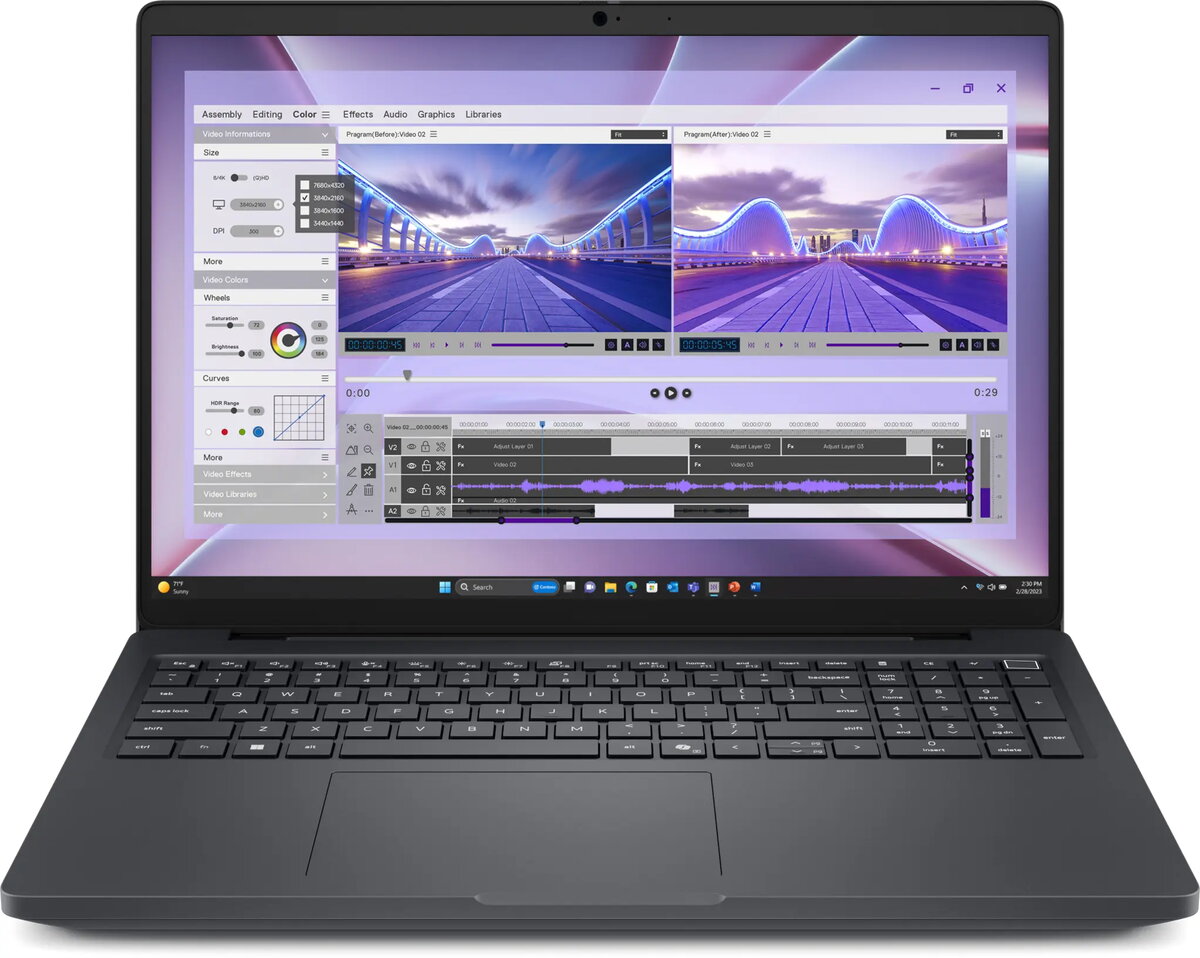
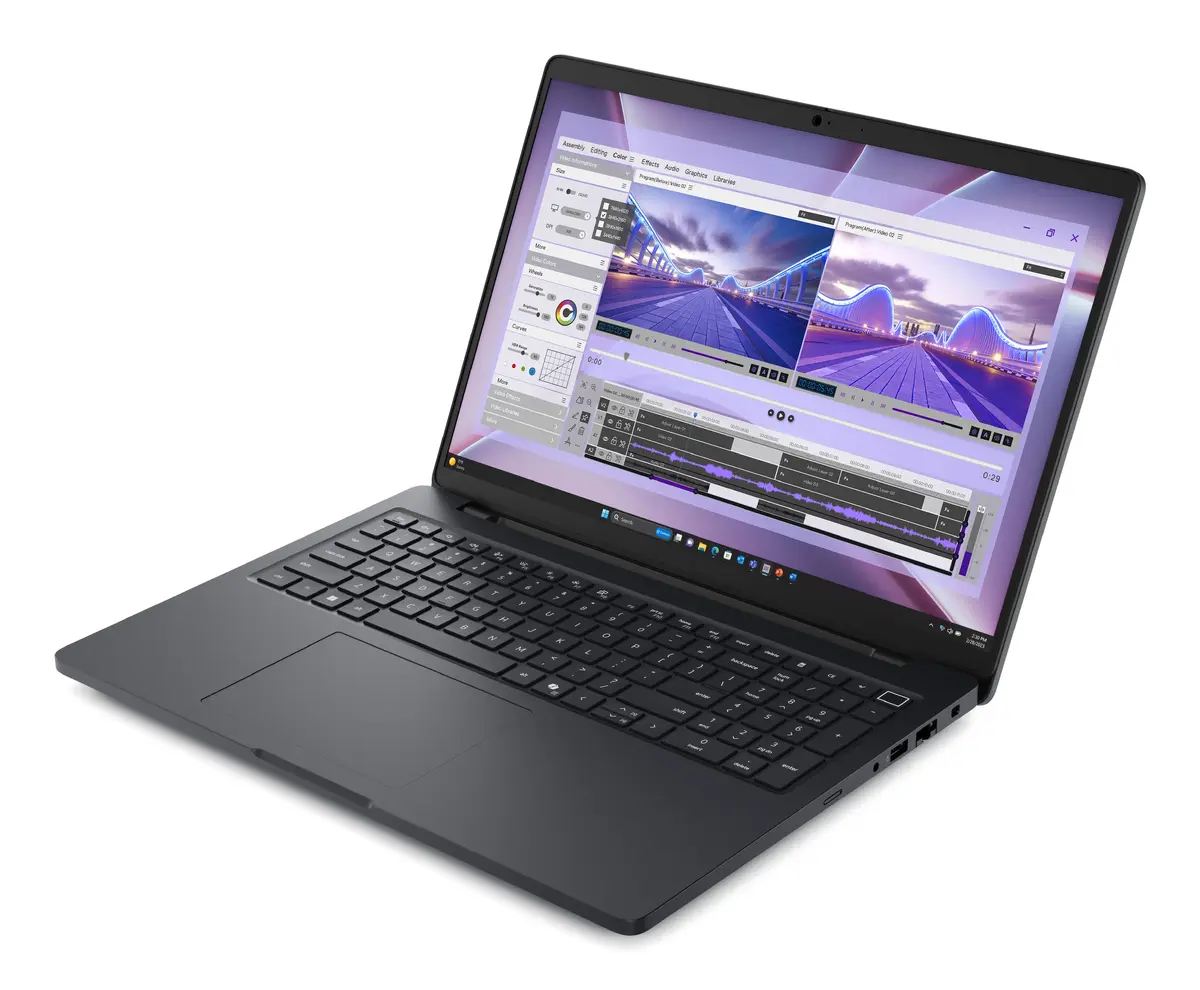
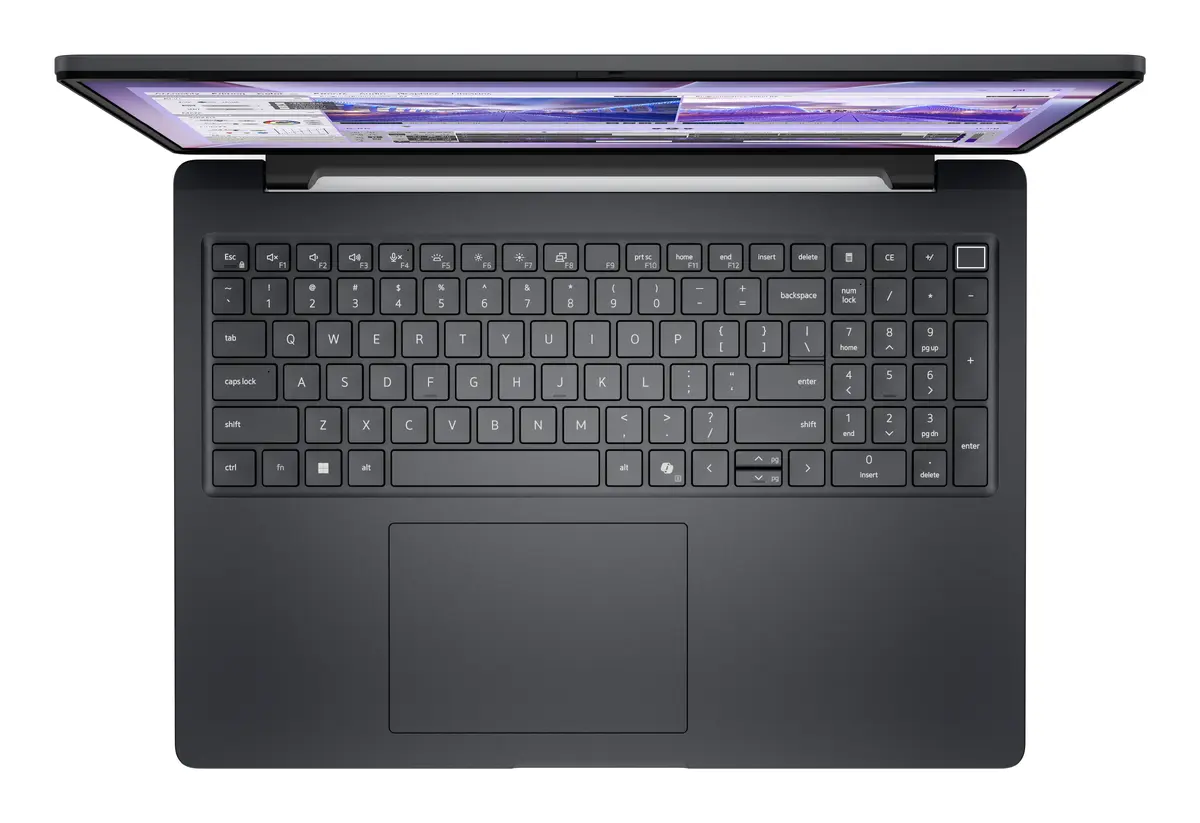
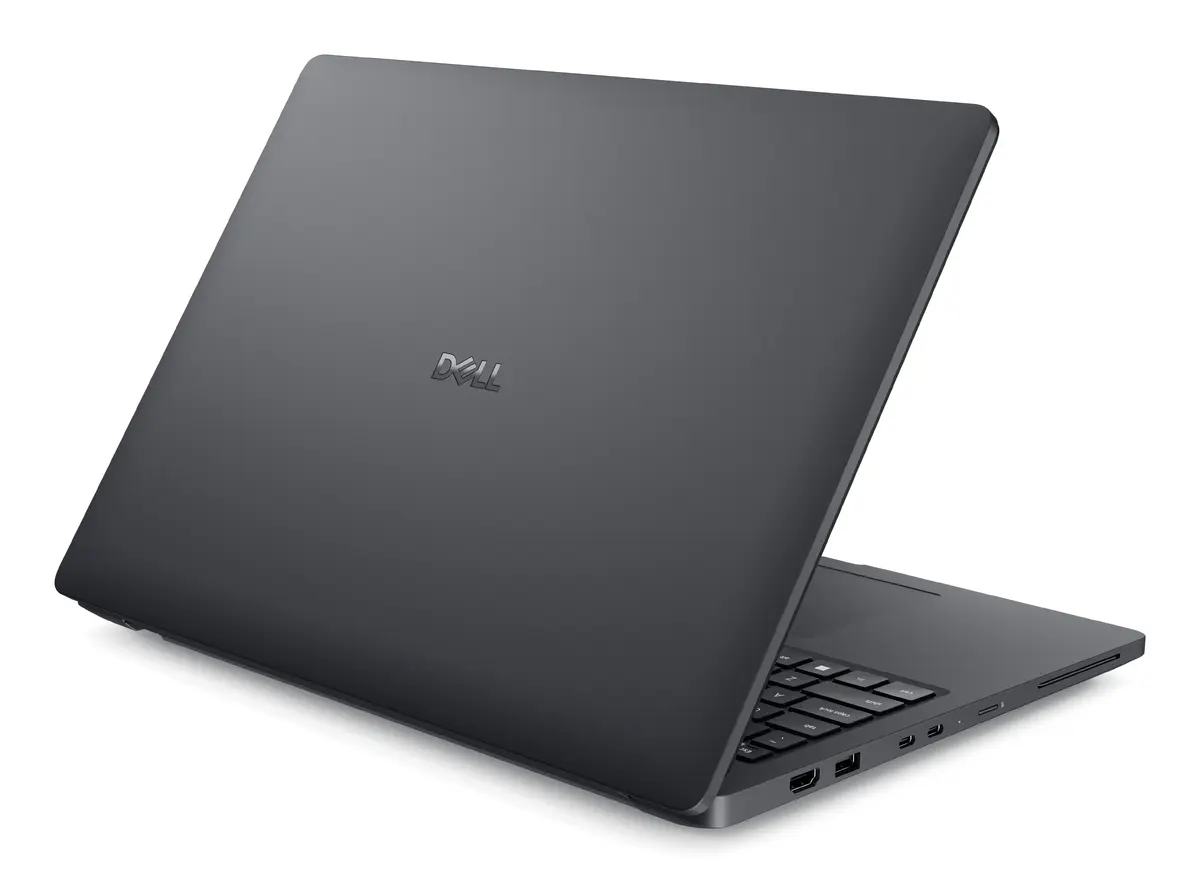
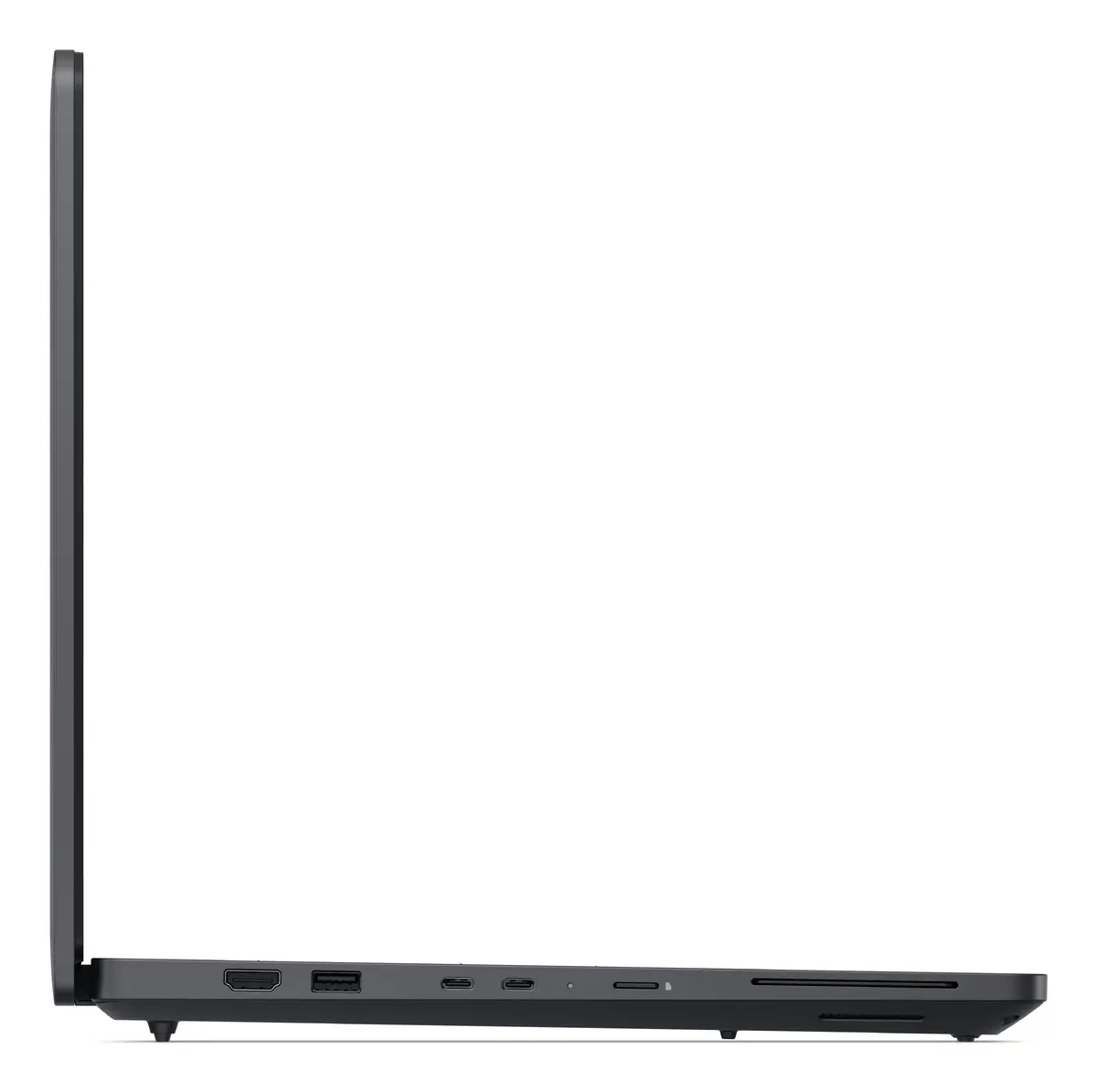
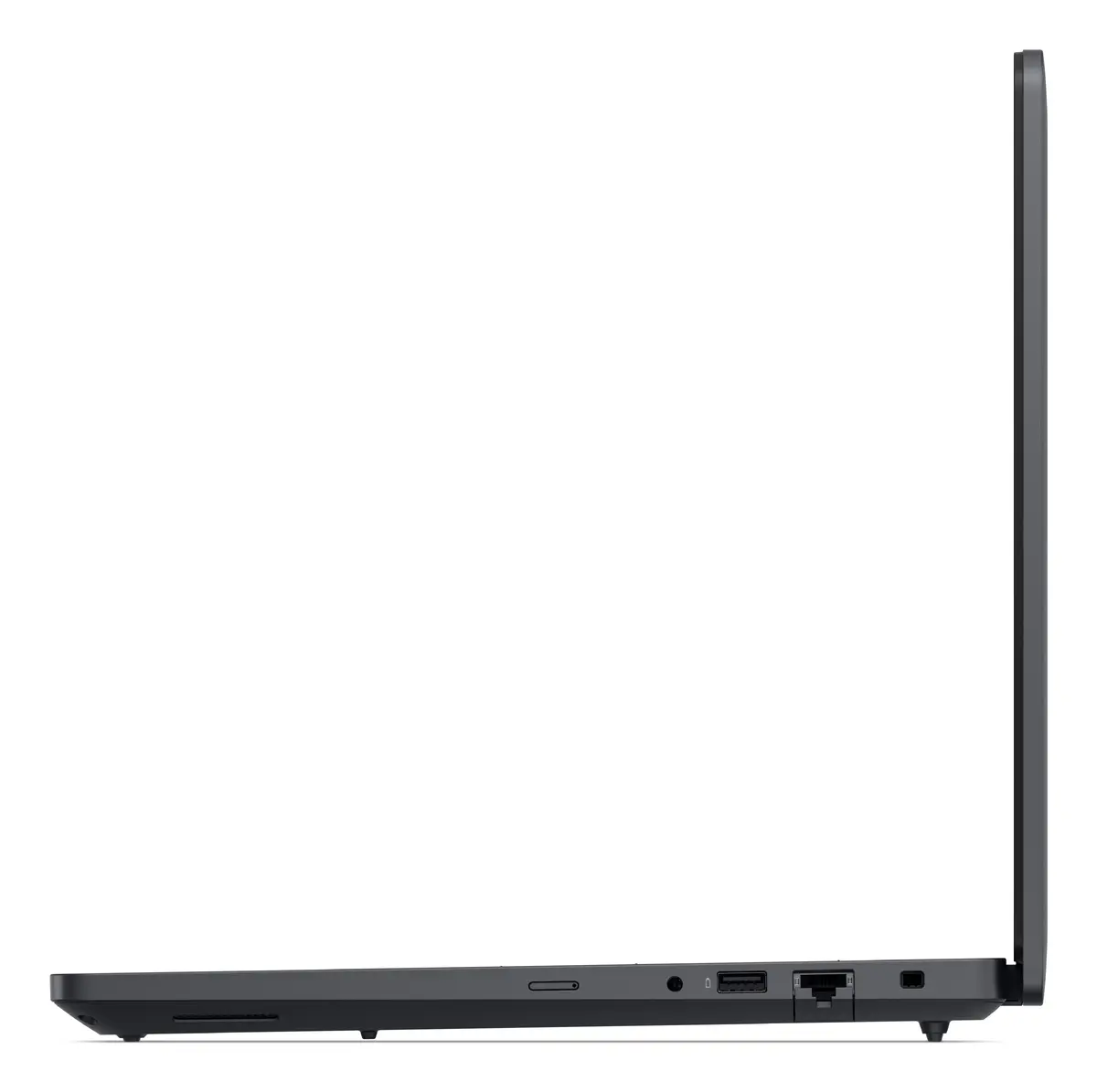
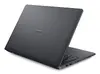
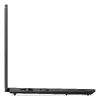
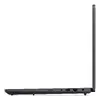
Dell Pro Max 16 MC16250 Mobile Workstation, Intel Core Ultra 7 265H, 16" Full HD+, 32GB RAM, 1TB SSD, NVIDIA RTX PRO 2000 Blackwell, Windows 11 Pro
The Dell Pro Max 16 MC16250 is a high-performance mobile workstation engineered for professionals who require reliable computing power in a portable form factor. Featuring an Intel Core Ultra 7 265H processor and the advanced NVIDIA RTX PRO 2000 Blackwell graphics card, this device handles complex computational tasks with ease. The 16-inch Full HD+ display provides a clear and expansive workspace, while the 32GB of DDR5 memory and 1TB SSD ensure smooth multitasking and rapid data access for demanding applications.
This workstation offers exceptional processing capabilities suitable for intensive engineering and design workflows. The integration of professional-grade NVIDIA graphics ensures high visual fidelity and stability for 3D rendering and data visualization. With its robust build quality and efficient thermal management, the system maintains peak performance during prolonged use. The inclusion of Windows 11 Pro provides advanced security features and seamless integration into corporate network environments, making it a dependable choice for enterprise-level productivity.
This device is optimized for professional workstation tasks and may be overkill for basic office productivity or casual web browsing. Its weight and performance-focused design make it less ideal for users who prioritize extreme portability or long-term battery life over raw processing power.
To begin using the Dell Pro Max 16, connect the power adapter and perform the initial Windows 11 Pro setup as prompted on the screen. Ensure the device is placed on a flat, stable surface to allow for proper airflow through the ventilation ports. You can connect external peripherals via the available ports to expand your workspace. Regularly update your drivers through the official support software to maintain optimal performance and security.
For maximum longevity and performance, keep the device firmware updated and avoid blocking the air vents during heavy processing tasks. Using a dedicated cooling pad can further enhance stability during extended rendering sessions.
{{highlightedFeature.featureTitle}}:
{{getProductFeatureValueById(product, highlightedFeature.featureId)}}
{{ productComparisonGenerationError }}
