
Filters you can trust. Pure water every day.
In cart {{totalProductsCount}} item(s)
Your cart is empty
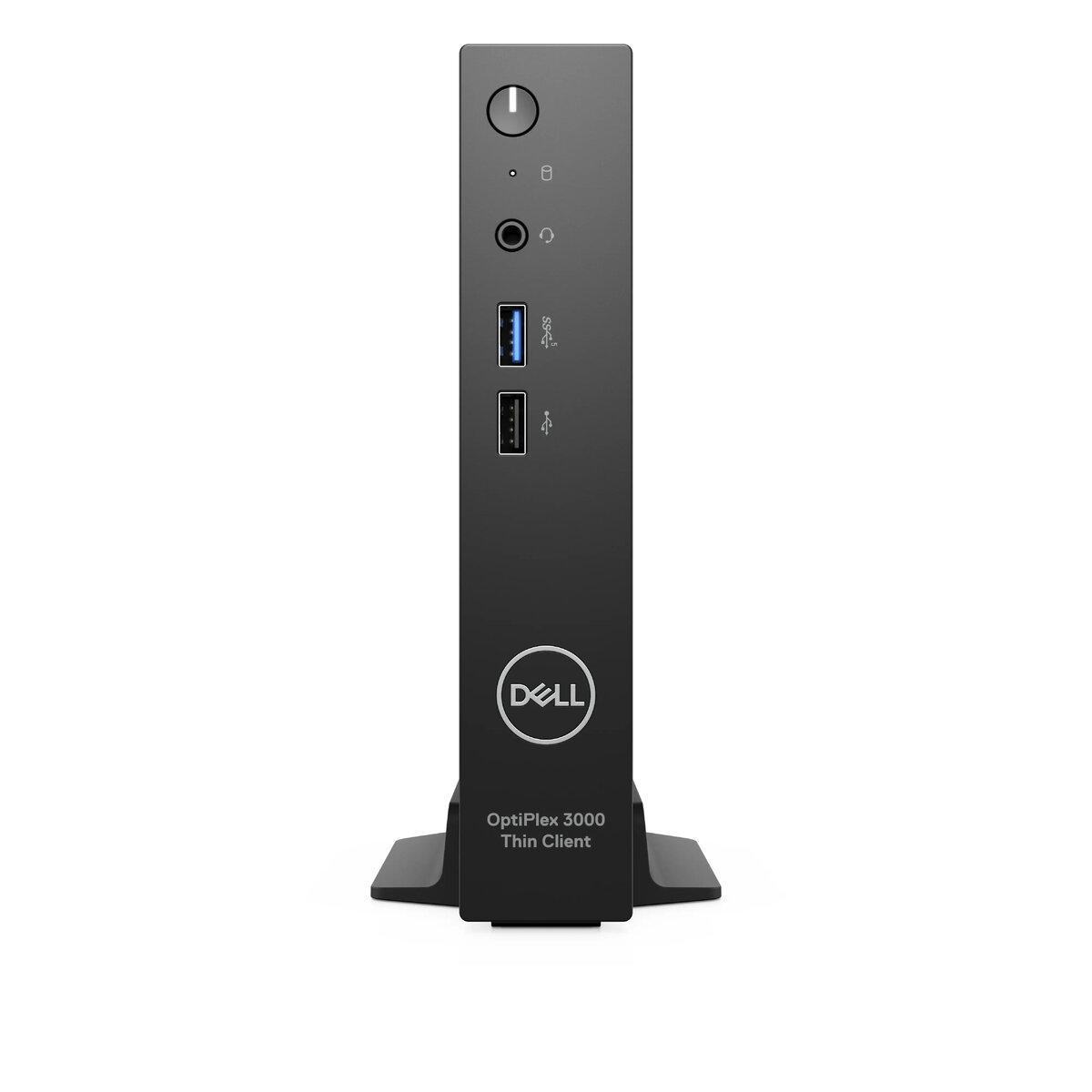
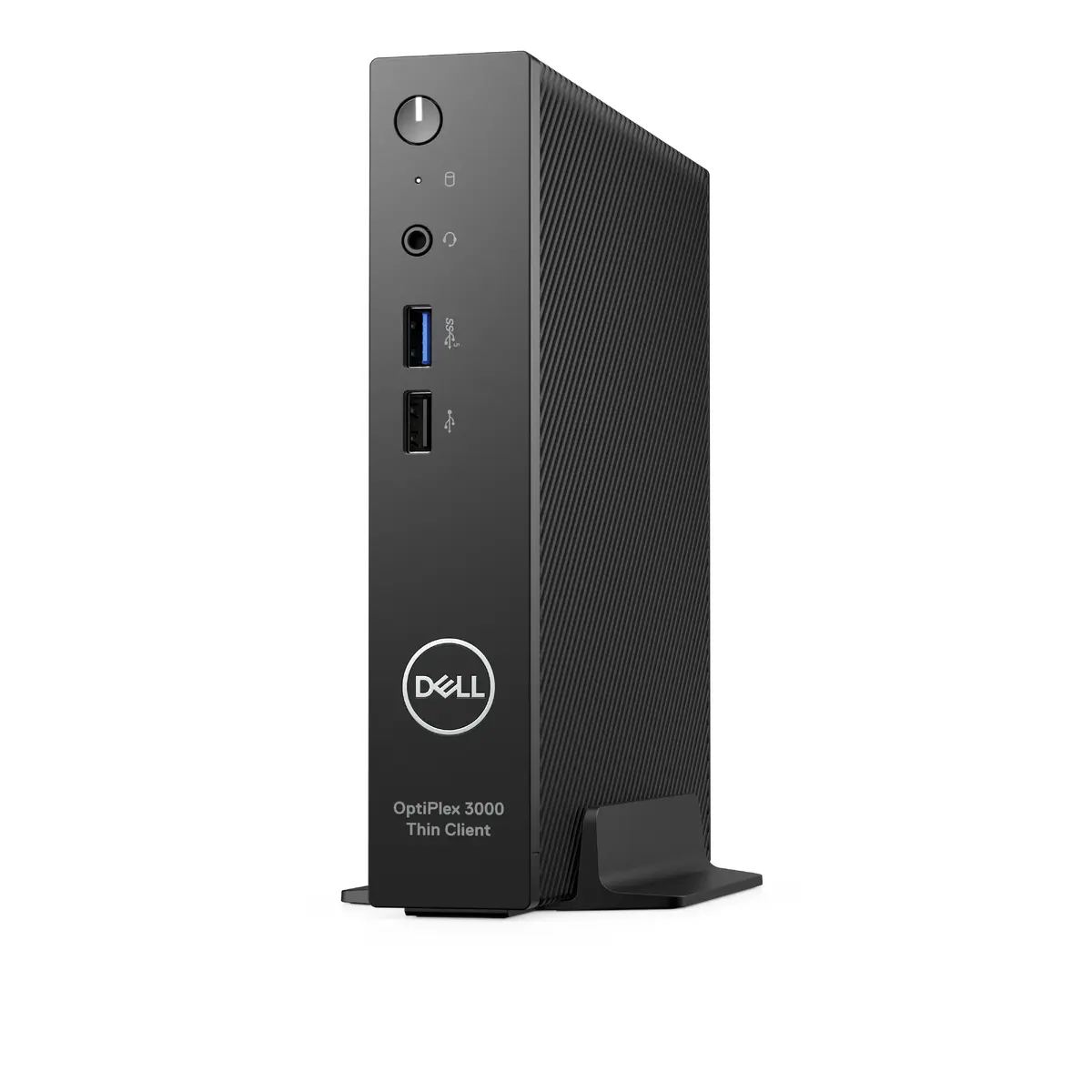
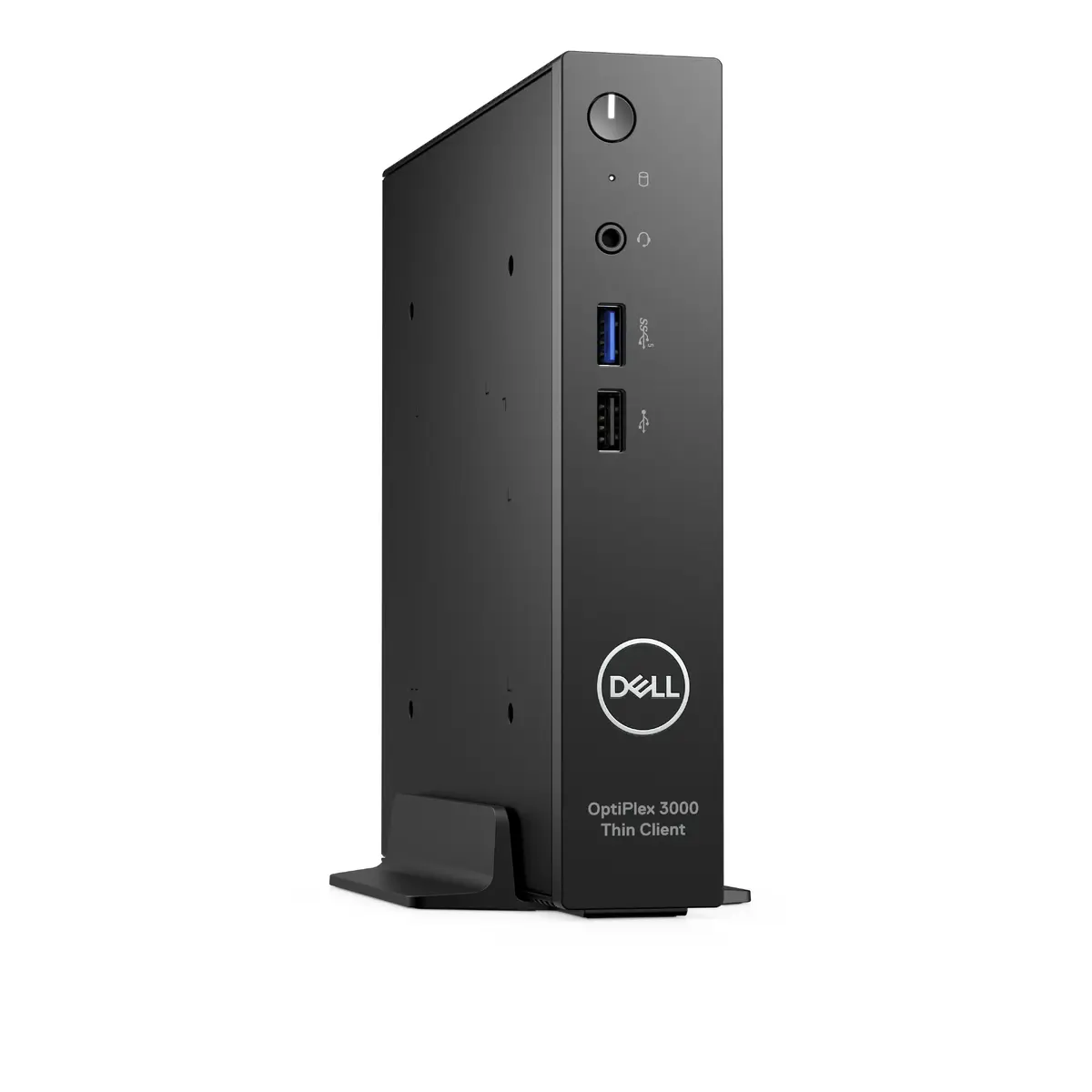
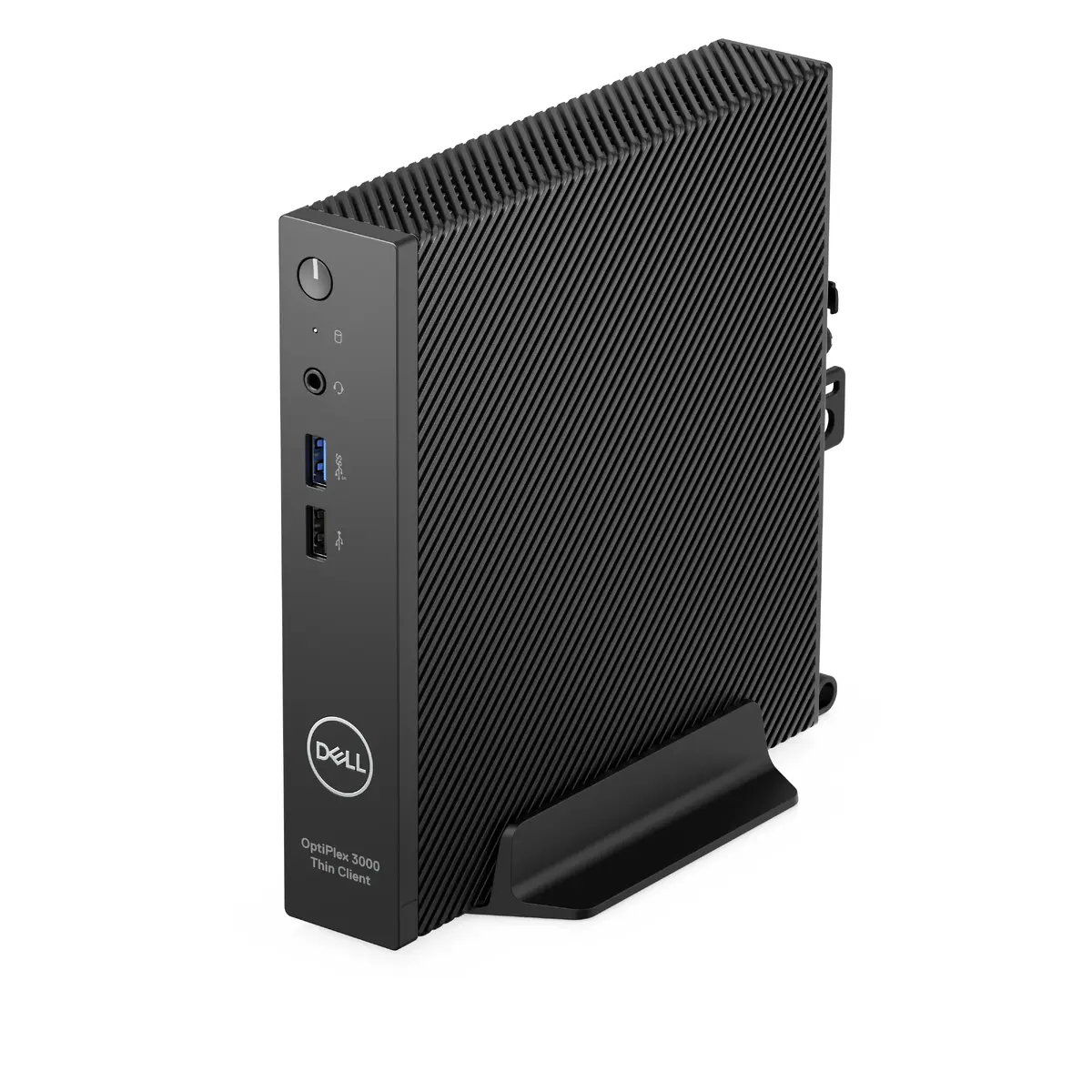
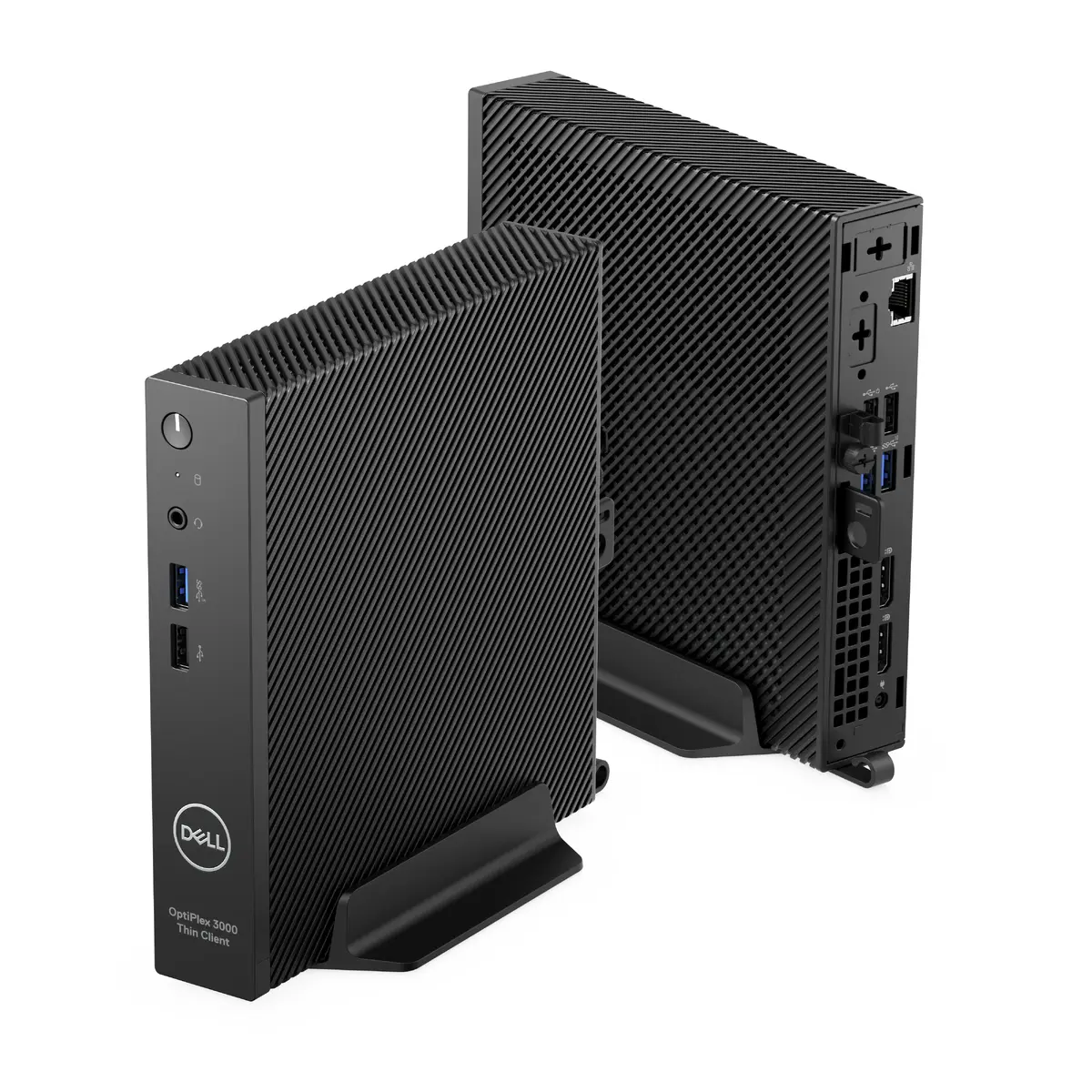
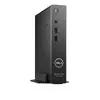
Thin Client Dell OptiPlex 3000 N6005 — 2 GHz, 8 GB DDR4, 256 GB SSD, Windows 11 IoT Enterprise, Intel UHD Graphics, Wi‑Fi 6E
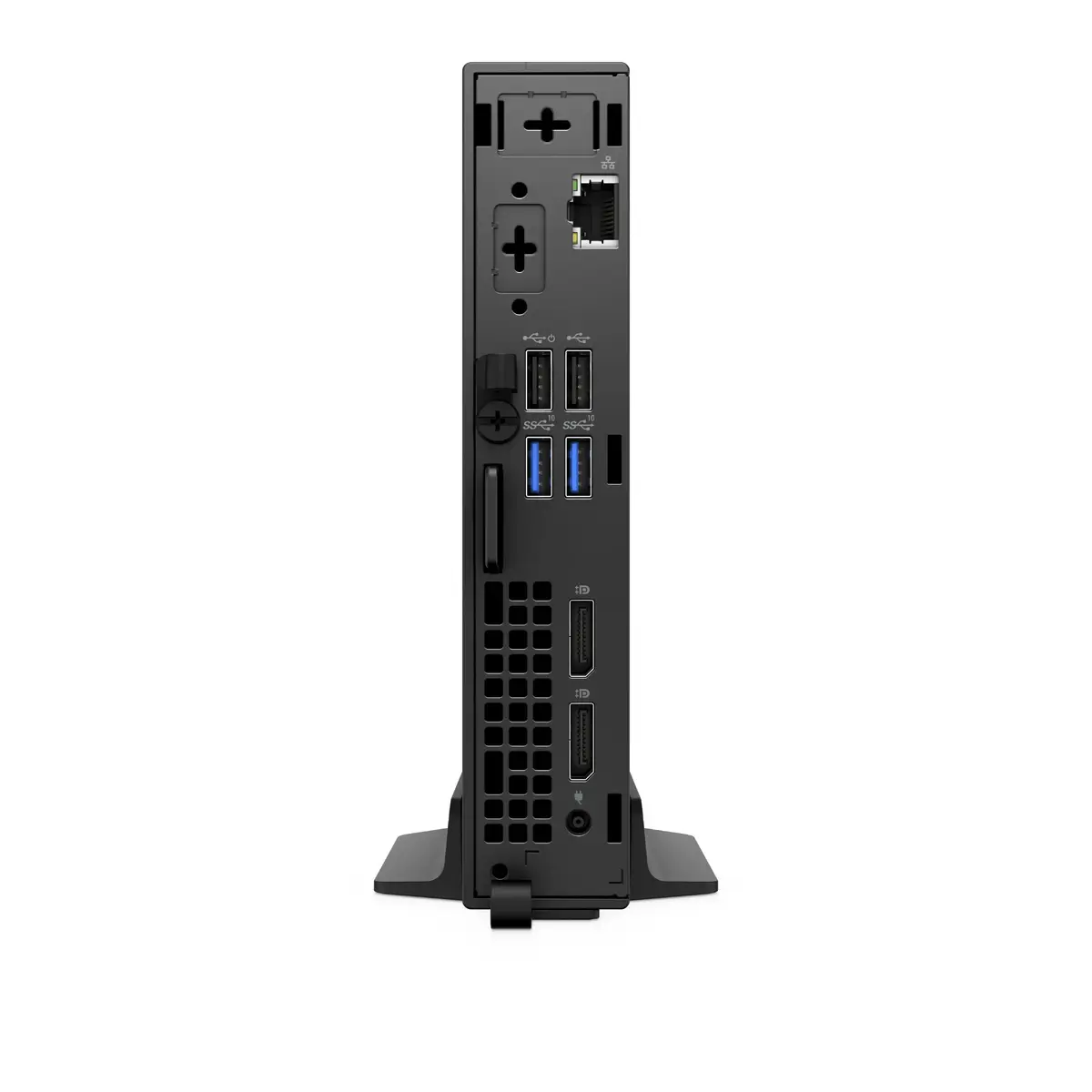
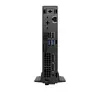
The Dell OptiPlex 3000 Thin Client with Intel Pentium Silver N6005 is a compact business-class thin client designed for virtual desktop and remote access environments. It features a 2.0 GHz base processor with up to 3.3 GHz boost, 8 GB of DDR4-2933 memory and a 256 GB PCIe SSD. Integrated Intel UHD Graphics and modern connectivity including Wi‑Fi 6E and Gigabit Ethernet provide responsive display performance and reliable network access. The system ships with Windows 11 IoT Enterprise and has a small, lightweight chassis suitable for desk-mounted or space-constrained deployments.
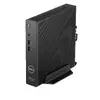
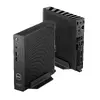
The OptiPlex 3000 Thin Client combines efficient processing and low power consumption to support persistent and non-persistent thin-client workflows. The 8 GB DDR4 memory and 256 GB SSD deliver fast boot times and application responsiveness, while the integrated Intel UHD Graphics handles display tasks for typical office and remote desktop applications. Multiple networking options, including Wi‑Fi 6E and Gigabit Ethernet, ensure stable connectivity for cloud services and VDI sessions. The compact, black design and lightweight construction make it easy to place in tight workspaces or mount behind monitors.
Set up the Dell OptiPlex 3000 Thin Client by connecting power, a display, keyboard and mouse, then configure network access via Ethernet or Wi‑Fi 6E. Use the preinstalled Windows 11 IoT Enterprise to join corporate domains, configure remote desktop clients or connect to VDI brokers as required by your environment. For deployments, position the unit on a desk, under a monitor, or mount it using compatible mounting accessories; the compact size supports flexible placement. Keep firmware and drivers updated through your IT management tools or Dell update utilities to maintain compatibility and security.
For optimal performance in virtual desktop and remote access scenarios, allocate available network bandwidth and prioritise wired Gigabit Ethernet when high throughput or low latency is required. Use Wi‑Fi 6E where cabling is impractical but ensure access points and infrastructure support the same standard. Maintain regular OS and security updates on Windows 11 IoT Enterprise and use centralized management for large-scale deployments to streamline provisioning and policy enforcement.
{{highlightedFeature.featureTitle}}:
{{getProductFeatureValueById(product, highlightedFeature.featureId)}}
