










Powerful EcoFlow stations for energy anywhere!
In cart {{totalProductsCount}} item(s)
Your cart is empty
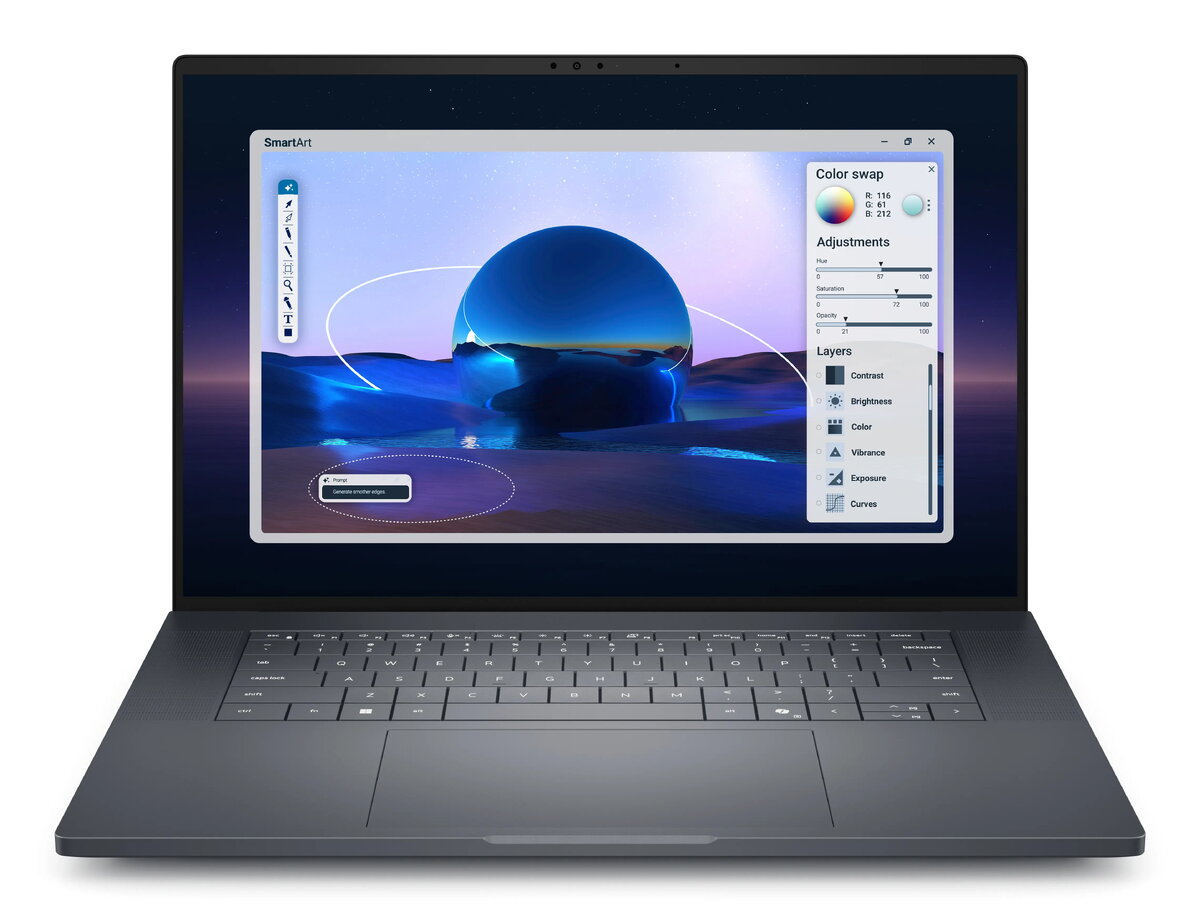
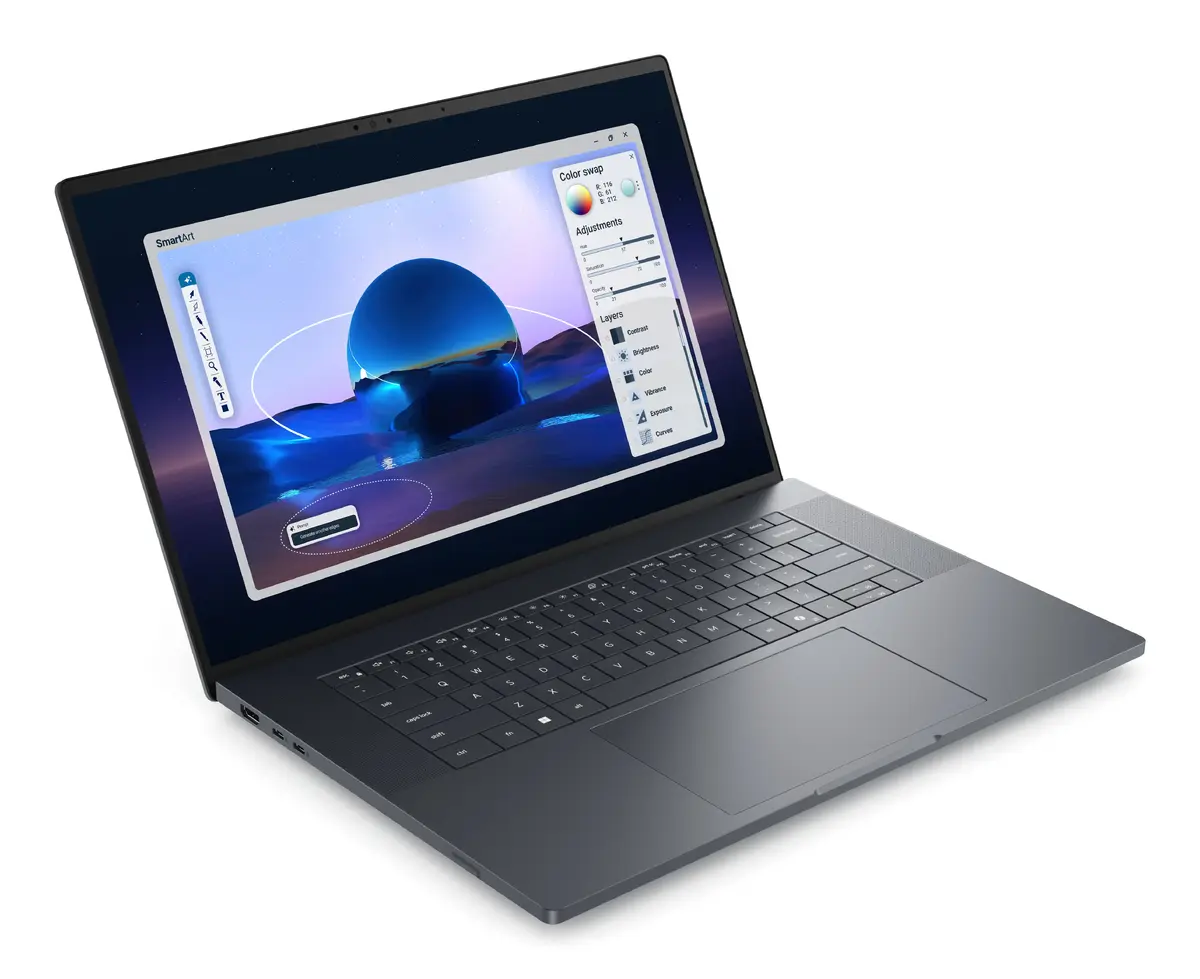
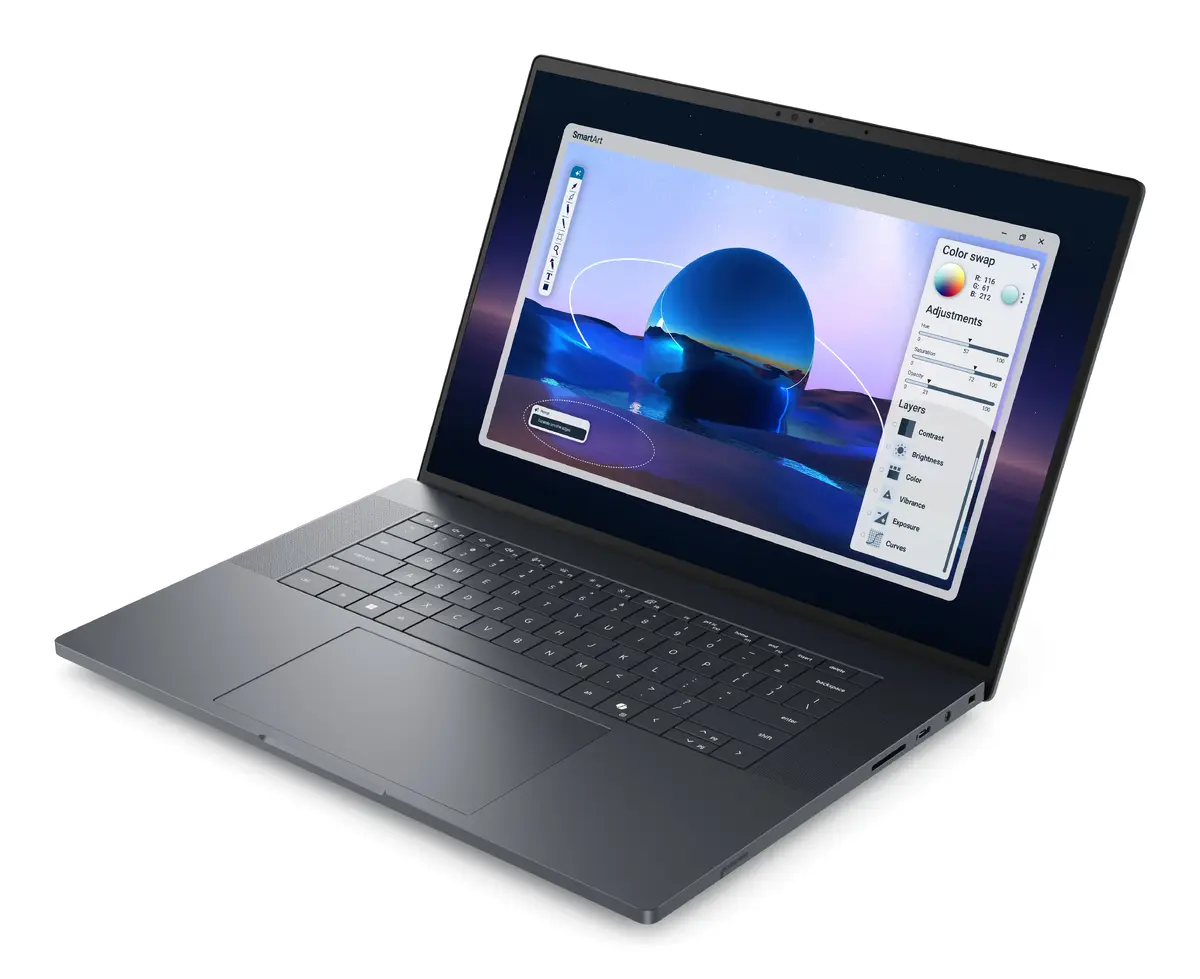
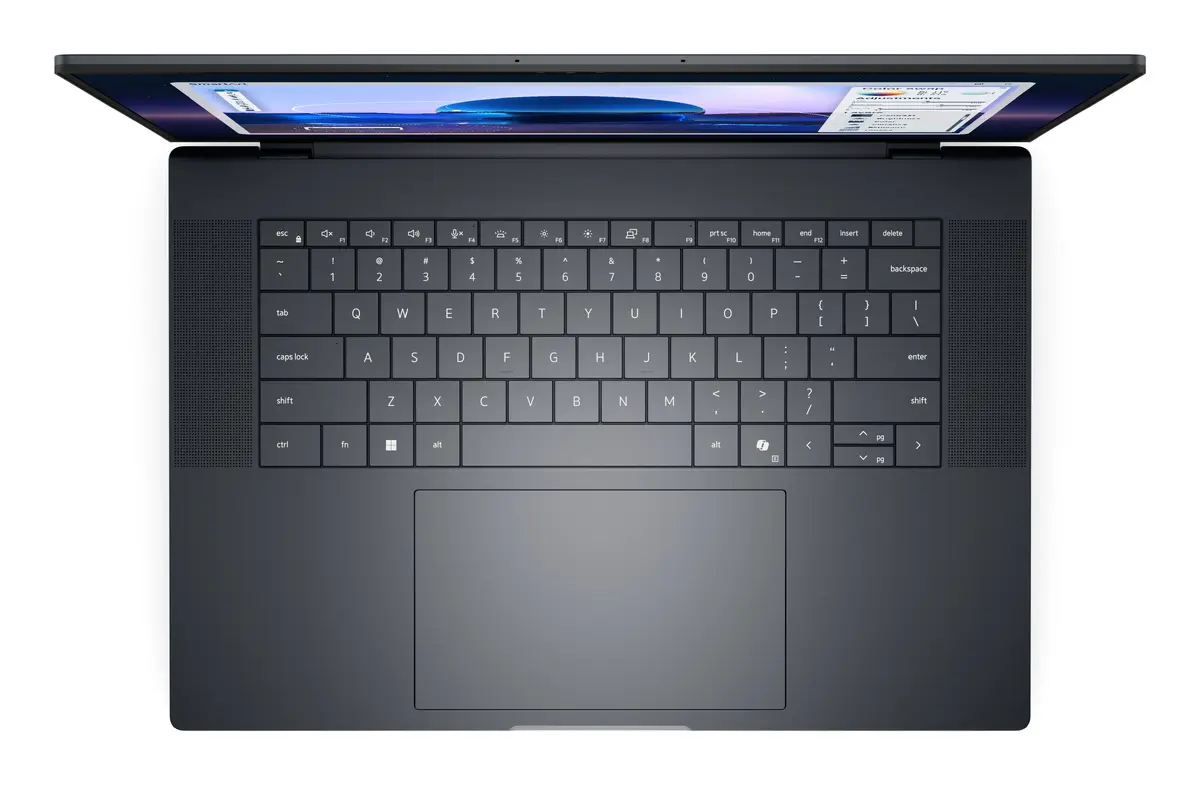
Mobile workstation Dell Pro Max 16 Premium MA16250 — Intel Core Ultra 7 265H, 16" FHD+ 1920x1200, 32 GB LPDDR5x, 1 TB SSD, NVIDIA RTX PRO 2000 Blackwe...
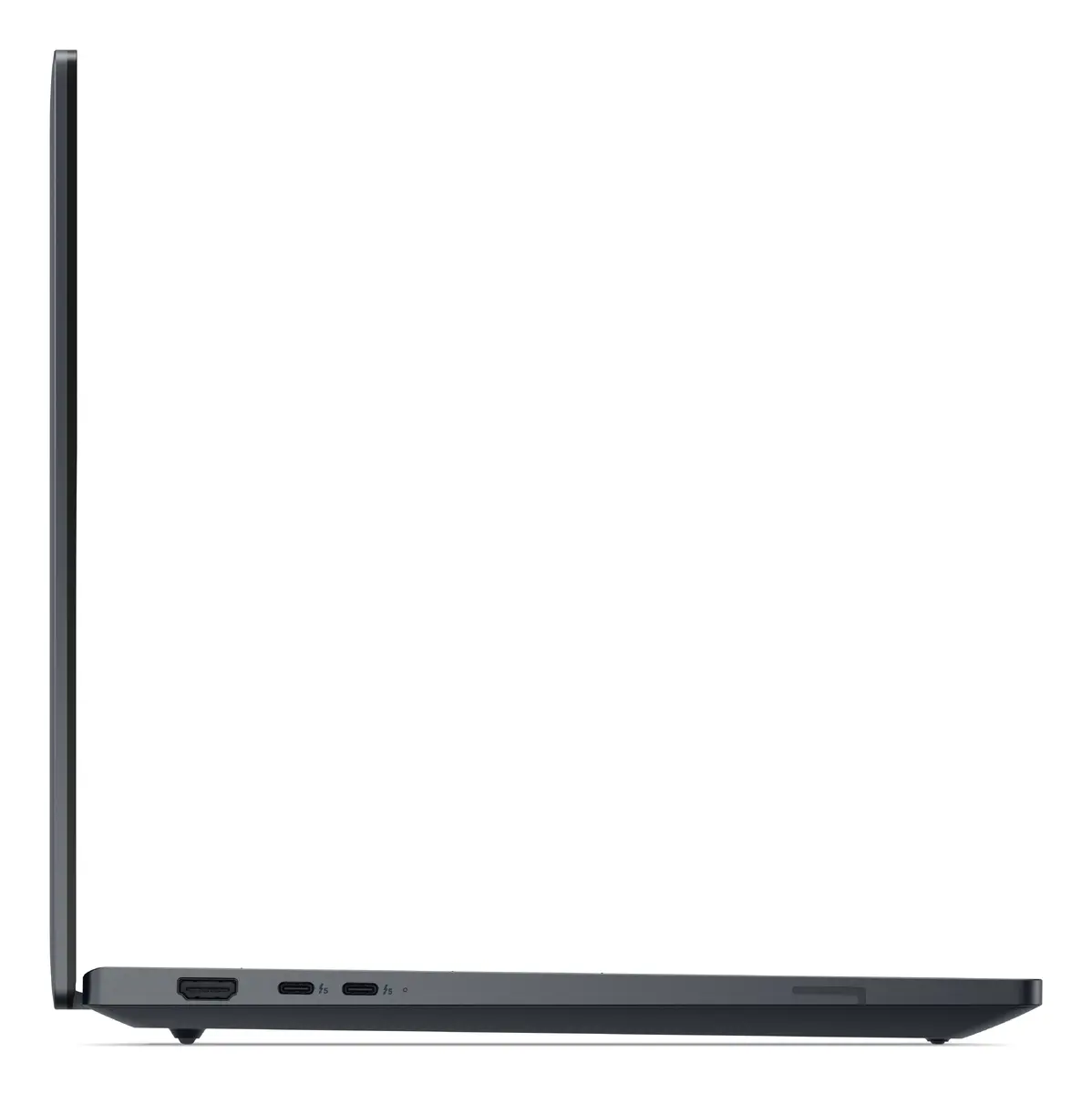
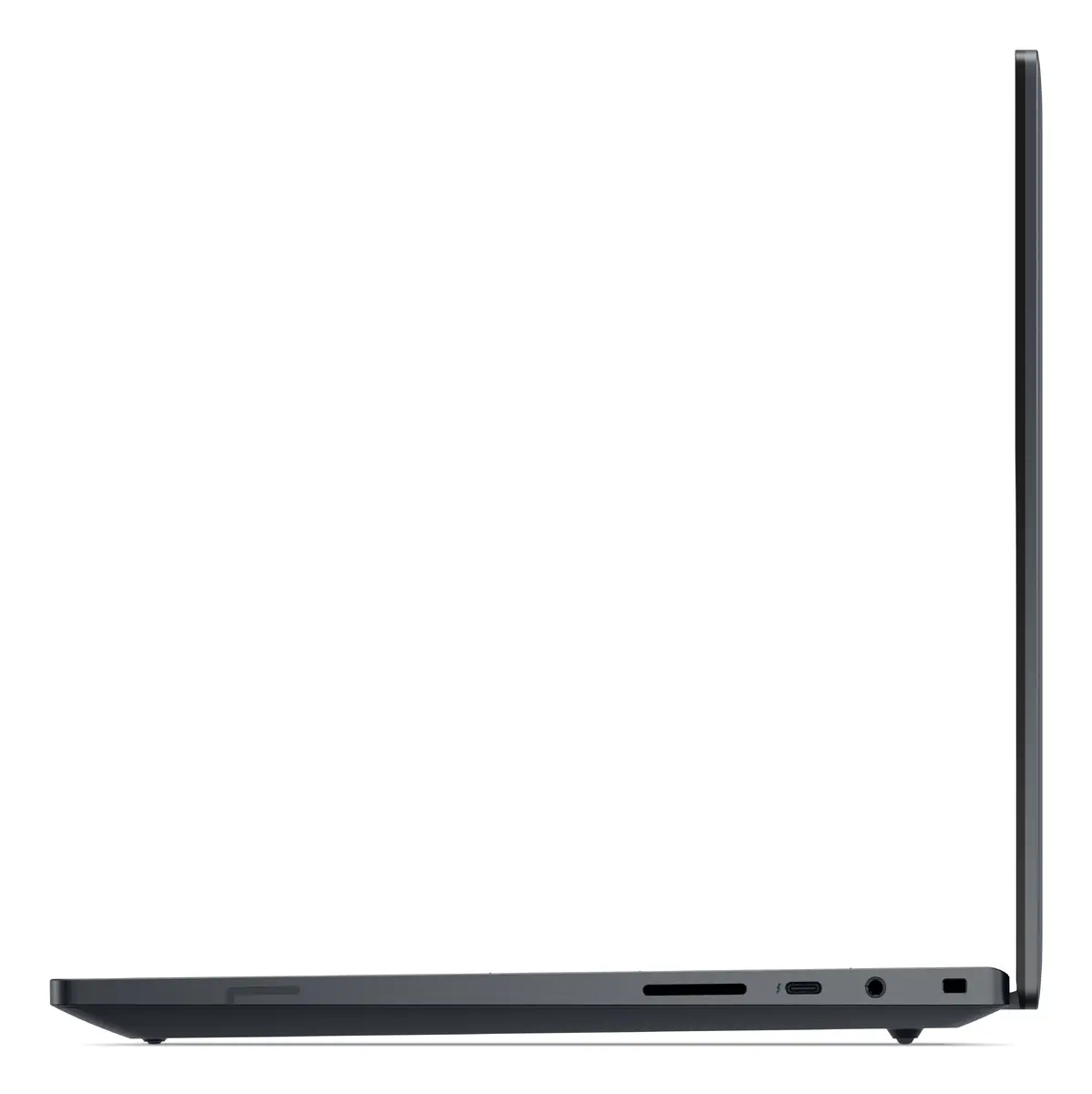
Dell Pro Max 16 Premium MA16250 is a clamshell mobile workstation designed for professional CAD, 3D rendering and engineering workflows. It features an Intel Core Ultra 7 265H processor and a 16" Full HD+ (1920×1200) WVA display with 16:10 aspect ratio. The system pairs 32 GB LPDDR5x memory with a 1 TB SSD and a dual-graphics configuration that combines integrated Intel Arc 140T with a discrete NVIDIA RTX PRO 2000 Blackwell GPU. The device ships with Windows 11 Pro, has a black chassis and a stated weight of 2.19 kg.
The combination of a high-core-count Intel Core Ultra 7 265H and the NVIDIA RTX PRO 2000 Blackwell GPU provides balanced CPU and GPU performance for professional applications. A 16" 1920 x 1200 WVA panel offers a 16:10 workspace suitable for design and document layouts. Fast LPDDR5x memory and a 1 TB SSD support responsive multitasking and large project files. Wi‑Fi 7 and Bluetooth provide modern wireless connectivity while a 96 Wh battery and 165 W power adapter address mobile productivity needs.
Unpack the workstation, connect the power adapter and perform initial Windows 11 Pro setup using the on-screen prompts. Install or update professional software (CAD, rendering, simulation) and drivers for the NVIDIA RTX PRO 2000 Blackwell from the vendor or Dell support site to ensure proper GPU acceleration. Use the built-in Wi‑Fi 7 and Bluetooth to connect to networks and peripherals. For optimal thermal and sustained performance, place the laptop on a hard, flat surface to allow air intake and exhaust to operate unobstructed.
Keep system firmware and graphics drivers up to date for best stability and performance. For heavy GPU- or CPU-bound tasks, connect the unit to AC power and select the appropriate power profile in Windows to allow full performance. Regularly back up project files to external storage or cloud services and monitor system temperatures during long rendering or simulation sessions.
{{highlightedFeature.featureTitle}}:
{{getProductFeatureValueById(product, highlightedFeature.featureId)}}
{{ productComparisonGenerationError }}
