




Save time and money with our discounts!
In cart {{totalProductsCount}} item(s)
Your cart is empty
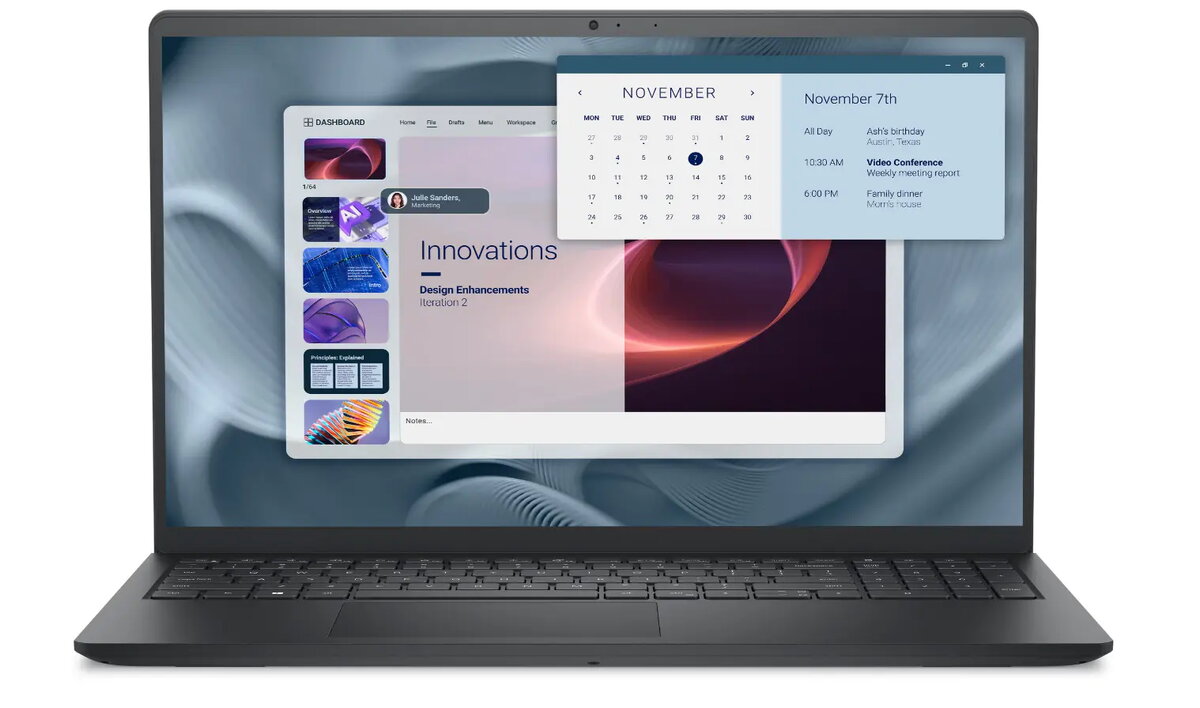
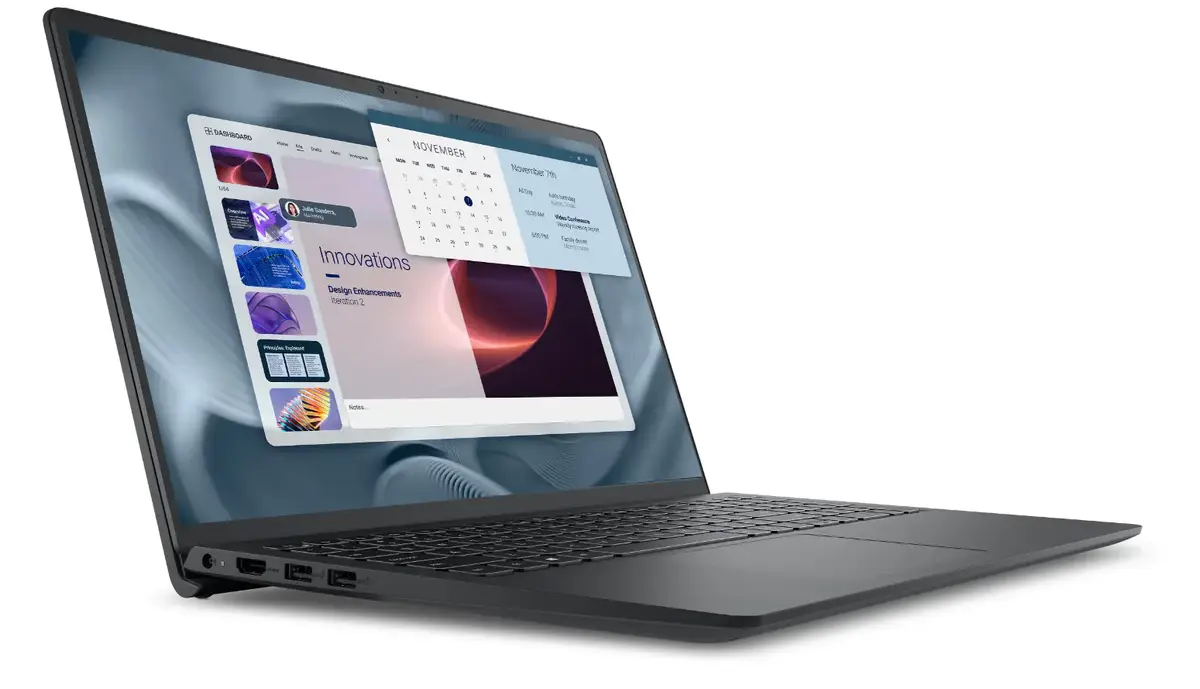
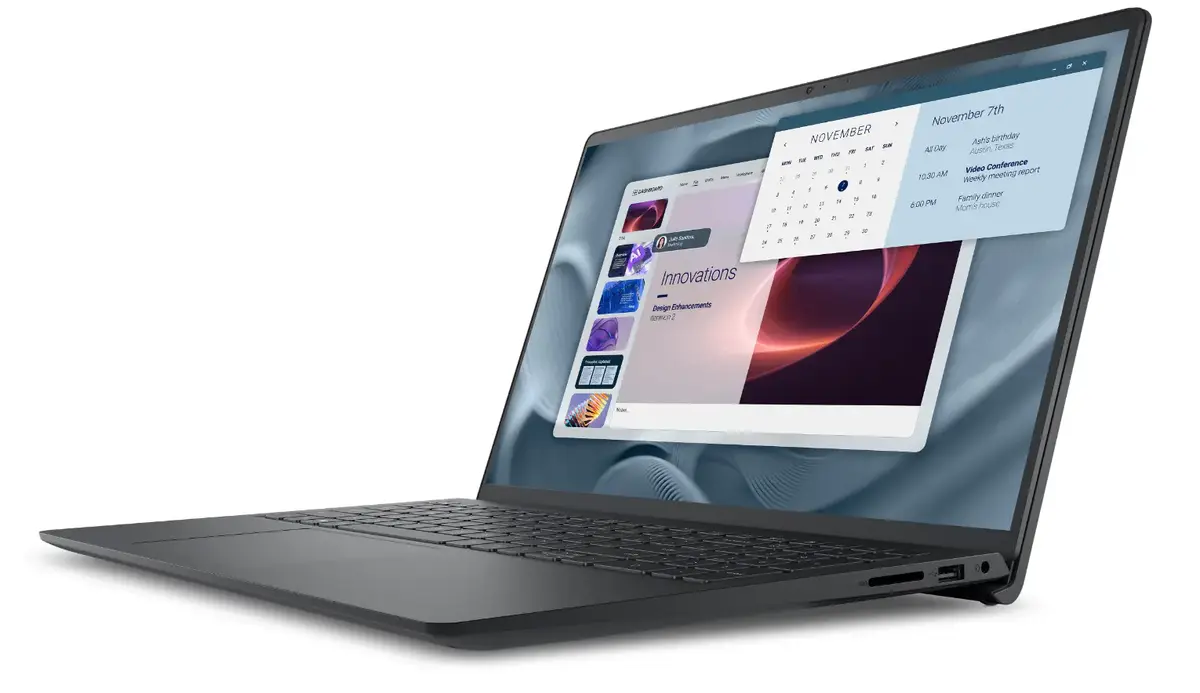
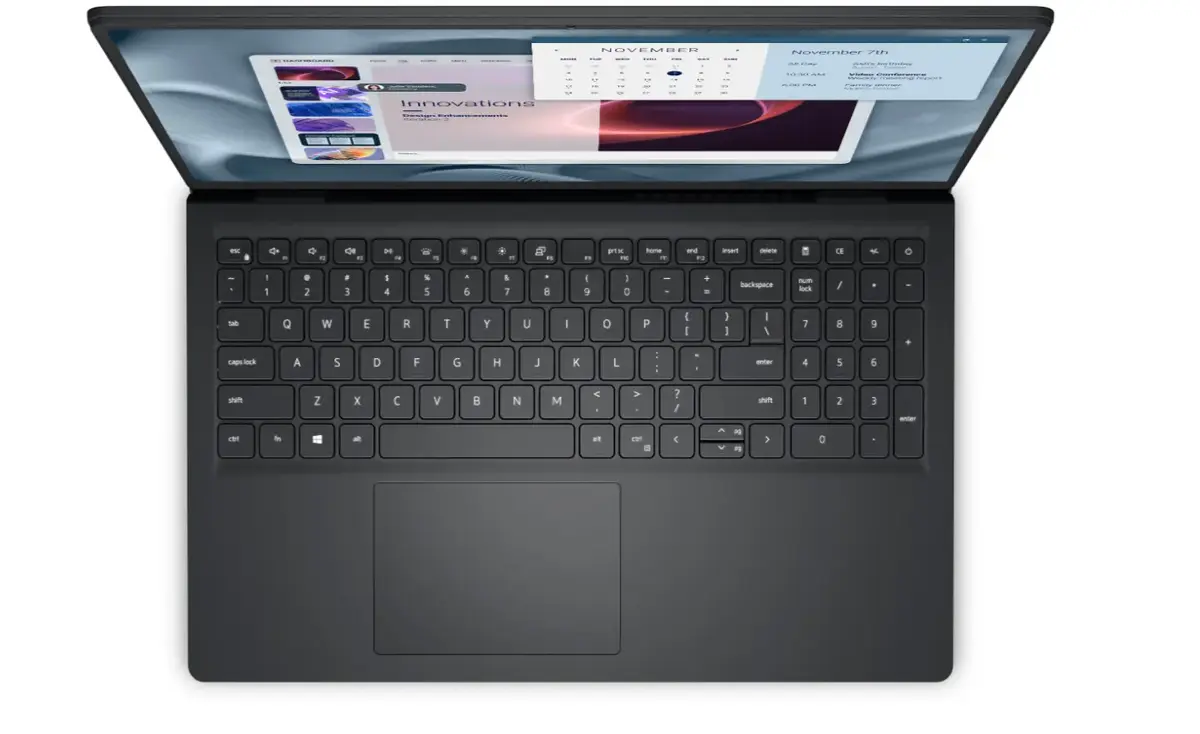
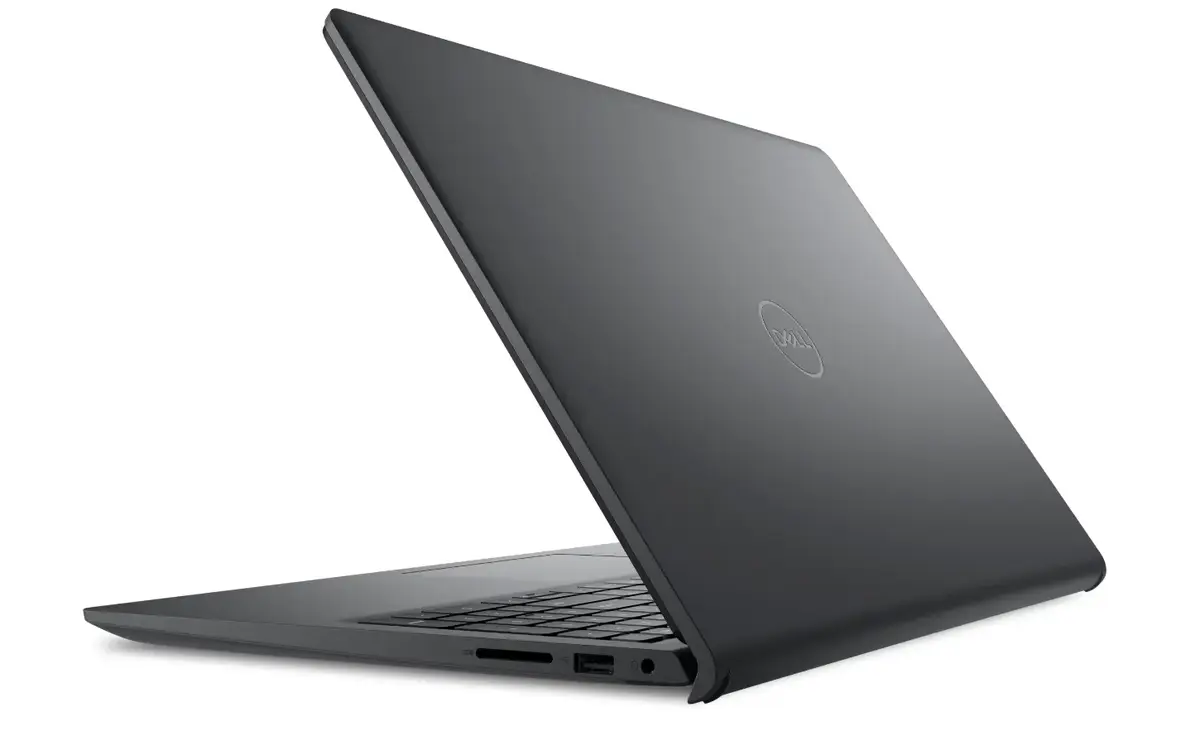
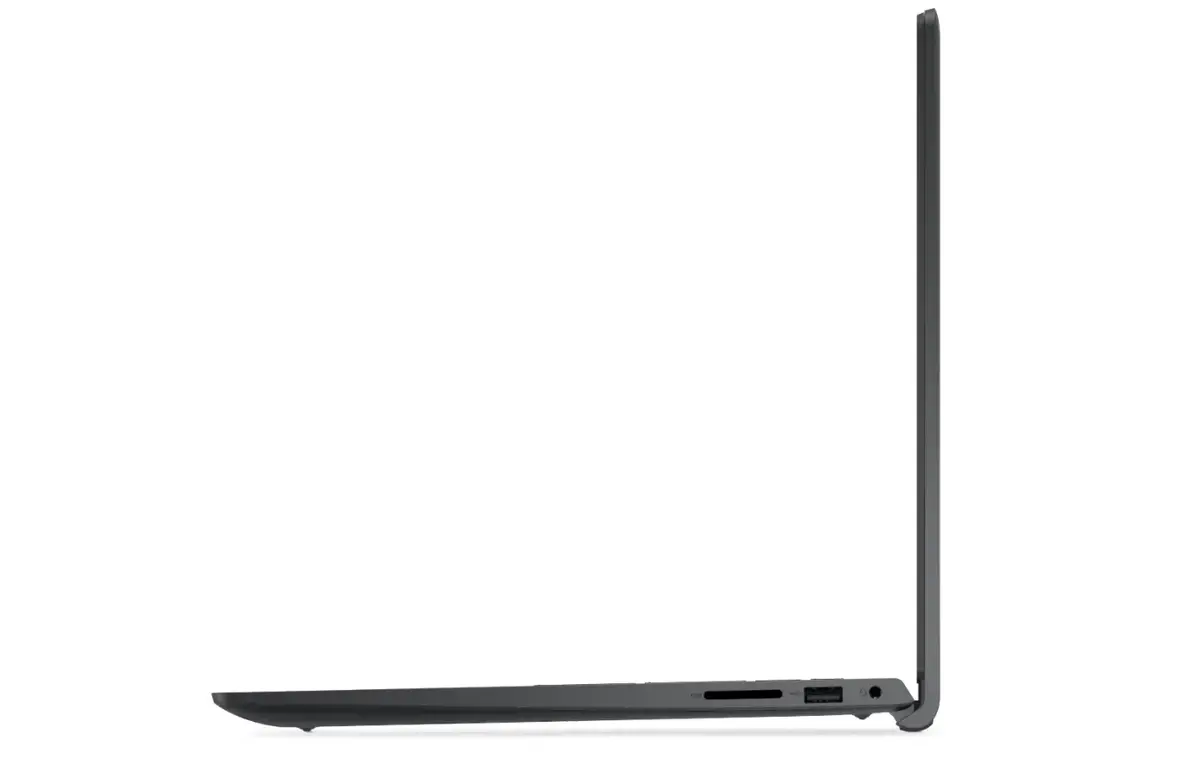
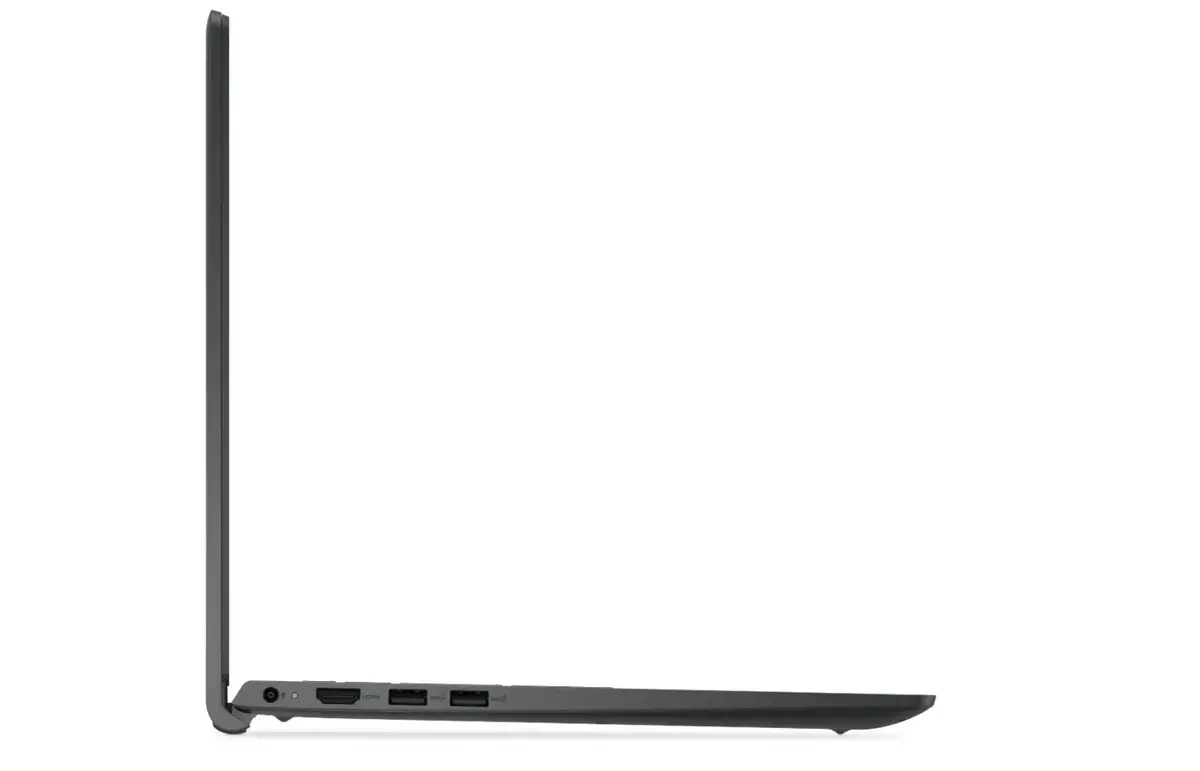
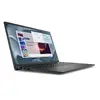
Laptop Dell Pro Essential 15 AG — 15" FHD, Intel Core i5-1334U, 16GB RAM, 512GB SSD, Intel UHD, Ubuntu, 3Y ProSupport NBD Onsite
Dell Pro Essential 15 AG is a 15" Full HD laptop engineered for business and professional use. It combines a 15-inch FHD display with an Intel Core i5-1334U processor, 16GB of RAM and a 512GB solid-state drive to deliver responsive system performance, fast storage access and smooth multitasking. The system uses integrated Intel UHD graphics and ships with Ubuntu, providing a familiar Linux environment for developers, administrators and users who prefer open-source software. A three-year ProSupport NBD onsite service plan is included to reduce downtime through next-business-day onsite repairs.
The combination of a modern low-power Intel Core i5 processor and 16GB of memory enables efficient multitasking and stable performance in typical office and development workloads. The 512GB SSD offers quick boot times and fast application launches while the 15" Full HD panel provides clear text and sufficient workspace for spreadsheets, code and documents. Ubuntu preinstalled ensures immediate access to a secure, customizable operating system without additional licensing. The included three-year onsite support minimizes disruption by providing professional service and faster issue resolution.
Start the laptop by opening the lid and pressing the power button. Follow the on-screen prompts in Ubuntu to complete initial setup, create a user account and configure network connections. Install required development tools, office suites or communication apps from the Ubuntu software repositories or via package managers. Use the system settings to adjust display, power and privacy options to match your workflow. Keep the SSD healthy by enabling automatic updates and periodically checking available storage.
For consistent performance, run firmware and system updates regularly and avoid filling the SSD to full capacity. When working on battery, choose balanced power settings to extend runtime; for intensive multitasking, connect to AC power. For secure deployment in corporate environments, configure disk encryption and user access controls through Ubuntu security tools.
{{highlightedFeature.featureTitle}}:
{{getProductFeatureValueById(product, highlightedFeature.featureId)}}
{{ productComparisonGenerationError }}
