




Filters you can trust. Pure water every day.
In cart {{totalProductsCount}} item(s)
Your cart is empty
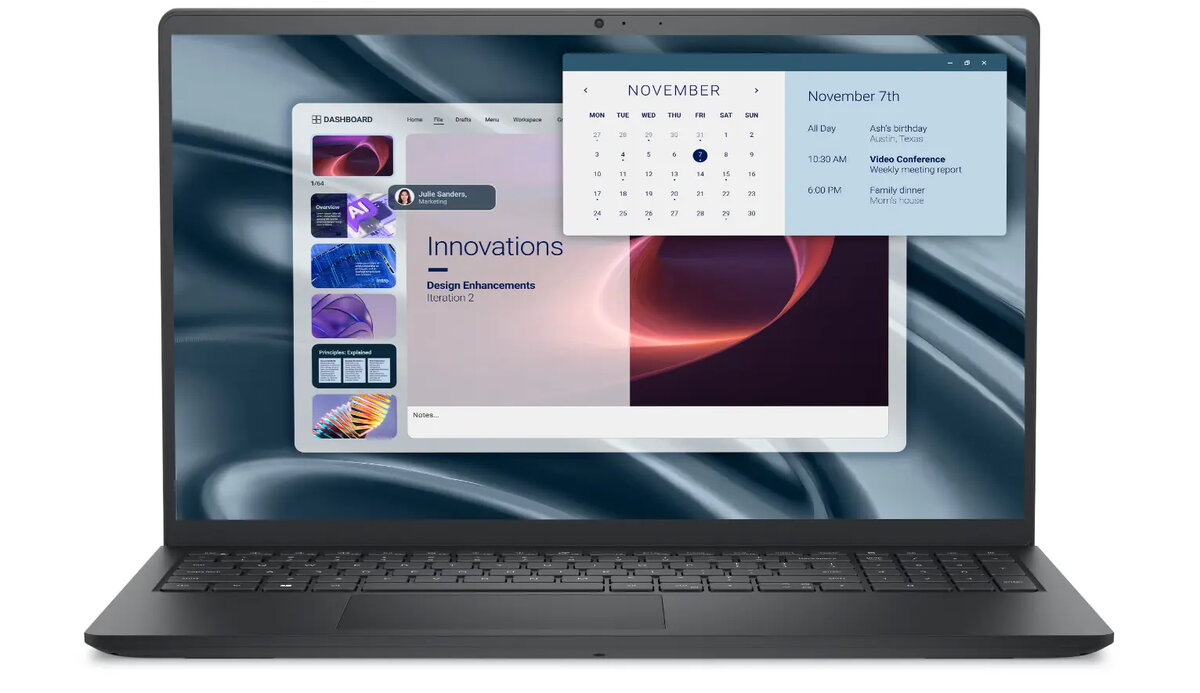
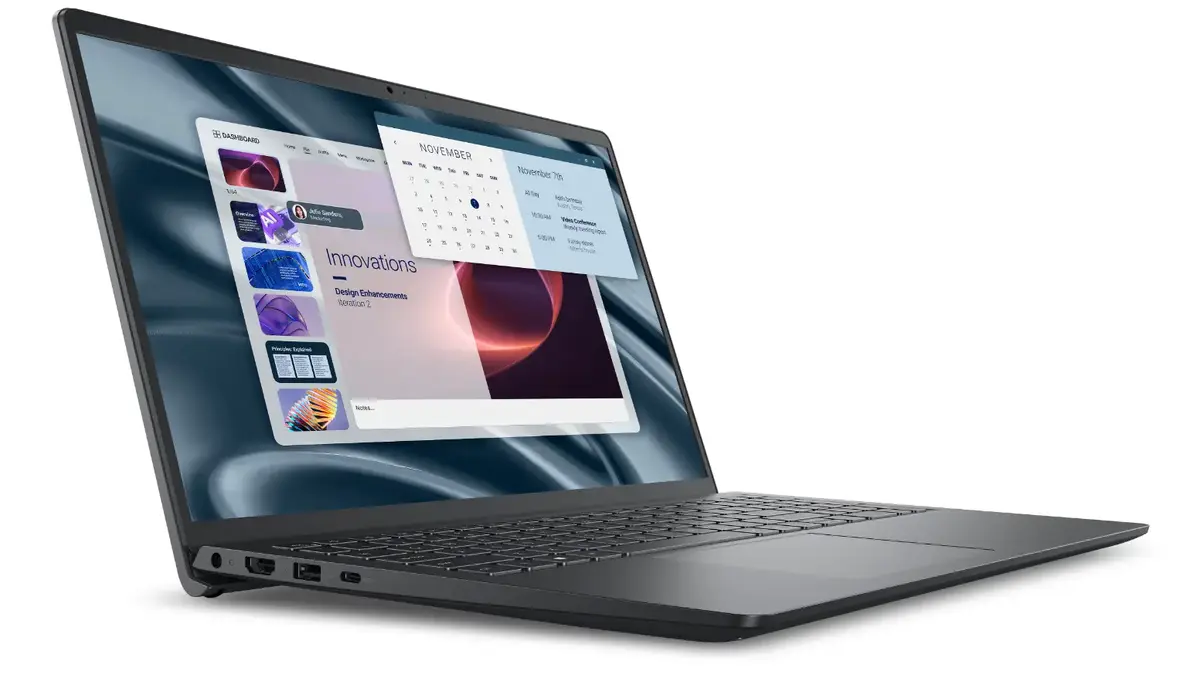
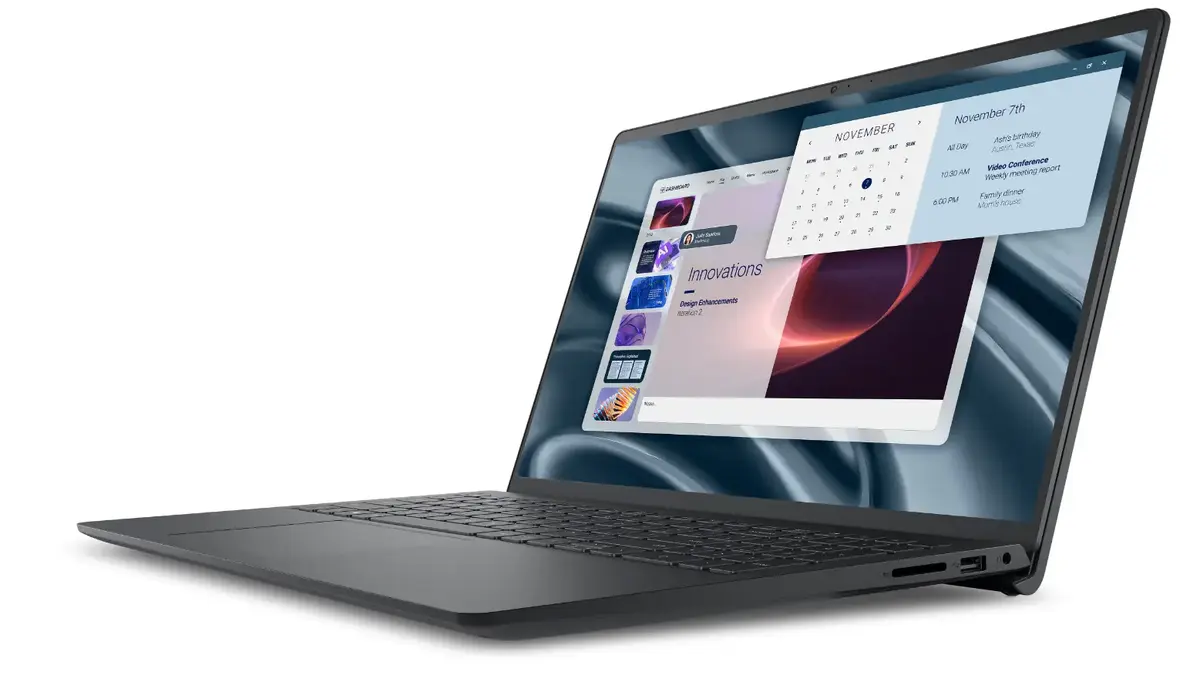
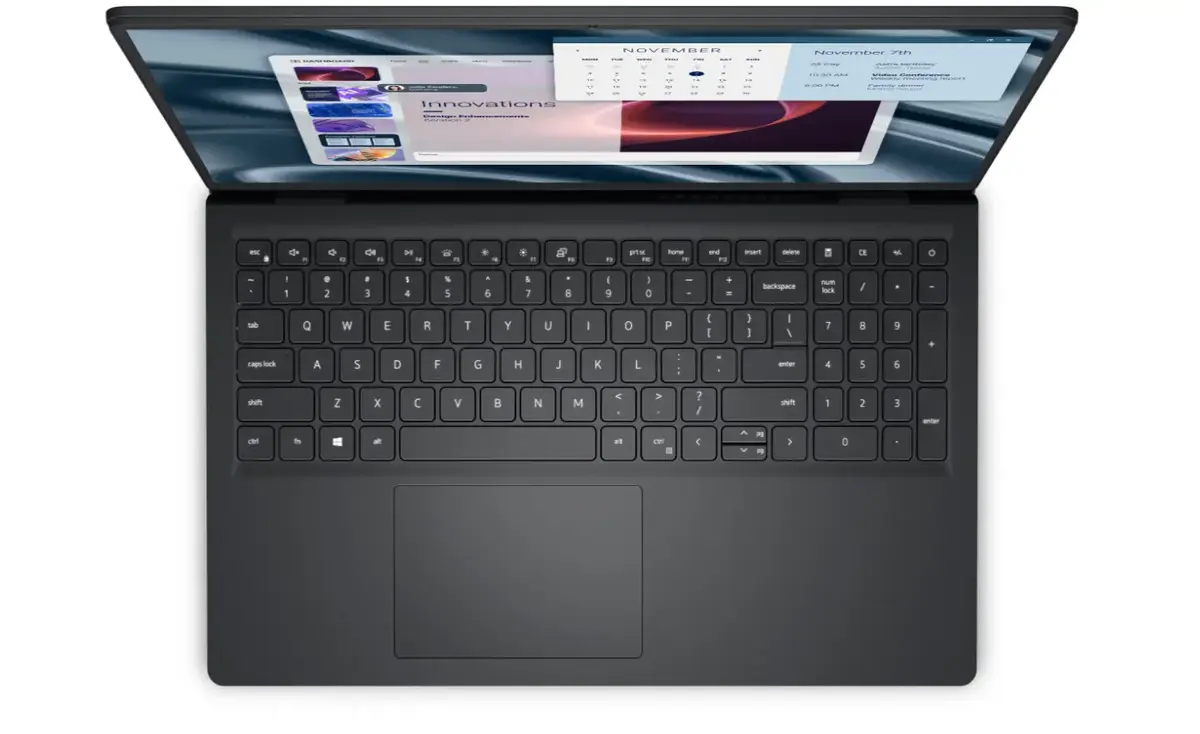
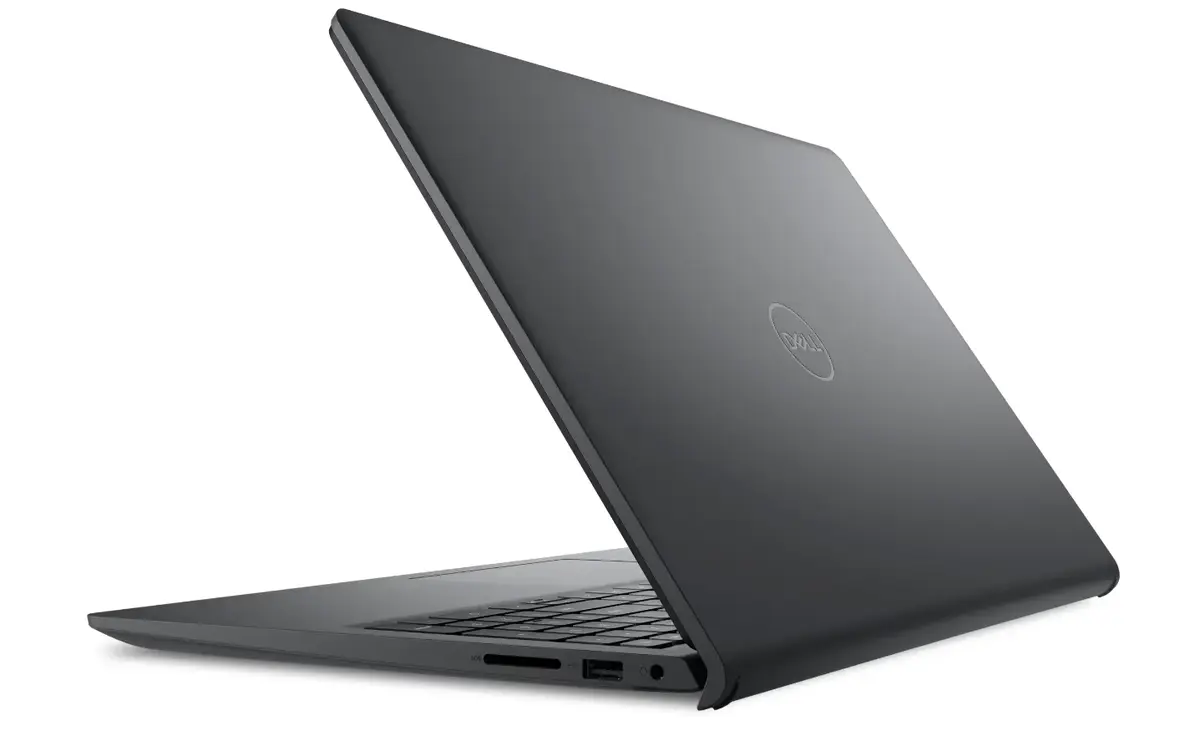
Laptop Dell Pro 15 Essential PV15255 — 15.6" FHD WVA, AMD Ryzen 5 7520U, 16GB LPDDR5, 512GB SSD, AMD Radeon 610M, Windows 11 Home
Dell Pro 15 Essential PV15255 is a 15.6" laptop with a 1920×1080 FHD WVA anti‑glare display, powered by an AMD Ryzen 5 7520U processor and integrated AMD Radeon 610M graphics. The configuration includes 16GB LPDDR5 memory (2×8GB, 4800MHz), a 512GB M.2 PCIe NVMe SSD and Windows 11 Home. The device features a fingerprint reader, Wi‑Fi and Bluetooth connectivity, a 41Wh 3‑cell embedded battery and a carbon black chassis. The laptop is supplied with a 36‑month warranty and is designed for everyday productivity tasks such as office work and remote learning.
The combination of an AMD Ryzen 5 7520U CPU with LPDDR5 memory and a fast NVMe SSD provides responsive system performance for multitasking and common business applications. The 15.6" FHD WVA anti‑glare display delivers clear text and wide viewing angles while reducing reflections in bright environments. Built‑in security with a fingerprint reader simplifies secure sign‑in. Compact weight and a three‑cell 41Wh battery balance portability with adequate runtime for typical office use. A 36‑month warranty and manufacturer support reduce ownership risk for business customers.
Unpack the laptop and connect the provided power adapter for initial charging. Power on the system and follow Windows 11 Home setup prompts to create or sign in with a Microsoft account, configure network settings and enroll the fingerprint reader for biometric sign‑in. Use the built‑in Wi‑Fi and Bluetooth to connect peripherals and networks. Store files on the internal 512GB NVMe SSD and use cloud services for backup. Close the lid to suspend or use power options in Windows to manage sleep and battery behavior.
For best performance, keep Windows and device drivers up to date, avoid filling the SSD to capacity, and use power plans appropriate to your tasks (balanced or high performance when plugged in). For longer battery life, reduce screen brightness, disable unused wireless radios, and use sleep mode between sessions. Regularly back up important data to cloud storage or external drives.
{{highlightedFeature.featureTitle}}:
{{getProductFeatureValueById(product, highlightedFeature.featureId)}}
{{ productComparisonGenerationError }}
