
Hurry and order now – up to 50% off!
In cart {{totalProductsCount}} item(s)
Your cart is empty
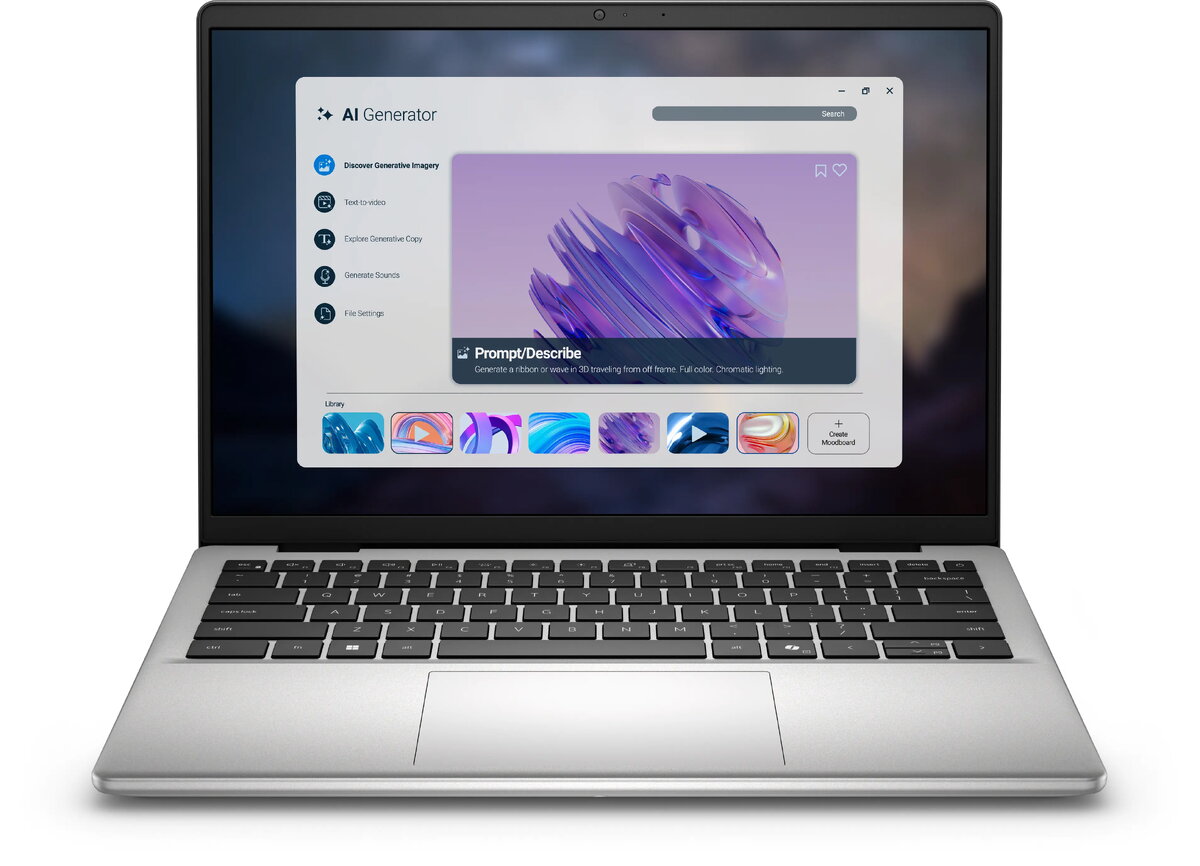
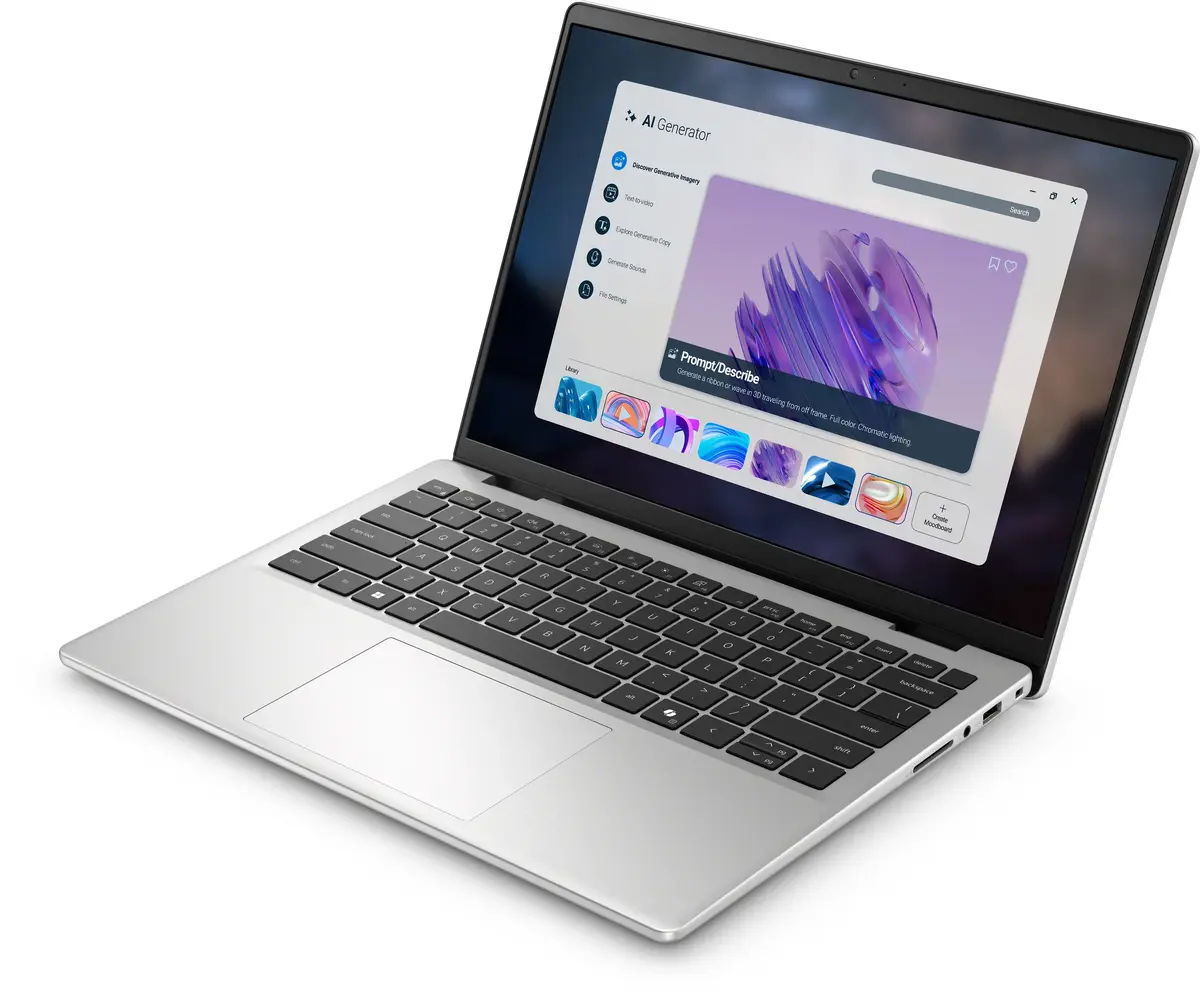
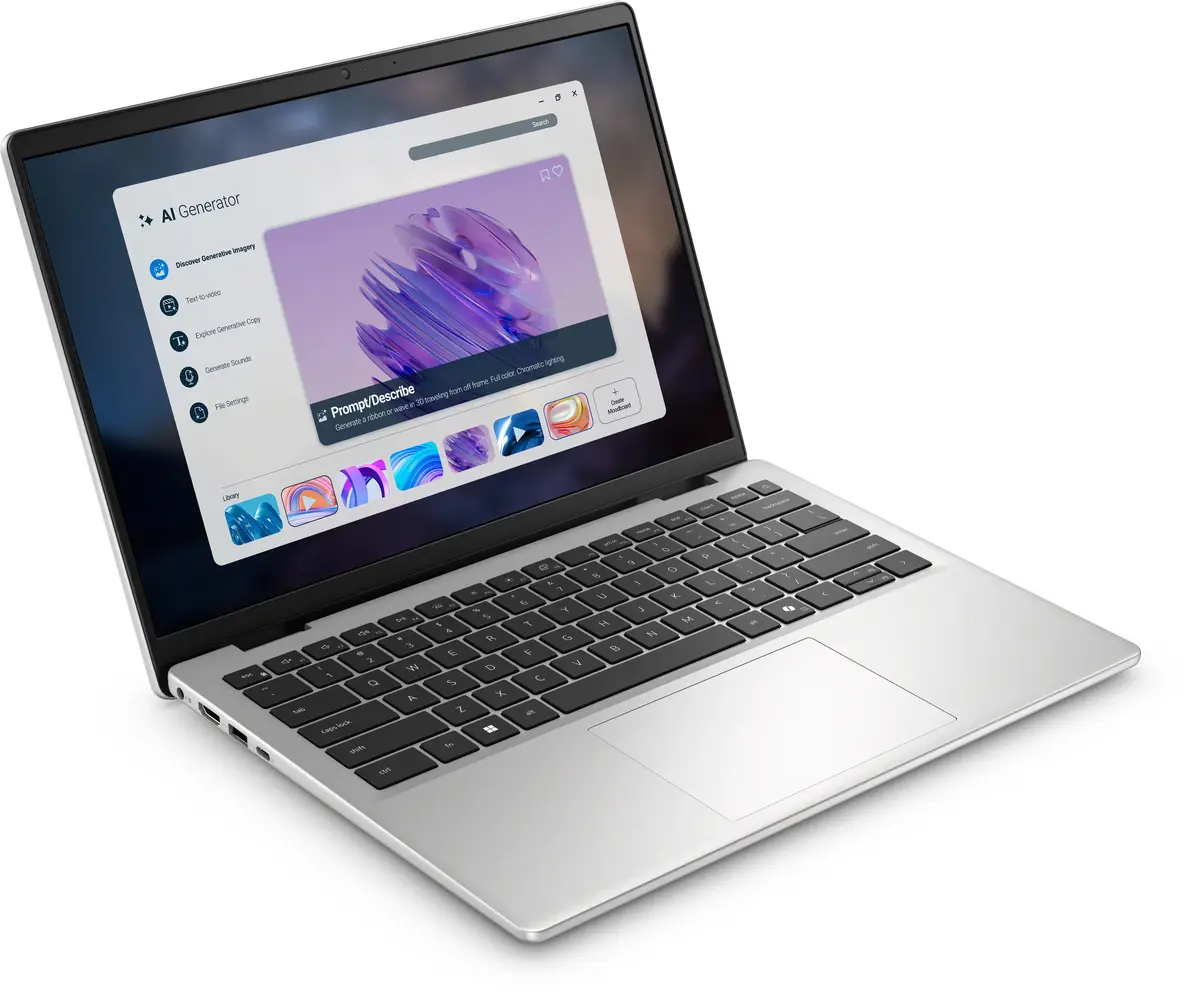
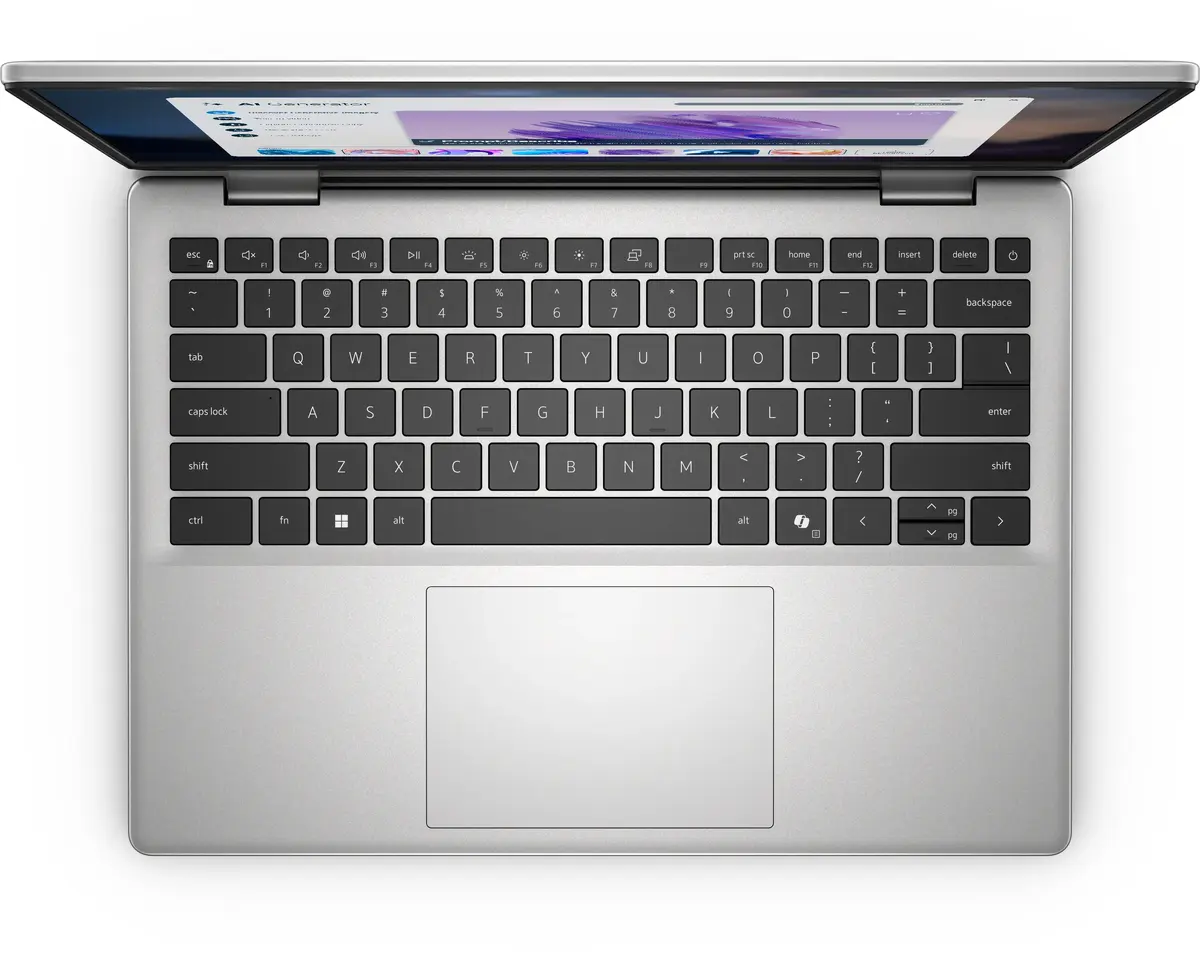
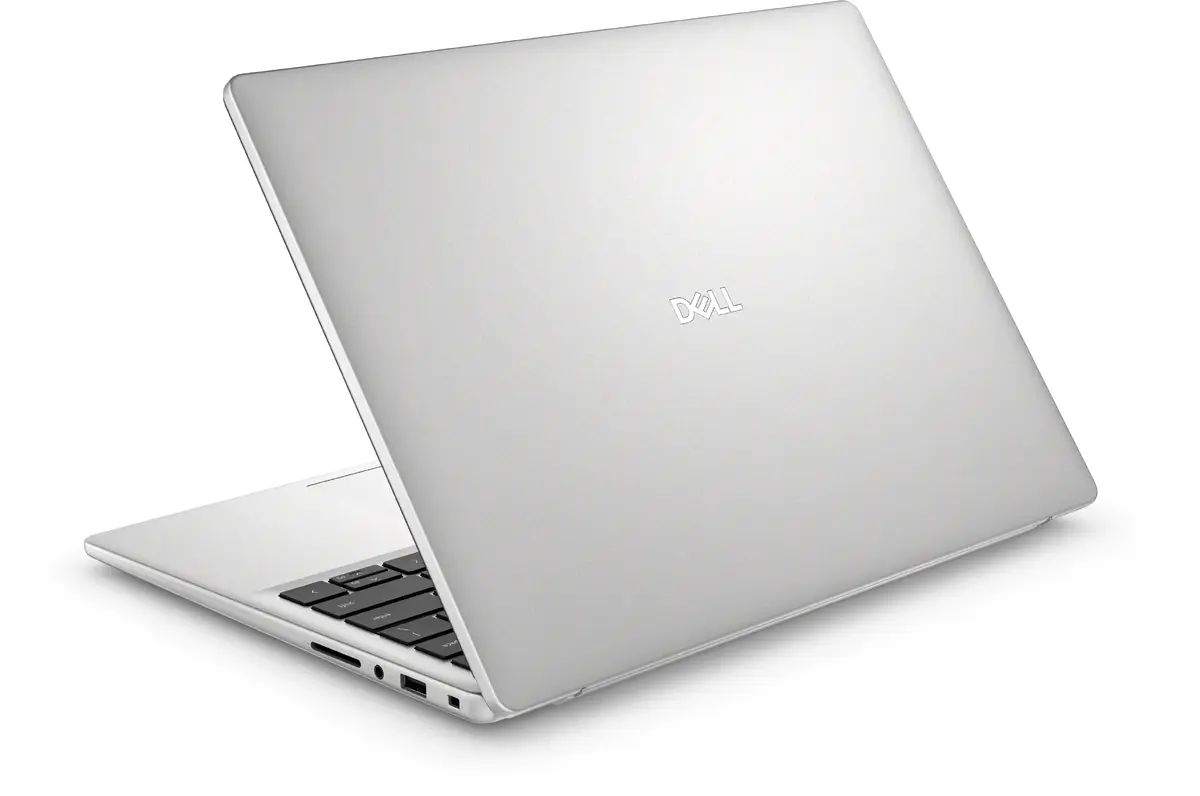
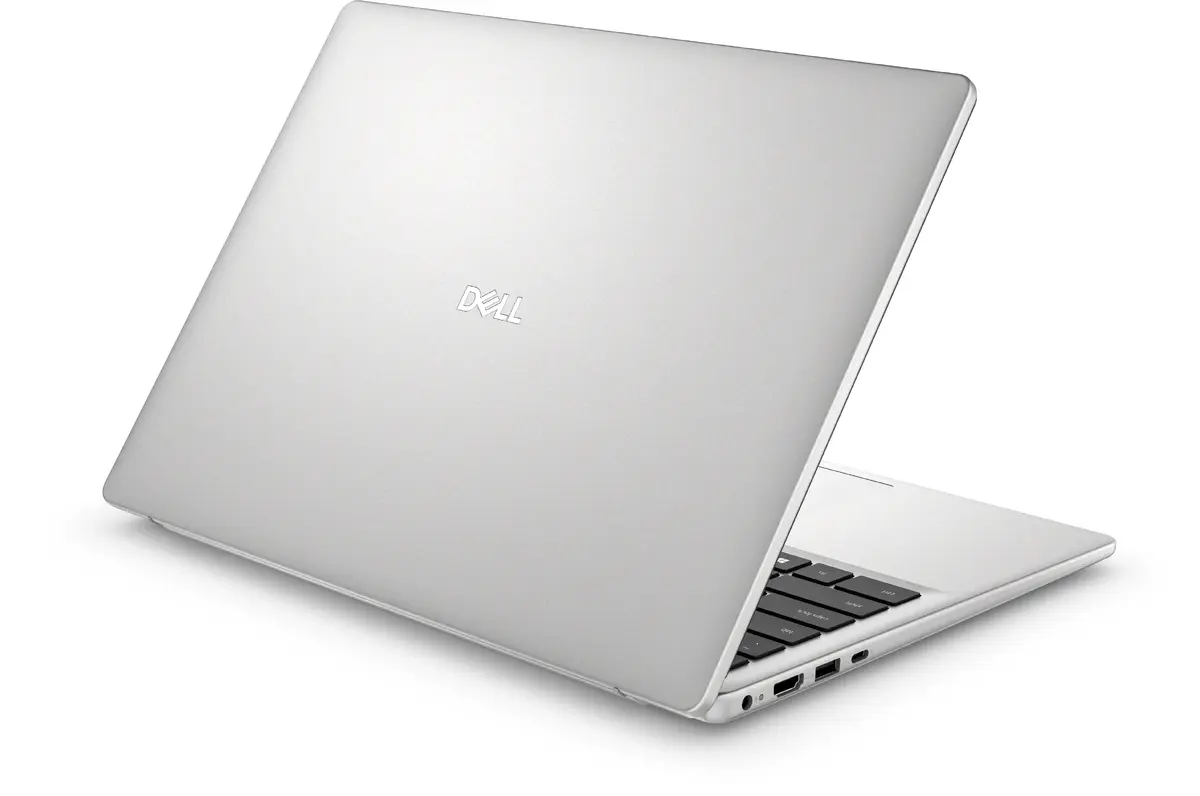
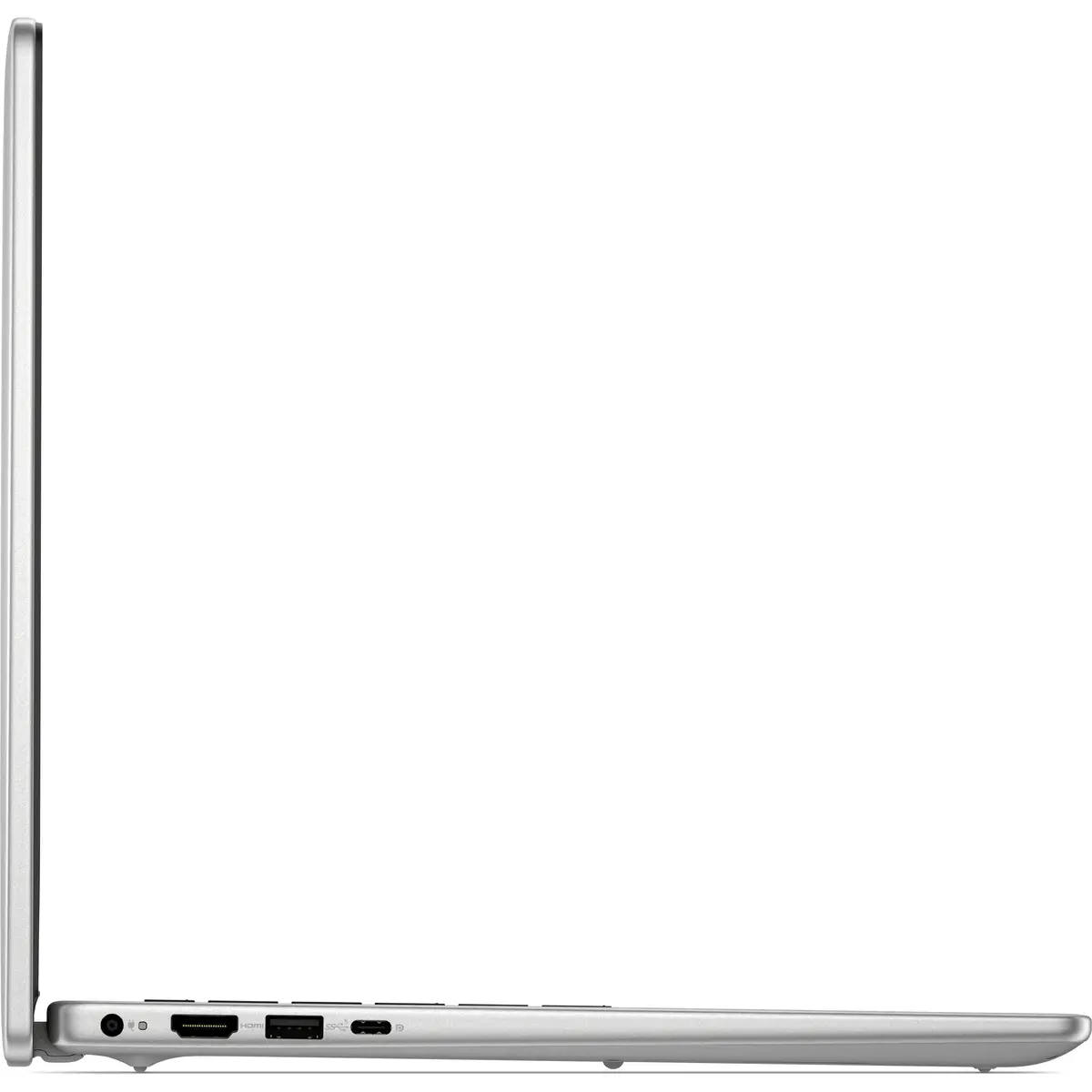
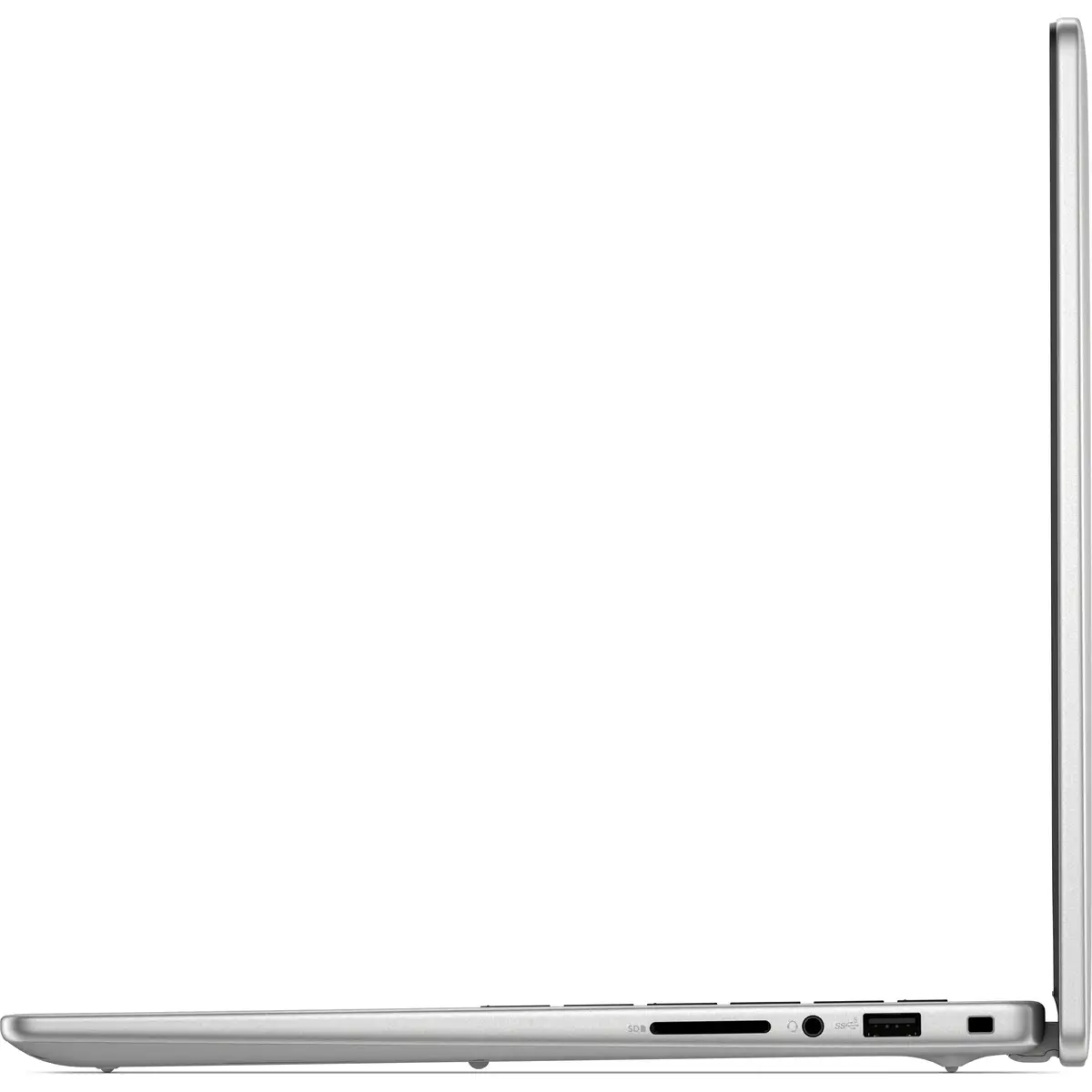
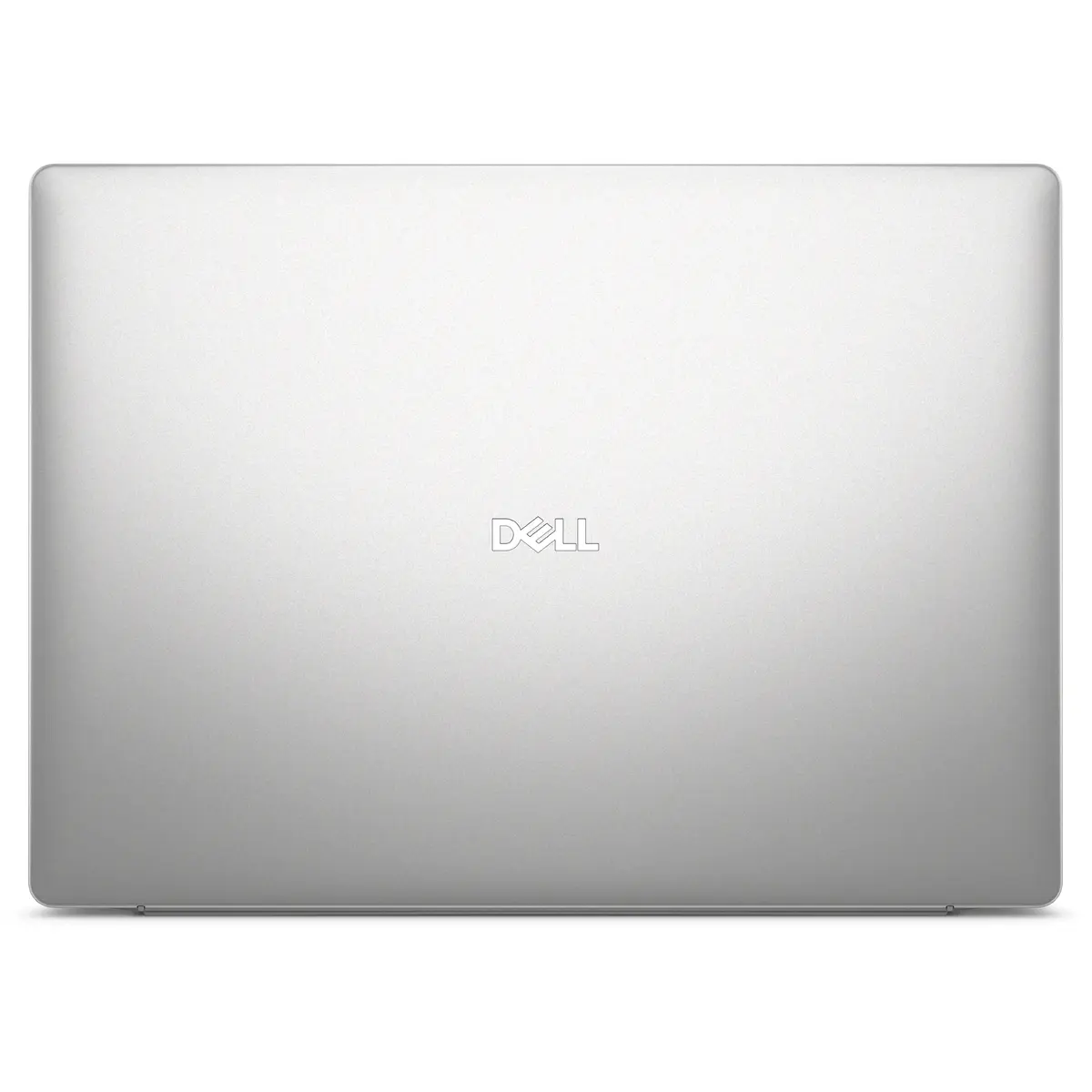
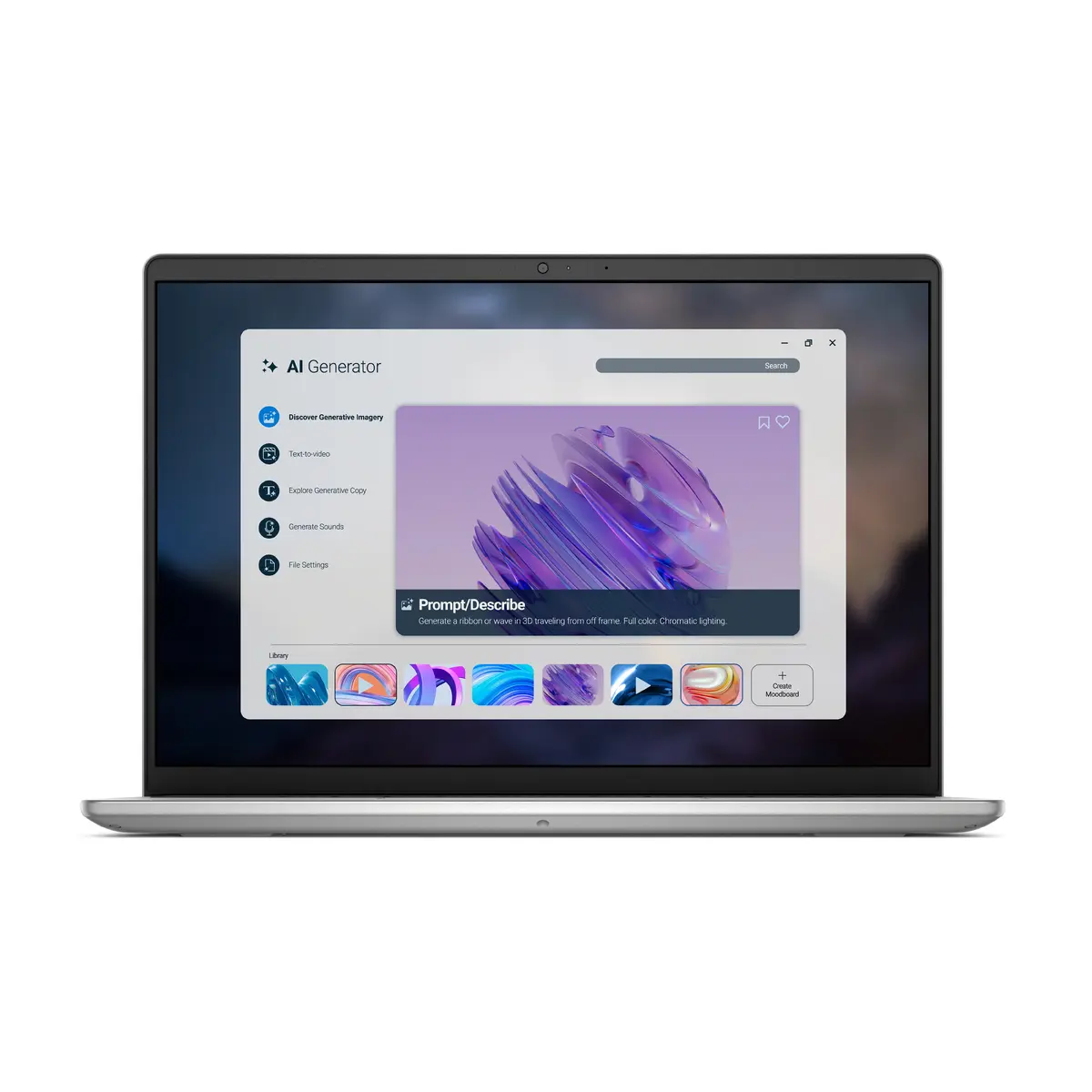
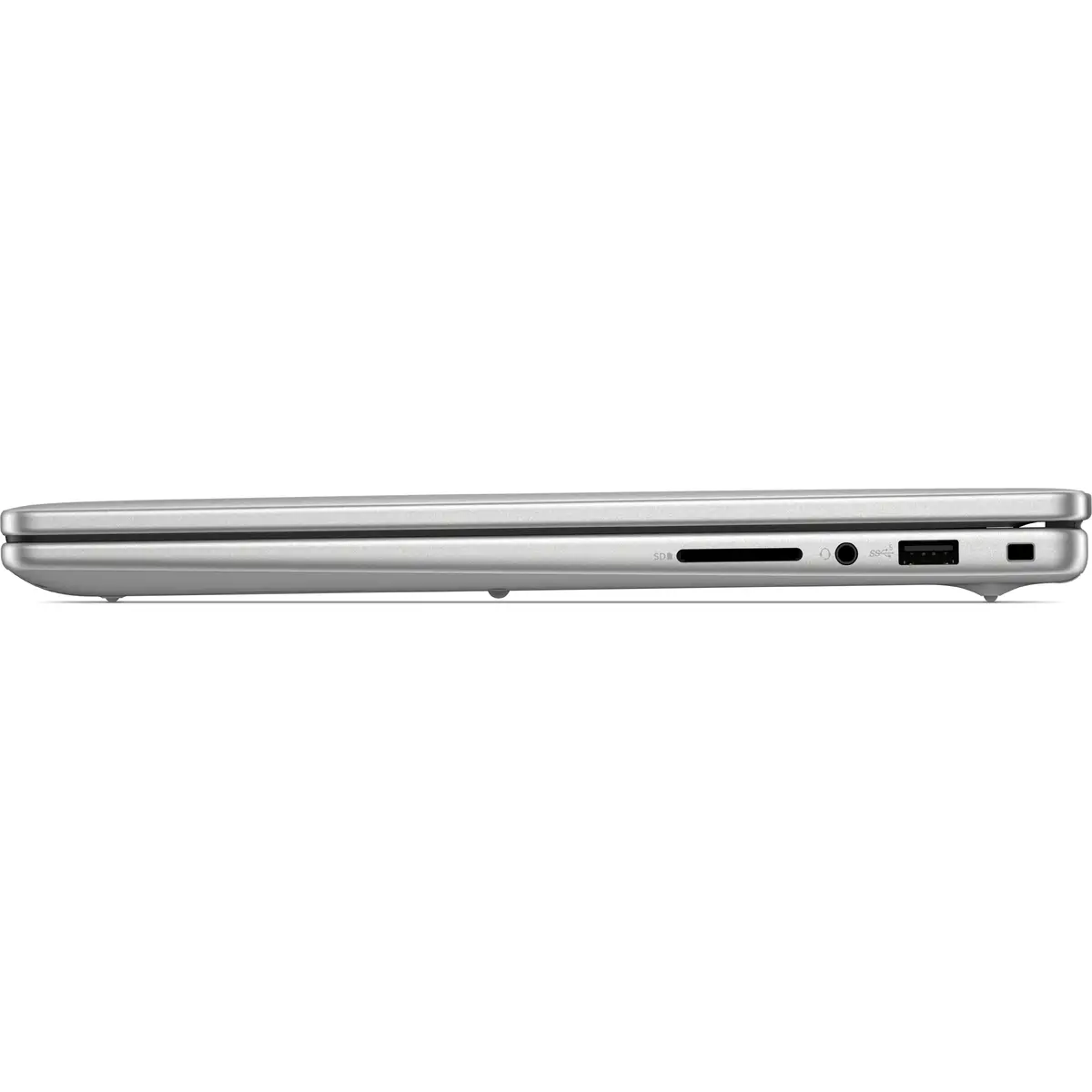
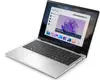
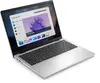
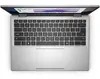
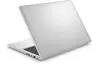
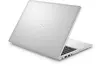
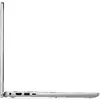
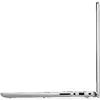
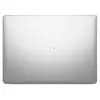
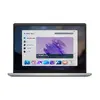
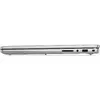
Laptop Dell Pro 14 Essential PV14255 — AMD Ryzen AI 5 330, 14" FHD+ 1920×1200, 16GB DDR5, 512GB SSD, Wi‑Fi 6E, Windows 11 Pro, Silver
Dell Pro 14 Essential PV14255 is a 14" clamshell laptop with a 1920×1200 Full HD+ 16:10 display and a silver finish. It is powered by an AMD Ryzen AI 5 330 processor with a base frequency of 2 GHz and integrated AMD Radeon 820M graphics. The configuration includes 16 GB of DDR5 RAM and a 512 GB SSD, plus Wi‑Fi 6E and Bluetooth for modern wireless connectivity. The device ships with Windows 11 Pro 64-bit and is intended for everyday productivity, office tasks and remote meetings.
The combination of a 14" Full HD+ 1920×1200 IPS WVA panel and a 16:10 aspect ratio provides a balance of visible workspace and portability. DDR5 memory improves multitasking responsiveness while the 512 GB SSD delivers faster boot and application load times compared with traditional drives. Integrated AMD Radeon 820M graphics handle standard business graphics tasks and video playback without requiring a discrete GPU. Built-in Wi‑Fi 6E ensures higher throughput and reduced latency on compatible networks. Windows 11 Pro adds business-oriented features such as enhanced security, management and virtualization support.
Unpack the laptop and connect the included charger to the device. Perform the initial Windows 11 Pro setup by following on-screen prompts to configure language, region, network and user account. Use the built-in Wi‑Fi 6E to connect to a compatible network for updates and cloud services. Install necessary productivity applications and, if required, configure power and display settings to match your work habits. Regularly apply Windows updates and firmware/drivers provided by the manufacturer to maintain security and performance.
For best battery life, use the built-in power management settings and lower display brightness when possible. When performing sustained heavy workloads, ensure adequate ventilation and consider connecting the laptop to the supplied 65 W charger. Back up important data regularly to an external drive or cloud service and keep the system up to date with Windows and driver updates.
{{highlightedFeature.featureTitle}}:
{{getProductFeatureValueById(product, highlightedFeature.featureId)}}
{{ productComparisonGenerationError }}
