
Dreame vacuums for fast and efficient cleaning!
In cart {{totalProductsCount}} item(s)
Your cart is empty
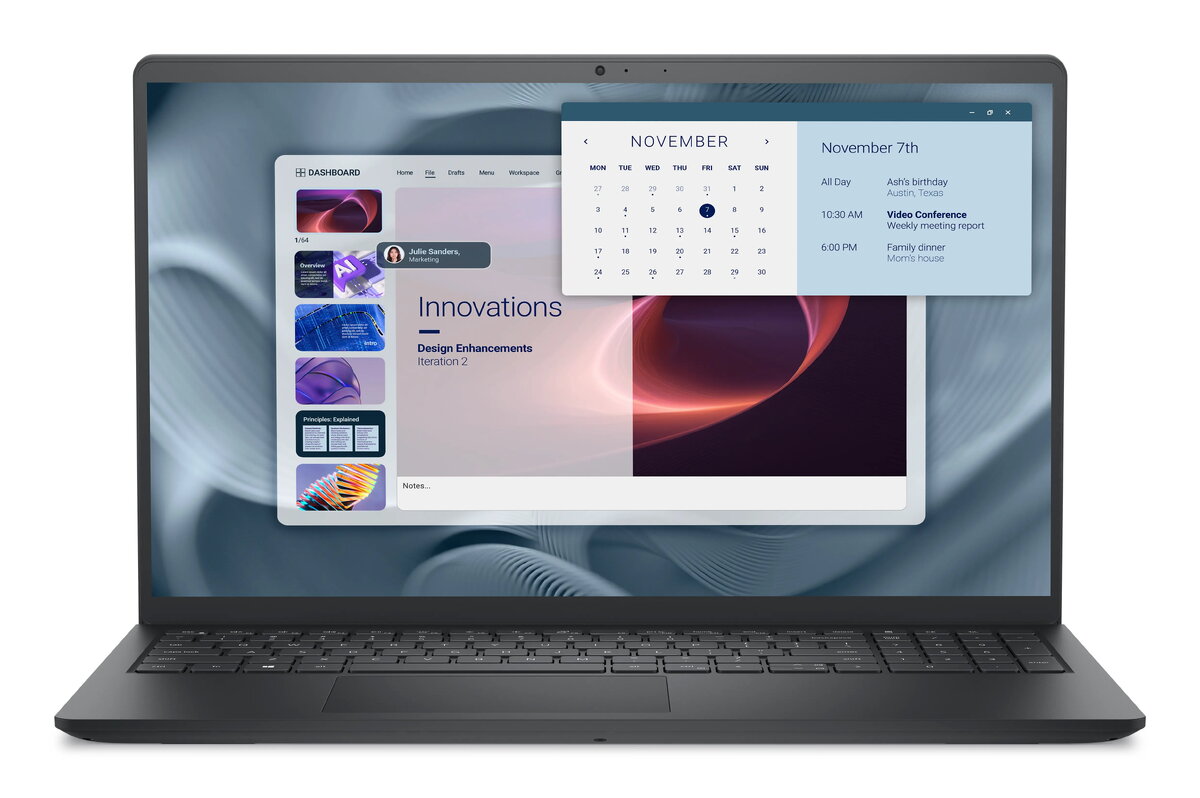
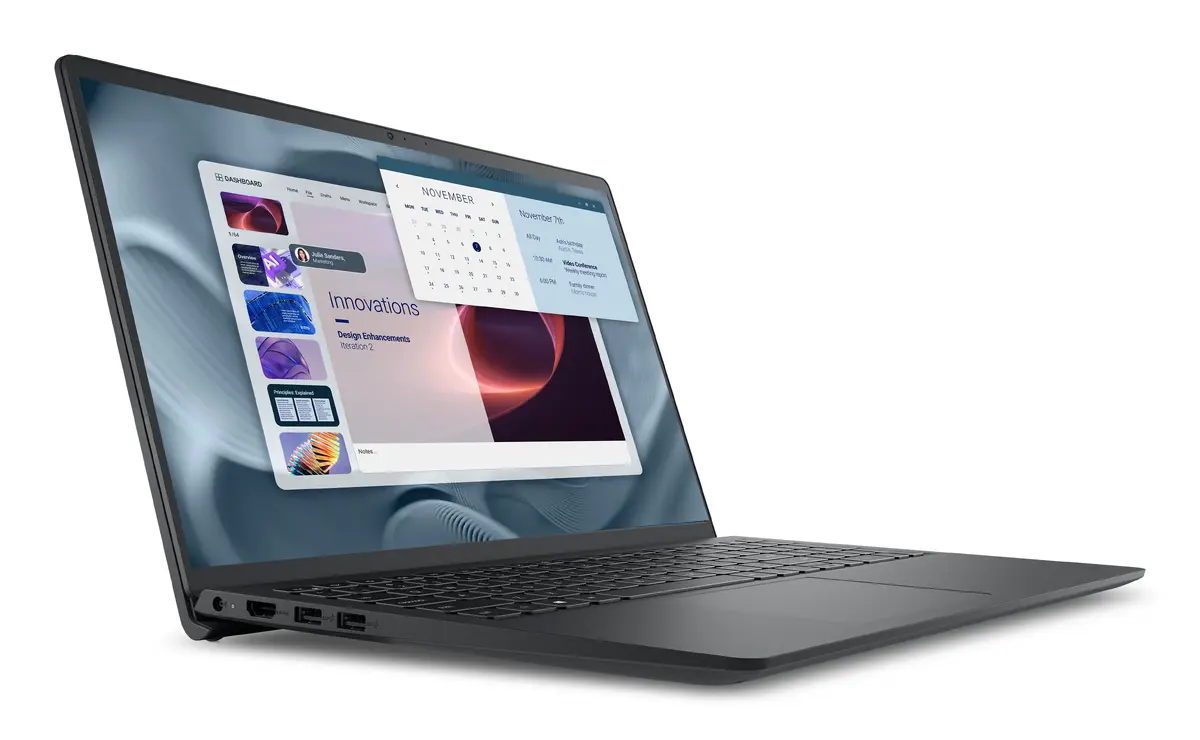
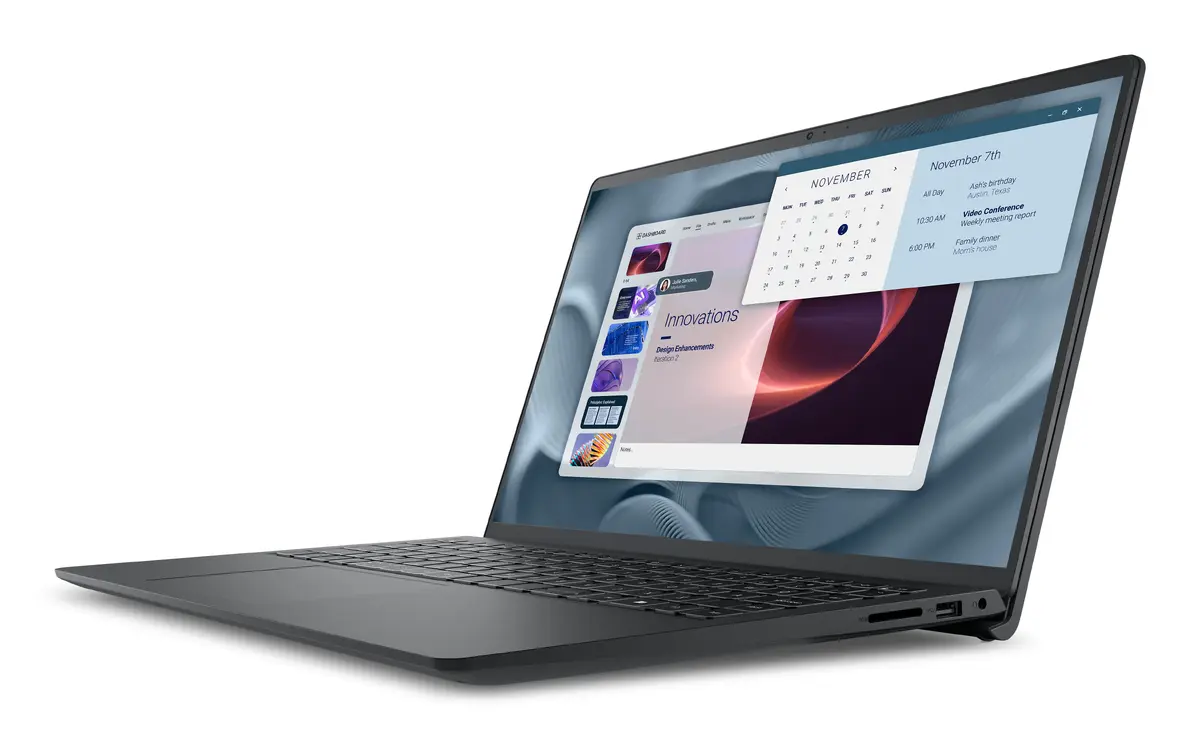
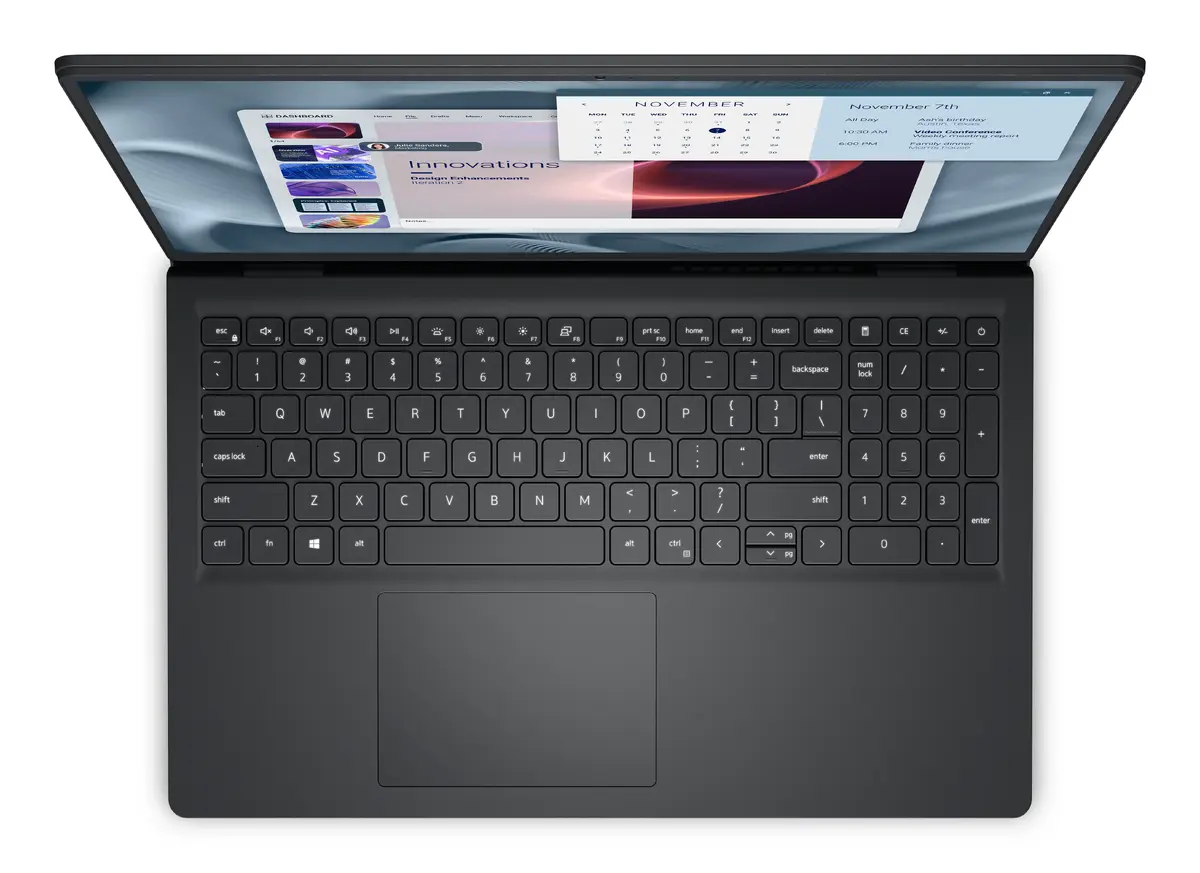
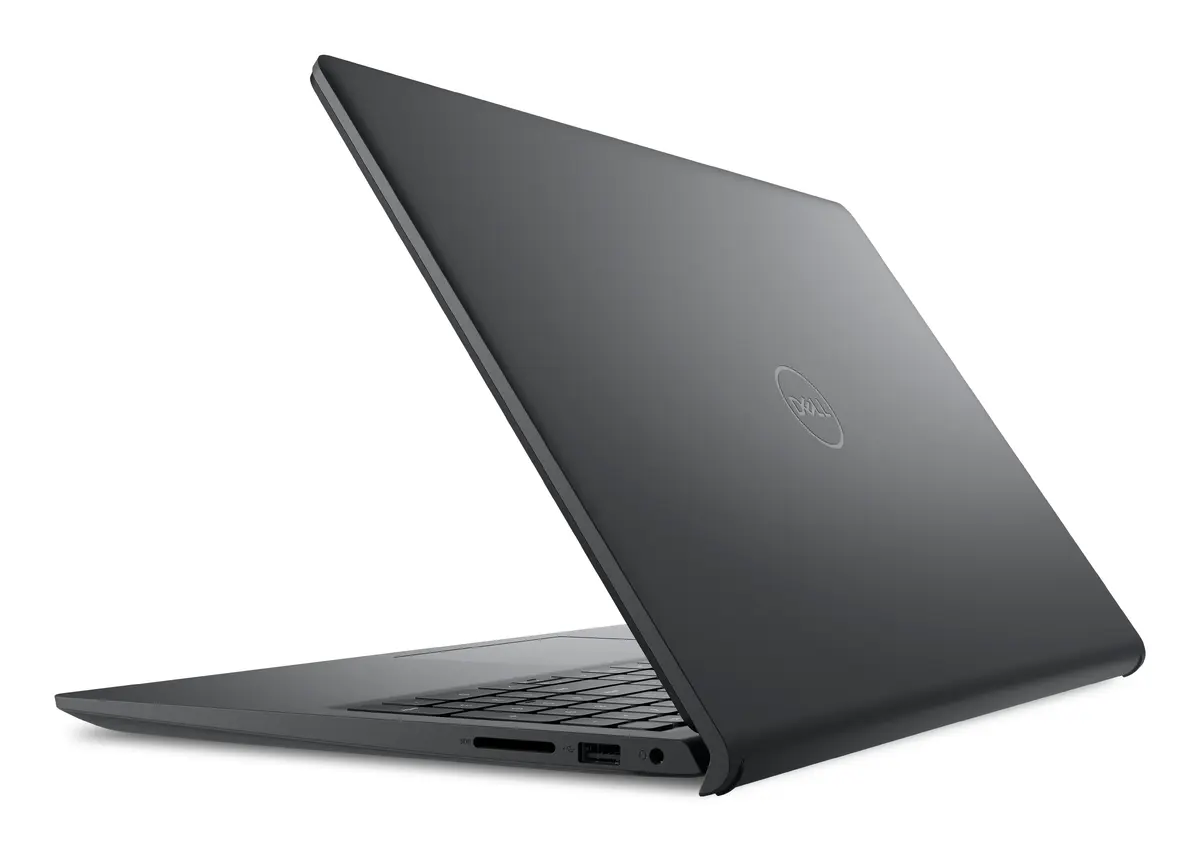
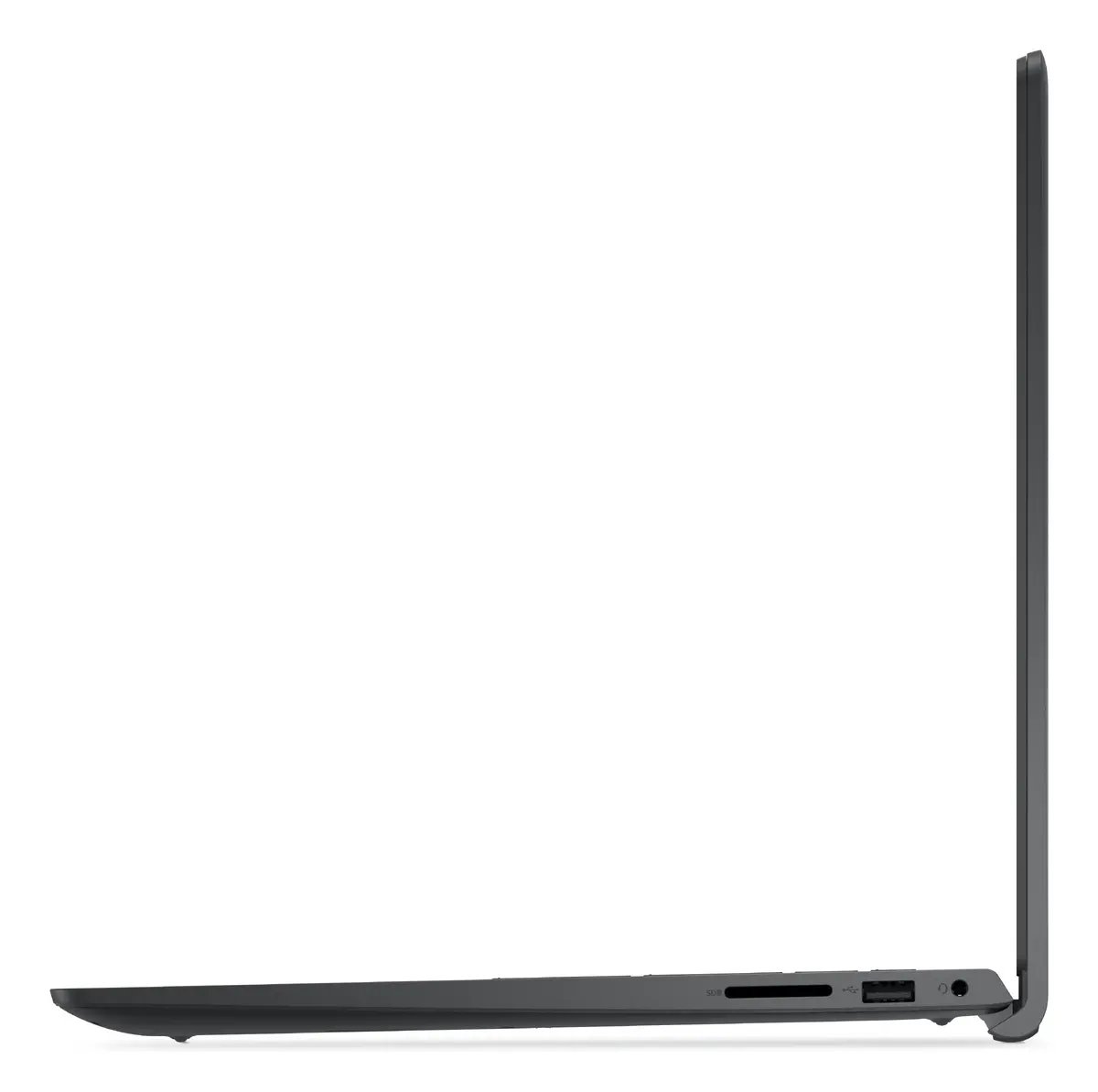
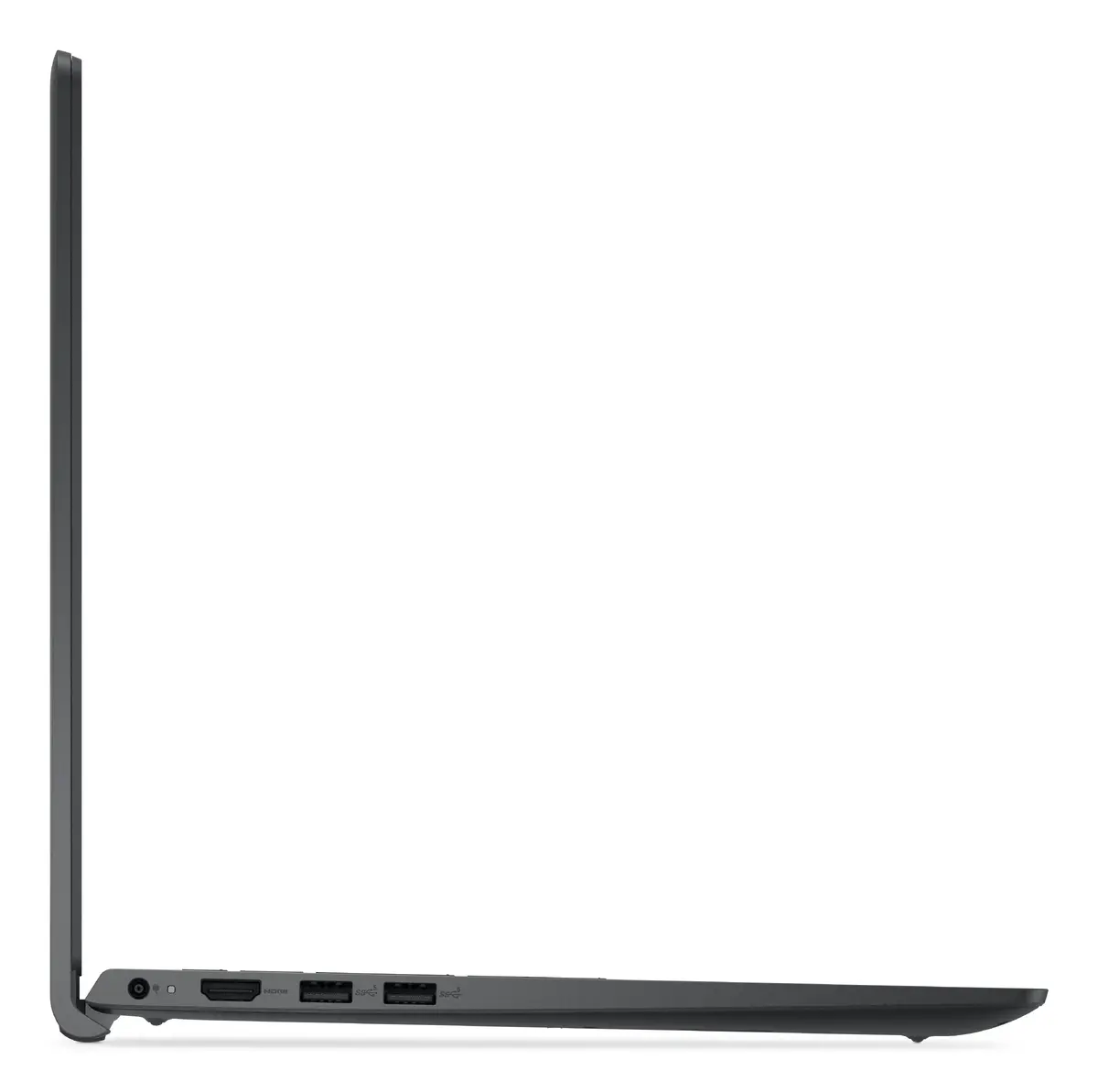
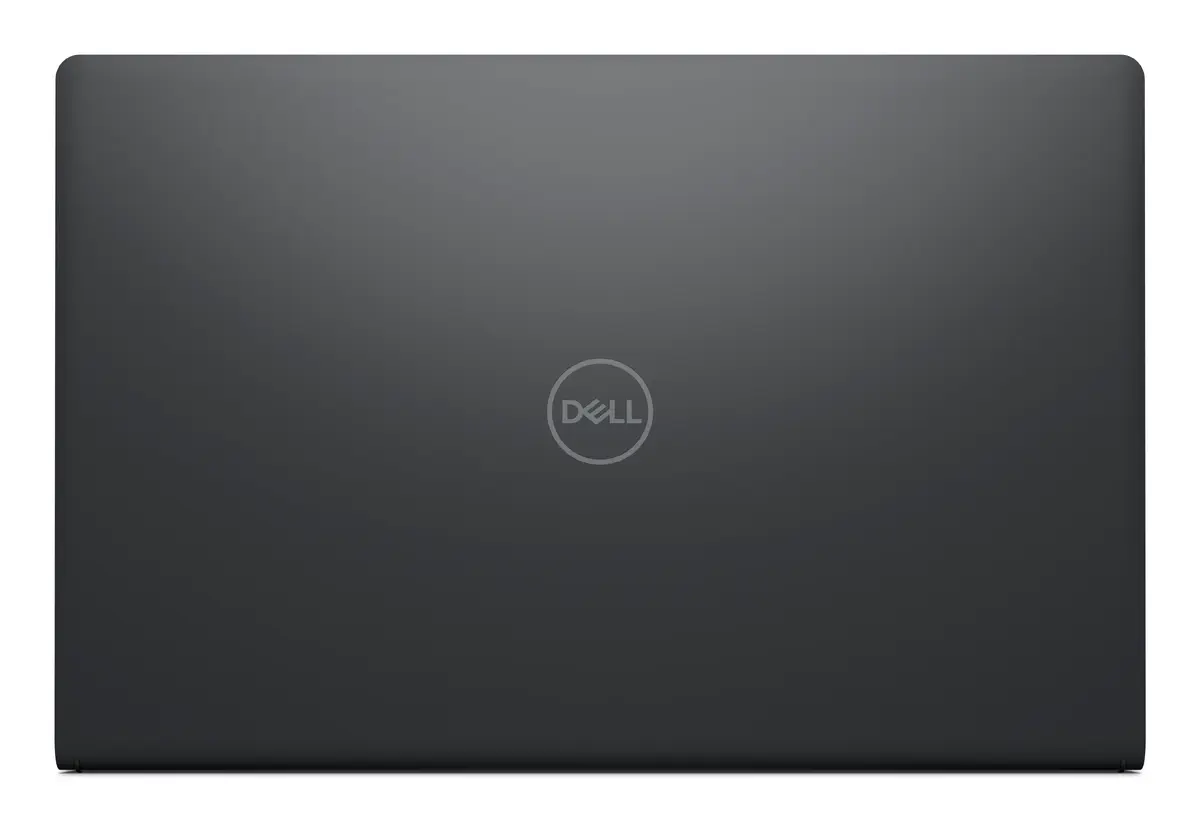
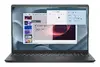
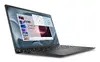
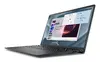
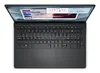
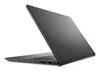
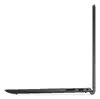
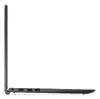
Dell Pro 15 Essential PV15250 Laptop, 15.6" Full HD, Intel Core i5-1334U, 16GB DDR5 RAM, 512GB SSD, Windows 11 Pro
The Dell Pro 15 Essential PV15250 is a professional-grade clamshell laptop engineered for reliability and efficient daily performance. Equipped with an Intel Core i5-1334U processor and 16GB of high-speed DDR5 RAM, this device handles multitasking and business applications with ease. The 15.6-inch Full HD display offers crisp visuals, while the 512GB SSD provides ample and fast storage for your essential files. Pre-installed with Windows 11 Pro, this laptop delivers enterprise-level security and management features in a durable, sleek black chassis.
This laptop stands out due to its robust hardware configuration, which ensures smooth operation for demanding office tasks. The inclusion of DDR5 memory significantly enhances data processing speeds compared to older standards, allowing for seamless transitions between multiple open applications. Its 15.6-inch Full HD screen provides a comfortable viewing experience for long work sessions, and the lightweight design makes it portable enough for professionals on the move. Furthermore, the Windows 11 Pro operating system offers advanced security protocols and networking capabilities essential for business environments.
This laptop is not designed for high-end gaming or professional-grade 3D rendering, as it relies on integrated graphics rather than a dedicated GPU. Users requiring intensive graphical performance or specialized workstation capabilities may find the hardware limitations restrictive for those specific workflows.
To begin using your Dell Pro 15 Essential, connect the provided power adapter to the charging port and allow the battery to reach a full charge. Press the power button to initiate the Windows 11 Pro setup process, following the on-screen prompts to configure your user account, network settings, and security preferences. Once configured, you can install your preferred business software and connect peripherals via the available ports. Ensure the device is placed on a flat, stable surface to allow for proper ventilation during operation.
For optimal performance and longevity, keep the operating system updated through Windows Update and ensure the ventilation vents remain unobstructed during use. It is recommended to use the device on hard surfaces rather than soft fabrics to maintain efficient cooling.
{{highlightedFeature.featureTitle}}:
{{getProductFeatureValueById(product, highlightedFeature.featureId)}}
{{ productComparisonGenerationError }}
