
JBL speakers and headphones for pure and deep sound!
In cart {{totalProductsCount}} item(s)
Your cart is empty
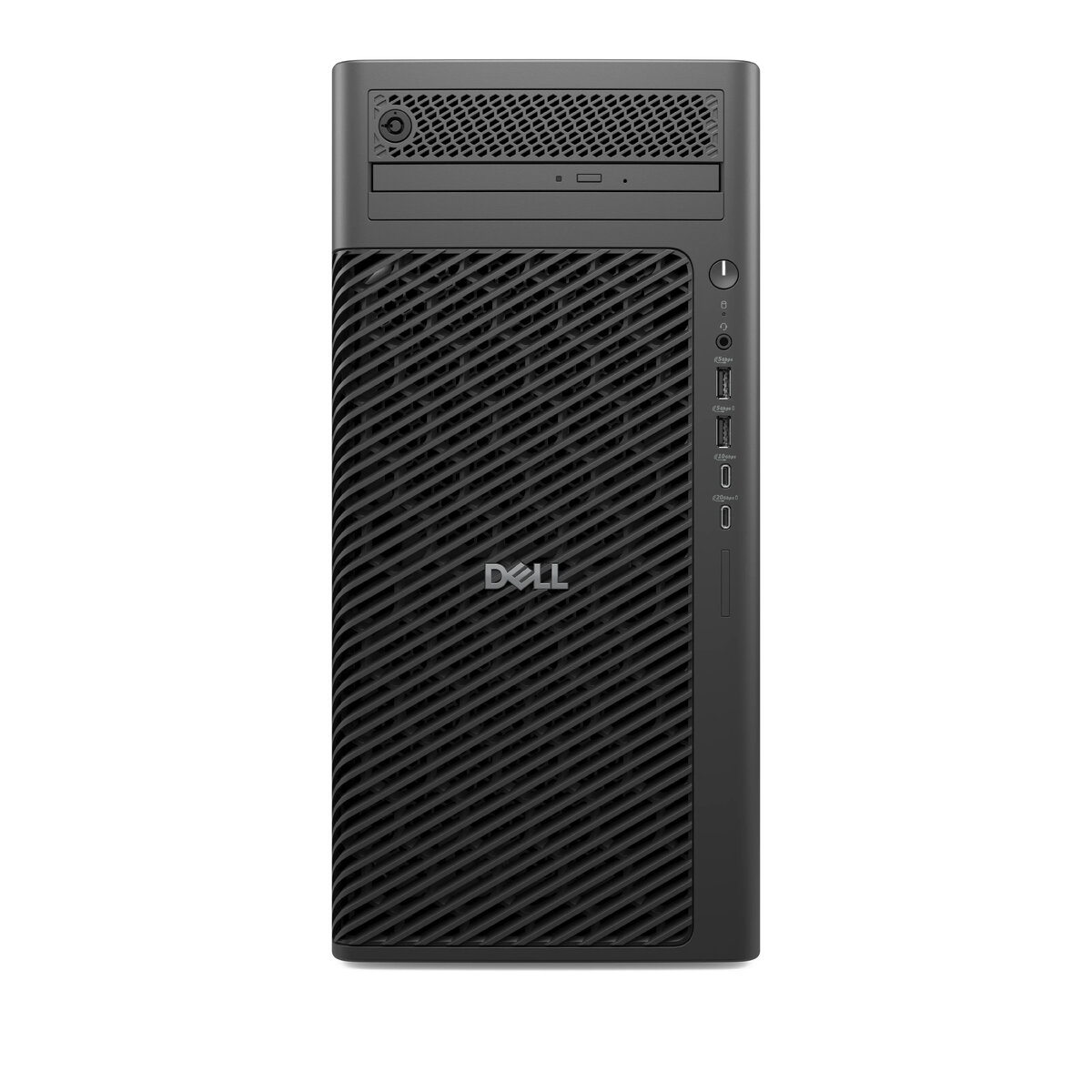
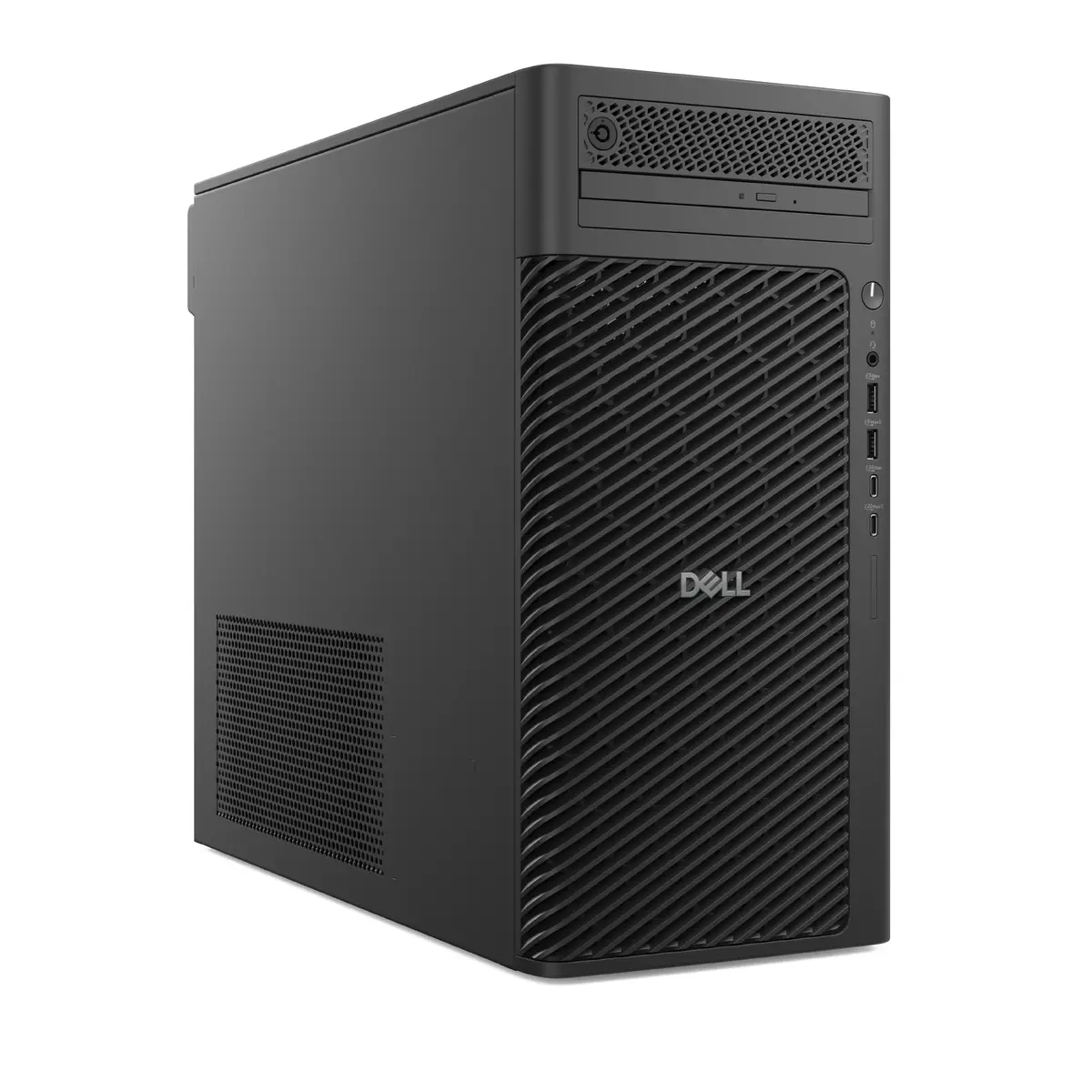
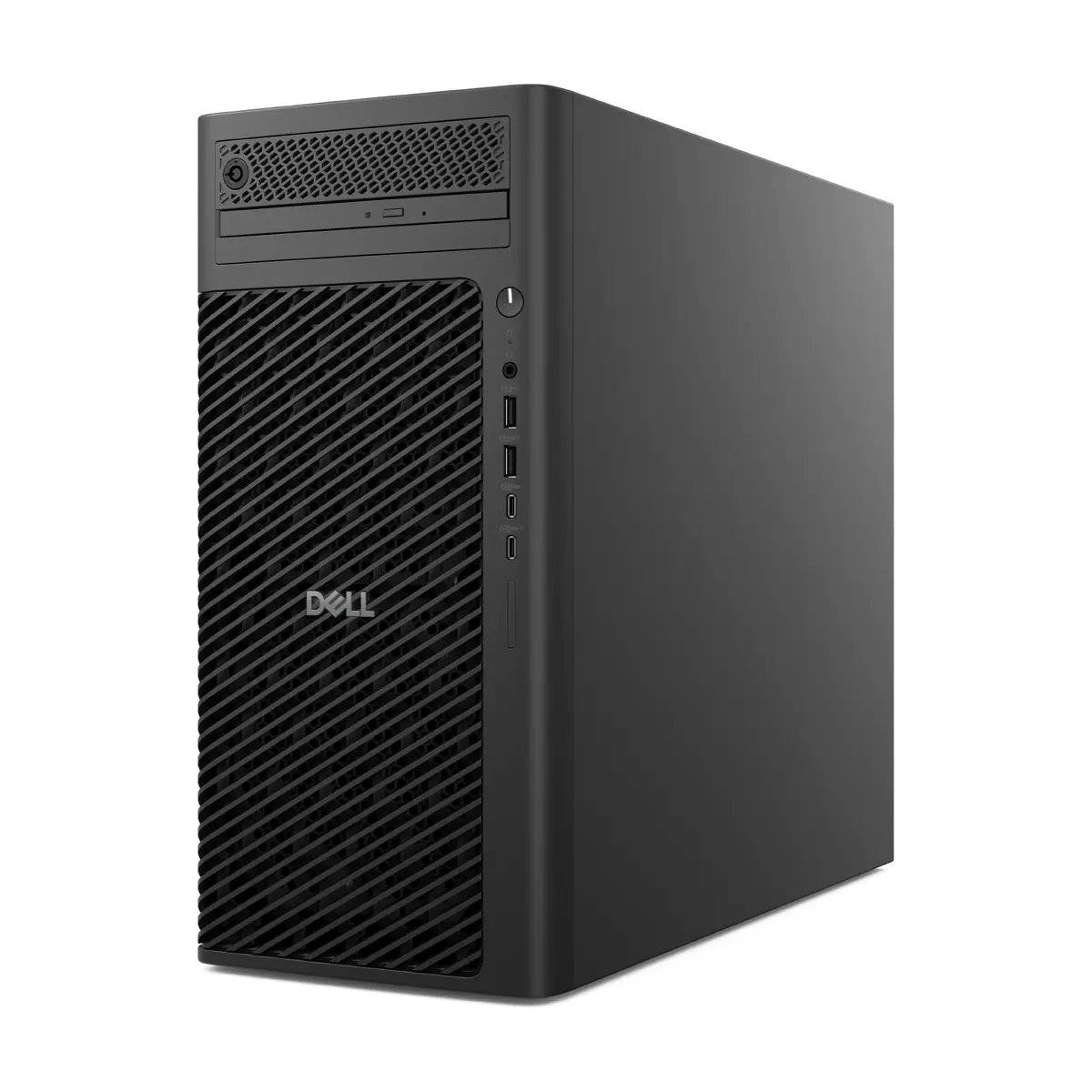
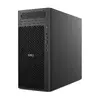
Dell Pro Max FCT2250 T2 Tower PC, Intel Core Ultra 9 285K, 64GB DDR5, 1TB SSD, NVIDIA RTX 4000 Ada, Windows 11 Pro
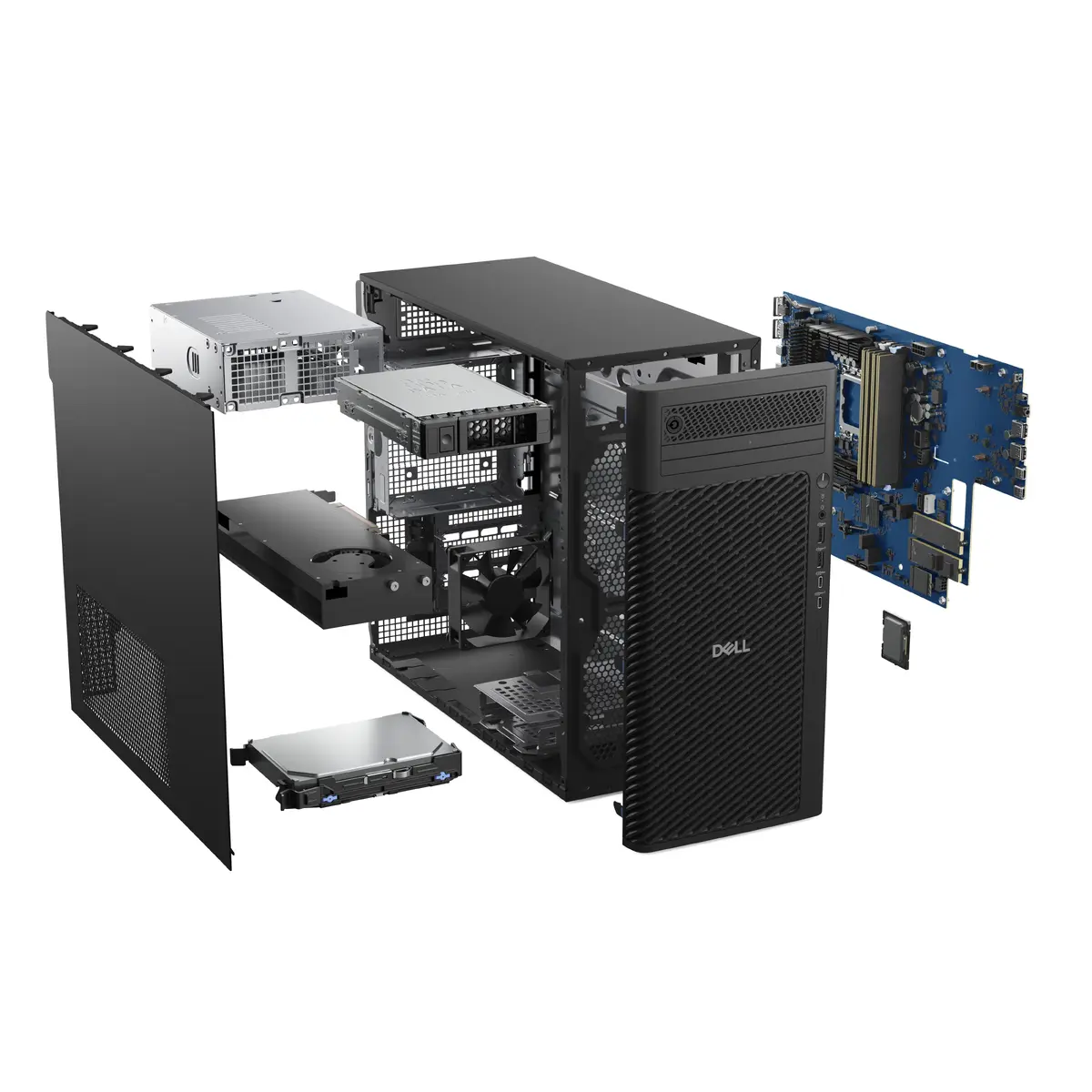
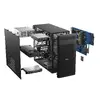
The Dell Pro Max FCT2250 T2 is a high-performance tower workstation engineered to handle the most demanding professional computing tasks. Built with a focus on reliability and speed, this desktop PC integrates advanced processing power and professional-grade graphics to support complex workflows in engineering, data analysis, and creative content production. Housed in a robust black tower chassis, it provides a stable foundation for intensive daily operations.
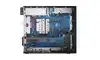
This workstation excels through its combination of the Intel Core Ultra 9 285K processor and 64GB of high-speed DDR5 memory, ensuring seamless multitasking and rapid execution of resource-heavy applications. The inclusion of the NVIDIA RTX 4000 Ada graphics card with 20GB of dedicated memory offers significant performance gains for 3D rendering, simulation, and high-resolution visual processing. With a 1TB SSD, users benefit from fast boot times and quick access to large datasets, while the Windows 11 Pro operating system provides the security and management features required for professional environments.
This workstation may not be the most suitable choice for casual home users or those primarily focused on basic office productivity tasks, as its high-end components are optimized for professional-grade workloads. Additionally, its physical size as a tower unit may not be ideal for users with limited desk space or those requiring a portable computing solution.
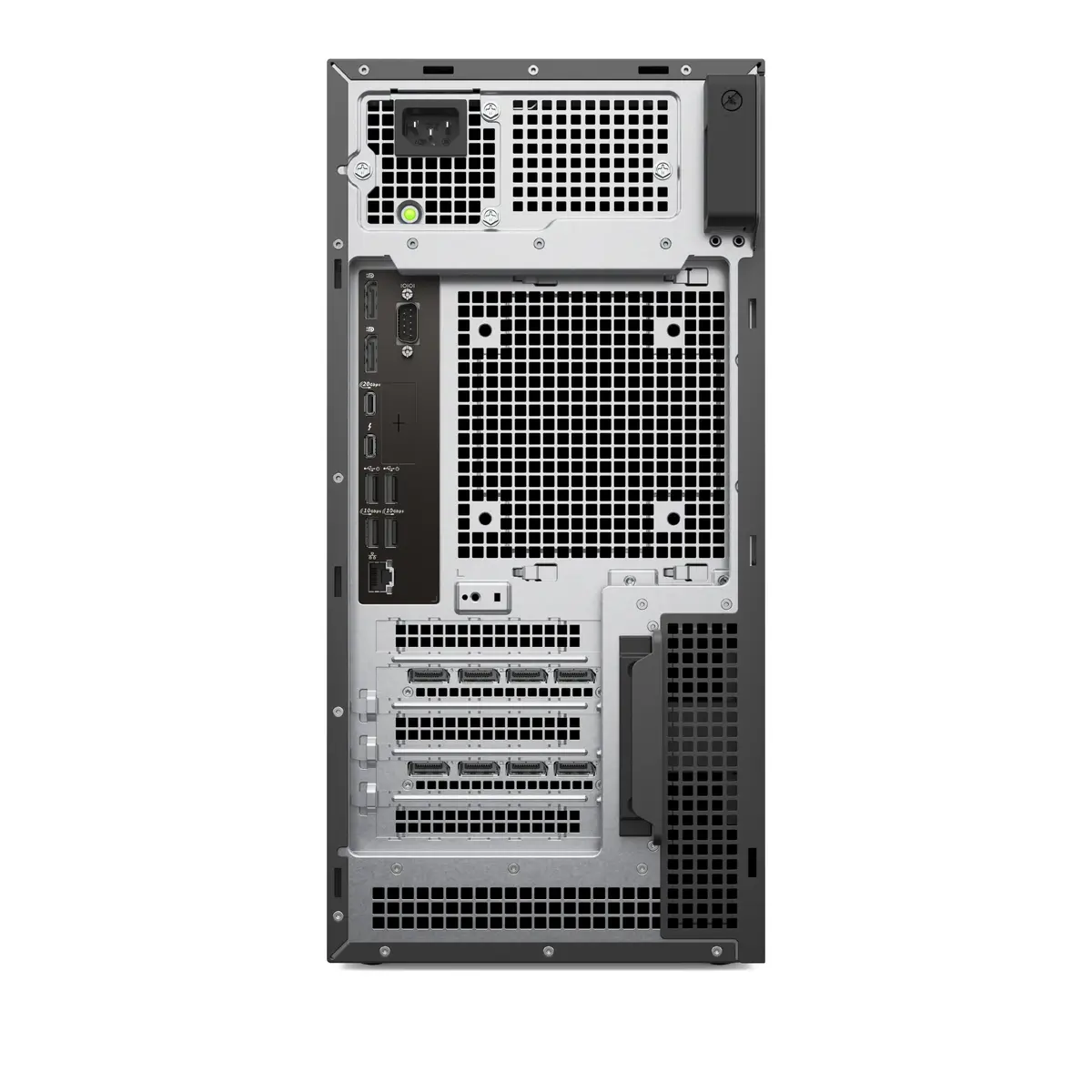
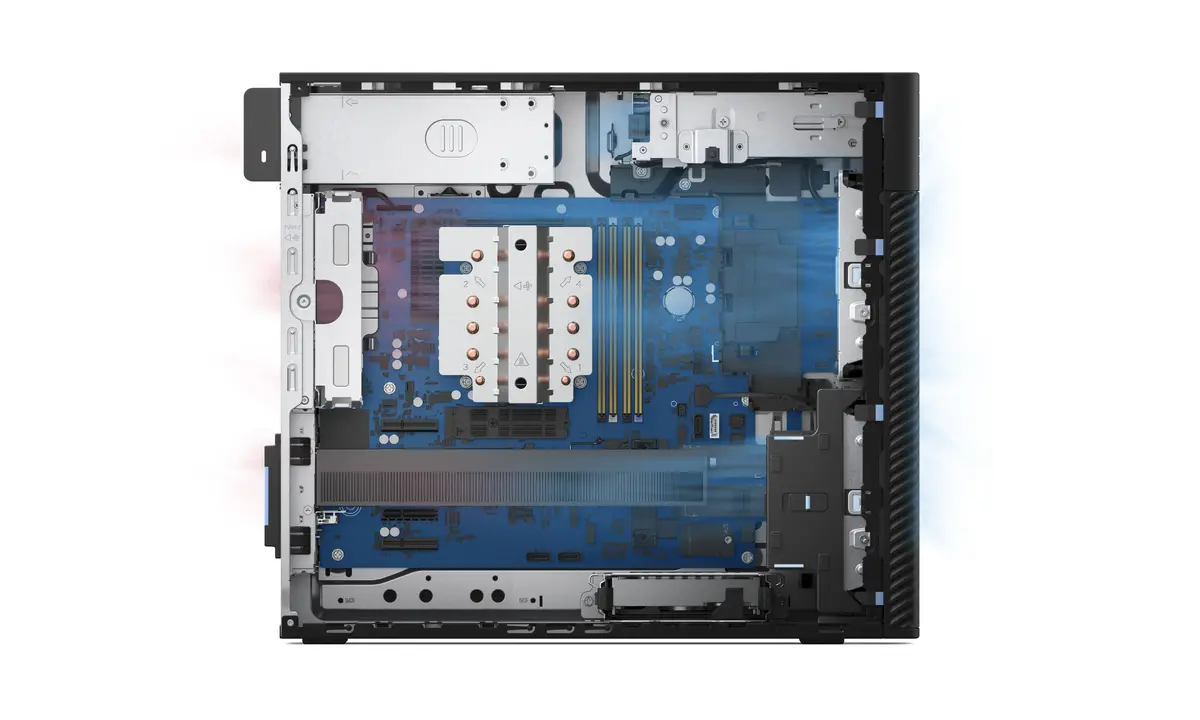
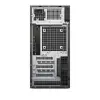
To begin using the Dell Pro Max FCT2250 T2, connect the necessary peripherals such as a monitor, keyboard, and mouse to the available ports on the rear or front panels. Ensure the unit is connected to a stable power source and press the power button to initiate the Windows 11 Pro setup process. Once configured, you can install your professional software suites. The system is designed for continuous operation, but it is recommended to keep the ventilation areas around the tower clear to maintain optimal thermal performance during heavy processing tasks.
For optimal performance and longevity, ensure the workstation is placed in a well-ventilated area to prevent overheating during intensive rendering or computational tasks. Regularly update your drivers and the Windows 11 Pro operating system to maintain system security and compatibility with the latest software versions.
{{highlightedFeature.featureTitle}}:
{{getProductFeatureValueById(product, highlightedFeature.featureId)}}
