JBL speakers and headphones for pure and deep sound!
In cart {{totalProductsCount}} item(s)
Your cart is empty
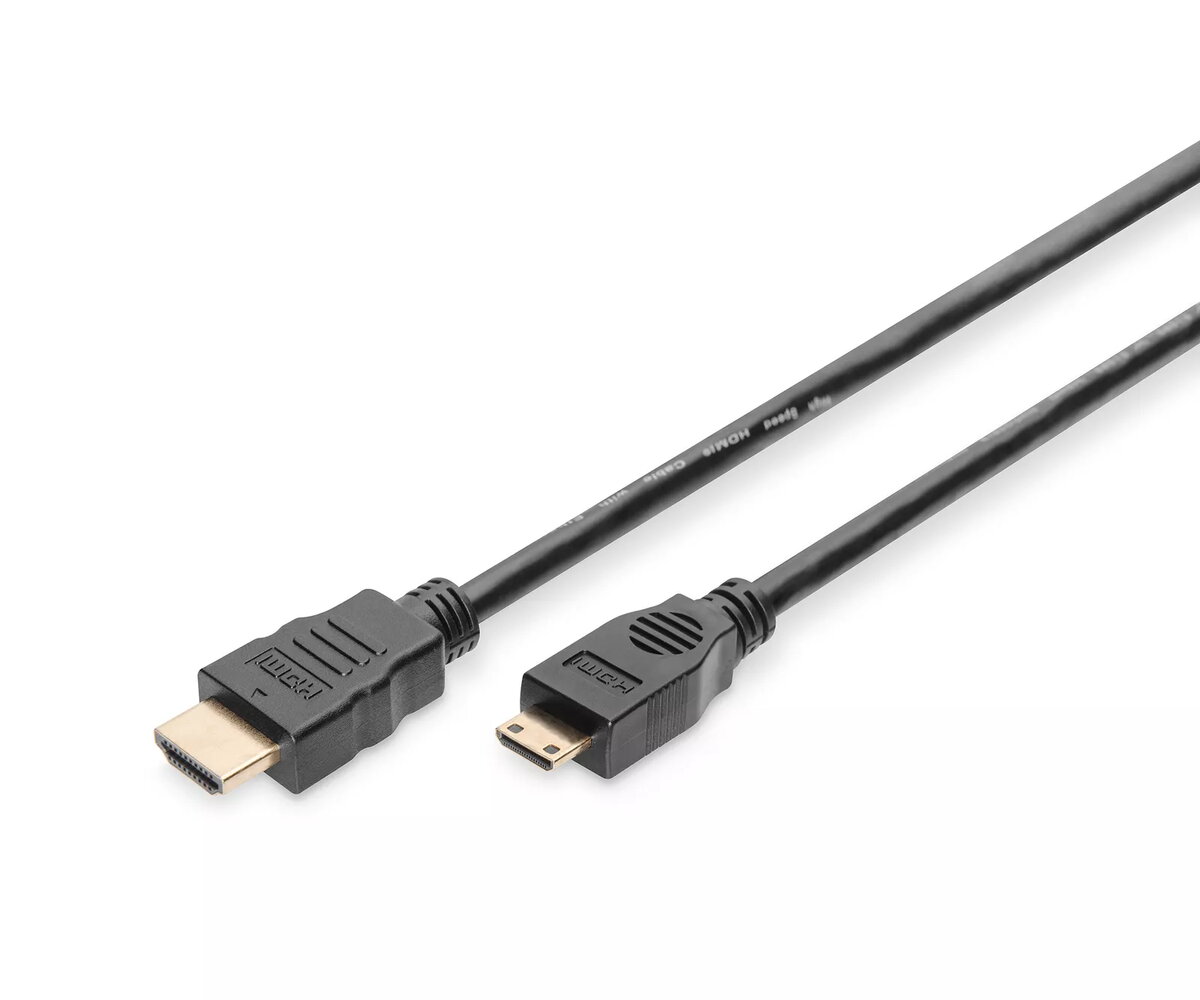
HDMI High Speed Connection Cable Digitus AK-330106-020-S
The Digitus HDMI High Speed Connection Cable is a reliable solution for transmitting high-definition digital video and audio signals between devices. Designed with precision, this cable features a Mini HDMI Type C connector on one end and a standard HDMI Type A connector on the other, facilitating seamless connectivity between portable electronics like notebooks or cameras and larger display units such as televisions, monitors, or projectors.
The construction of this cable prioritizes signal integrity and durability. Gold-plated contacts are utilized to minimize signal loss and prevent corrosion, ensuring that your media remains crisp and clear. The 2-meter length provides sufficient reach for most desktop or home entertainment setups, while the sleek black finish allows the cable to blend discreetly into any professional or personal environment.
This cable offers excellent performance for Full HD and 3D content, making it a versatile choice for modern multimedia needs. The gold-plated connectors provide a stable connection that resists interference, which is essential for maintaining high-quality video output. Its robust design ensures longevity, and the compatibility with various HDMI-enabled devices makes it a practical addition to any tech toolkit.
This cable is not intended for devices that do not feature an HDMI Type C (Mini) port. It will not function with standard HDMI-to-HDMI connections or devices requiring Micro HDMI (Type D) interfaces without the use of additional adapters.
To use the cable, insert the Mini HDMI Type C connector into the corresponding port on your source device, such as a laptop or camera. Insert the standard HDMI Type A connector into the input port of your display device, such as a monitor or television. Once both ends are securely connected, power on your devices and select the appropriate input source on your display to begin viewing your content.
Always ensure that the connectors are fully inserted into the ports to prevent signal flickering. Avoid bending the cable at sharp angles to maintain the integrity of the internal wiring over time.
{{highlightedFeature.featureTitle}}:
{{getProductFeatureValueById(product, highlightedFeature.featureId)}}