Leave your address - as soon as the price of the product goes down, you'll know about it right away
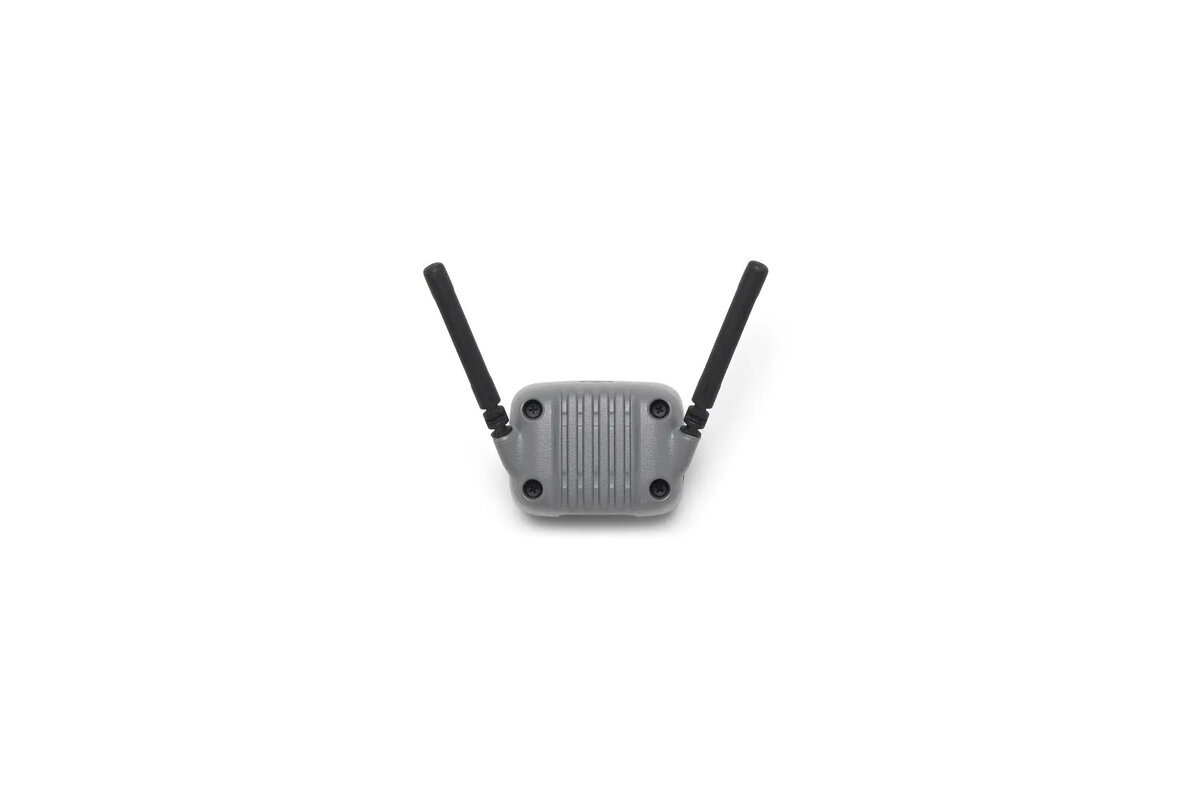
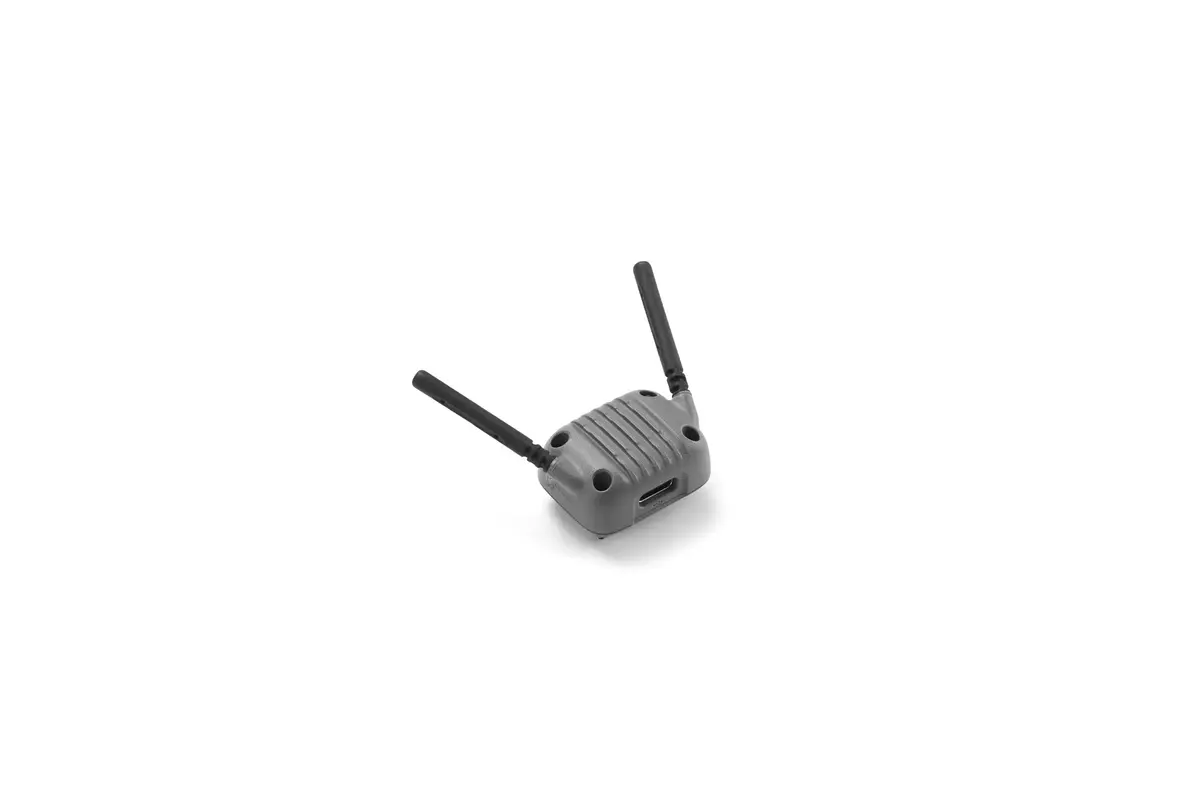
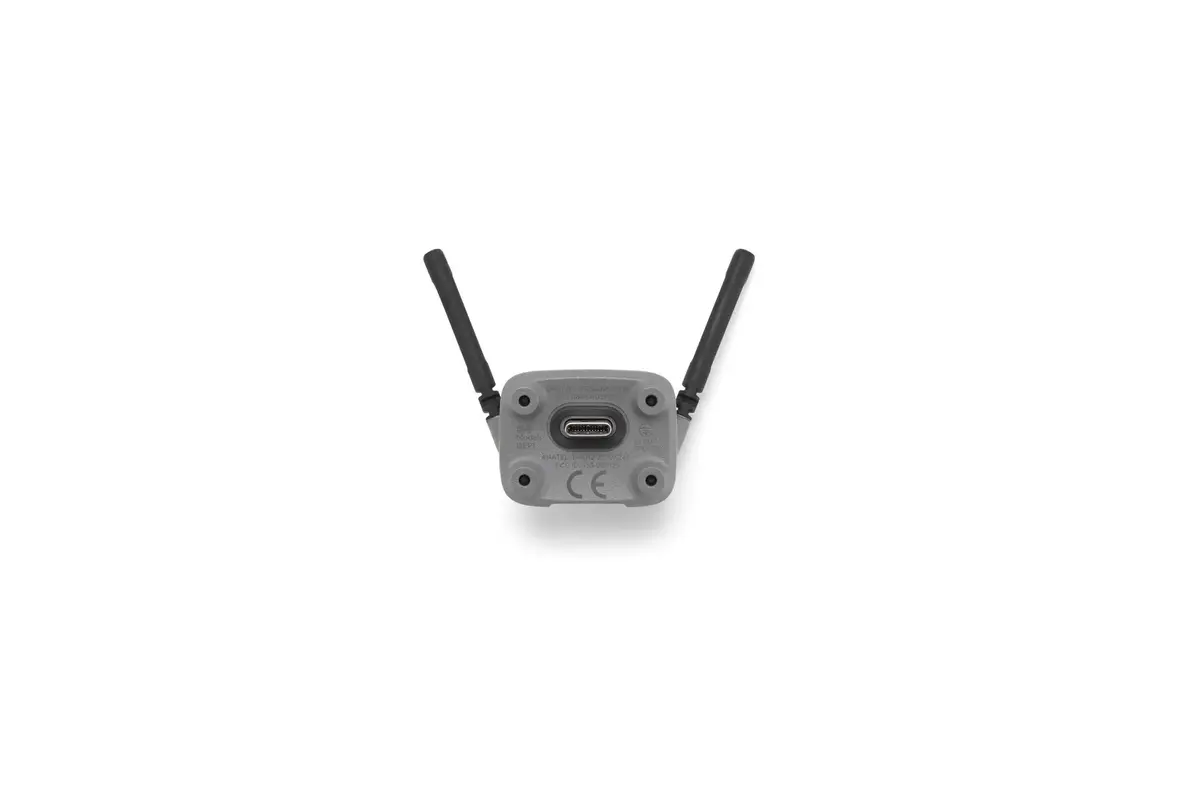
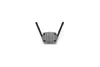
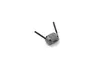
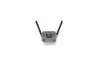
DJI Neo 2 Digital Transceiver Drone Accessory Grey
In cart {{totalProductsCount}} item(s)
Your cart is empty
DJI Neo 2 Digital Transceiver Drone Accessory Grey
Leave your address - as soon as the price of the product goes down, you'll know about it right away
DJI Neo 2 Digital Transceiver Drone Accessory Grey
The DJI Neo 2 Digital Transceiver is a specialized drone accessory engineered to provide stable and reliable communication between your remote controller and the DJI Neo 2 drone. This component serves as a critical link in the flight system, ensuring that control signals are transmitted accurately to maintain responsive flight performance. Finished in a professional grey color, it integrates seamlessly with the aesthetic and functional design of the Neo 2 series.
This digital transceiver offers enhanced signal stability, which is vital for maintaining a secure connection during flight operations. By utilizing this dedicated component, users can ensure that their drone responds precisely to control inputs, reducing the risk of signal interference or latency. Its robust construction is designed to meet the high standards of DJI hardware, providing a reliable solution for those looking to maintain or upgrade their drone's communication capabilities.
This transceiver is specifically designed for the DJI Neo 2 series and is not compatible with other drone models or older DJI generations. It is not intended for users who require long-range transmission systems beyond the standard factory specifications of the Neo 2.
Installation should be performed by following the official DJI maintenance guidelines for the Neo 2 series. Ensure the drone is powered off and the battery is removed before attempting to access the internal components. Carefully replace the existing transceiver with the new unit, ensuring all connectors are securely seated. Once installed, perform a system calibration through the official DJI application to ensure the drone recognizes the new hardware and maintains proper flight stability.
Regularly inspect your drone's communication components for signs of wear or damage. Always perform a short test flight in a safe, open area after installing new hardware to confirm that the transceiver is functioning correctly before attempting complex maneuvers.
{{highlightedFeature.featureTitle}}:
{{getProductFeatureValueById(product, highlightedFeature.featureId)}}