Dreame vacuums for fast and efficient cleaning!
In cart {{totalProductsCount}} item(s)
Your cart is empty
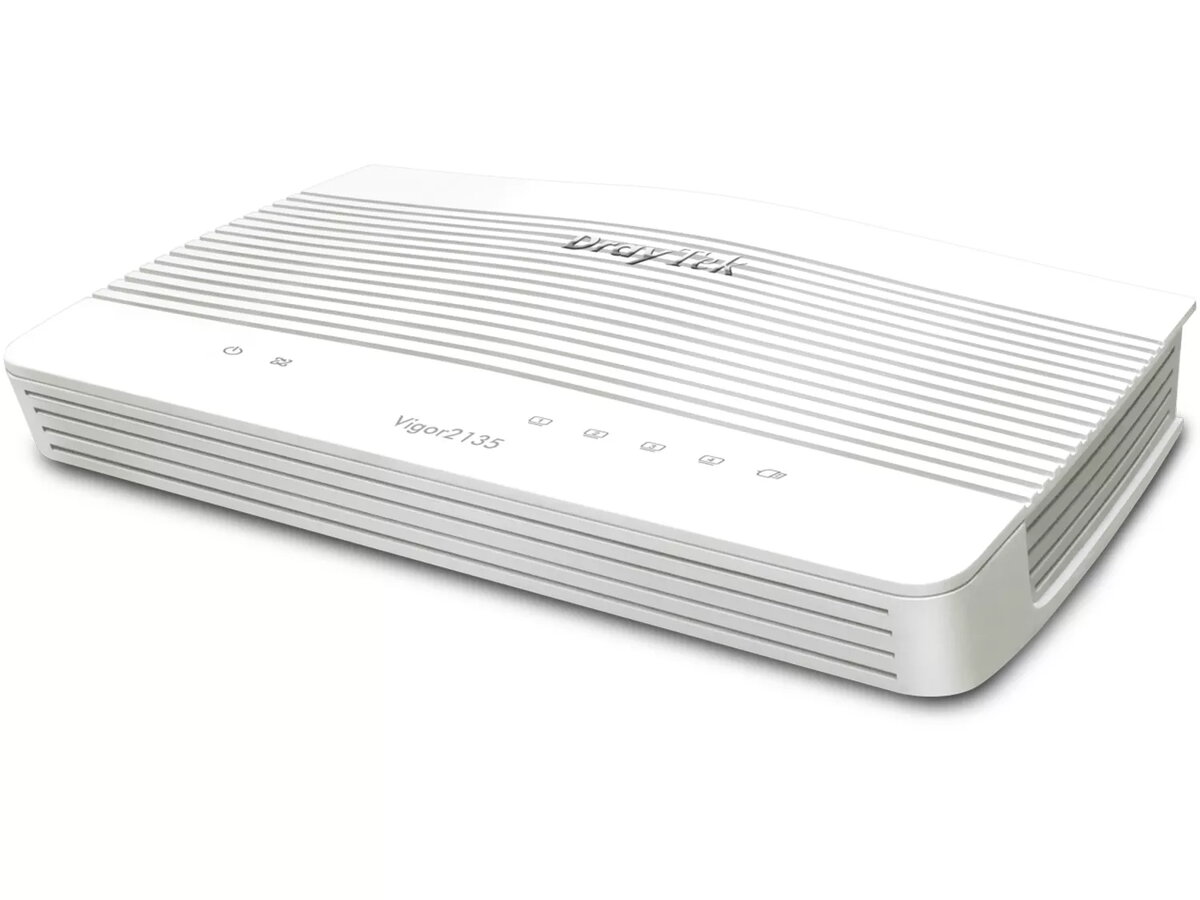
Wired Router DrayTek Vigor2135 Gigabit Ethernet
DrayTek Vigor2135 Gigabit Ethernet is a wired broadband firewall and VPN router designed for professional smart homes and SOHO environments. Equipped with a hardware NAT accelerator, it delivers high routing and firewall throughput while retaining bandwidth control and QoS features. The model supports Gigabit Ethernet connectivity and business-grade functions such as web content filtering, route policy, application-based QoS and centralized management of Vigor access points and switches.
The hardware NAT accelerator supports thousands of concurrent NAT and routing connections and enables firewall throughput up to 940 Mbps with hardware QoS active, allowing prioritization of critical services such as VoIP. Built-in features include assisted roaming and minimum RSSI options to improve wireless handover and airtime efficiency when used with compatible Vigor access points. The router also provides captive portal capabilities for WLAN marketing and guest access with multiple authentication methods, plus automatic discovery, provisioning and remote maintenance for managed VigorAP devices.
Install the Vigor2135 in your network by connecting the WAN and LAN Ethernet ports and powering the device with the supplied 12 V adapter. Use the web management interface to configure WAN settings, firewall and VPN policies, and application-based QoS priorities. If you have Vigor access points or Vigor switches, connect them to the LAN side so the router can automatically discover and provision managed devices. Enable captive portal settings for guest Wi‑Fi, choose authentication type (Facebook, Google, SMS PIN, voucher or RADIUS) and customize redirect pages or surveys as needed.
For best wireless roaming and airtime efficiency, use the Assisted Roaming and Minimum RSSI with Adjacent AP options together with compatible Vigor access points; prioritize latency-sensitive services such as VoIP in the QoS settings and perform regular firmware updates and configuration backups via the router’s centralized management functions.
{{highlightedFeature.featureTitle}}:
{{getProductFeatureValueById(product, highlightedFeature.featureId)}}
{{ productComparisonGenerationError }}