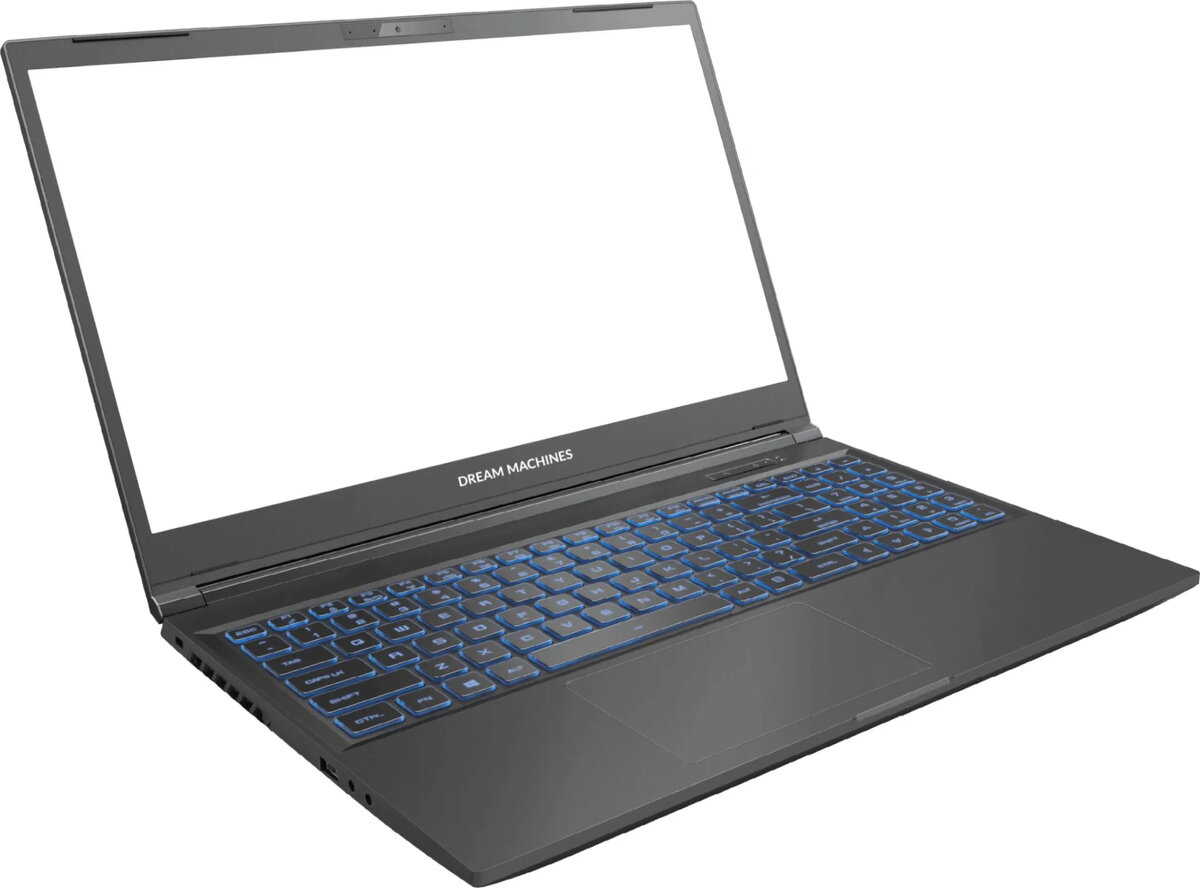
The Dream Machines RG3050-15PL56 is a high-performance gaming laptop engineered to deliver reliable speed and visual clarity for both gaming enthusiasts and power users. Powered by the Intel Core i5-12450H processor and NVIDIA GeForce RTX 3050 graphics, this device handles modern software and gaming titles with efficiency. With 16GB of RAM and a 512GB SSD, it provides a responsive multitasking environment and ample storage for your essential files and applications, all housed in a portable chassis.
Advantages
This laptop excels by combining a powerful processor with a dedicated graphics card, ensuring that demanding applications run smoothly. The inclusion of a 144Hz display is a significant advantage for gamers, as it provides fluid motion and reduces blur during fast-paced action sequences. Furthermore, the balanced hardware configuration allows for quick system boot times and rapid file access, contributing to an overall efficient user experience for both work and entertainment.
Suitable for
- Playing modern competitive and AAA gaming titles
- Graphic design and photo editing tasks
- Multitasking with multiple productivity applications
- Streaming multimedia content in high definition
When it may not be suitable
This laptop may not be the ideal choice for professional-grade 3D rendering or heavy video editing projects that require higher-tier graphics cards and more extensive storage capacity. Additionally, users who prioritize extreme battery longevity for long periods away from a power outlet might find the gaming-oriented hardware consumes power faster than standard ultrabooks.
Key specifications
- Processor: Intel Core i5-12450H
- Graphics: NVIDIA GeForce RTX 3050
- Memory: 16GB RAM
- Storage: 512GB SSD
- Display Refresh Rate: 144Hz
How to use
To begin using the Dream Machines RG3050-15PL56, connect the provided power adapter to ensure the system has sufficient energy for initial setup. Follow the on-screen instructions to configure your operating system and connect to a wireless network. Once set up, you can install your preferred games or productivity software. For optimal performance, ensure that the laptop is placed on a flat, hard surface to allow for proper airflow through the cooling vents during intensive tasks.
What to consider before purchase
- Check if the 512GB storage capacity meets your library requirements
- Verify that the port selection aligns with your external peripheral needs
- Consider if the screen size and weight are suitable for your portability requirements
Usage recommendations: Keep the laptop software and graphics drivers updated regularly to ensure compatibility with the latest games and applications. Avoid blocking the ventilation ports to maintain stable performance during extended gaming sessions.