Powerful EcoFlow stations for energy anywhere!
In cart {{totalProductsCount}} item(s)
Your cart is empty
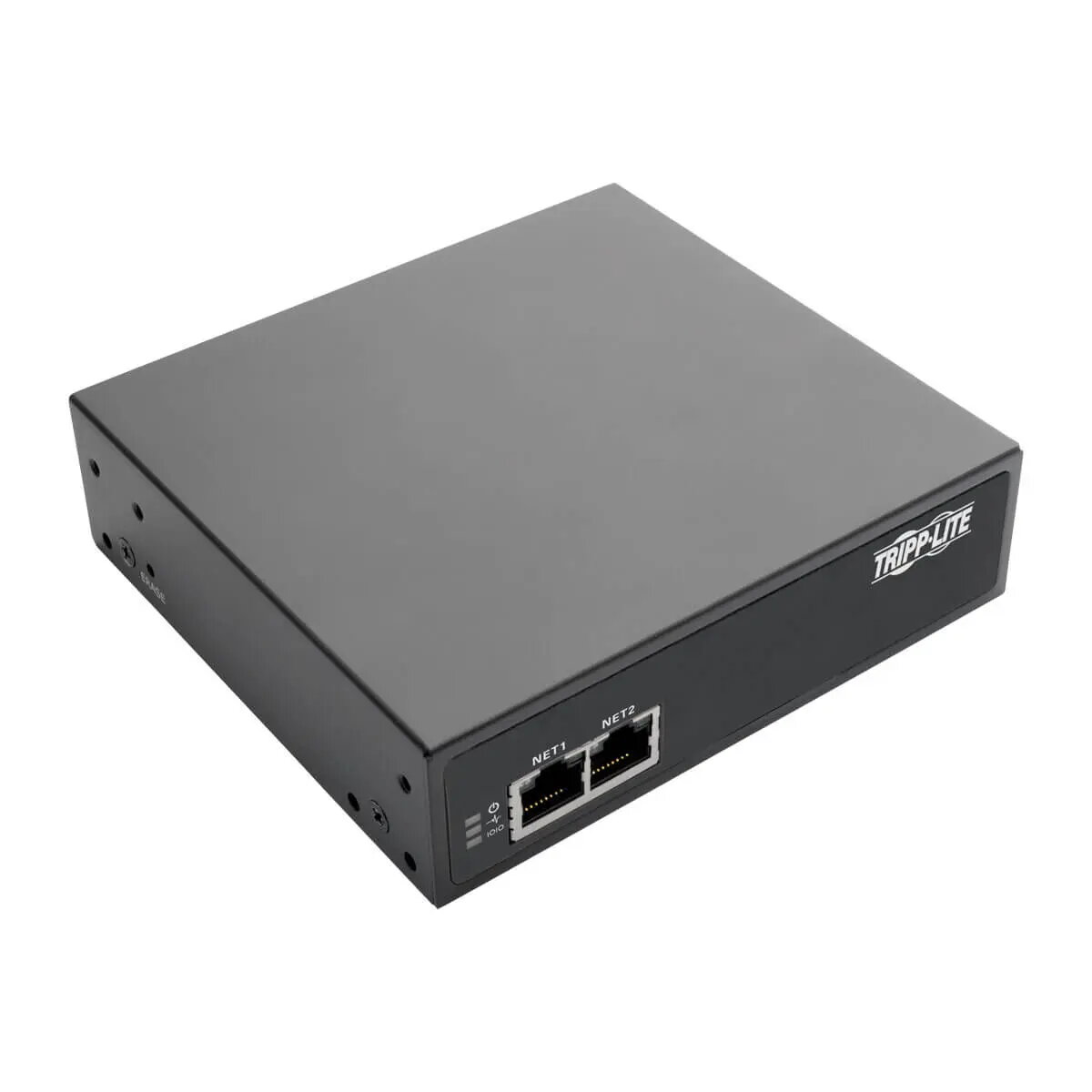
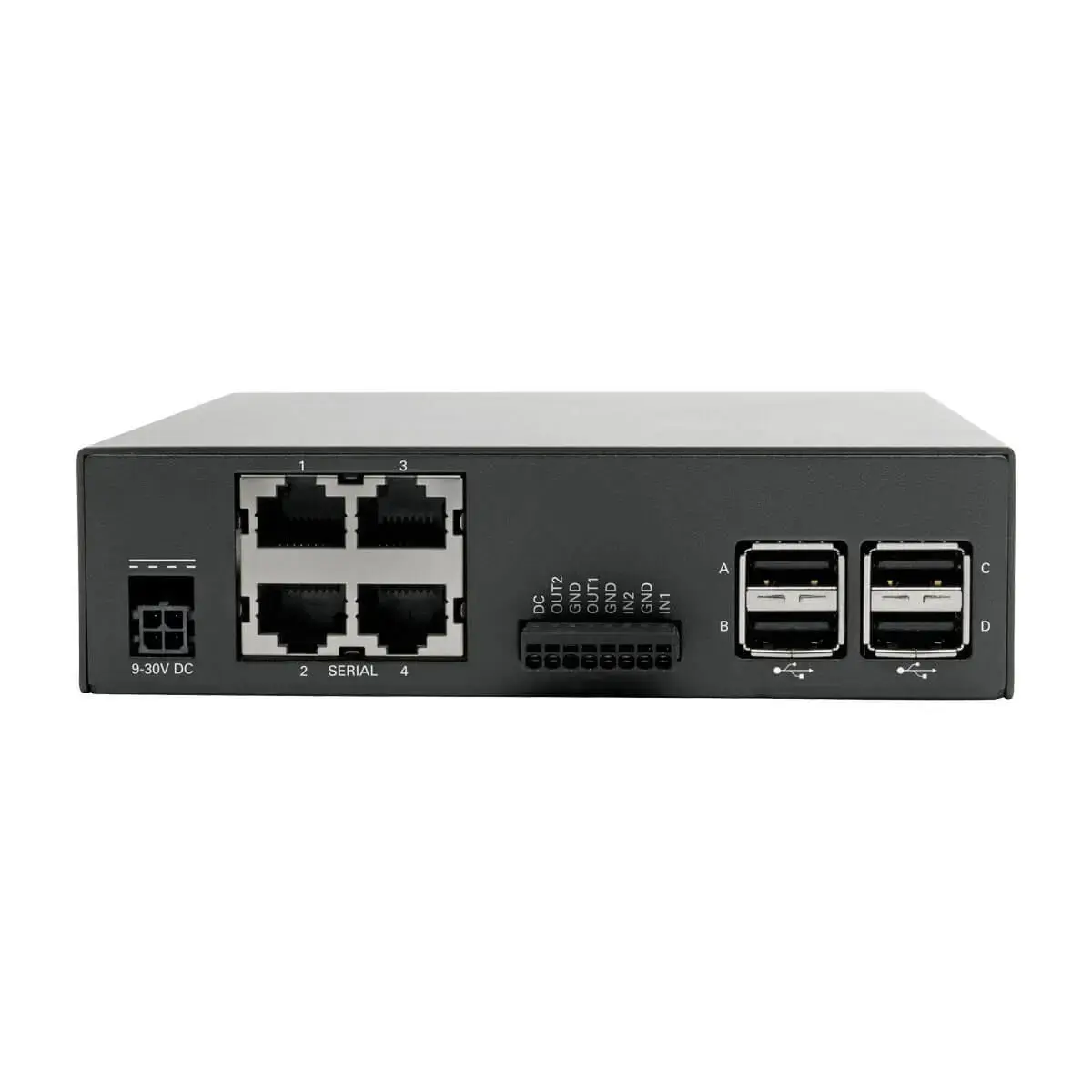
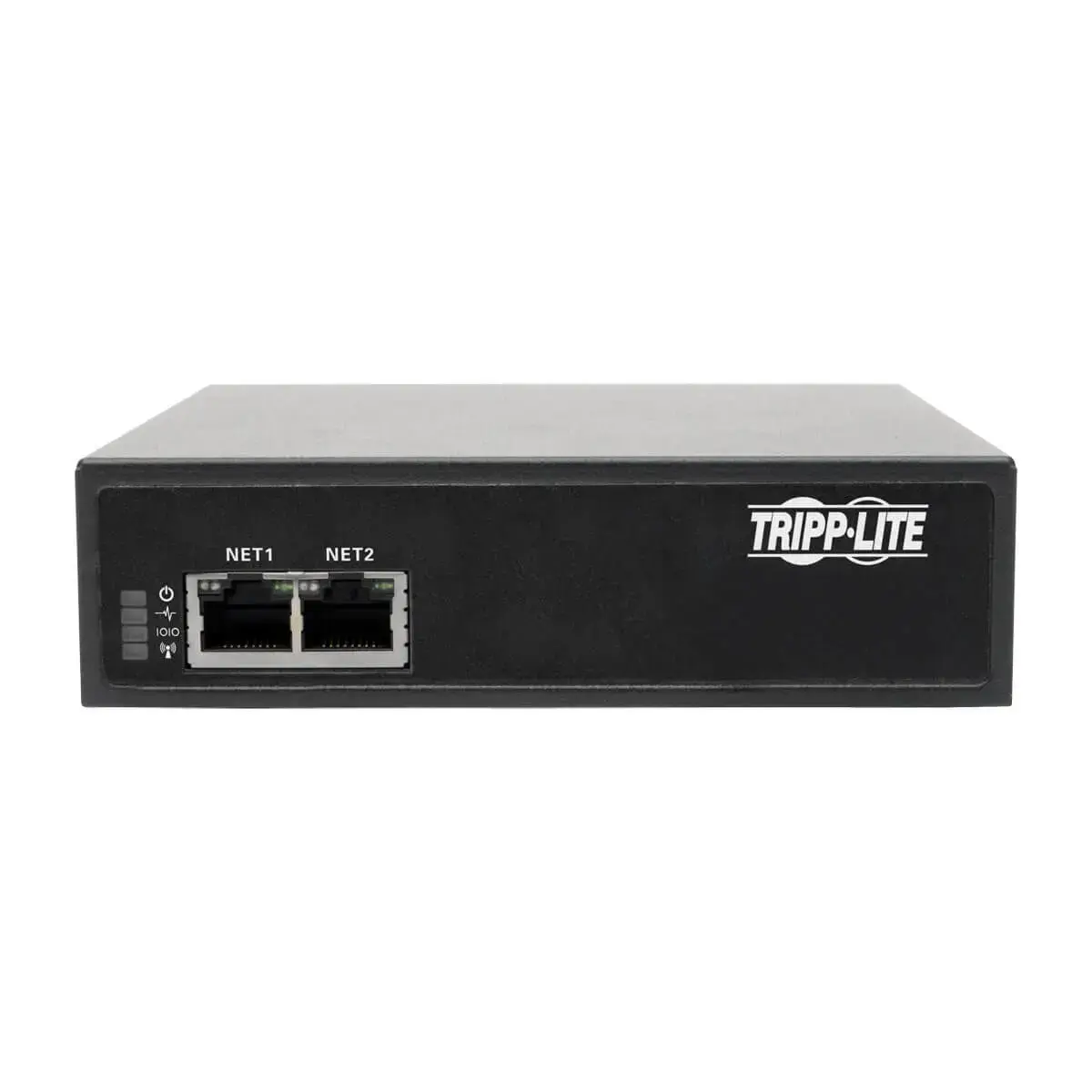
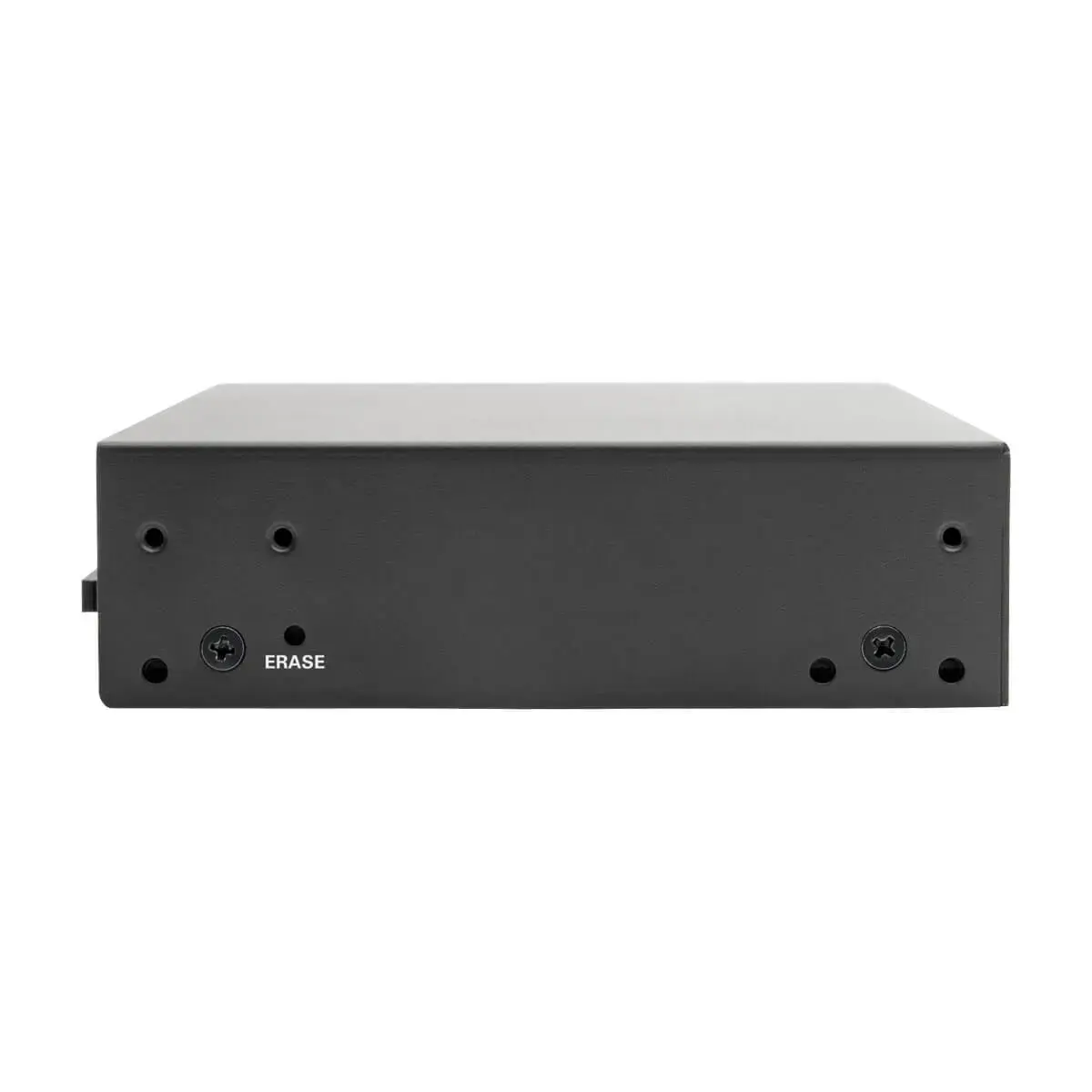
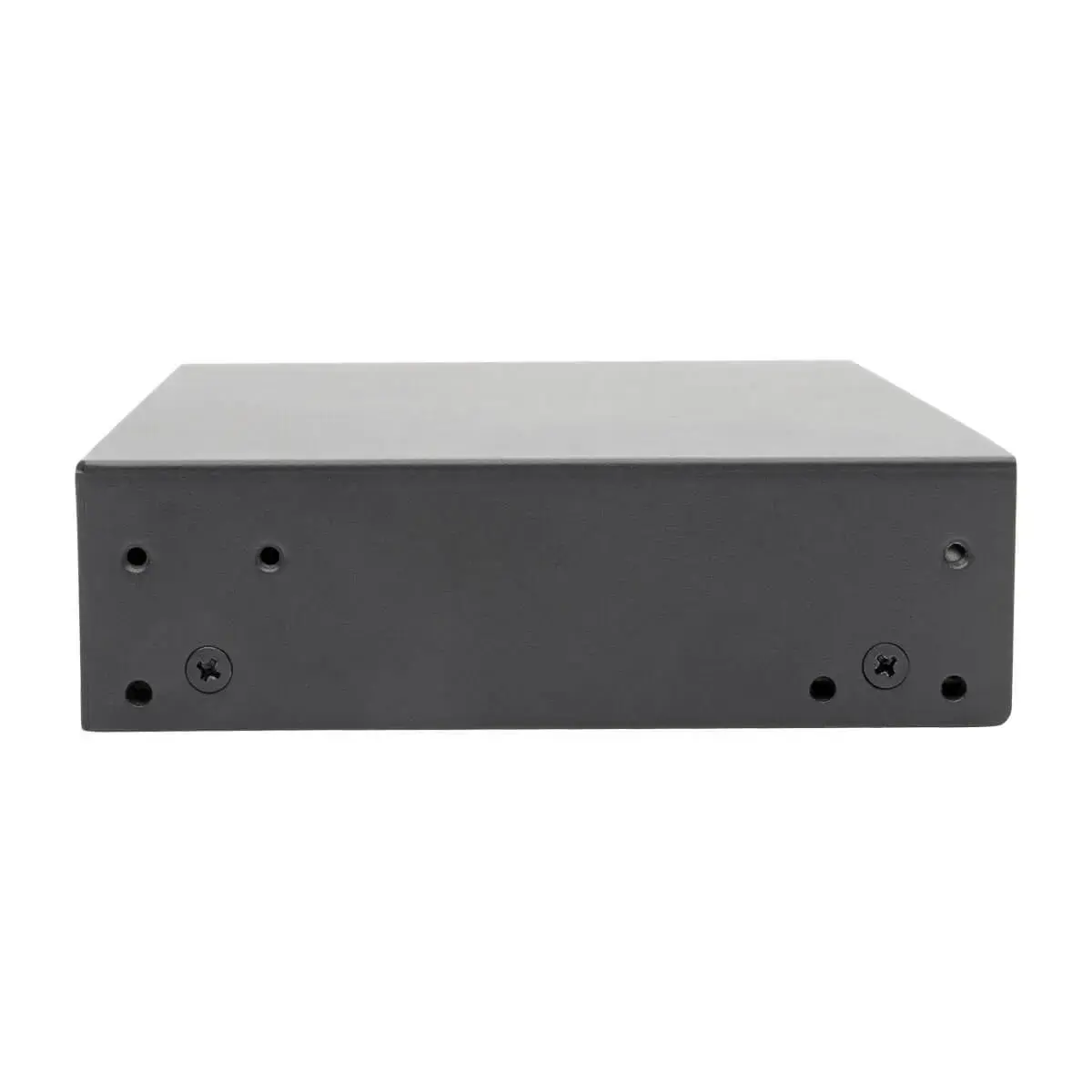
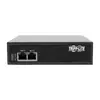
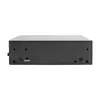
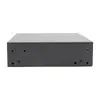
Console server Eaton B093-004-2E4U — 4 serial ports, dual Gigabit NIC, 4 GB flash, 4 USB
The Eaton B093-004-2E4U is a 4-port console server designed for remote management of serial and network devices. It provides four RS-232 serial console ports, dual Gigabit Ethernet network interfaces for primary and failover connectivity, 4 GB of internal NAND flash storage and four USB 2.0 ports. The unit supports centralized authentication methods (RADIUS, LDAP, TACACS+, Kerberos), secure access via SSL/SSH and FIPS-validated cryptographic modules, and can be mounted in a 19-inch rack or deployed on a desktop in a fanless steel housing.
The device delivers both in-band and out-of-band access options, enabling remote troubleshooting and configuration of routers, switches, firewalls, UPSs, PDUs and other serial-managed equipment. Dual Gigabit NICs provide resilient network connectivity with automatic failover. Built-in security features include a stateful firewall, OpenVPN and IPSec support and a FIPS 140-2 validated OpenSSL module. Four USB console ports and two digital I/O ports expand compatibility with modern PDUs, UPS management cards and external modems for alternate-channel access.
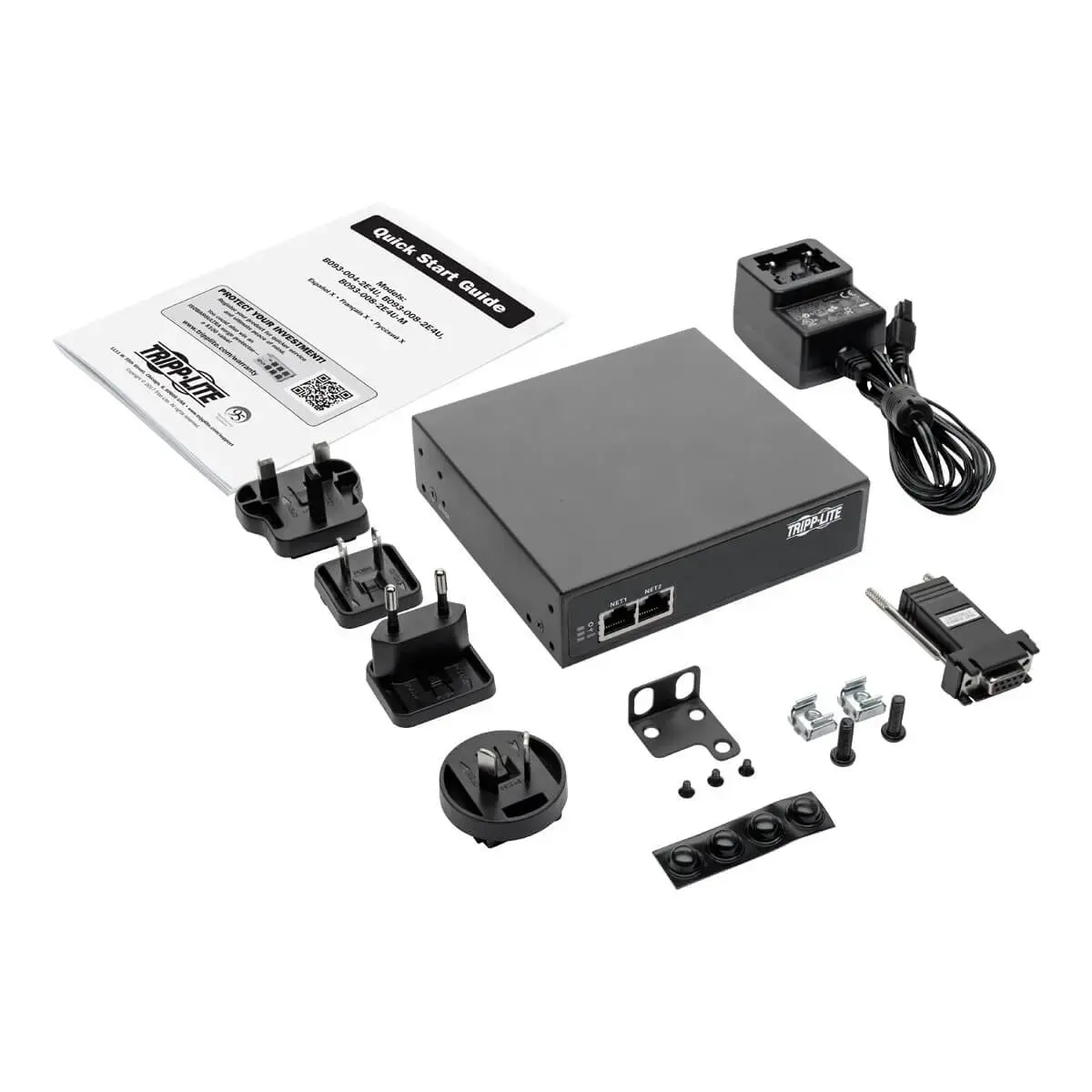
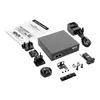
Install the Eaton B093-004-2E4U in a standard 19-inch rack using the supplied mounting brackets or place it on a stable desktop surface with the included rubber feet. Connect the console server to your management network using one Gigabit Ethernet port and configure the secondary port for failover or a separate management LAN. Attach serial console connections to equipment using standard Cat5e/6 patch cables where applicable, and connect USB-compatible PDUs, UPS management cards or an external USB modem to the USB ports when out-of-band access is required. Configure authentication (RADIUS, TACACS+, LDAP or Kerberos), firewall and VPN settings through the device’s management interface and store logs or configuration files on the internal flash as needed.
For secure remote management, place the primary network connection on a restricted management VLAN and enable the stateful firewall and FIPS-validated crypto module. Use the secondary Gigabit port or an external USB modem for an independent out-of-band channel. Regularly back up configuration files to a central server and verify access control integration with your directory services to ensure consistent authentication and audit logging.
{{highlightedFeature.featureTitle}}:
{{getProductFeatureValueById(product, highlightedFeature.featureId)}}
{{ productComparisonGenerationError }}