Save time and money with our discounts!
In cart {{totalProductsCount}} item(s)
Your cart is empty
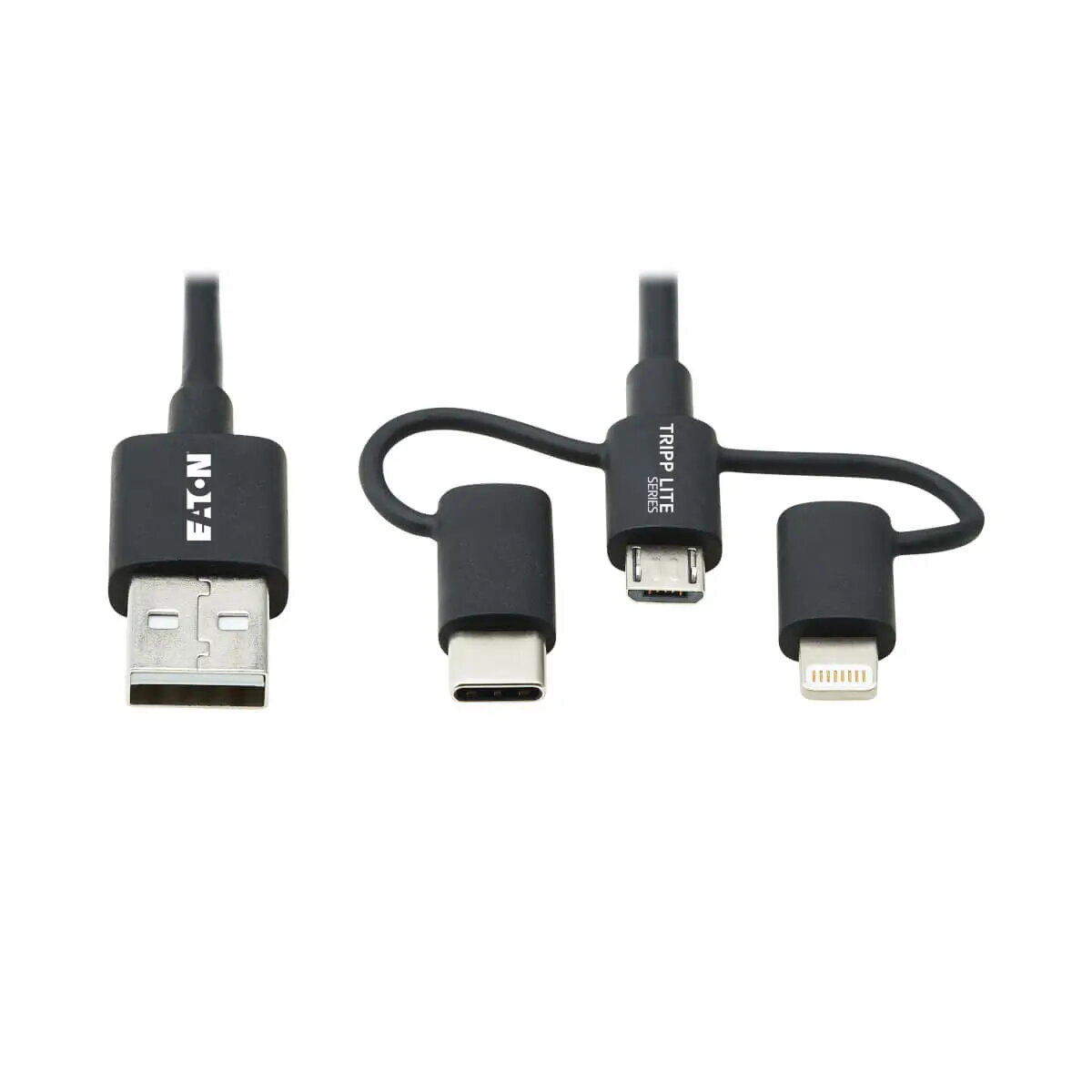
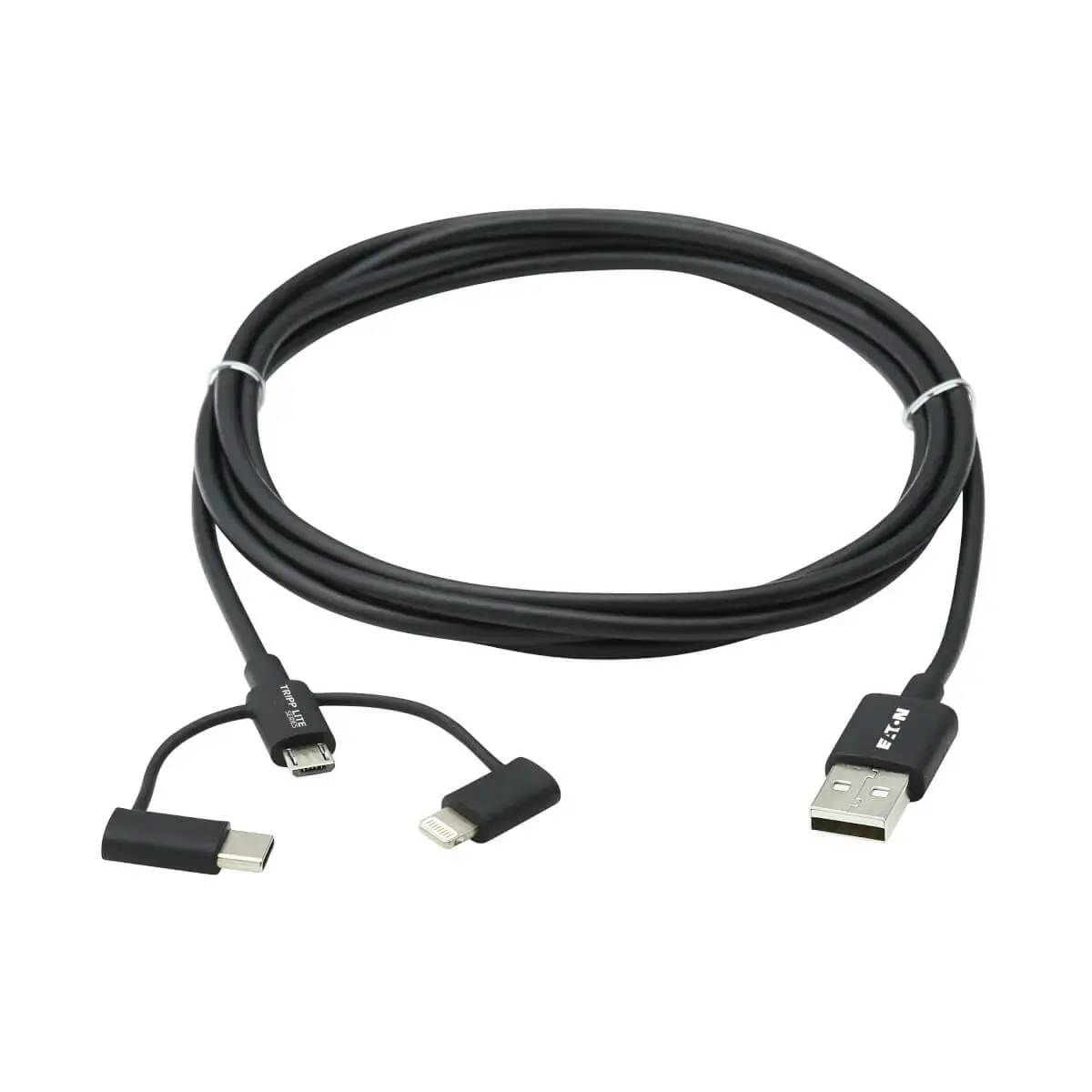
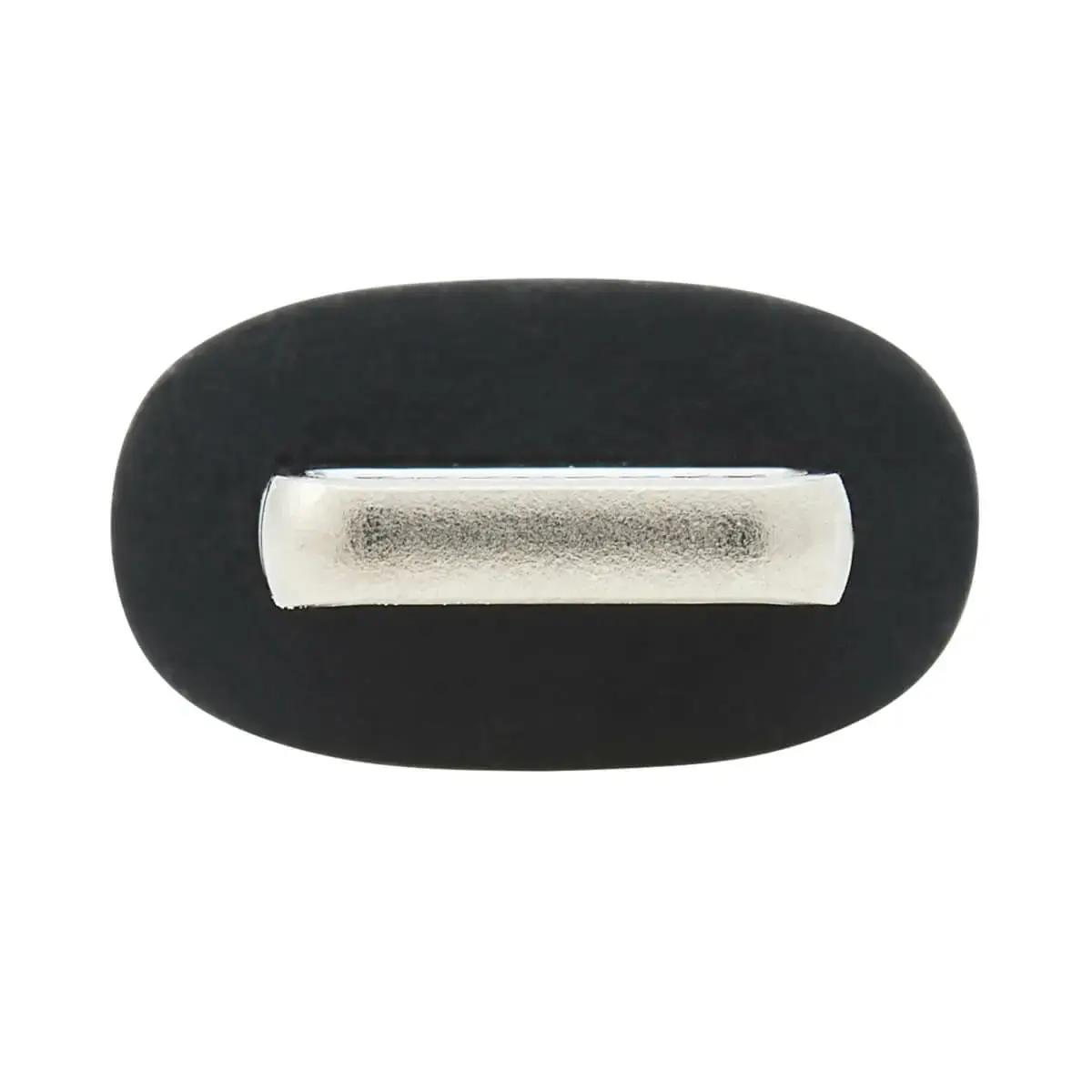
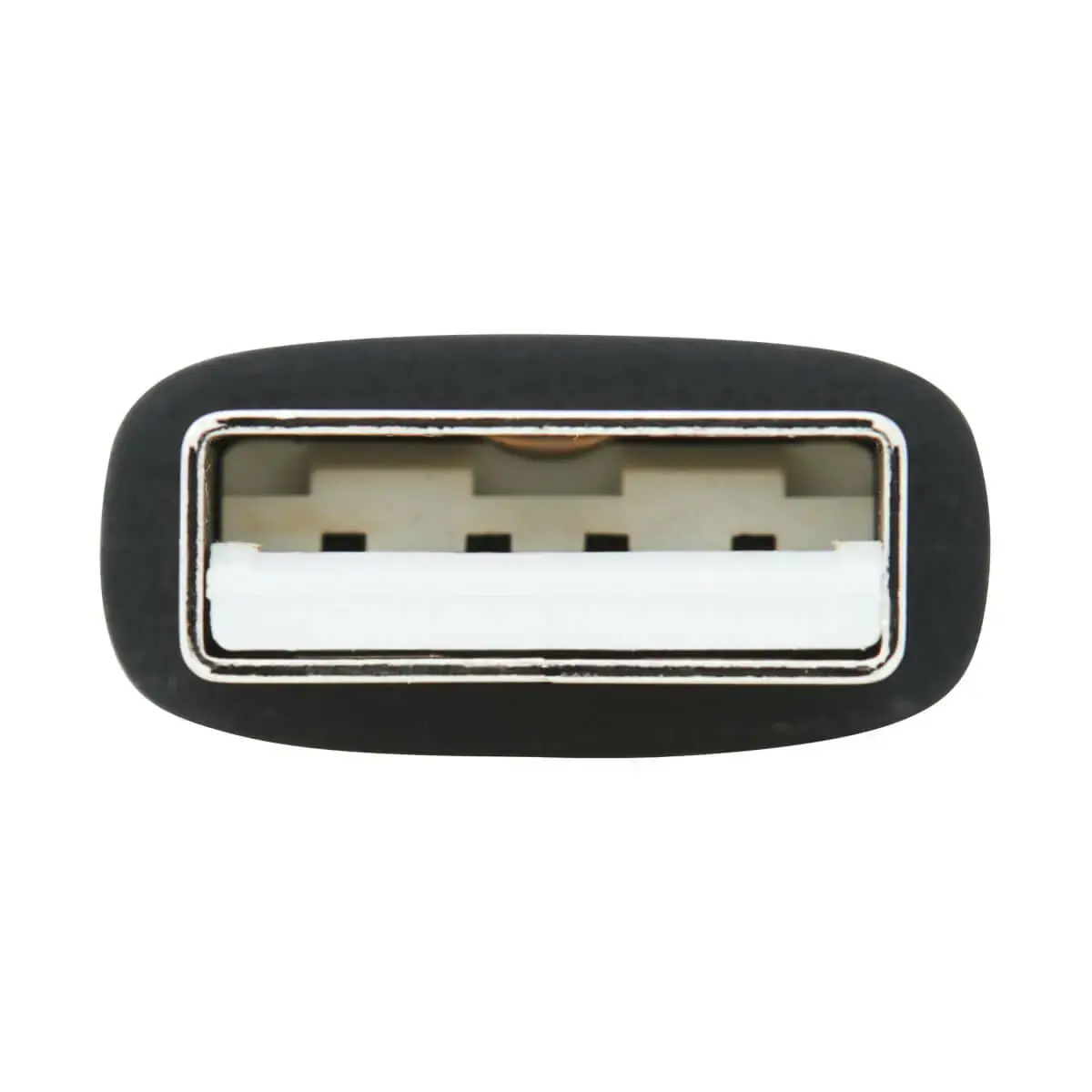
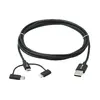
EATON M101-006-LMC-BK Universal USB-A to Lightning, Micro-USB and USB-C Sync and Charge Cable, 1.8m
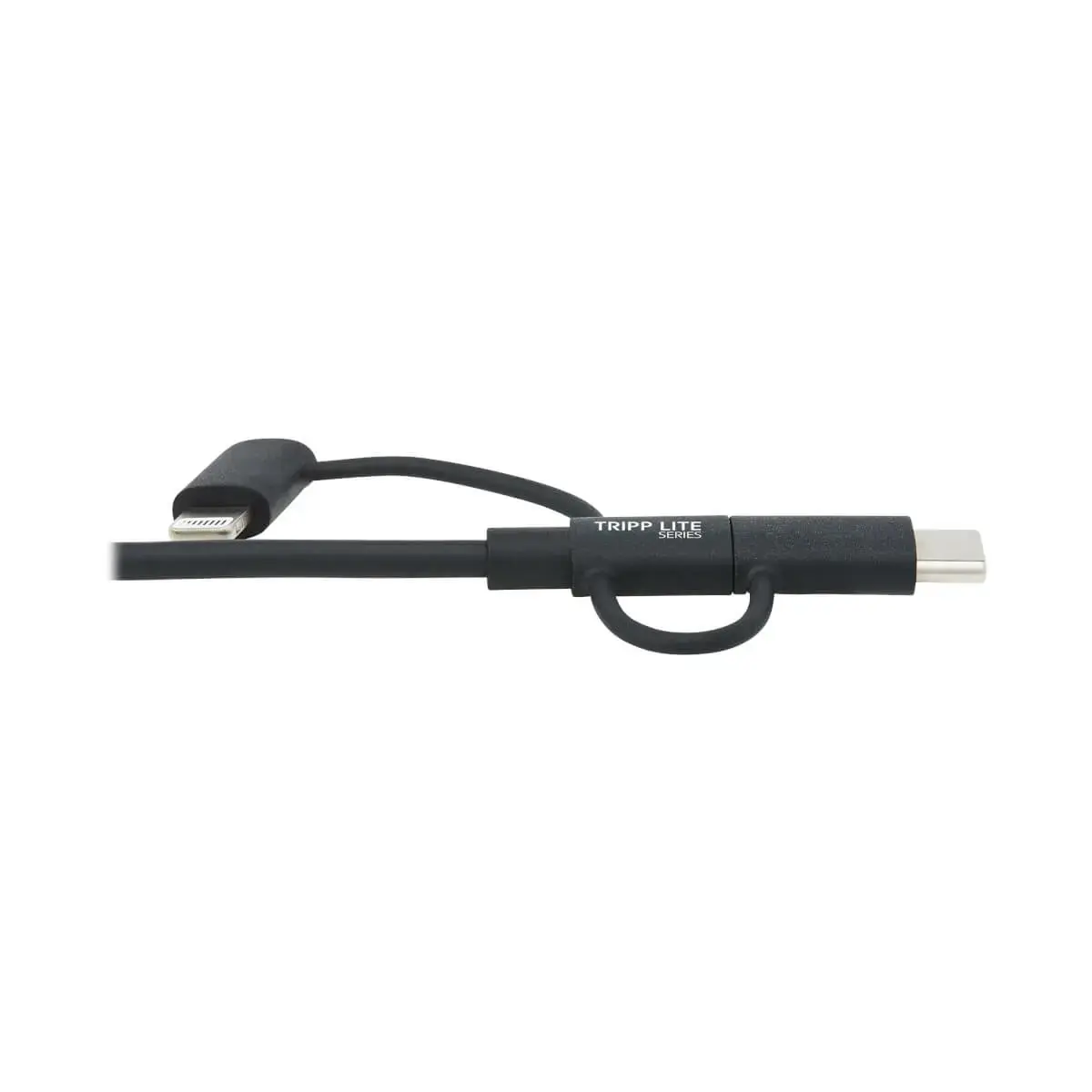
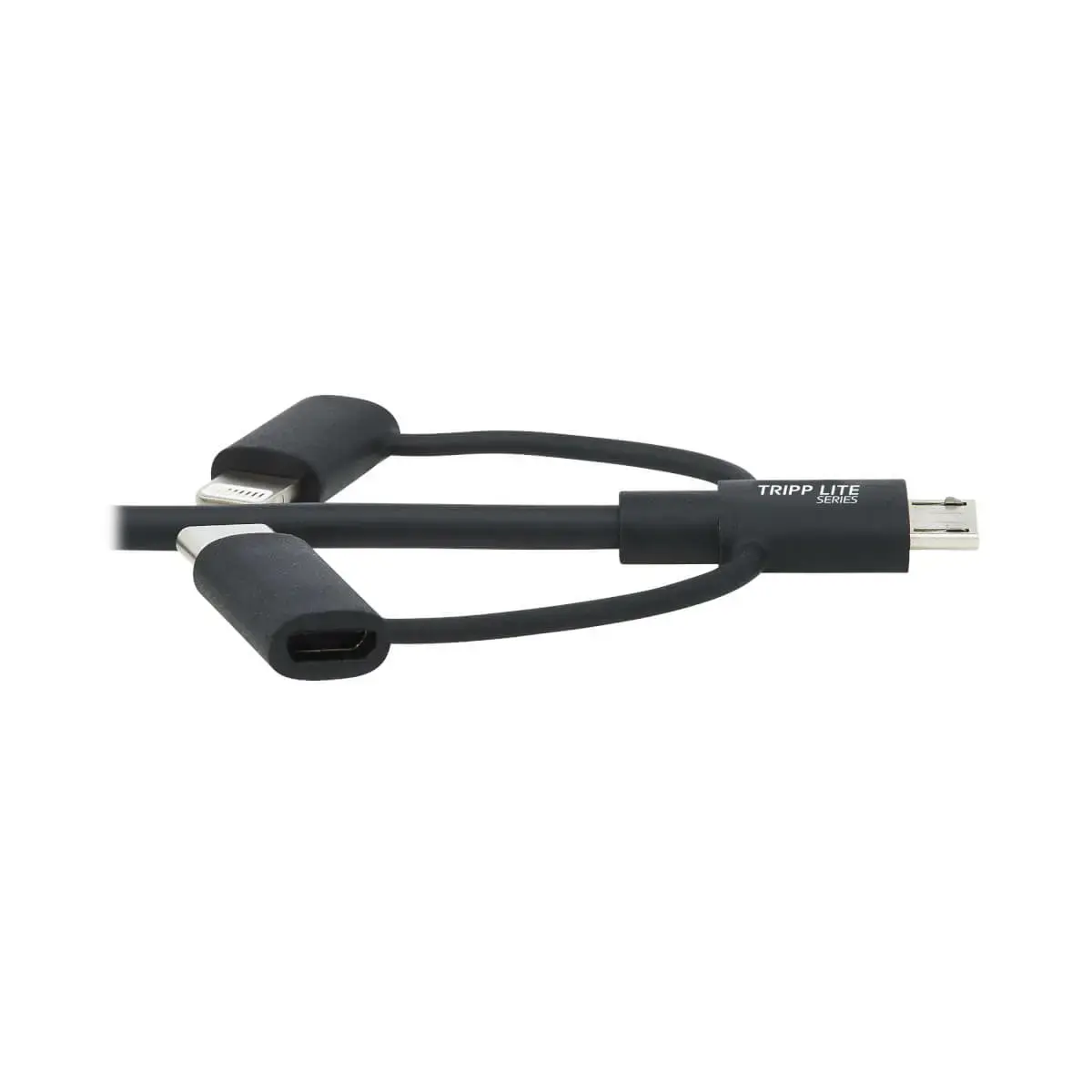
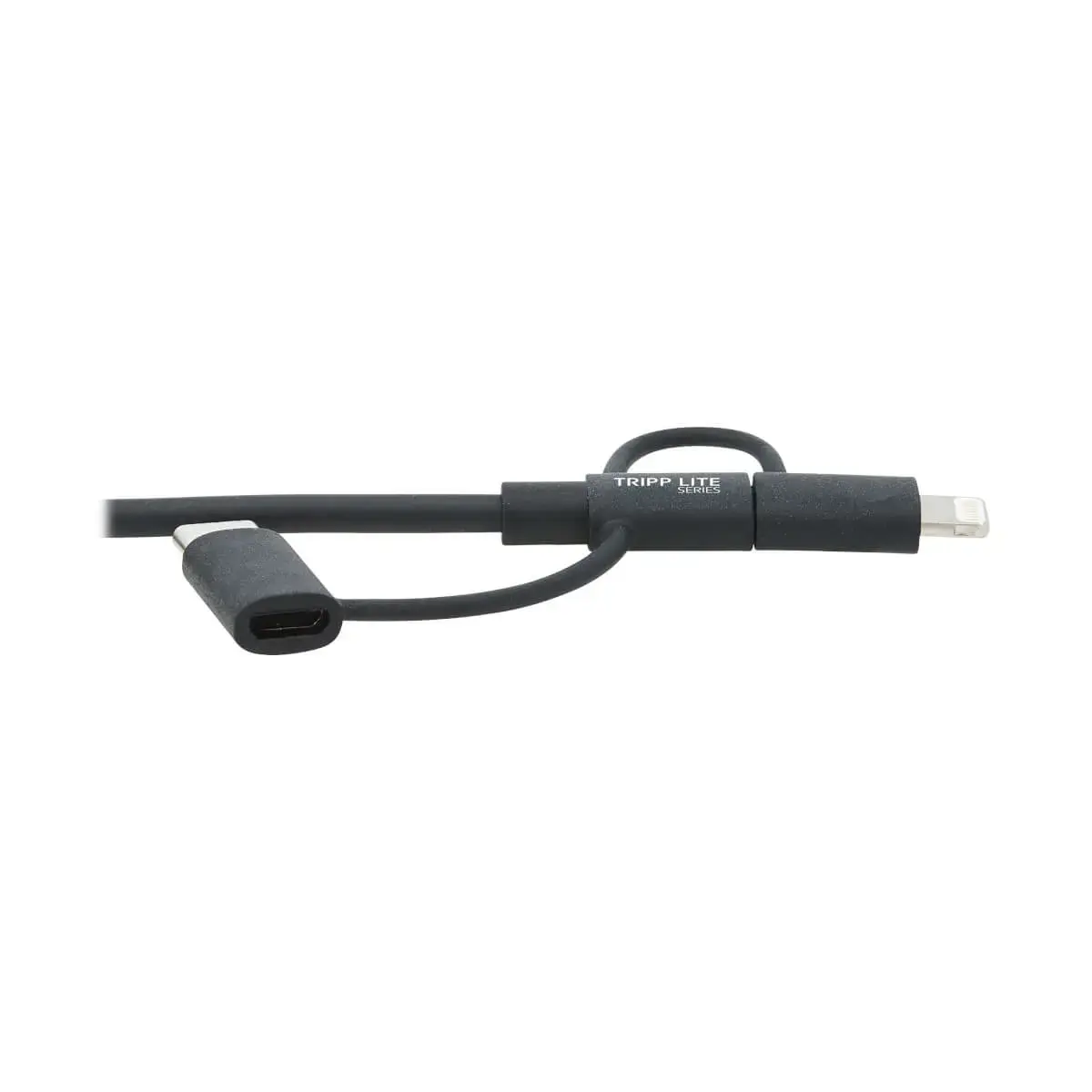
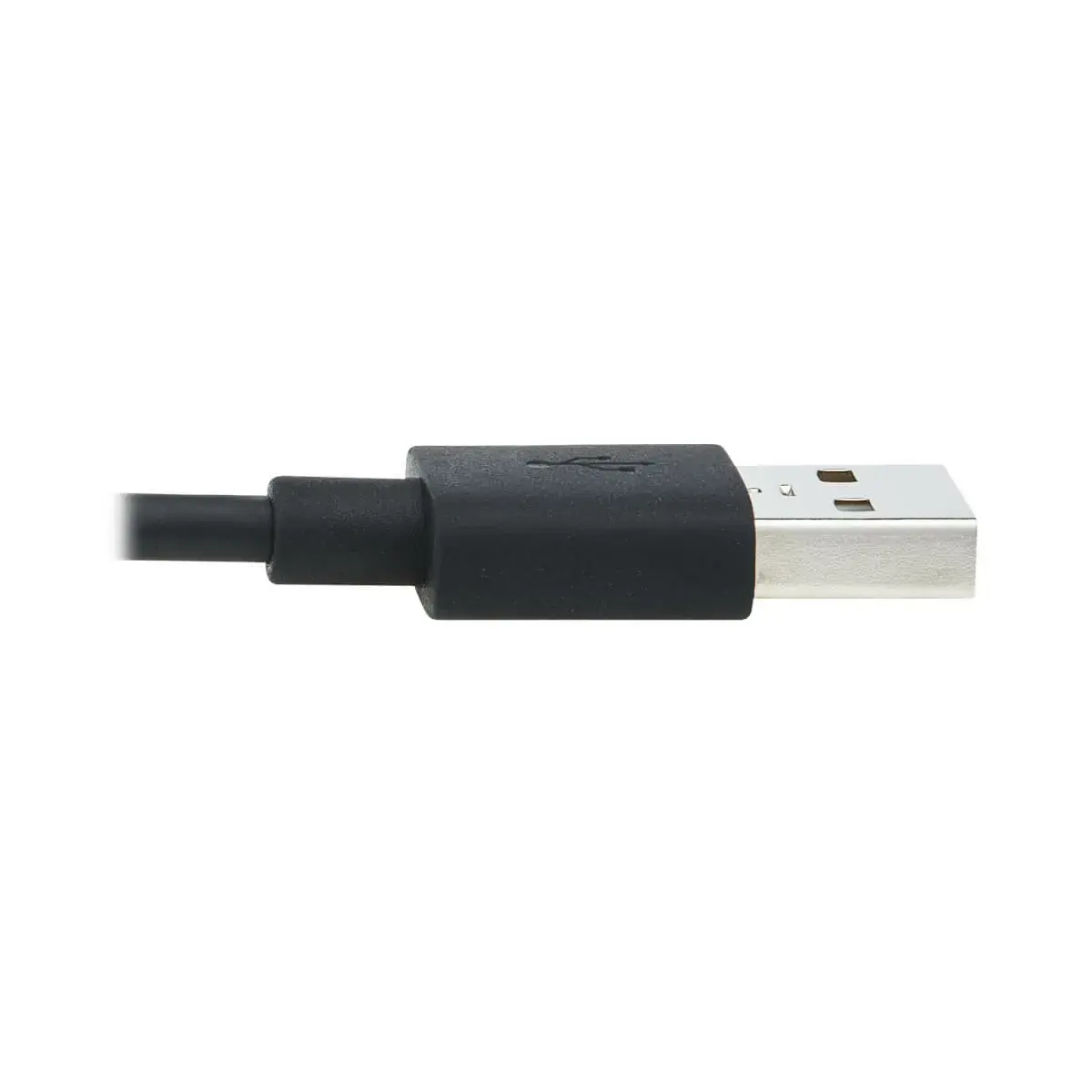
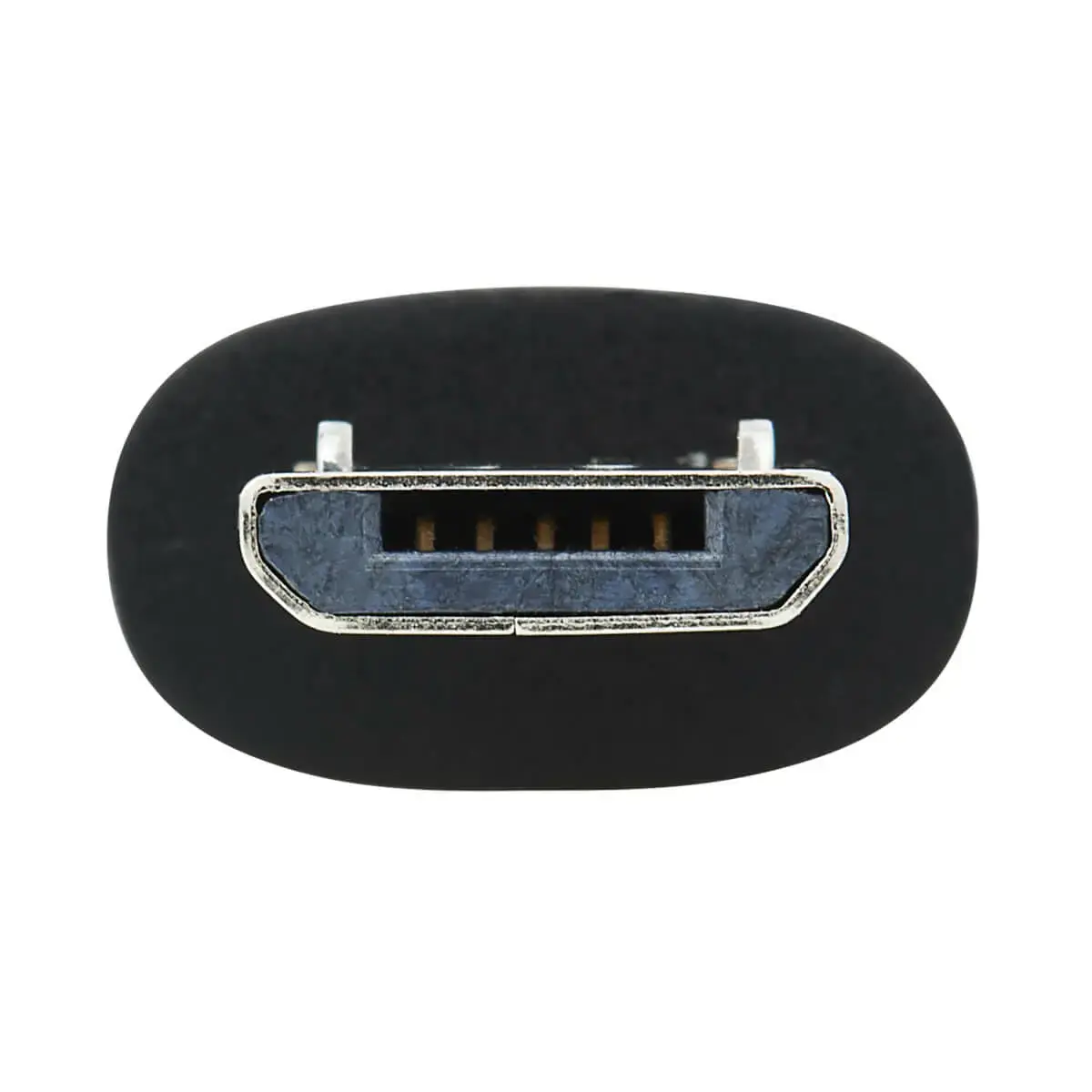
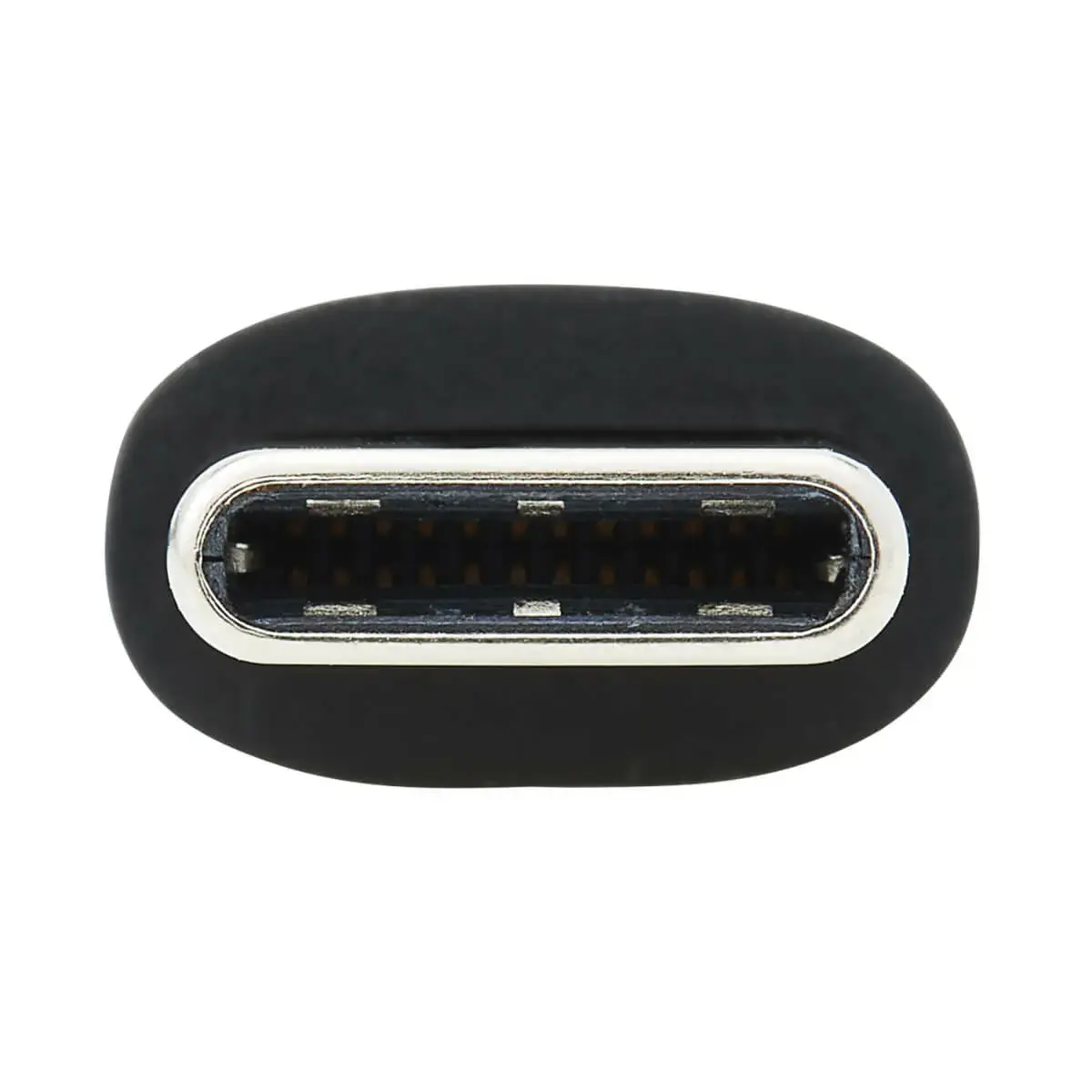
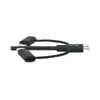
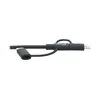
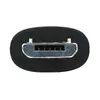
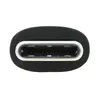
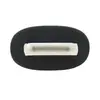
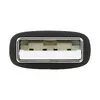
The EATON M101-006-LMC-BK is a versatile 1.8-meter 3-in-1 sync and charge cable designed to simplify your connectivity needs. Featuring a USB-A input and three output options—Lightning, Micro-USB, and USB-C—this cable allows you to power and synchronize a wide variety of mobile devices using a single, durable cord. It is an essential accessory for reducing cable clutter in your workspace, home, or while traveling.
The primary benefit of this cable is its multi-connector design, which eliminates the need to carry multiple cords for different devices. Being MFi-certified, it ensures safe and reliable performance with Apple products, providing peace of mind during charging and data synchronization. The inclusion of reversible Lightning and USB-C connectors allows for quick and easy insertion without needing to check the orientation. With a generous length of 1.83 meters, it provides the flexibility to use your device comfortably while it remains connected to a power source or computer.
This cable is designed for USB 2.0 data transfer speeds and may not be suitable for users requiring high-speed data transfers, such as large file backups or 4K video streaming. Additionally, it is intended for mobile devices and may not provide sufficient power for high-demand hardware like laptops that require specific power delivery standards beyond the cable's capacity.
To use the cable, simply insert the USB-A connector into a standard USB port on your wall charger, laptop, or desktop computer. Select the appropriate connector tip—Lightning, Micro-USB, or USB-C—that matches the port on your mobile device and plug it in. The cable will automatically begin charging the device and allow for data synchronization if connected to a computer. Ensure that the device is compatible with the selected connector type before insertion.
For optimal performance and longevity, avoid bending the cable at sharp angles near the connectors. When not in use, store the cable in a cool, dry place and avoid wrapping it tightly around heavy objects to prevent internal wire damage.
{{highlightedFeature.featureTitle}}:
{{getProductFeatureValueById(product, highlightedFeature.featureId)}}
{{ productComparisonGenerationError }}