Filters you can trust. Pure water every day.
In cart {{totalProductsCount}} item(s)
Your cart is empty
Active Optical HDMI Cable Tripp Lite P568-20M-FBR — HDMI 2.0 AOC, 4K@60Hz HDR 4:4:4, Male-to-Male, 20 m
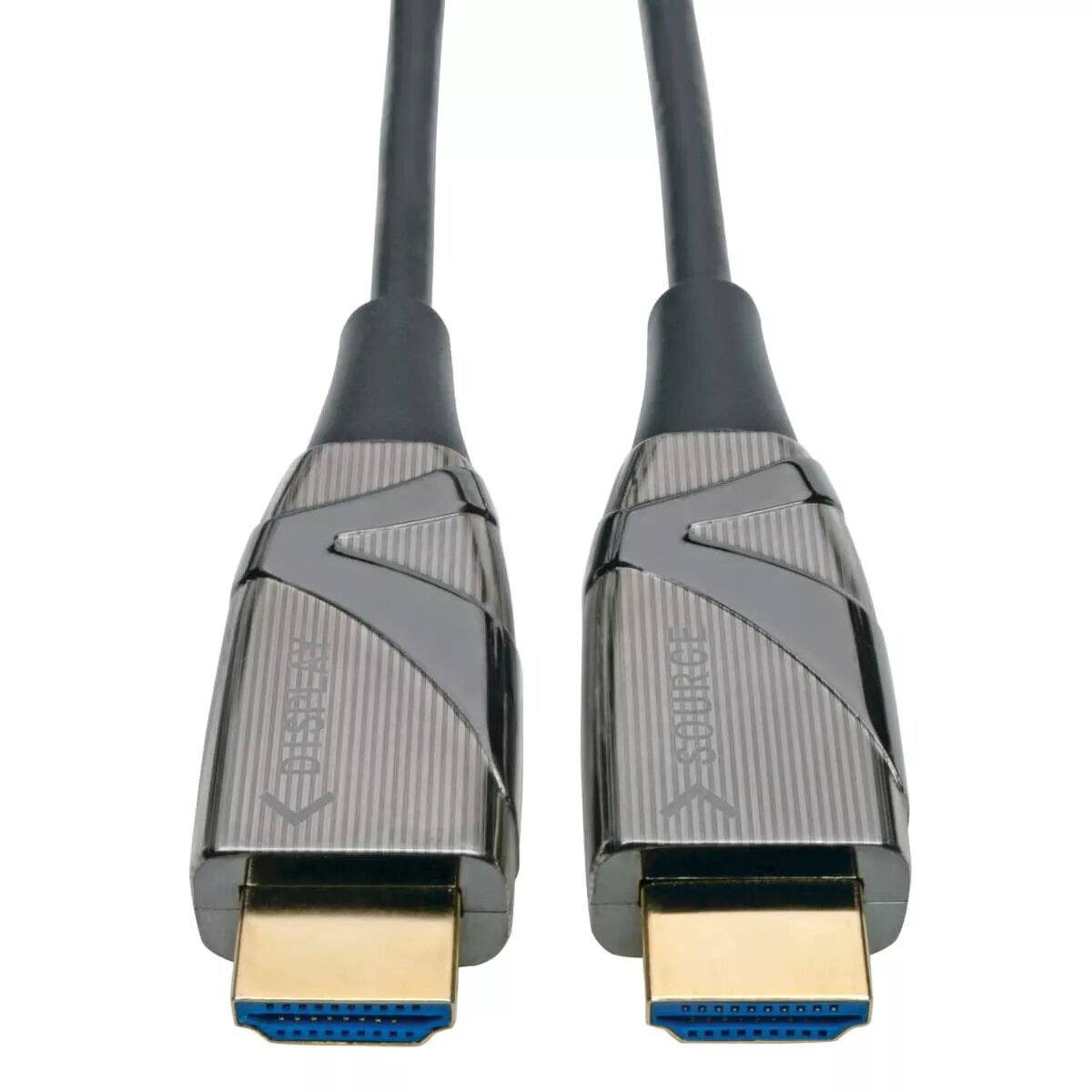
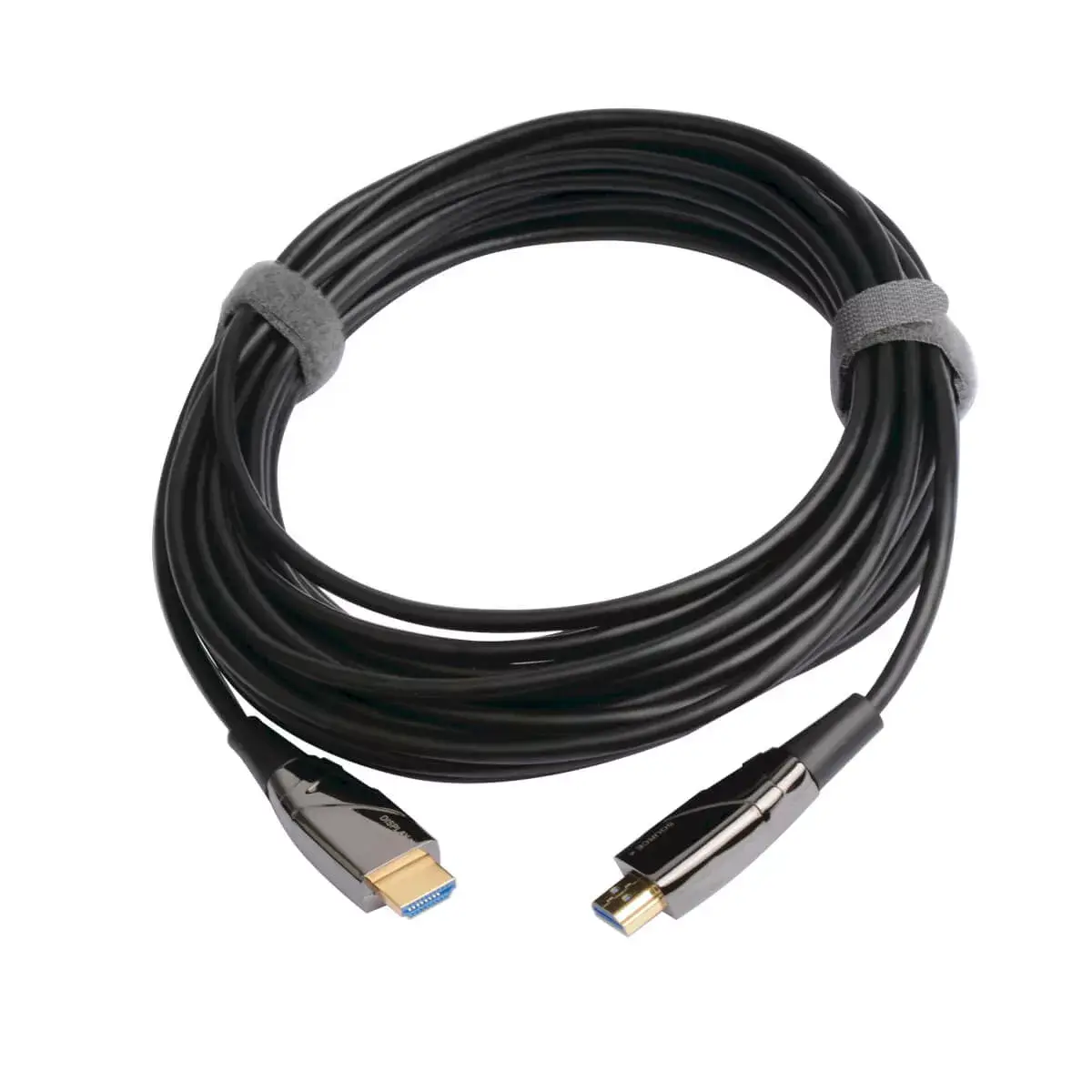
The Tripp Lite P568-20M-FBR is a 20 m active optical HDMI (AOC) cable designed to connect HDMI-equipped devices — such as laptops, PCs, Blu-ray players, game consoles and set-top boxes — to HDTVs, monitors, projectors or home theater receivers. As an optical-fiber HDMI 2.0 cable, it supports Ultra HD video up to 4K at 60 Hz with HDR and 4:4:4 chroma sampling while avoiding the length and interference limits of copper cables. The cable has male Type A HDMI connectors on both ends and a black jacket.
This active optical cable transmits HDMI signals over long distances without latency or signal loss typical of long copper runs, and its optical construction prevents EMI/RFI interference that can degrade audio and video. The slim, flexible fiber construction makes routing and installation behind equipment and around corners easier than with thick copper HDMI cables. It draws power from the connected source so no external power adapter is required for normal operation.
The cable requires correct orientation: connectors are labeled Source and Display, and must be installed in the proper direction for the link to function. It is not suitable where an unlabeled, bi-directional passive HDMI cable is required. Also, if device compatibility demands HDMI versions beyond HDMI 2.0 feature set (for example native HDMI 2.1 features like 4K@120Hz or VRR at higher bandwidths), this cable will not provide those higher bandwidth capabilities.
Check the Source and Display labels on the cable connectors before installation and plug the end marked Source into the HDMI output of the transmitting device, and the end marked Display into the HDMI input of the receiving display or projector. Once connected, the cable draws power from the source device and should pass video and multi-channel audio up to the supported HDMI 2.0 feature set. Configure display resolution and HDR settings on the source device to match the display capabilities for optimal results.
For reliable 4K@60Hz HDR performance over long runs, route the slim fiber cable away from sharp bends, verify connector orientation before powering devices, and set the source device output to 4K@60Hz with HDR enabled if supported by the display.
{{highlightedFeature.featureTitle}}:
{{getProductFeatureValueById(product, highlightedFeature.featureId)}}
{{ productComparisonGenerationError }}