Dreame vacuums for fast and efficient cleaning!
In cart {{totalProductsCount}} item(s)
Your cart is empty
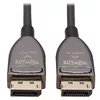
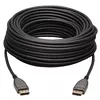
DisplayPort Active Optical Cable EATON Tripp Lite P580F3-15M-8K6 — 8K 60Hz, 15 m, CL3, Latching Connectors
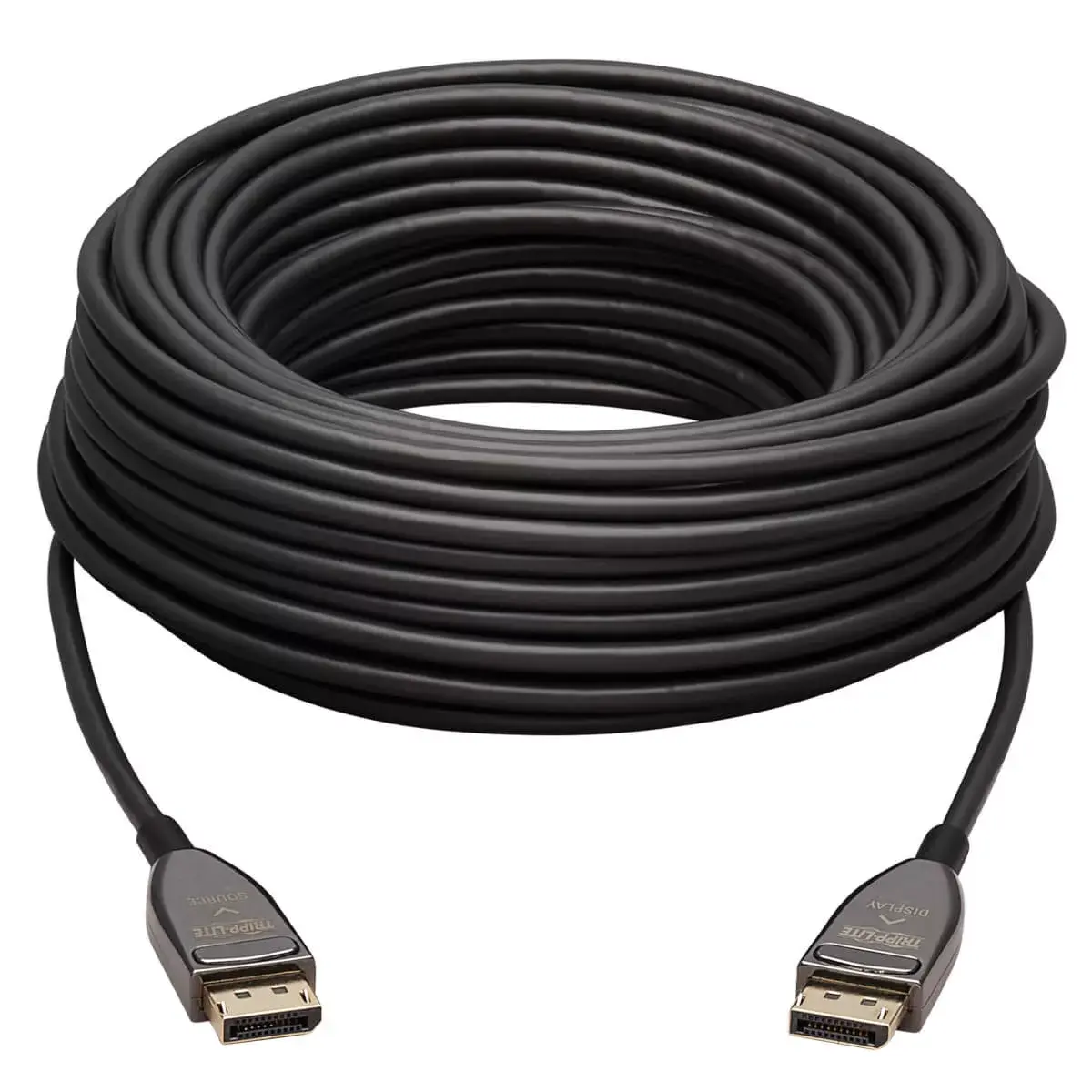
The EATON Tripp Lite P580F3-15M-8K6 is a 15 m DisplayPort active optical cable (AOC) that connects DisplayPort-enabled sources and displays for high-resolution audio/video transmission. Supporting DisplayPort 1.4 bandwidths up to 32.4 Gbps, the cable enables 8K at 60 Hz and is backward compatible with 4K and 1080p devices. Its slim fiber construction reduces signal loss and EMI/RFI interference while allowing longer-distance runs than traditional copper DisplayPort cables.
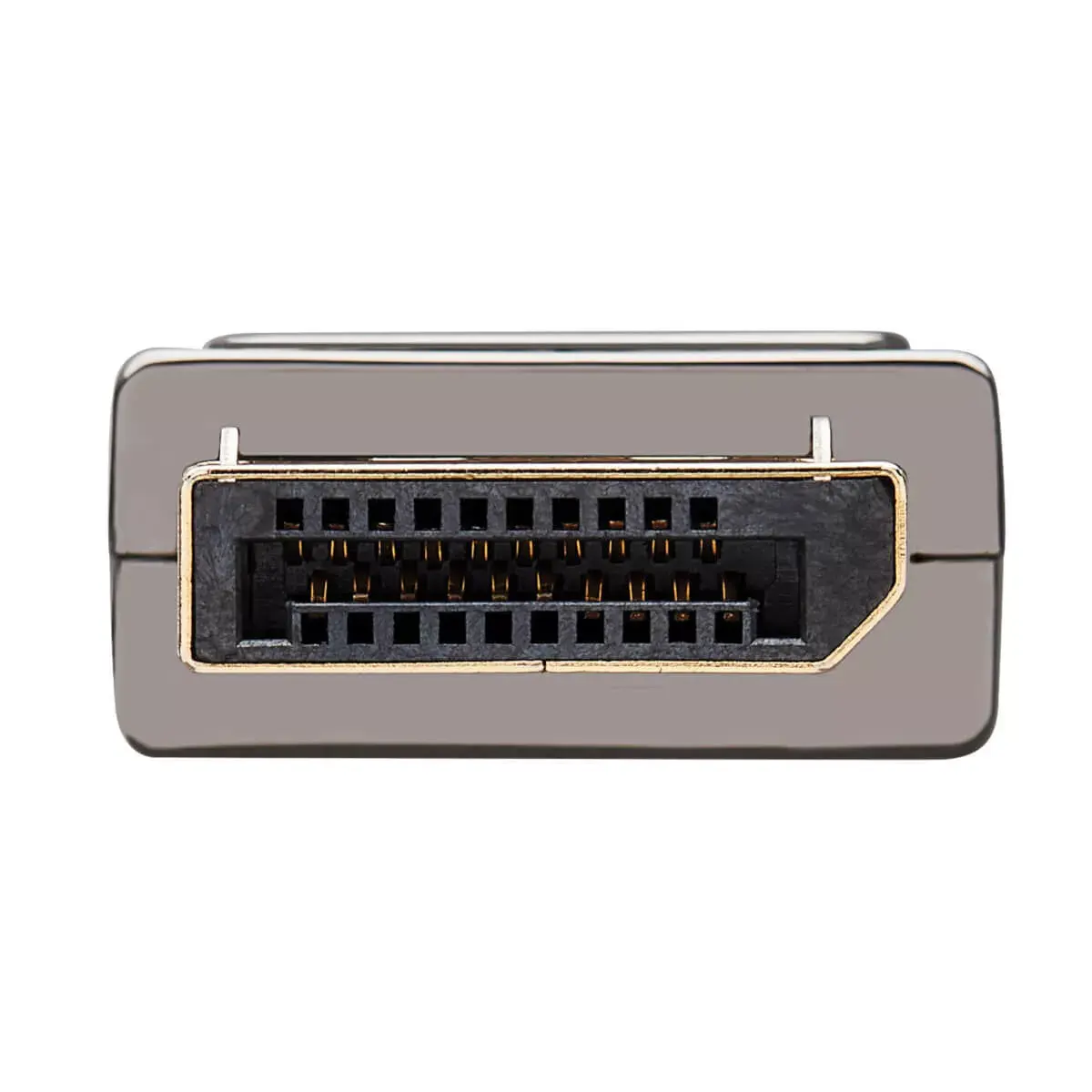
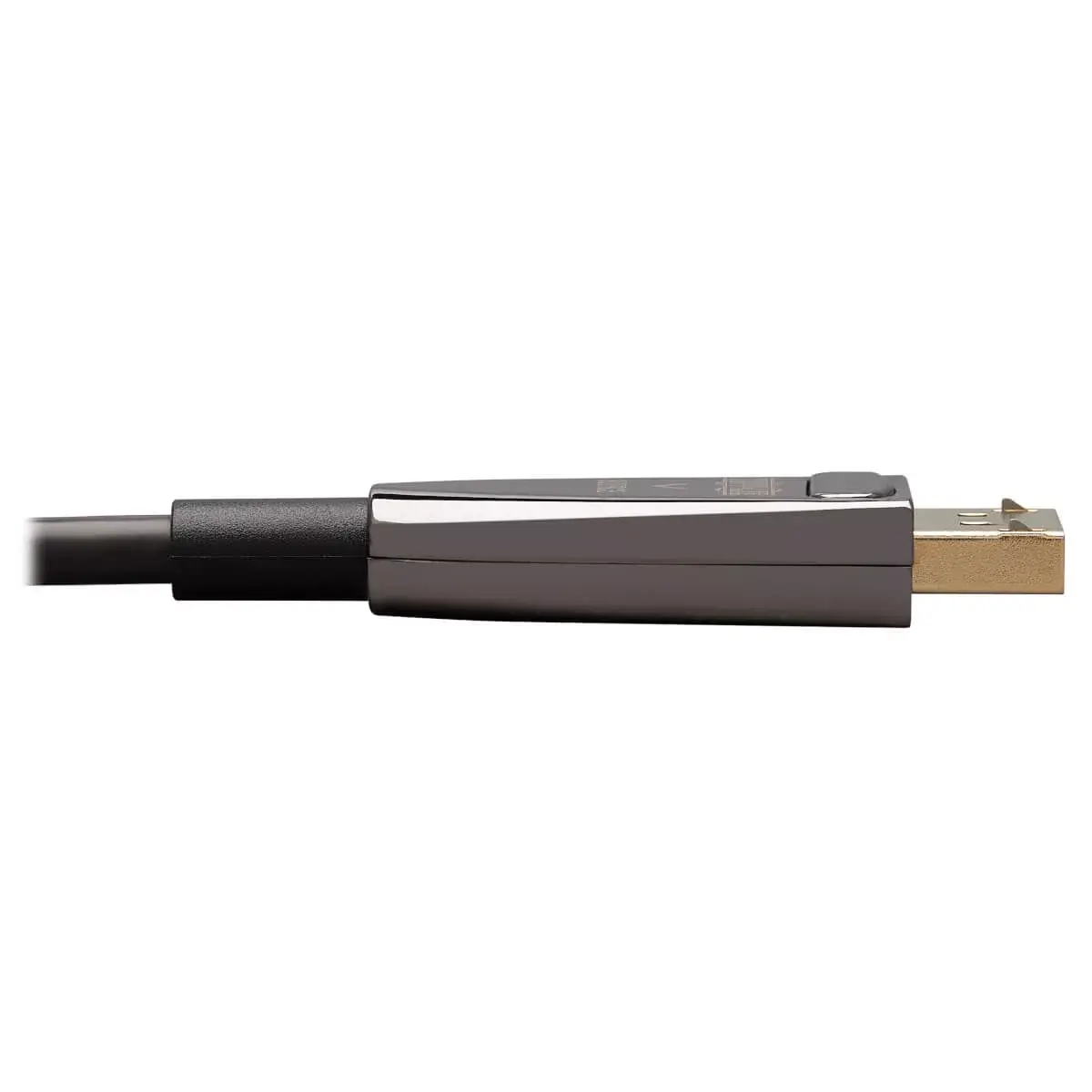
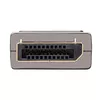
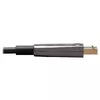
The active optical design delivers 8K@60 Hz with HDR and 4:2:2 chroma subsampling over distances up to 15 m without the latency or signal degradation typical of long copper runs. Its fiber construction is more flexible and thinner than copper, easing routing behind equipment and around corners. The cable draws power from connected devices so no external power supply is required. The PVC jacket is CL3-rated for in-wall installation and gold-plated contacts improve conductivity and reduce data loss. Latching DisplayPort connectors provide a secure connection for fixed installations.
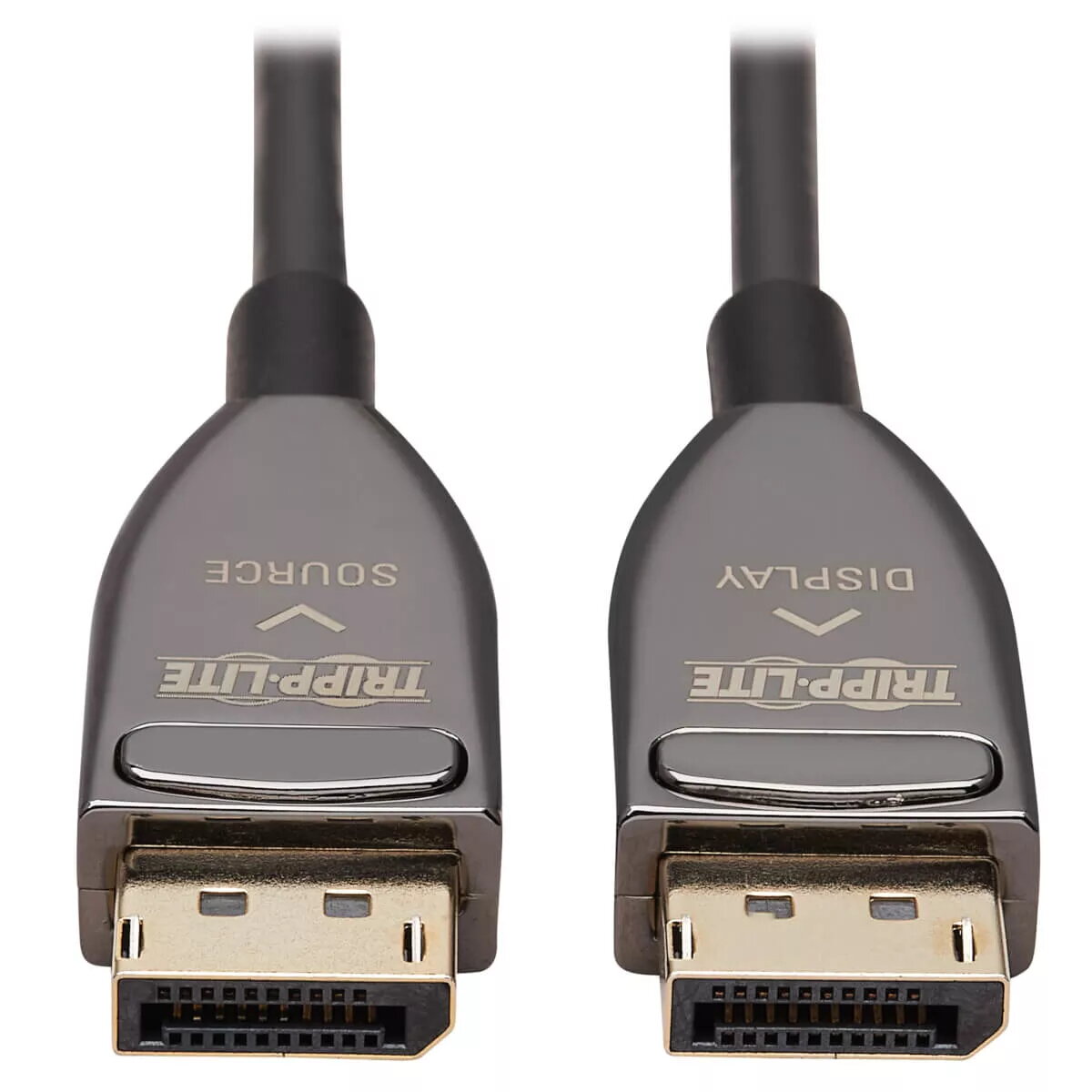
The cable must be installed in the correct direction (check the Source and Display labels on the connectors) to function, so it is not suitable where reversible, non-directional cabling is required. It also requires devices with DisplayPort ports that support the needed resolutions and HDCP versions; it will not add 8K capability to equipment that lacks the necessary video output or processing.
Identify the connectors marked Source and Display before installation and plug the Source-labeled end into your video output device and the Display-labeled end into the monitor or display. The cable draws power from connected devices, so no external power supply is required. Route the slim fiber cable through cable paths or in-wall runs as needed, taking advantage of its flexibility to go around corners and behind equipment. Verify display and source settings to enable 8K@60 Hz and HDR where supported, and confirm HDCP compatibility for protected content streaming.
For reliable 8K@60 Hz performance, install the cable in the correct direction, keep connector ends free of dust, and set source/display resolution and HDR options to match the cable’s capabilities. Use the latching connectors to secure the connection in permanent or semi-permanent installations.
{{highlightedFeature.featureTitle}}:
{{getProductFeatureValueById(product, highlightedFeature.featureId)}}
{{ productComparisonGenerationError }}