Powerful EcoFlow stations for energy anywhere!
In cart {{totalProductsCount}} item(s)
Your cart is empty
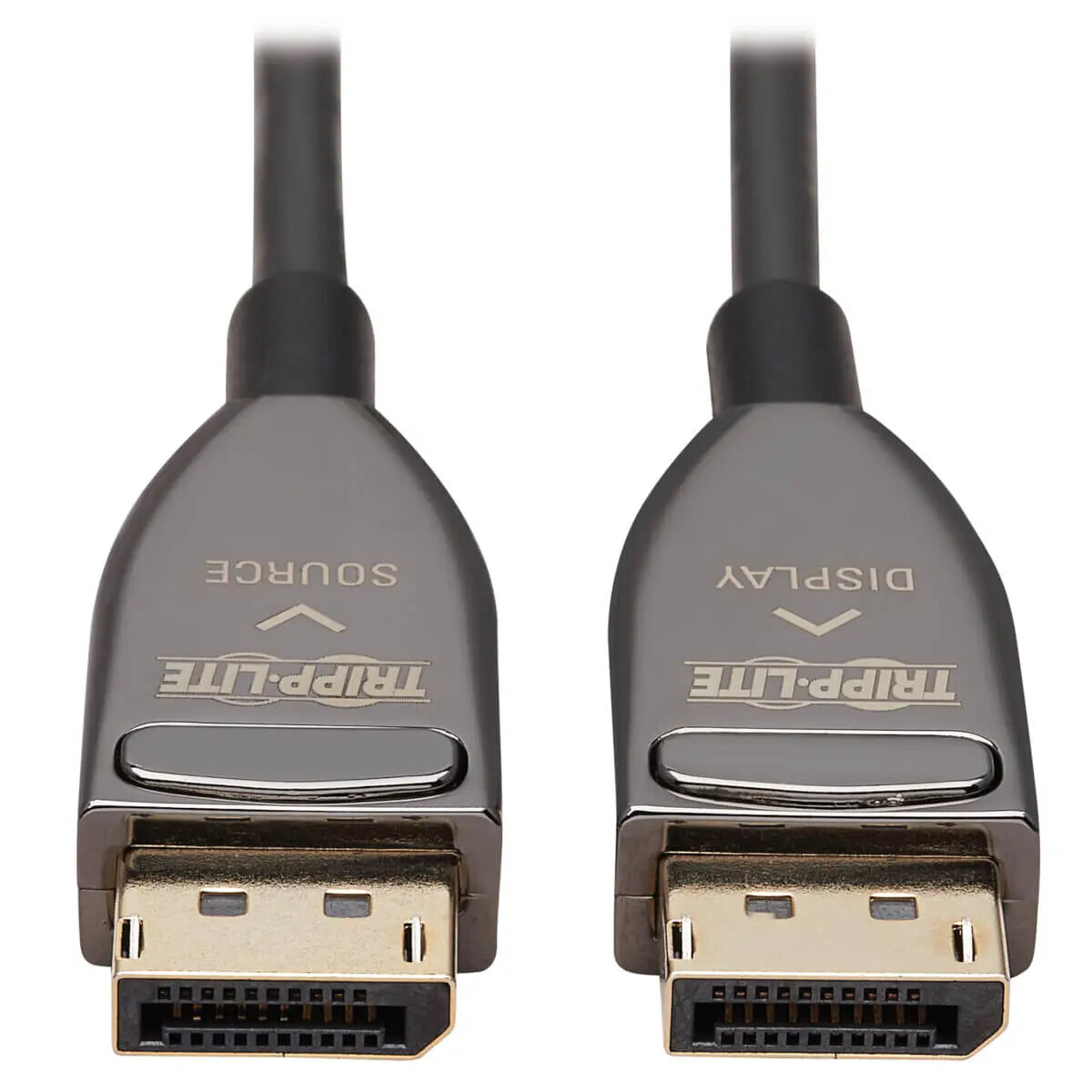
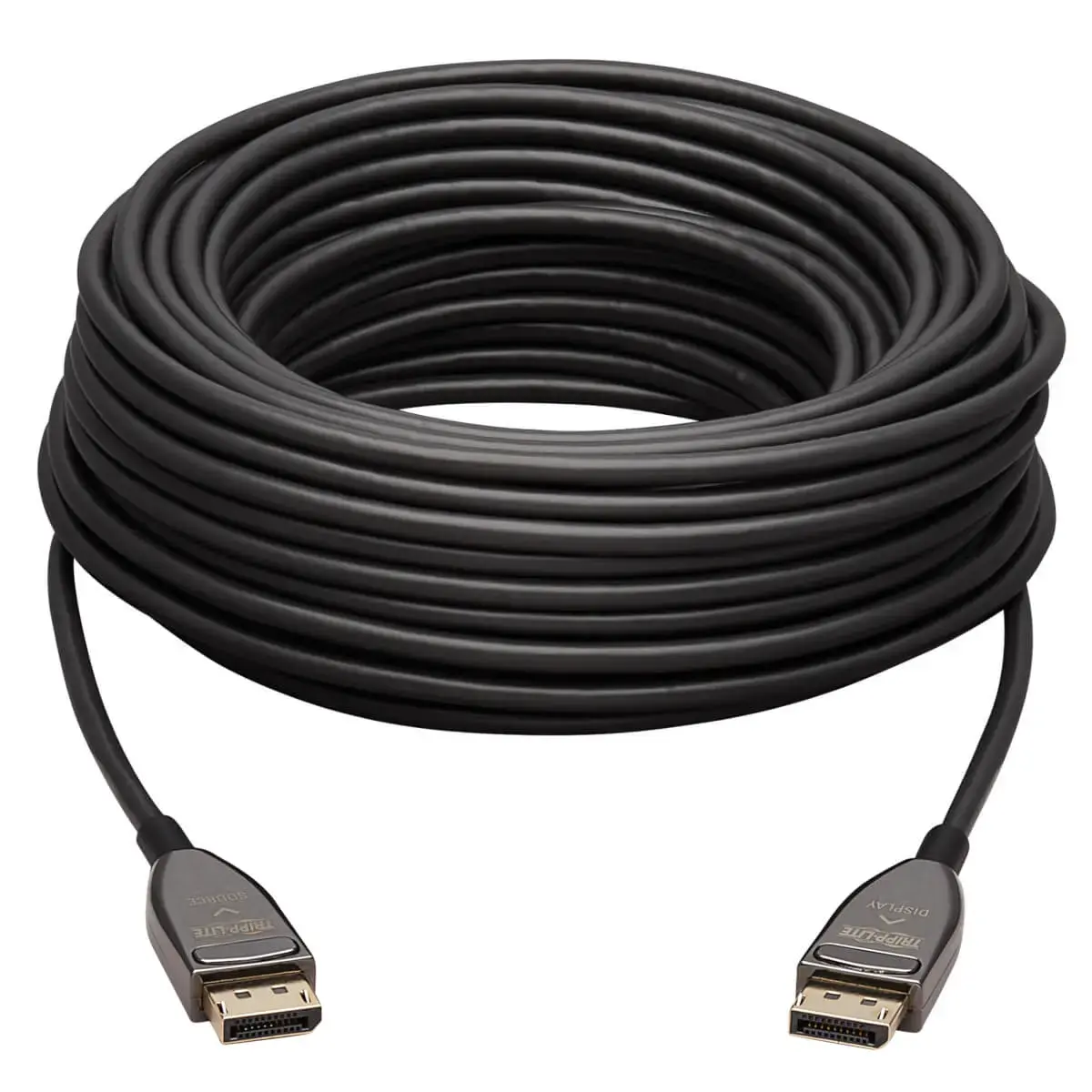
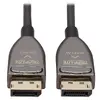
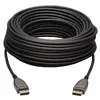
DisplayPort Active Optical Cable 8K 60Hz, EATON Tripp Lite P580F3-30M-8K6, 30 m, CL3, latching DisplayPort–DisplayPort, black
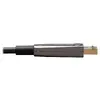
Active Optical Cable DisplayPort to DisplayPort by EATON (Tripp Lite P580F3-30M-8K6) is a 30 m, black, latching DisplayPort–DisplayPort fiber cable designed for long-distance high-bandwidth video transmission. The cable supports DisplayPort 1.4 bandwidths and enables UHD resolutions up to 8K at 60 Hz with HDR and 4:2:2 chroma subsampling. Its slim, flexible optical construction reduces susceptibility to electromagnetic and radio-frequency interference and is backward compatible with existing DisplayPort-equipped systems.
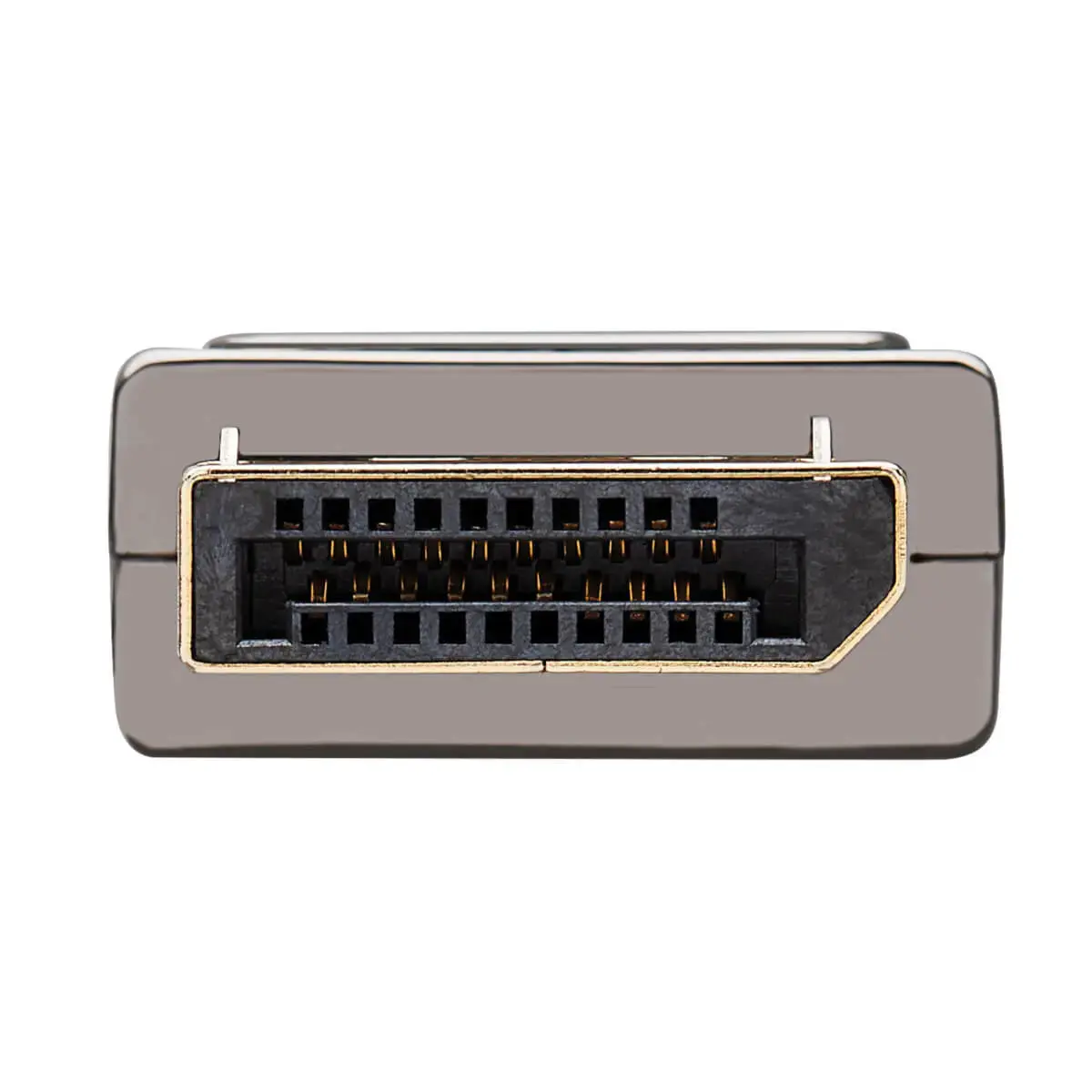
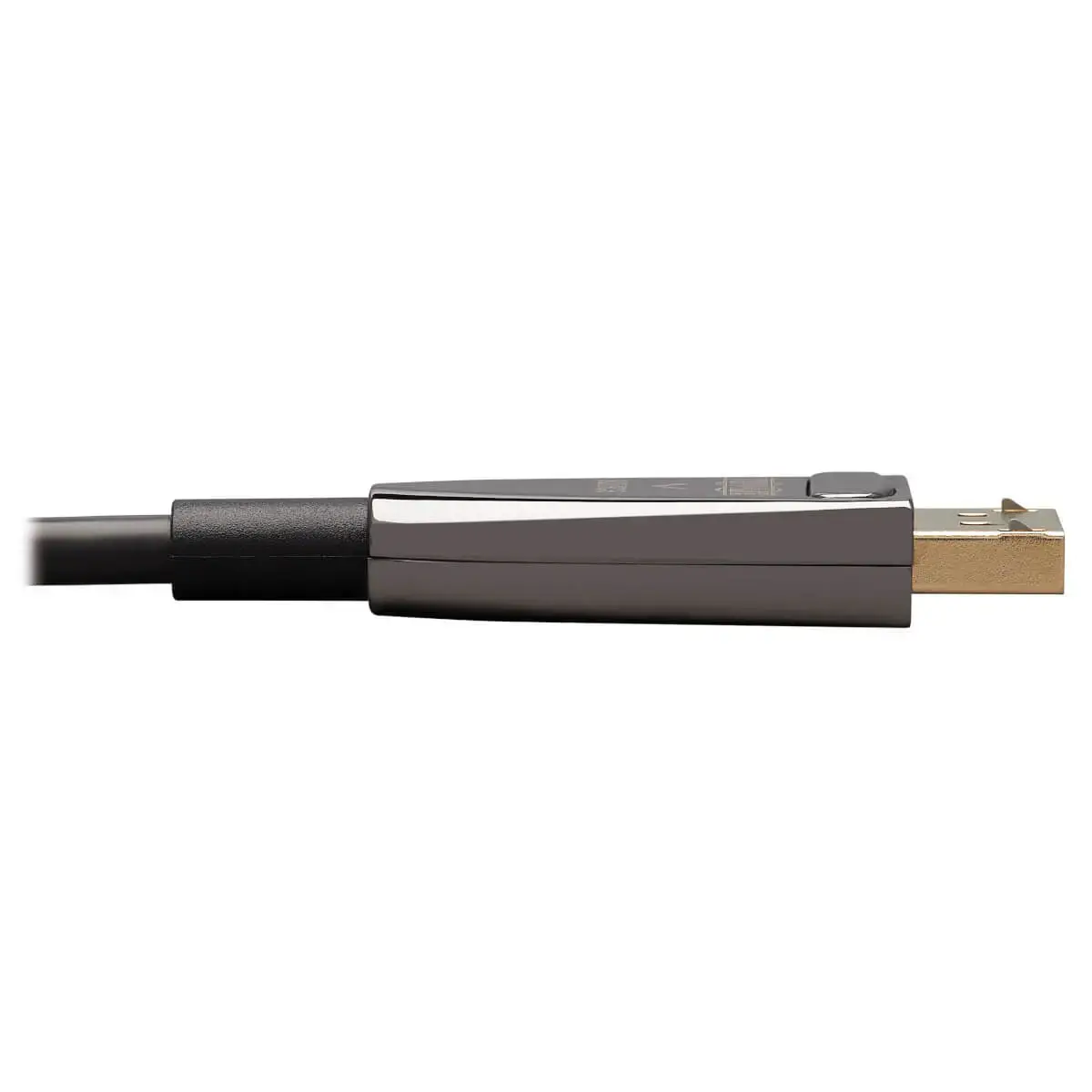
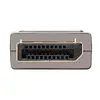
The fiber optic construction allows reliable 8K video transmission over a 30 m run without the signal attenuation common to copper cables. CL3-rated PVC jacketing permits compliant in-wall installation in residential and commercial environments. Latching DisplayPort connectors provide secure physical connection and gold-plated contacts enhance conductivity for minimal data loss. The cable draws power from connected devices, eliminating the need for an external power supply, and is backward compatible with 4K and 1080p displays and sources.
Identify the Source and Display labels on the connectors and orient the cable accordingly before connecting. Insert the latching DisplayPort plug securely into the source device and the display device until the latch clicks. Route the cable through walls or along conduits as needed, observing CL3 in-wall installation practices and local electrical codes. After connection, power on both devices and select the appropriate input on the display; the cable will negotiate the highest supported video mode automatically based on the capabilities of the connected equipment.
For reliable operation, avoid sharp bends and excessive pulling force on the fiber cable; maintain a gentle bend radius consistent with fiber optic handling. Verify that both source and display support the intended resolution and HDCP version for protected content playback. When routing in-wall, follow CL3 installation guidelines and local building codes; check connector orientation before final installation to ensure the cable functions properly.
{{highlightedFeature.featureTitle}}:
{{getProductFeatureValueById(product, highlightedFeature.featureId)}}
{{ productComparisonGenerationError }}