Dreame vacuums for fast and efficient cleaning!
In cart {{totalProductsCount}} item(s)
Your cart is empty
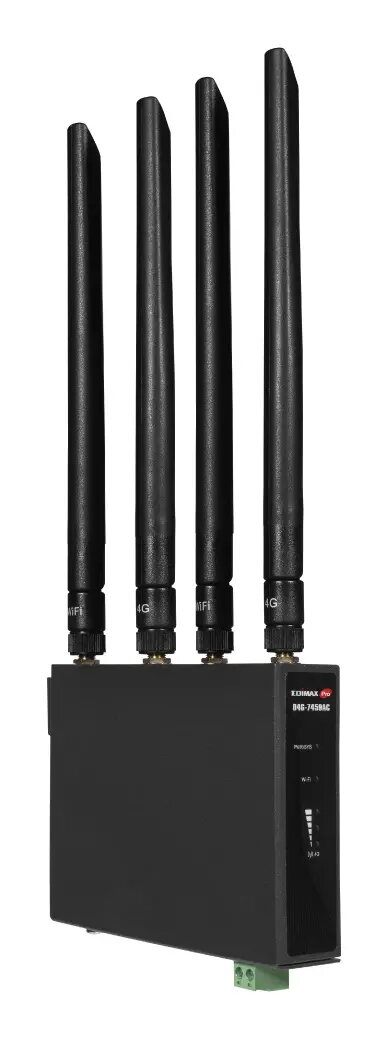
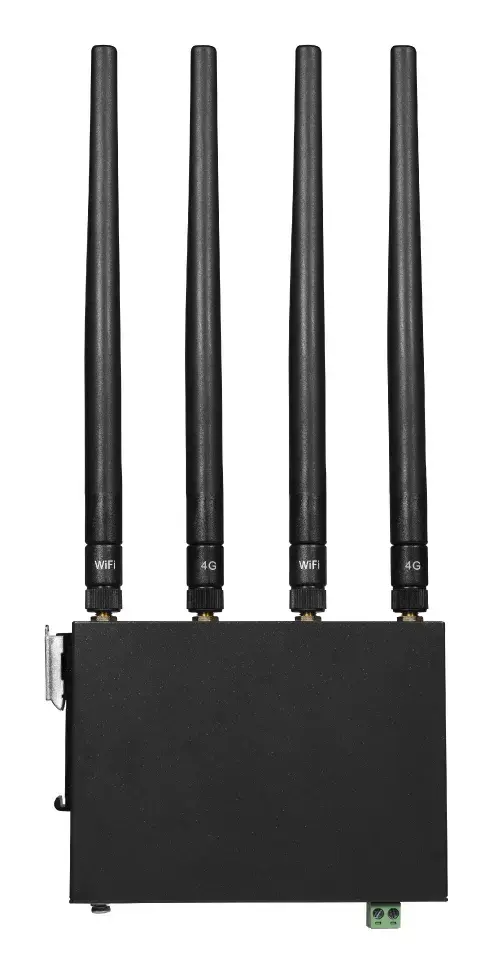
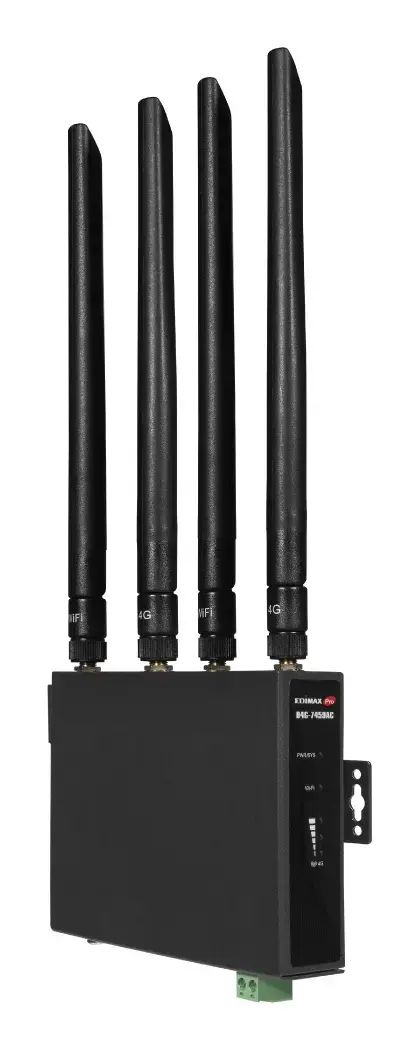
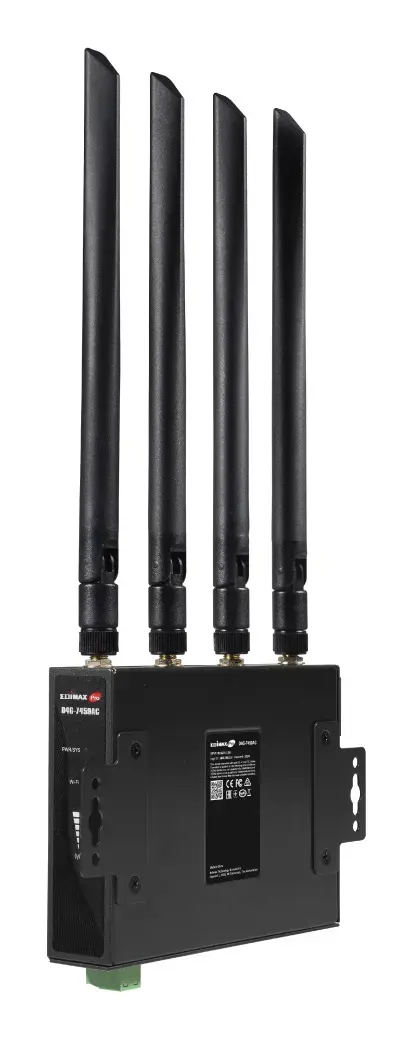
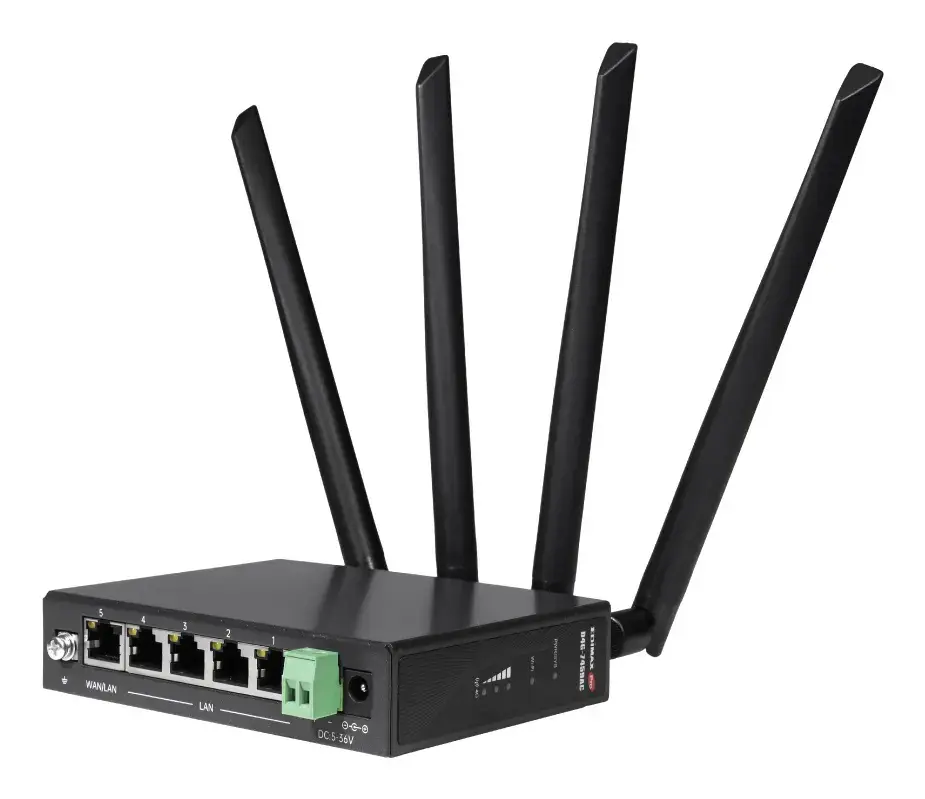
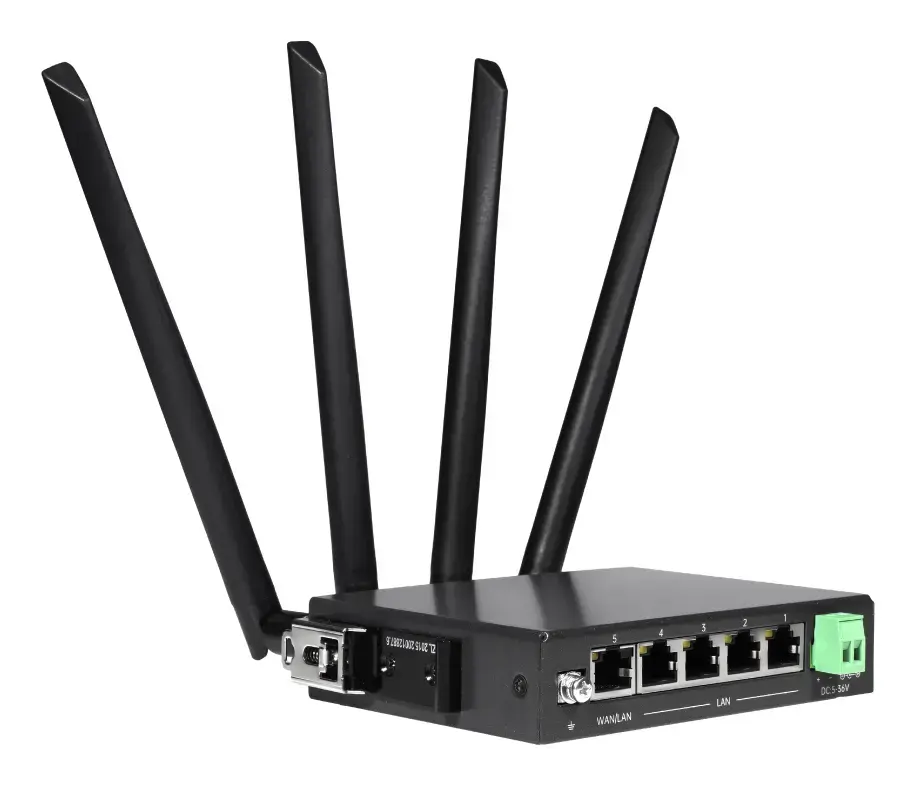
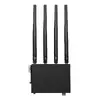
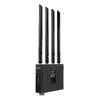
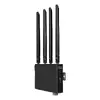
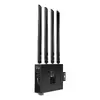
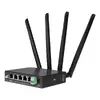
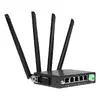
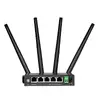
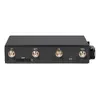
Router Edimax D4G-7459AC Dual-band 2.4 GHz 5 GHz Wi-Fi 5
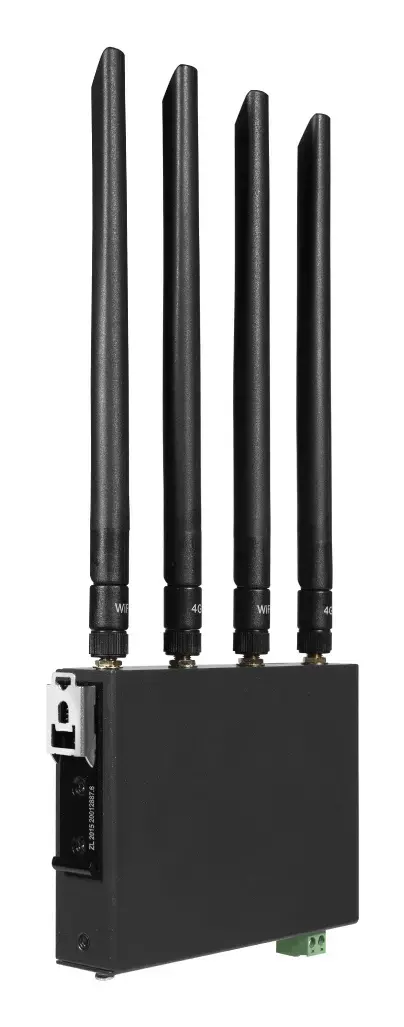
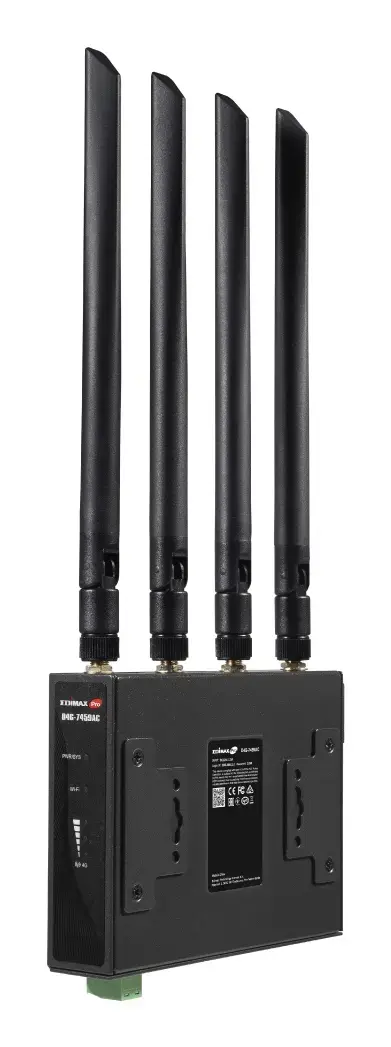
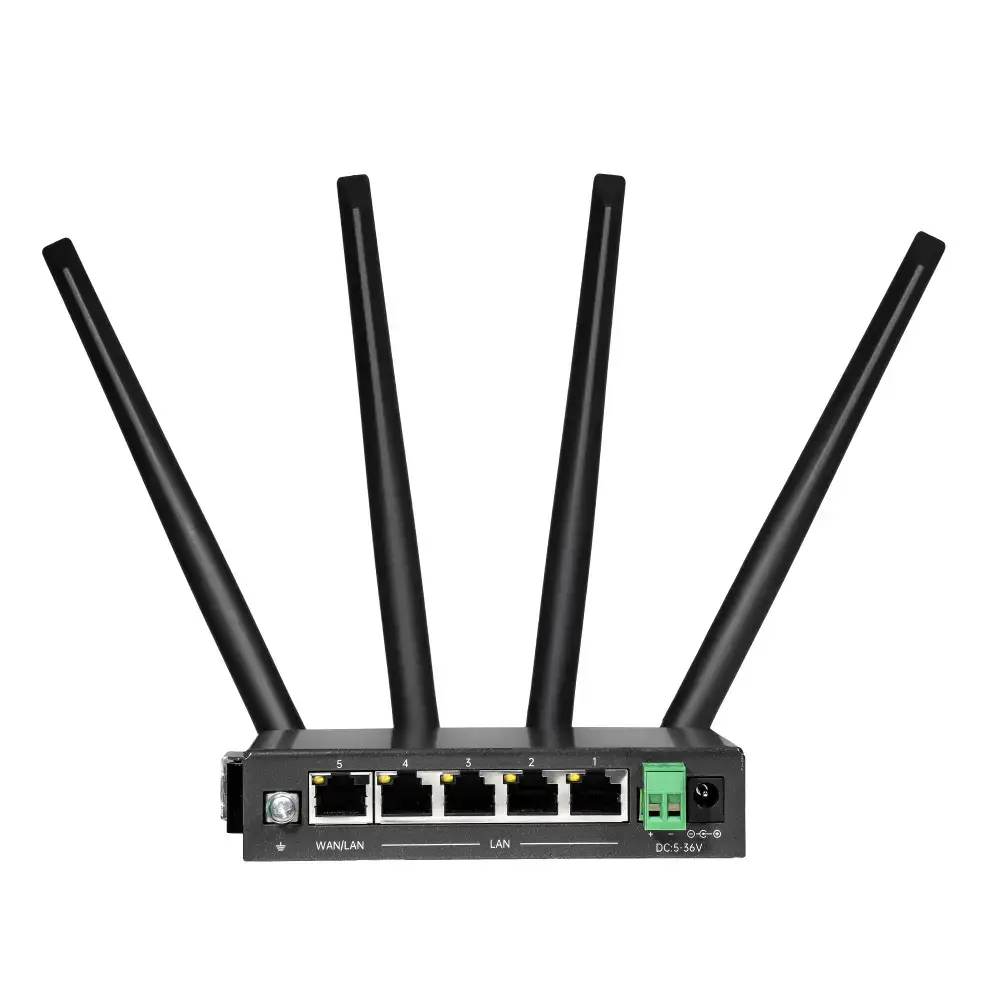
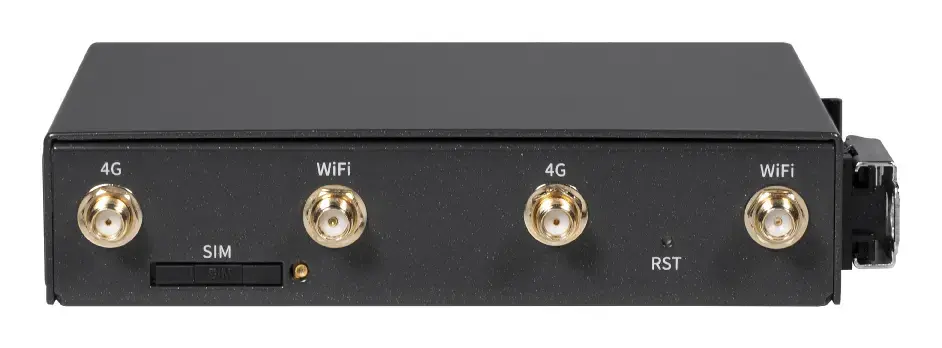
The EDIMAX D4G-7459AC Industrial 4G LTE Wi‑Fi router provides dual-band Wi‑Fi 5 (802.11ac) and wired Ethernet connectivity using 4G LTE mobile networks. With support for dual‑band 2.4 GHz and 5 GHz operation and a maximum WLAN throughput of up to 1167 Mbit/s (300 Mbps on 2.4 GHz and 867 Mbps on 5 GHz), the router is built for industrial and business environments where fixed broadband is unavailable or continuous connectivity is required. It accepts a SIM card for immediate 4G LTE access and includes DIN‑Rail mounting and an industrial temperature range for deployments in harsh environments.
The D4G-7459AC combines wireless and wired internet access with rapid plug‑and‑play deployment via a SIM card, eliminating the need for fixed broadband installation. Its industrial‑hardened design supports a wide operating temperature range and provides surge and power protection, while the integrated EC25 (Qualcomm MDM9207) solution ensures reliable modem performance. The router supports redundant power inputs and failover between fixed broadband and 4G LTE, and offers standard security (WPA2‑AES) and management features for business use.
Install the router on a DIN‑Rail or suitable mounting surface and connect the power supply. Insert a compatible SIM card to enable 4G LTE connectivity, or connect a wired WAN link via the RJ‑45 port if fixed broadband is available. Access the web‑based management interface to configure SSIDs, security (WPA2‑AES), network settings, and failover preferences. Connect devices via Wi‑Fi or Ethernet ports. For power redundancy, connect the secondary power input as backup according to the product manual.
For stable industrial deployment, place the router where it receives adequate 4G LTE signal strength or connect a reliable wired WAN as primary. Configure failover settings to switch automatically between wired and cellular connections and enable power redundancy if uninterrupted operation is required. Keep firmware up to date and use strong WPA2‑AES credentials and access control lists for network security.
{{highlightedFeature.featureTitle}}:
{{getProductFeatureValueById(product, highlightedFeature.featureId)}}