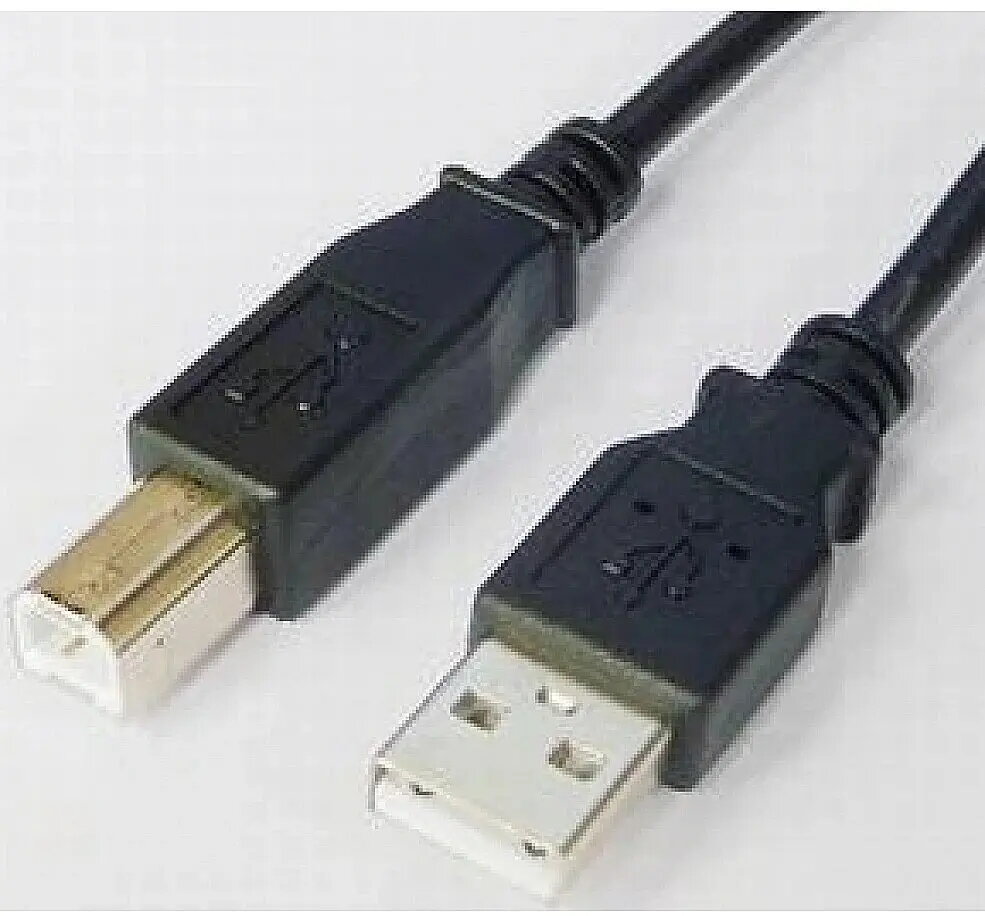
USB A to USB B cable by EFB Elektronik, 1.8 m length in black, provides a standard wired connection between host devices with USB A ports and peripherals with USB B ports. The cable is intended for reliable data transfer and device connectivity, commonly used to connect desktop or laptop computers, hubs and other hosts to printers, scanners and certain audio or lab devices that accept a USB B input. Its 1.8 m length offers moderate reach while keeping desktop cable clutter manageable.
Advantages
The cable supports straightforward plug-and-play operation with compatible devices and standard USB communication protocols, enabling printing, scanning and file transfers without additional adapters. Its durable outer jacket and molded connectors are designed for repeated insertion and removal, and the 1.8 m length balances flexibility and cable management. The black color integrates unobtrusively into most workstations.
Suitable for
- Connecting a PC, laptop or hub (USB A host) to a printer
- Linking scanners and multifunction devices to a computer
- Connecting audio interfaces or lab equipment with USB B ports
- Temporary workstation setups where ~1.8 m cable length is sufficient
Key specifications
- Connector types: USB A (male) to USB B (male)
- Cable length: 1.8 m
- Color: Black
- Typical use: Data transfer and peripheral connectivity between host and device
- Design: Molded connectors with protective outer jacket for durability
How to use
Connect the USB A (male) end to a host device with a USB A port such as a computer, laptop or hub. Plug the USB B (male) end into the peripheral device—examples include printers, scanners or compatible audio equipment. Most devices will establish communication automatically; if necessary, select the appropriate device in the host operating system or install manufacturer drivers. Avoid forcing connectors and ensure both ports are free of debris before insertion.
Usage recommendations
For best results, use this cable at typical desk distances up to 1.8 m to maintain signal integrity. Keep the cable run away from sources of strong electromagnetic interference and avoid sharp bends. Store the cable coiled loosely when not in use to prolong lifespan. If connecting devices that require bus power, verify host and device power requirements and use externally powered hubs if needed.