


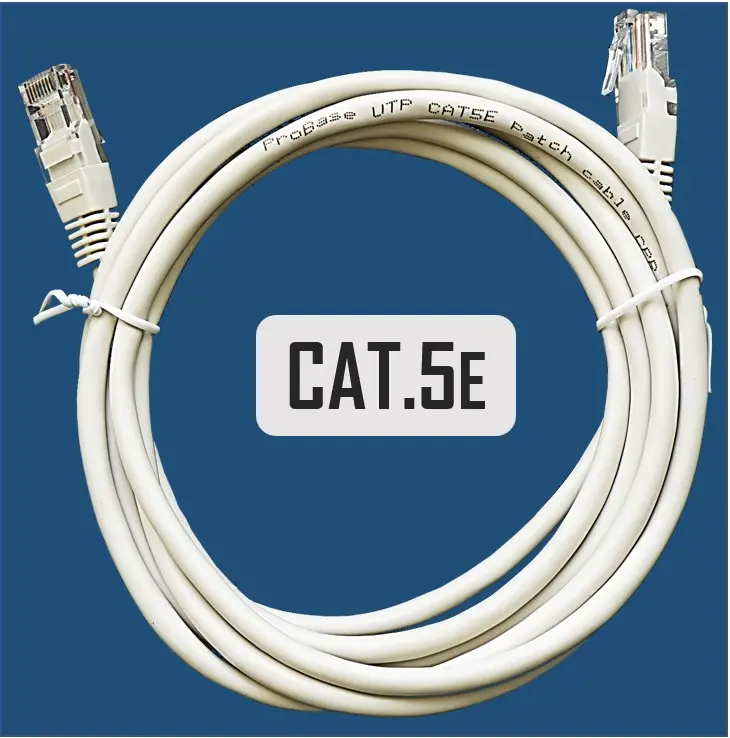
Electro Base Network Patch Cable CAT5E FTP STP 1m 100 cm
Short description

Cheapest delivery:
Unisend LV
Product information
Description
The Electro Base network patch cable CAT5E FTP STP 1m 100 cm is designed for reliable data transmission in local area networks. Featuring a shielded twisted pair construction, this patch cable ensures stable and secure network connectivity for various networking hardware components. With a convenient length of 100 cm, it facilitates neat cable management in office and home environments.
Advantages
This network patch cable provides dependable data transfer speeds suitable for standard local area network applications. The shielded twisted pair design helps minimize electromagnetic interference, maintaining signal integrity even in environments with multiple electronic devices. Its durable build supports daily plugging and unplugging without compromising connection stability.
Suitable for
- Connecting computers to network switches and routers
- Linking patch panels in network cabinets
- Setting up local area networks in homes and offices
- Connecting IP cameras and network printers
When it may not be suitable
This cable may not be suitable for long-distance network runs exceeding standard patch cable limits or for industrial environments requiring extreme weather resistance and armored outer jackets.
Key specifications
- Cable type: CAT5E
- Shielding type: FTP / STP
- Length: 1 m (100 cm)
- Application: Network connectivity and data transmission
How to use
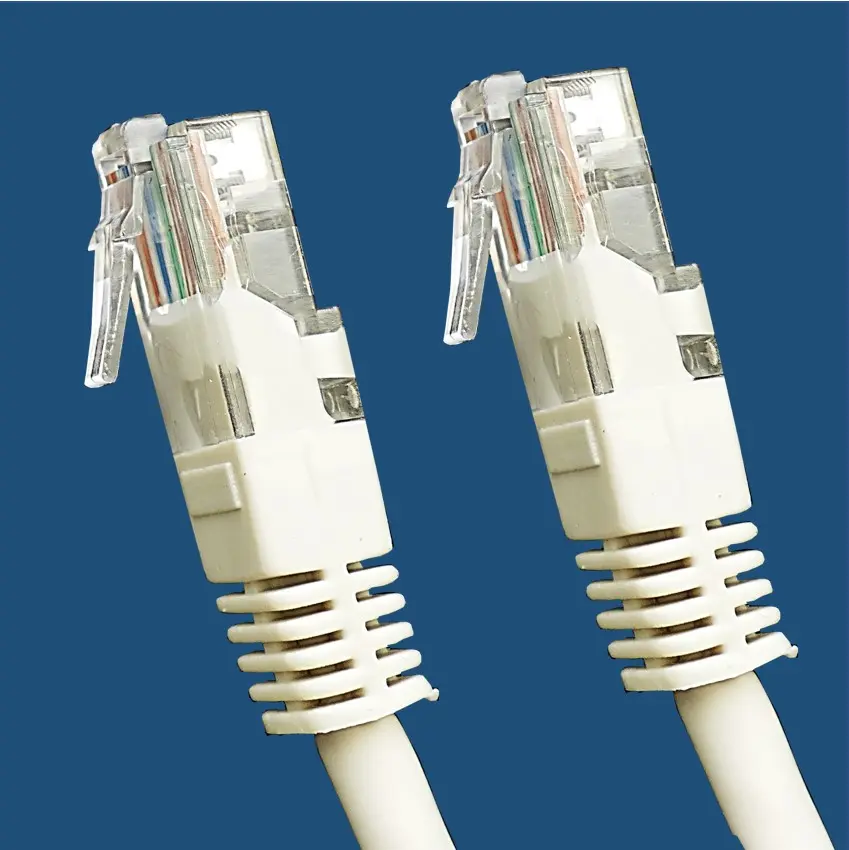
Insert one RJ45 connector of the patch cable into the network port of your device, such as a computer, printer, or IP camera. Insert the opposite connector into an active port on a network switch, router, or wall socket until a click sound is heard, which indicates a secure connection.
What to consider before purchase
- Verify the required cable length for your specific setup
- Check if your network infrastructure requires shielded CAT5E cables
- Ensure the RJ45 interface is compatible with your networking hardware
Usage recommendations: Route the cable carefully to avoid sharp bends and excessive pulling force. Keep the cable away from heavy power lines to minimize potential signal interference.


