Hurry and order now – up to 50% off!
In cart {{totalProductsCount}} item(s)
Your cart is empty
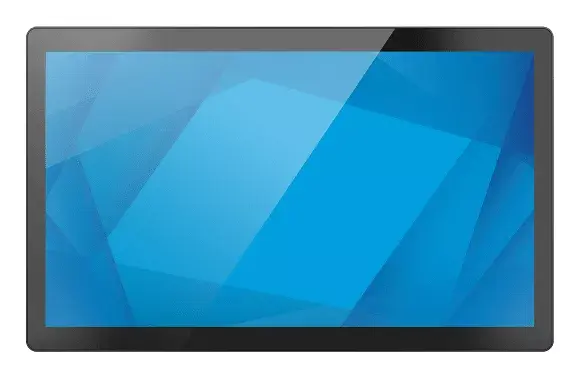
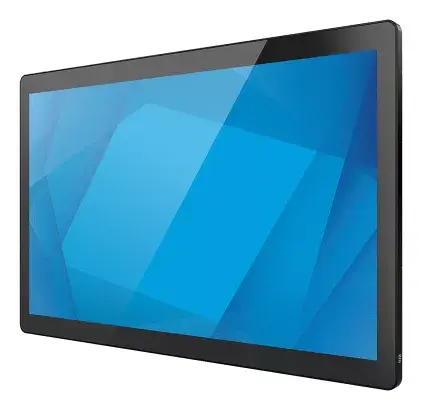
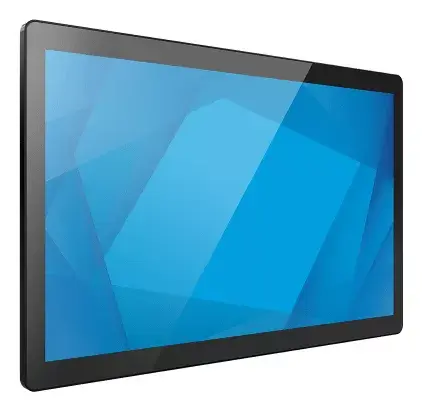
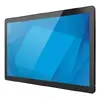
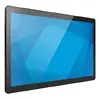
All-in-One PC Elo Touch Solutions I-Series 3.0 Intel Core i5 8GB 128GB
The Elo Touch Solutions I-Series 3.0 is a high-performance All-in-One PC designed to meet the rigorous demands of modern business environments. Featuring a vibrant 23.8-inch Full HD touchscreen, this device combines a sleek, professional aesthetic with the robust processing power of an Intel Core i5 processor. With 8GB of DDR5 RAM and a 128GB SSD, it provides a responsive and reliable platform for interactive applications, digital signage, and self-service kiosks.
The I-Series 3.0 stands out due to its modular architecture, which allows businesses to customize the setup to suit specific operational requirements. The inclusion of a universal VESA mount ensures flexible installation options, whether wall-mounted or attached to a stand. Furthermore, the Edge Connect system enables the seamless integration of various peripherals directly onto the display frame, enhancing functionality without cluttering the workspace. Built with 12th Generation Intel processor technology, the system offers enterprise-grade security and consistent performance, ensuring long-term reliability for continuous operation.
This device may not be suitable for high-end gaming or intensive graphic design tasks, as it is primarily engineered for commercial, interactive, and business-oriented applications. Additionally, since this specific model is provided without a pre-installed operating system, it may not be the best choice for users who require a ready-to-use "out-of-the-box" Windows experience without technical setup.
To begin using the Elo I-Series 3.0, ensure the device is securely mounted or placed on a stable surface. Connect the necessary power and peripheral cables to the designated ports. Since the unit is supplied without an operating system, you will need to install a compatible OS, such as Linux (SuSE, Ubuntu, or Red Hat) or your preferred version of Windows, using an external drive. Once the software is configured, you can attach additional modules via the Edge Connect system to expand the device's capabilities according to your specific business needs.
For optimal performance and longevity, ensure the device is installed in a well-ventilated area and kept free of dust. Regularly update your drivers and security patches to maintain system integrity.
{{highlightedFeature.featureTitle}}:
{{getProductFeatureValueById(product, highlightedFeature.featureId)}}
{{ productComparisonGenerationError }}