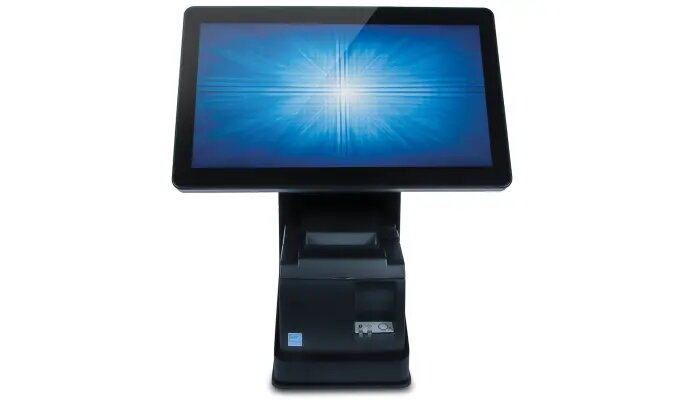
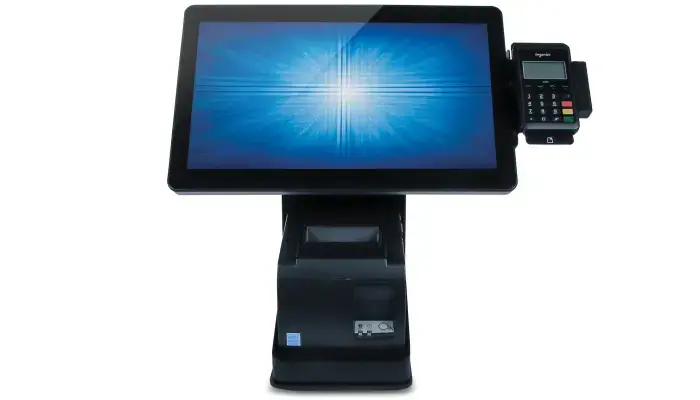
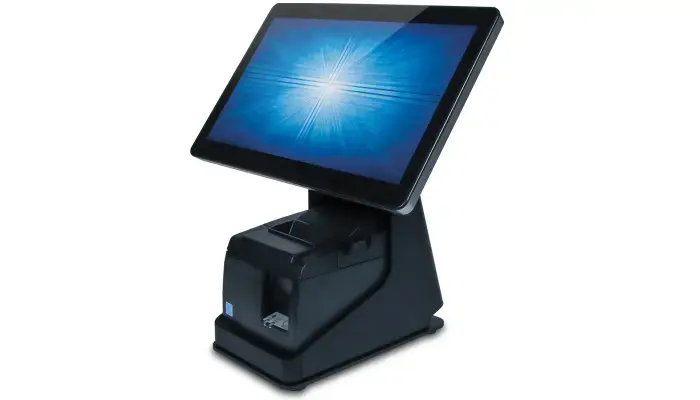
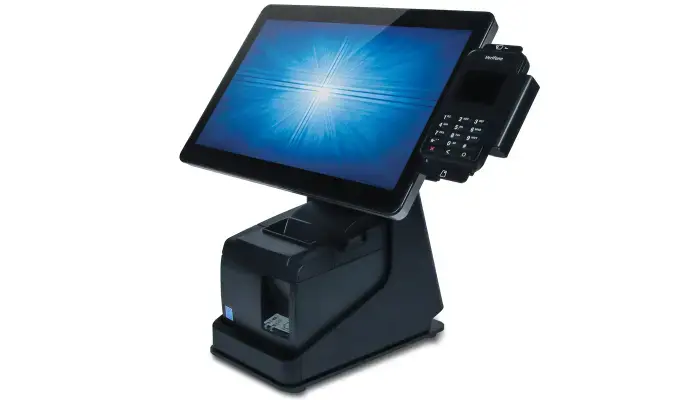
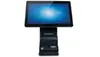
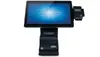
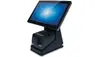
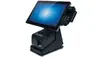
The Elotouch Wallaby POS Stand is a professional-grade desktop mounting solution engineered to provide a stable and organized foundation for your point-of-sale environment. Designed specifically for Elo Touch I-Series displays ranging from 10 to 15 inches, this stand integrates your touchscreen monitor and receipt printer into a single, compact, and efficient unit. Its robust construction ensures durability in high-traffic retail and hospitality settings, while its sleek black finish maintains a clean, professional aesthetic.
Advantages
This stand offers exceptional versatility by allowing for a seamless transition between traditional retail point-of-sale operations and customer-facing self-service kiosks. The integrated design features a dedicated internal compartment for standard 3-inch receipt printers, which promotes a tidy, cable-free workspace. By consolidating your hardware, the Wallaby stand improves operational efficiency and creates a more engaging checkout experience for customers. Furthermore, the modular design supports the addition of expansion modules and EMV payment device cradles, allowing the system to grow alongside your business needs.
Suitable for
- Retail checkout counters
- Hospitality self-order kiosks
- Boutique shops and entertainment venues
- Customer-facing digital signature and loyalty program terminals
This stand may not be suitable for environments requiring wall-mounted displays or installations where the footprint of a desktop stand is too large for the available counter space. It is specifically optimized for the Elo Touch I-Series and may not be compatible with monitors or printers from other manufacturers that do not fit the specified dimensions.
Key specifications
- Placement: Desktop
- Compatibility: Elo Touch I-Series 10-15 inch displays, 1002L, 1502L
- Printer compatibility: Standard 3-inch printers including Star TSP100III and Epson TM-T88
- Printer compartment dimensions: 140 x 205 x 132 mm
- Weight: 3.27 kg
- Color: Black
To use the Elotouch Wallaby POS Stand, begin by securing your compatible Elo Touch I-Series display to the mounting interface. Place your supported receipt printer into the designated internal housing, ensuring all cables are routed through the integrated cable management system to maintain a clean appearance. If using an expansion module or an EMV cradle, attach these components according to the provided hardware guidelines to expand your connectivity options. Once all peripherals are connected and secured, verify that the stand is placed on a flat, stable surface to ensure optimal operation.
What to consider before purchase
- Verify that your specific printer model fits within the 140 x 205 x 132 mm compartment.
- Ensure your counter space can accommodate the base dimensions of the stand.
- Confirm the compatibility of your specific Elo Touch monitor model.
- Consider if additional expansion modules are required for your peripheral connectivity needs.
Usage recommendations: Regularly inspect the cable management paths to ensure no wires are pinched or strained. Keep the printer compartment free of debris to ensure smooth paper loading and printing performance. If the stand is used in a high-traffic area, periodically check that all mounting screws are tightened to maintain maximum stability.