
JBL speakers and headphones for pure and deep sound!
In cart {{totalProductsCount}} item(s)
Your cart is empty
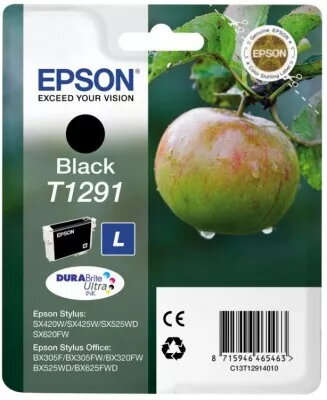
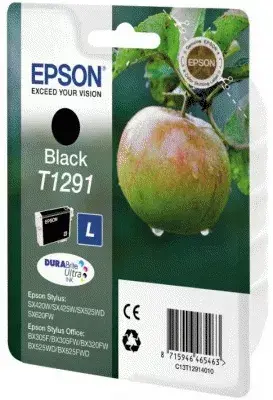
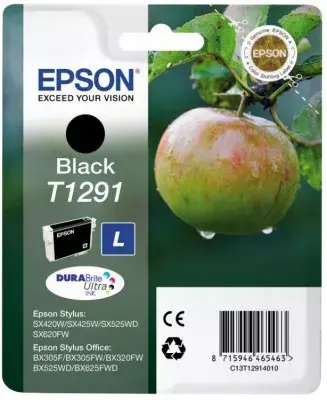
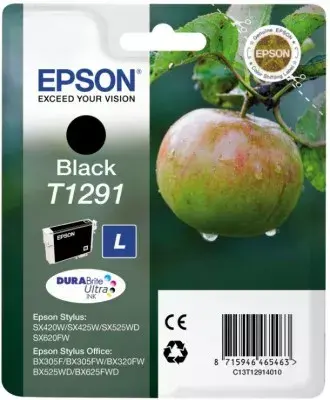
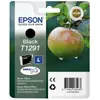
Cartridge EPSON T1291 Black SX420W C13T12914010
The EPSON T1291 Black cartridge for the SX420W printer provides original black ink formulated for clear text and consistent printing performance. Designed for use with the SX420W series, this cartridge produces sharp monochrome documents and supports household and small-office workflows. The cartridge offers an approximate page yield of 220 pages under standard printing conditions and is supplied as an original Epson consumable to maintain printhead compatibility and reliable output.
This original black cartridge delivers consistent black density for legible text and crisp line work. Installation is straightforward and the cartridge is engineered to work with the printer's ink delivery system, reducing the risk of clogging or misalignment. Its formulation helps provide stable performance across typical home and office print jobs while preserving printhead life when used according to manufacturer guidance.
Before installation, remove the cartridge from its packaging and avoid touching the electrical contacts or ink outlet. Turn on the SX420W printer and open the cartridge access cover; wait for the carriage to stop. Insert the black cartridge into the correct slot and press until it clicks into place. Close the access cover and follow any on-screen prompts to complete initialisation. For consistent results, run a print-head check or alignment routine if the printer indicates it.
Store unused cartridges in a cool, dry place and keep them in their sealed packaging until use. Use the cartridge within the timeframe recommended by the manufacturer for best performance. If prints appear faded or streaked, run the printer's cleaning cycle before replacing the cartridge.
{{highlightedFeature.featureTitle}}:
{{getProductFeatureValueById(product, highlightedFeature.featureId)}}
{{ productComparisonGenerationError }}
