

Powerful EcoFlow stations for energy anywhere!
In cart {{totalProductsCount}} item(s)
Your cart is empty
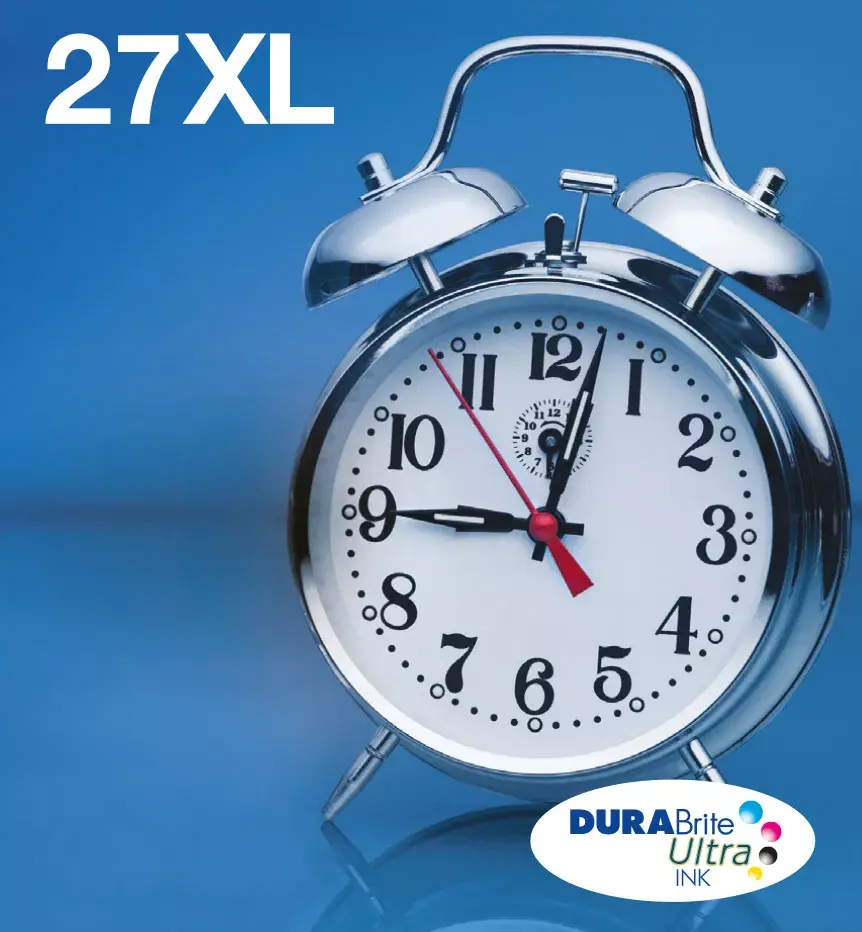
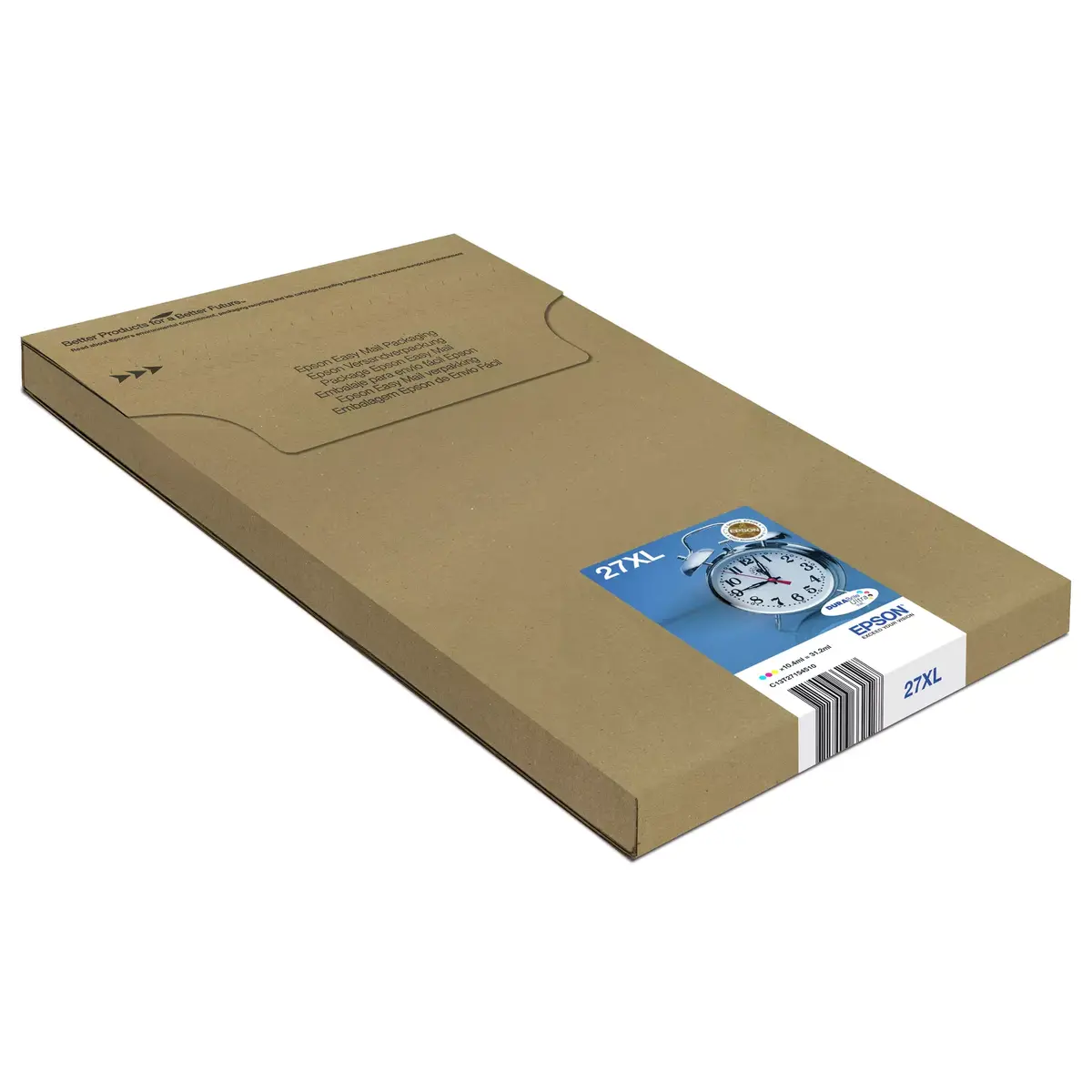
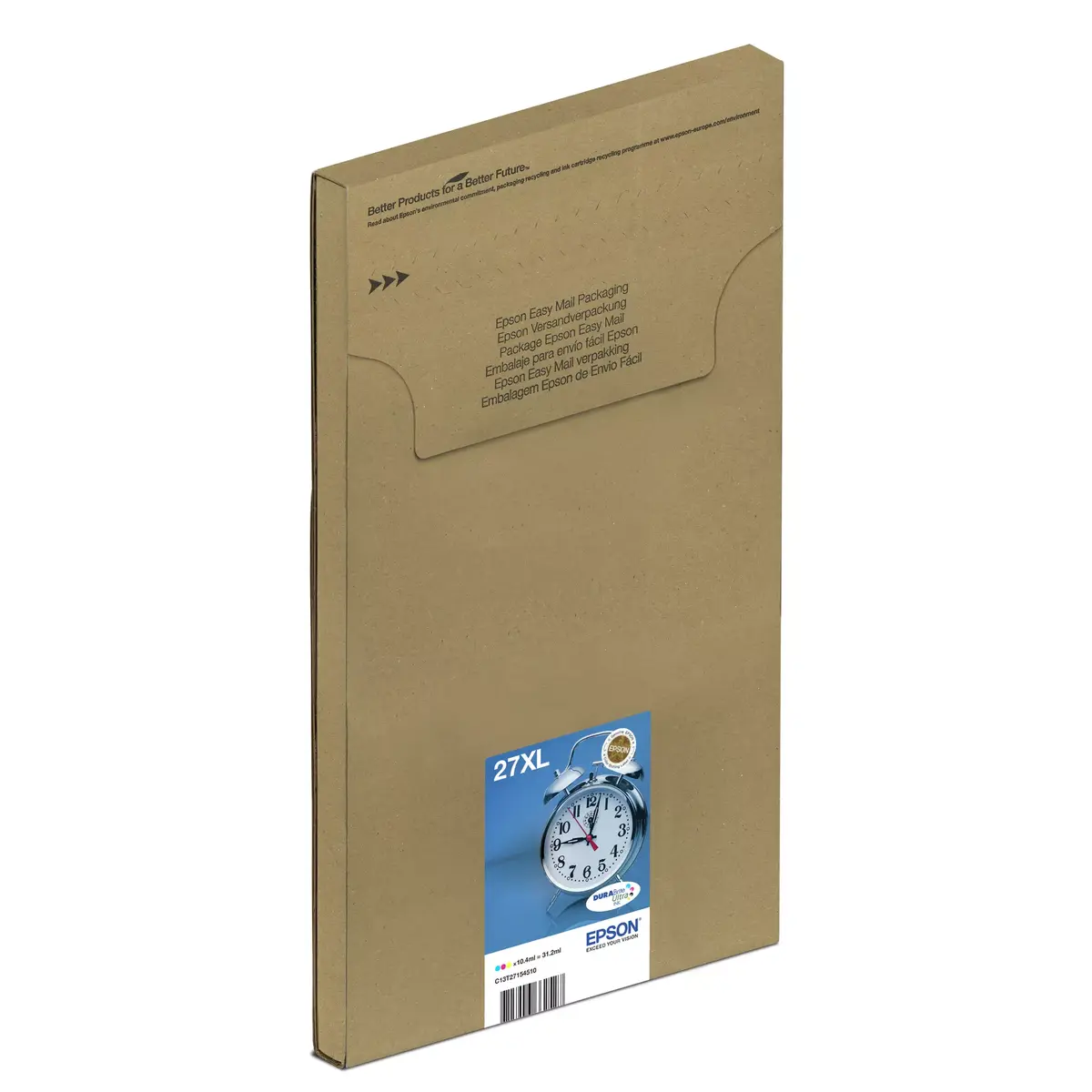
Epson 27XL Multipack High Yield Pigment-Based Ink Cartridges Cyan, Magenta, Yellow
The Epson 27XL Multipack provides high-yield, pigment-based ink cartridges in cyan, magenta, and yellow, specifically engineered for consistent and professional printing results. Utilizing advanced DURABrite Ultra ink technology, these original cartridges deliver sharp text and vibrant color reproduction that is resistant to water, smudging, and highlighters. By choosing these high-capacity cartridges, users can manage high-volume printing tasks more efficiently while maintaining the integrity and longevity of their documents and photos.
These original Epson cartridges are designed to integrate seamlessly with compatible printers, ensuring optimal performance and reliability. The high-yield capacity allows for a greater number of pages printed per cartridge, which reduces the frequency of replacements and lowers the overall cost per page. Because these are individual ink cartridges, you only need to replace the specific color that has run out, further minimizing waste and maximizing cost-efficiency for both home and office environments.
This multipack is not compatible with printer models that do not support the Epson 27 series. If you only print occasionally, standard-yield cartridges might be a more appropriate choice to avoid long-term ink storage concerns.
To install the cartridges, open the printer's ink compartment cover and wait for the carriage to move to the replacement position. Remove the empty cartridge by pressing the release tab and pulling it out. Take the new Epson 27XL cartridge out of its packaging, remove the protective yellow tape, and insert it into the corresponding color slot until it clicks securely into place. Close the printer cover and allow the device to perform the automatic initialization process before starting your print job.
For the best results, always use genuine Epson paper and ink, as these components are developed to work together to provide consistent quality and prevent printhead clogging.
{{highlightedFeature.featureTitle}}:
{{getProductFeatureValueById(product, highlightedFeature.featureId)}}
{{ productComparisonGenerationError }}
