

Save time and money with our discounts!
In cart {{totalProductsCount}} item(s)
Your cart is empty
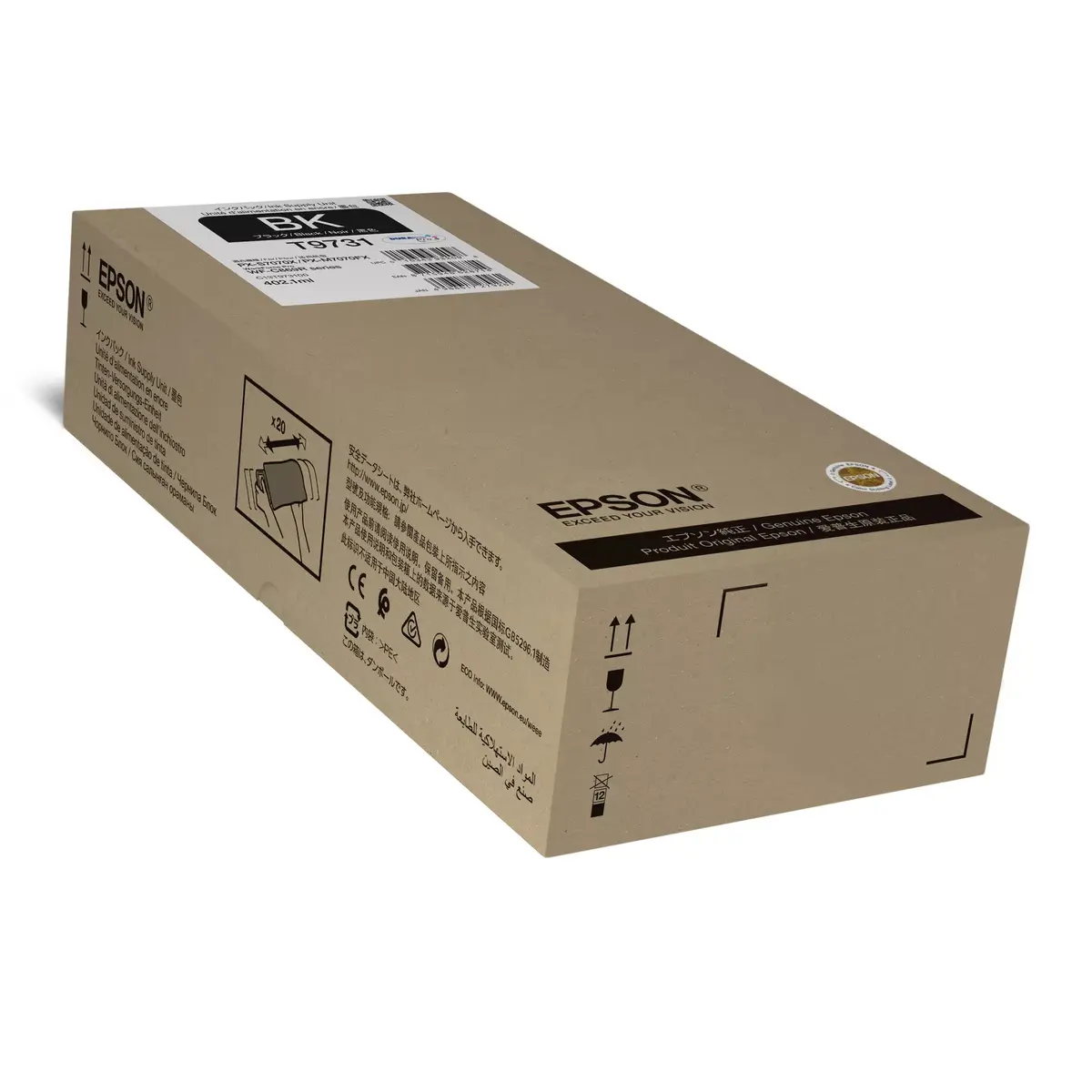
Epson Original Black Pigment-Based XL Ink Supply Unit C13T973100 with 402.1 ml Volume and 22500 Page Yield for WorkForce Pro WF-C869R Printers
The Epson Original Black Pigment-Based XL Ink Supply Unit C13T973100 is designed to meet the rigorous demands of busy office environments. Utilizing advanced pigment-based ink technology, this original supply unit delivers sharp, smudge-resistant black text and professional-quality documents with every print. Engineered specifically to integrate seamlessly with compatible WorkForce Pro printers, it ensures consistent operation, minimizes user intervention, and supports long-term equipment reliability. With an impressive volume of 402.1 ml, this high-yield cartridge is built to sustain extended printing tasks without frequent replacements, making it an efficient choice for workgroups focused on productivity and dependable output.
This original Epson ink supply unit offers exceptional page yield performance, allowing offices to print up to 22,500 pages from a single cartridge. The pigment formulation ensures that text remains deep black, highly legible, and resistant to fading or water smudges over time. Because it is an authentic manufacturer product, it protects the printer hardware from potential issues associated with third-party supplies, helping to maintain warranty coverage and optimal print head health. The large capacity reduces the overall frequency of supply changes, streamlining office workflows and lowering operational downtime in high-volume settings.
This ink supply unit is not suitable for home users or low-volume printing environments where cartridges might remain installed for extended periods without regular use, as inkjet supplies generally perform best with consistent operation. It is also incompatible with printer models outside the specified WorkForce Pro series. Users requiring vibrant color graphics will need to pair this black supply with the corresponding color units, as this product contains exclusively black ink.
Installation of the Epson black pigment-based ink supply unit is straightforward and designed to be performed quickly by office personnel. Open the designated ink compartment door on your compatible WorkForce Pro printer. Carefully remove the empty supply unit by pulling it straight out according to the internal guides. Unpack the new ink unit, remove any protective packaging or seals as indicated in the quick start guide, and slide the new cartridge firmly into the slot until it clicks securely into place. Close the compartment door and wait for the printer to recognize the new supply and complete any automated initialization cycles before sending print jobs.
Usage recommendations: Store the ink supply unit in a cool, dry place away from direct sunlight prior to installation. To ensure optimal performance and print quality, keep the cartridge in its sealed packaging until you are ready to use it. Always replace the unit promptly when the printer indicates low ink levels to avoid interruption during critical print tasks.
{{highlightedFeature.featureTitle}}:
{{getProductFeatureValueById(product, highlightedFeature.featureId)}}
{{ productComparisonGenerationError }}
