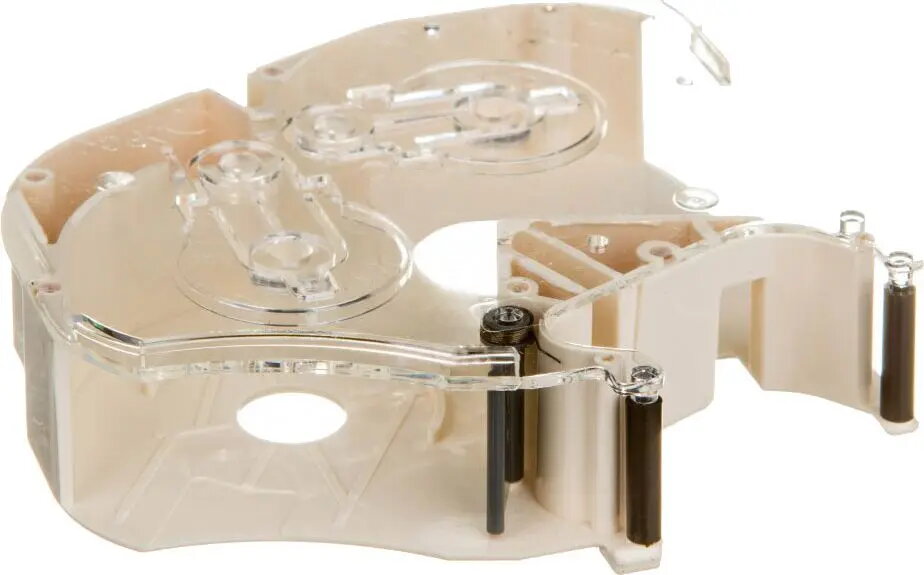
The Ergom LM-RC310 ink ribbon cartridge is a specialized consumable engineered for high-performance label printers. Designed to meet the rigorous demands of industrial marking, this ribbon delivers sharp, legible, and long-lasting prints on various labeling materials. Its robust construction ensures reliable operation, preventing smudging and fading even in challenging technical environments, which is vital for maintaining clear identification and compliance standards.
Advantages
The primary benefit of the Ergom LM-RC310 is its exceptional print precision, which ensures that even small text and complex barcodes remain perfectly readable. The cartridge is designed for seamless integration with compatible printers, allowing for quick and hassle-free replacement that minimizes downtime. Furthermore, the ink formulation is optimized for durability, providing resistance against environmental factors such as moisture and abrasion, ensuring that your labels remain intact and professional over extended periods.
Suitable for
- Industrial marking and labeling
- Creating durable equipment identification tags
- Printing clear barcodes and technical symbols
- Professional cable and wire marking
When it may not be suitable
This ink ribbon cartridge is specifically designed for use with compatible Ergom label printers. It is not suitable for standard office inkjet or laser printers and will not function with devices that do not support this specific ribbon mechanism.
Key specifications
- Type: Ink ribbon cartridge
- Compatibility: Specific Ergom label printers
- Print quality: High-resolution, durable output
- Application: Industrial and technical labeling
How to use
To install the Ergom LM-RC310, first ensure the printer is powered off or in a standby state as indicated by the device manual. Open the printer cover and locate the ribbon compartment. Remove the depleted cartridge by gently releasing the locking mechanism. Insert the new LM-RC310 cartridge, ensuring it clicks firmly into place and the ribbon is taut. Close the printer cover and perform a test print to verify that the ribbon is correctly aligned and the print quality meets your requirements.
What to consider before purchase
- Verify compatibility with your specific printer model
- Check the required ribbon width for your labeling tasks
- Ensure the storage environment is cool and dry to maintain ink quality
Usage recommendations
For optimal results, store the ribbon cartridges in their original packaging until use and avoid exposing them to direct sunlight or extreme temperatures. Regularly clean the printer print head to prevent dust accumulation, which can affect the clarity of the print.