-
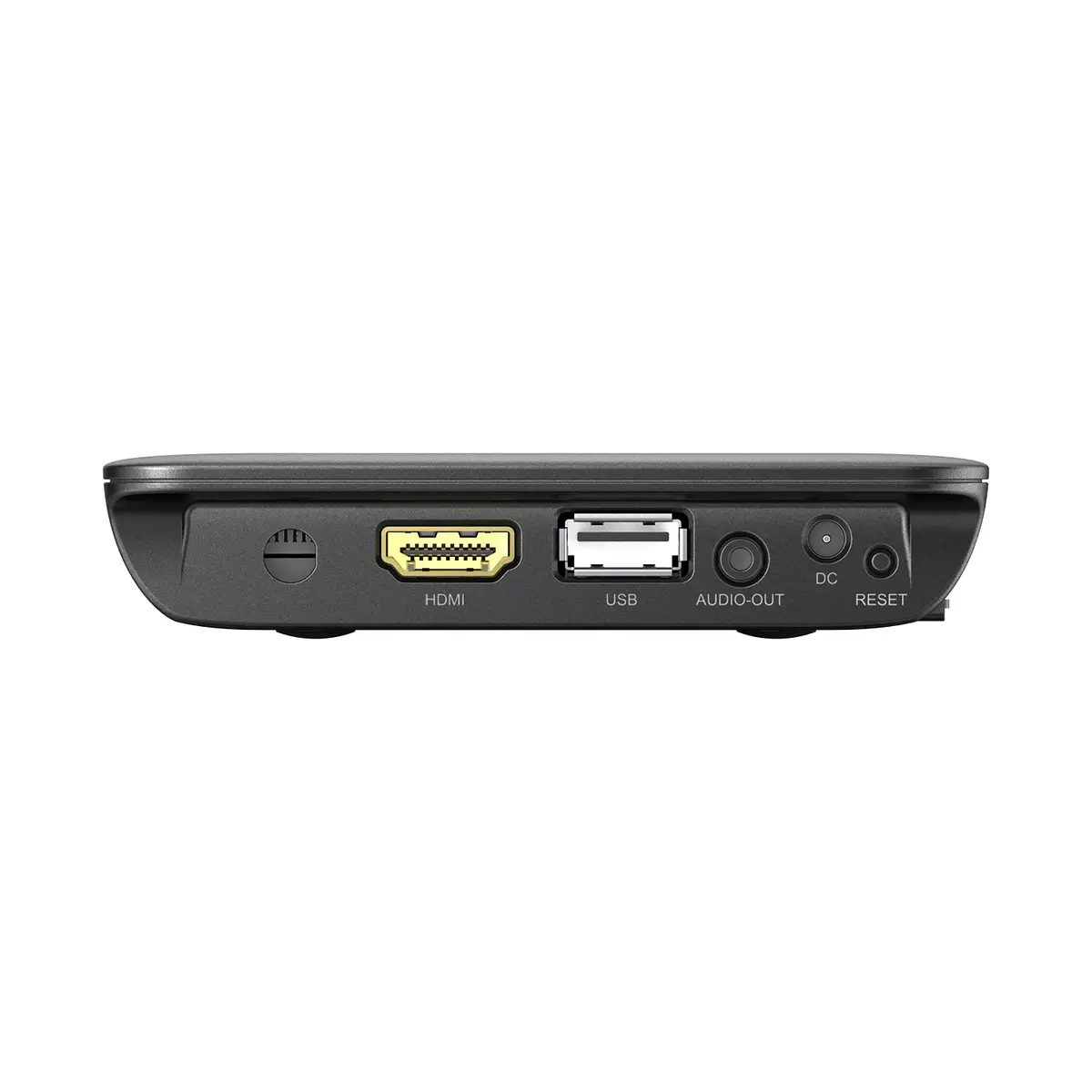
Interface:
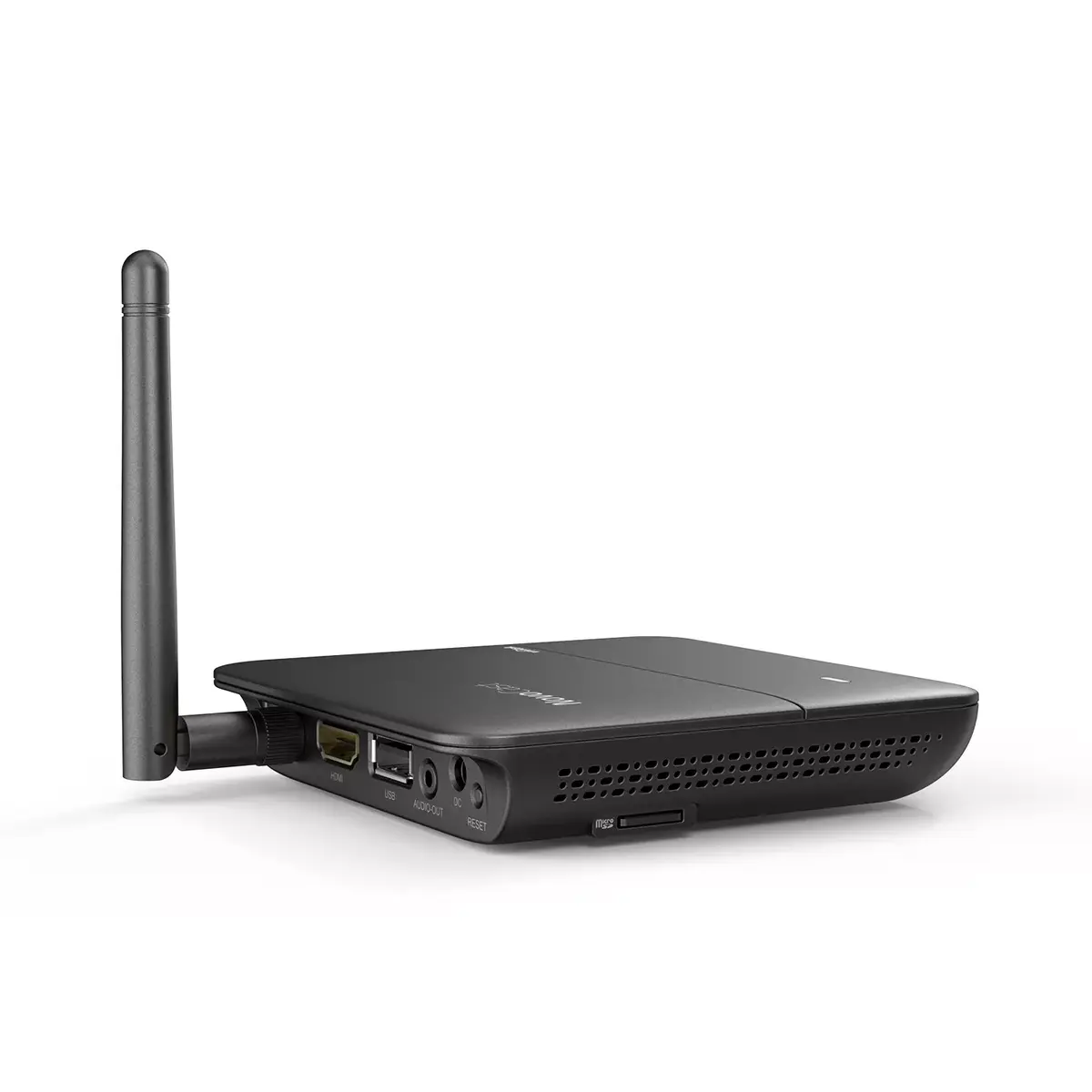
Interface ports to connect pieces of equipment. USB (Universal Serial Bus) has become the most popular wired interface to connect peripherals. USB 2.0 supports speeds up to 480 Mbit/s (USB 1: 12 Mbit/s). The interface FireWire is also known as the IEEE 1394 standard. Enhanced IDE (EIDE)is sometimes referred to as Fast ATA, Fast IDE or ATA-2.
-
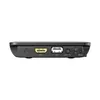
HDMI
-
Wi-Fi standards:
The type of wireless local area network (LAN). It can be ad-hoc, where units in a network communicate peer-to-peer, or Infrastructure, where units communicate with each other via an access point A LAN interconnects computers in a small area e.g. home, school or office.
-
802.11g, Wi-Fi 4 (802.11n), 802.11b
-
Form factor:
The shape or design of the product.
-
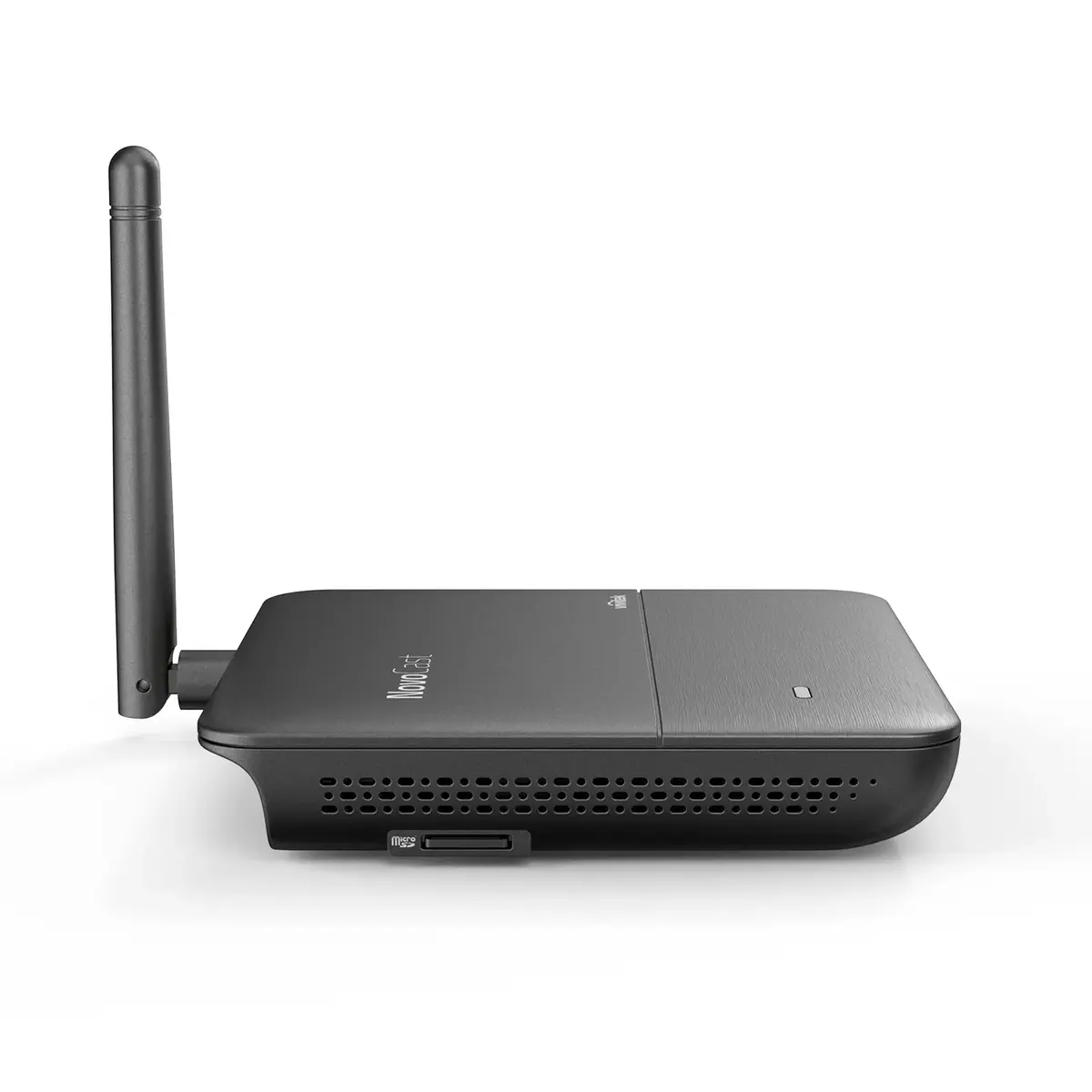
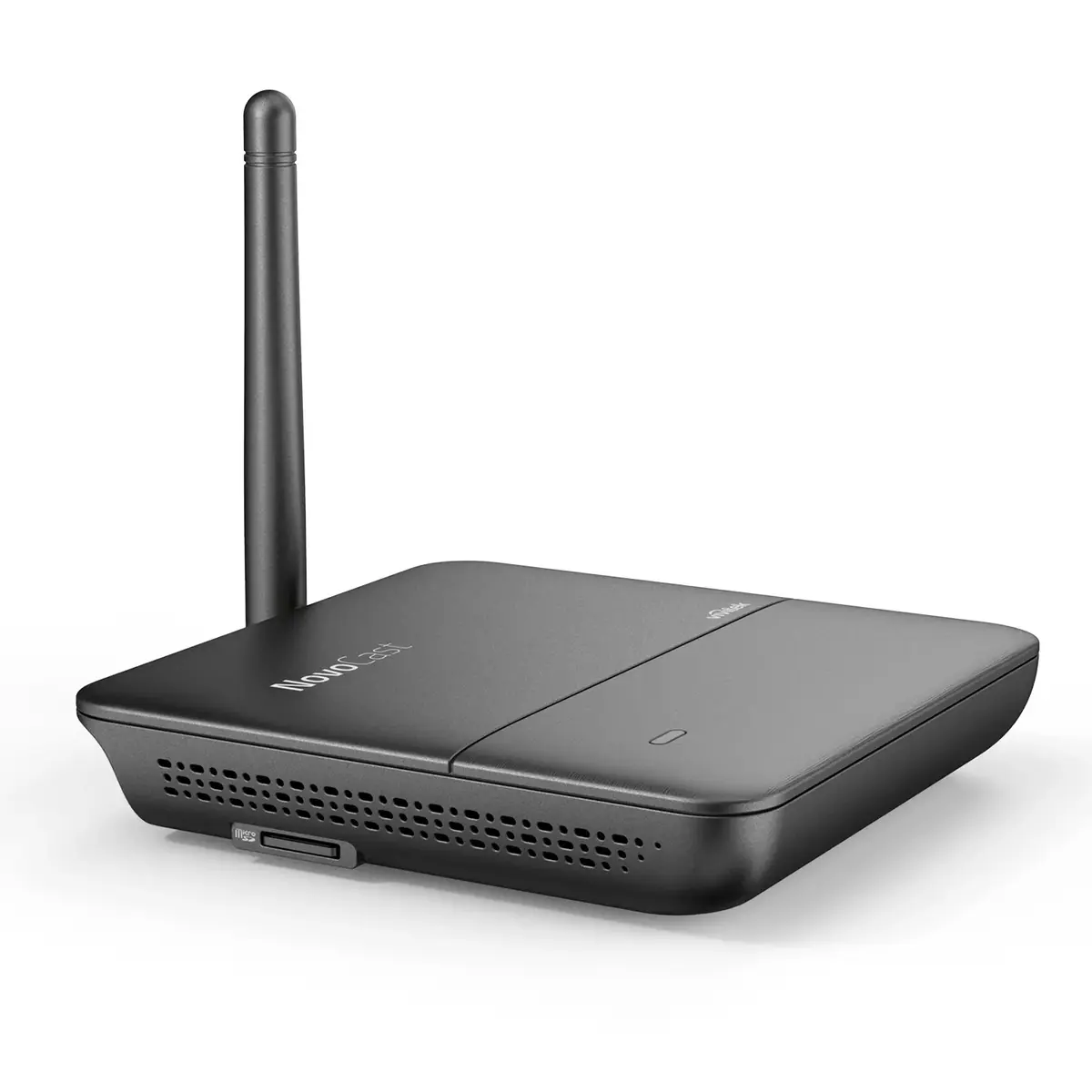
Desktop
-
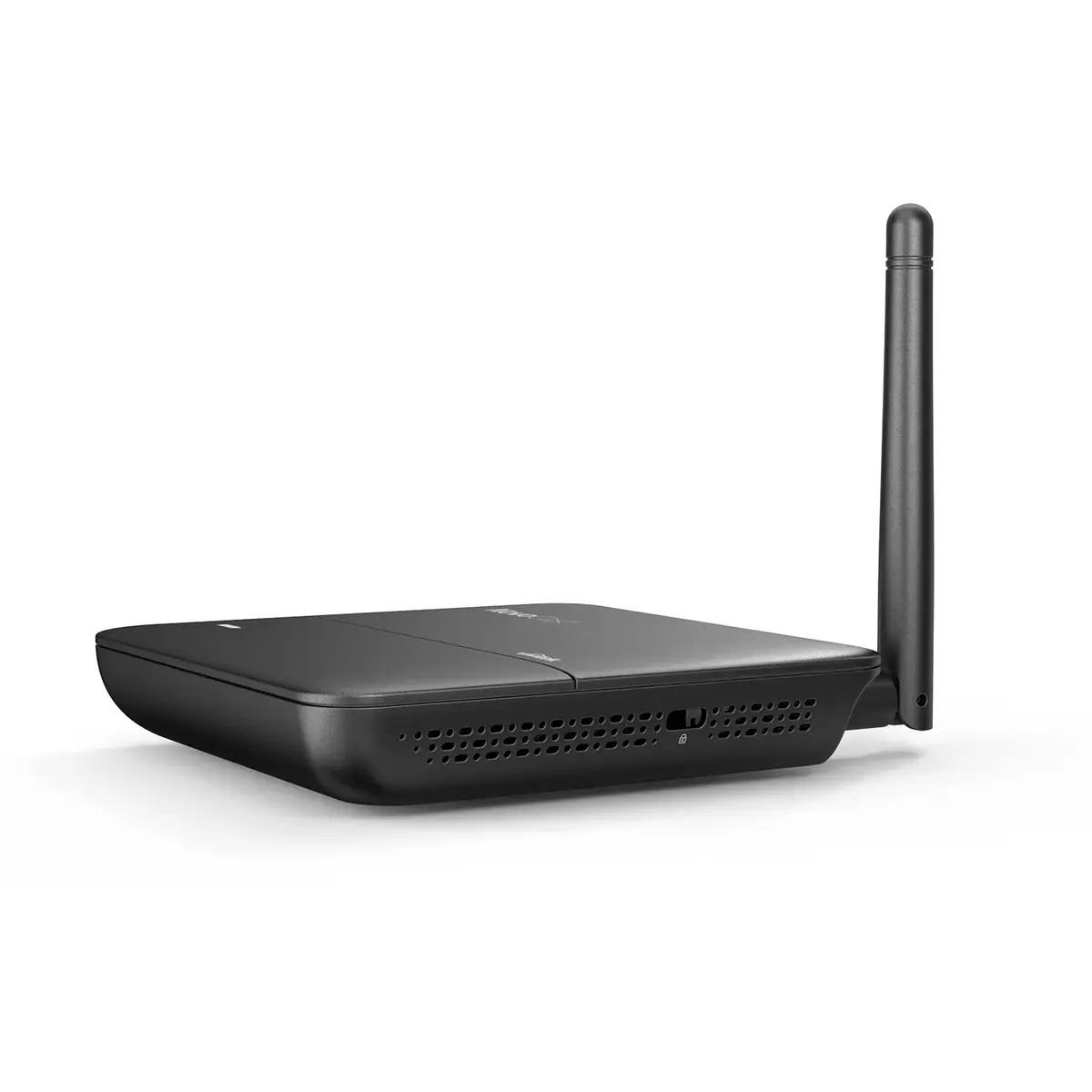
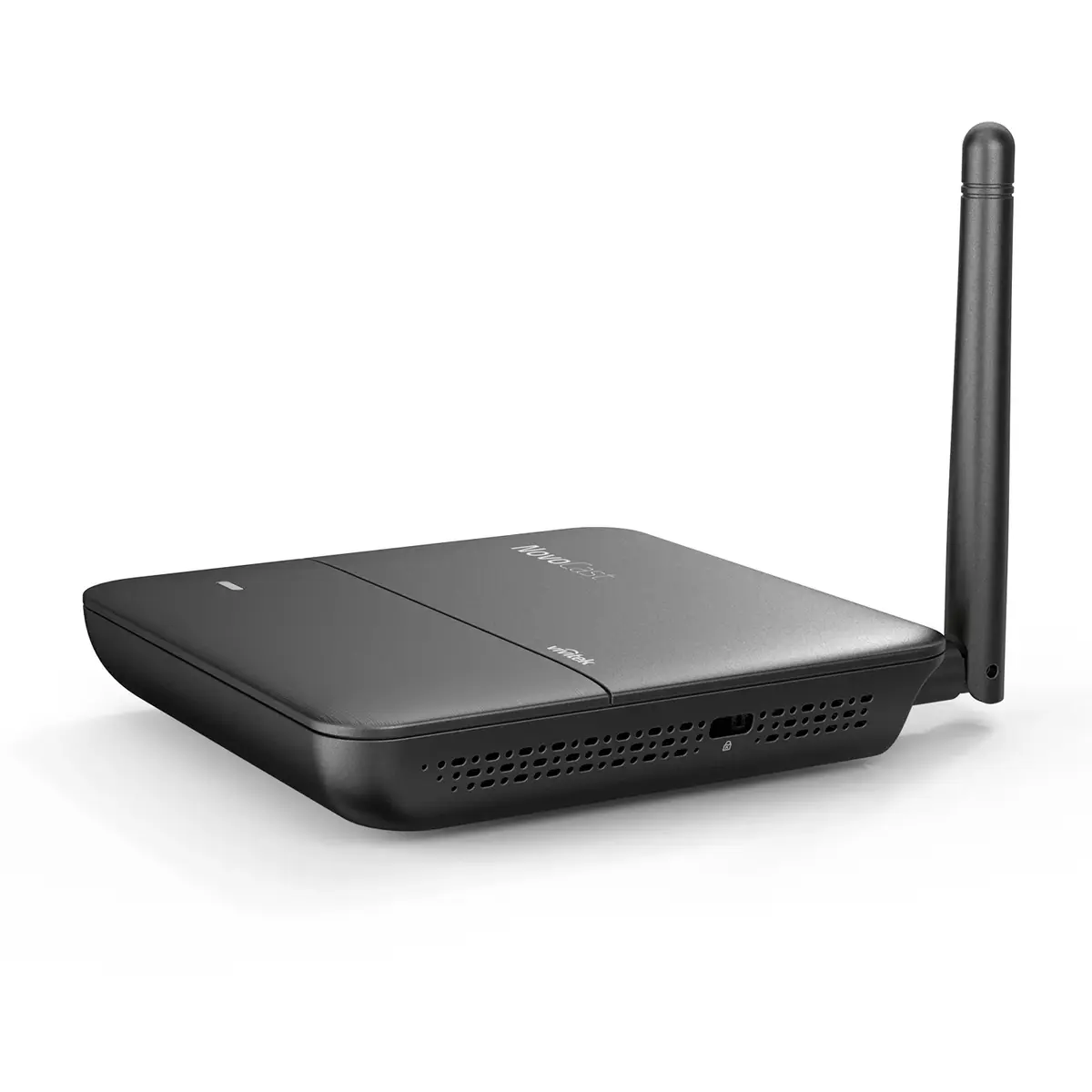
Cable lock slot:
Holes on the edge of devices through which a cable lock can be passed, so the device can be locked to a desk etc.
-
Yes
-
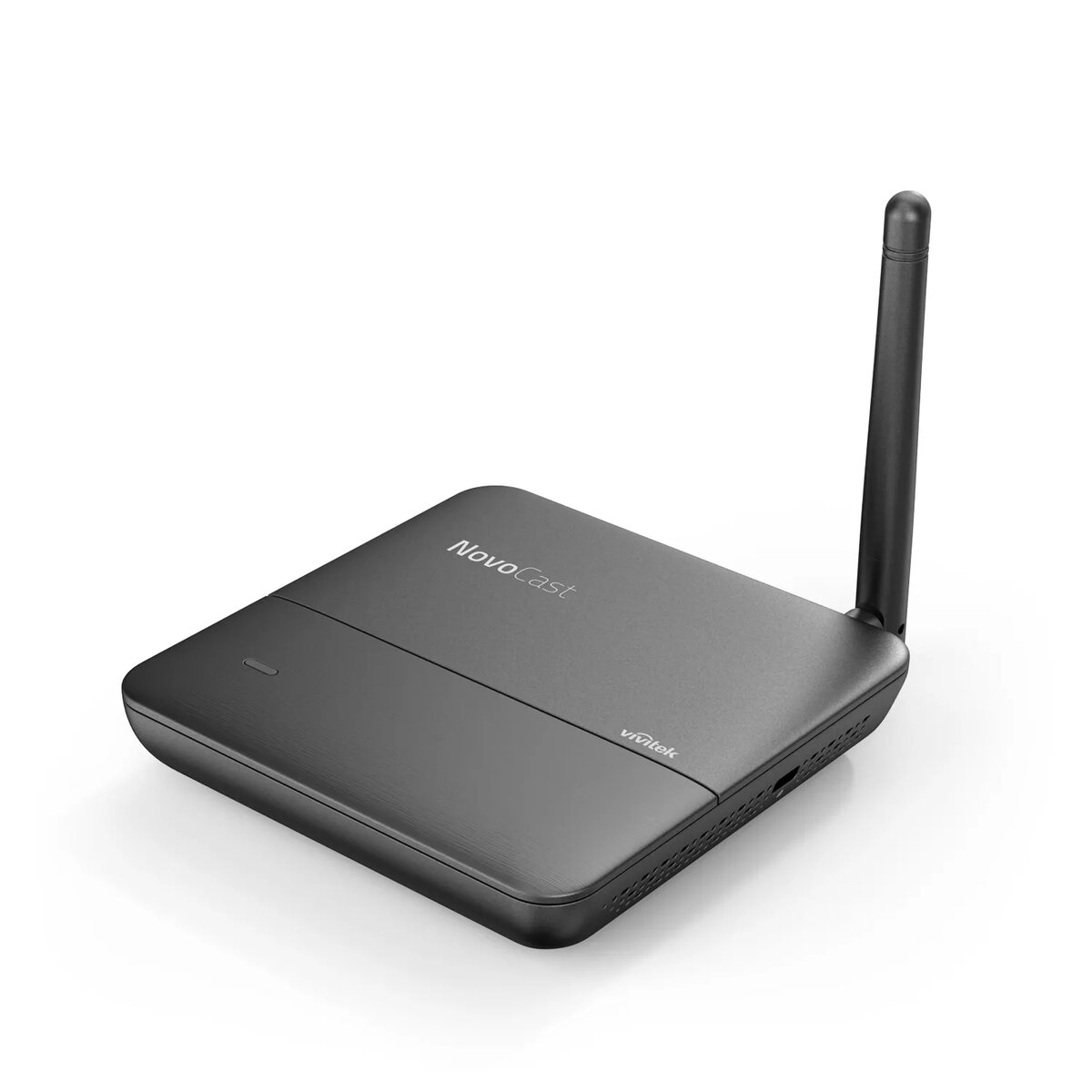
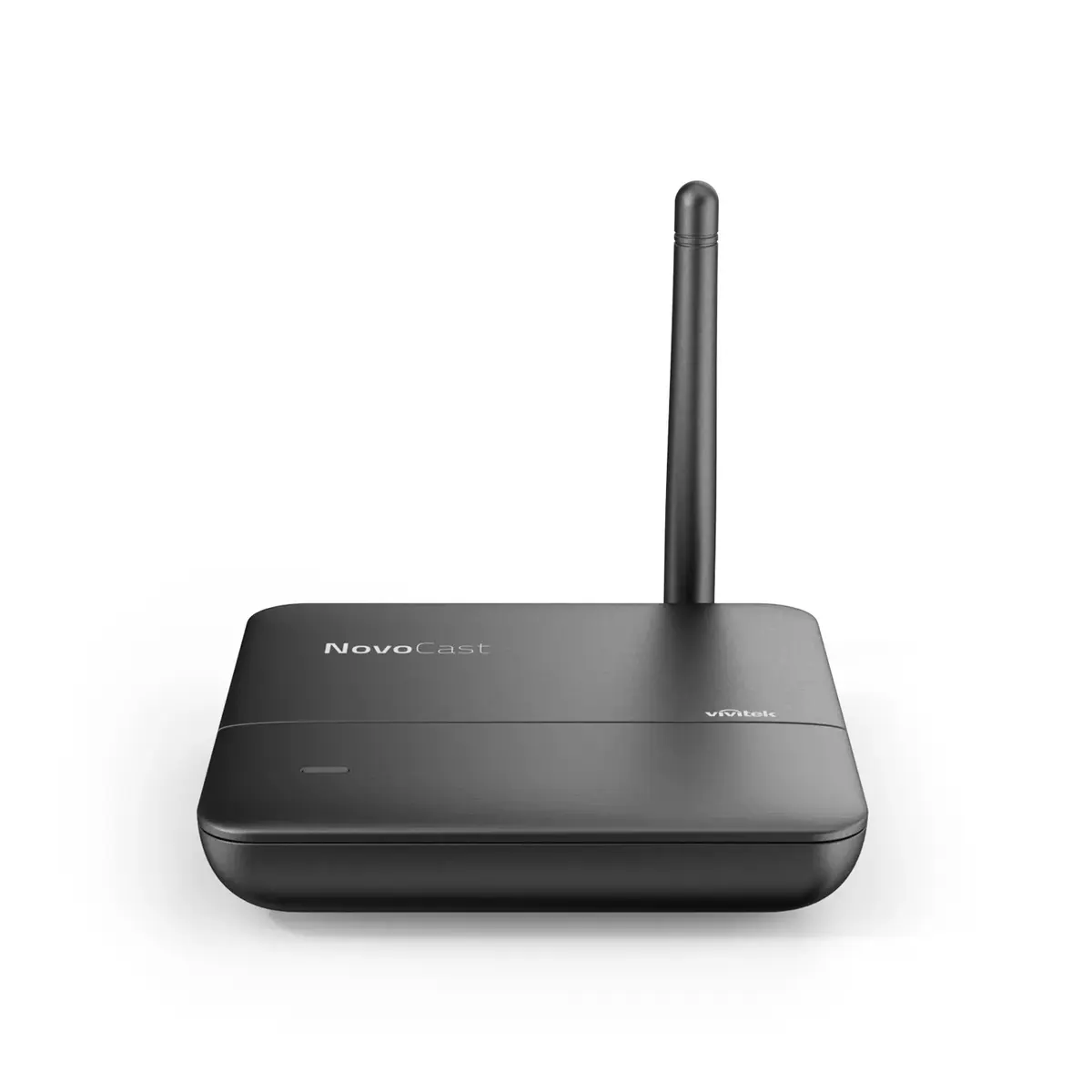
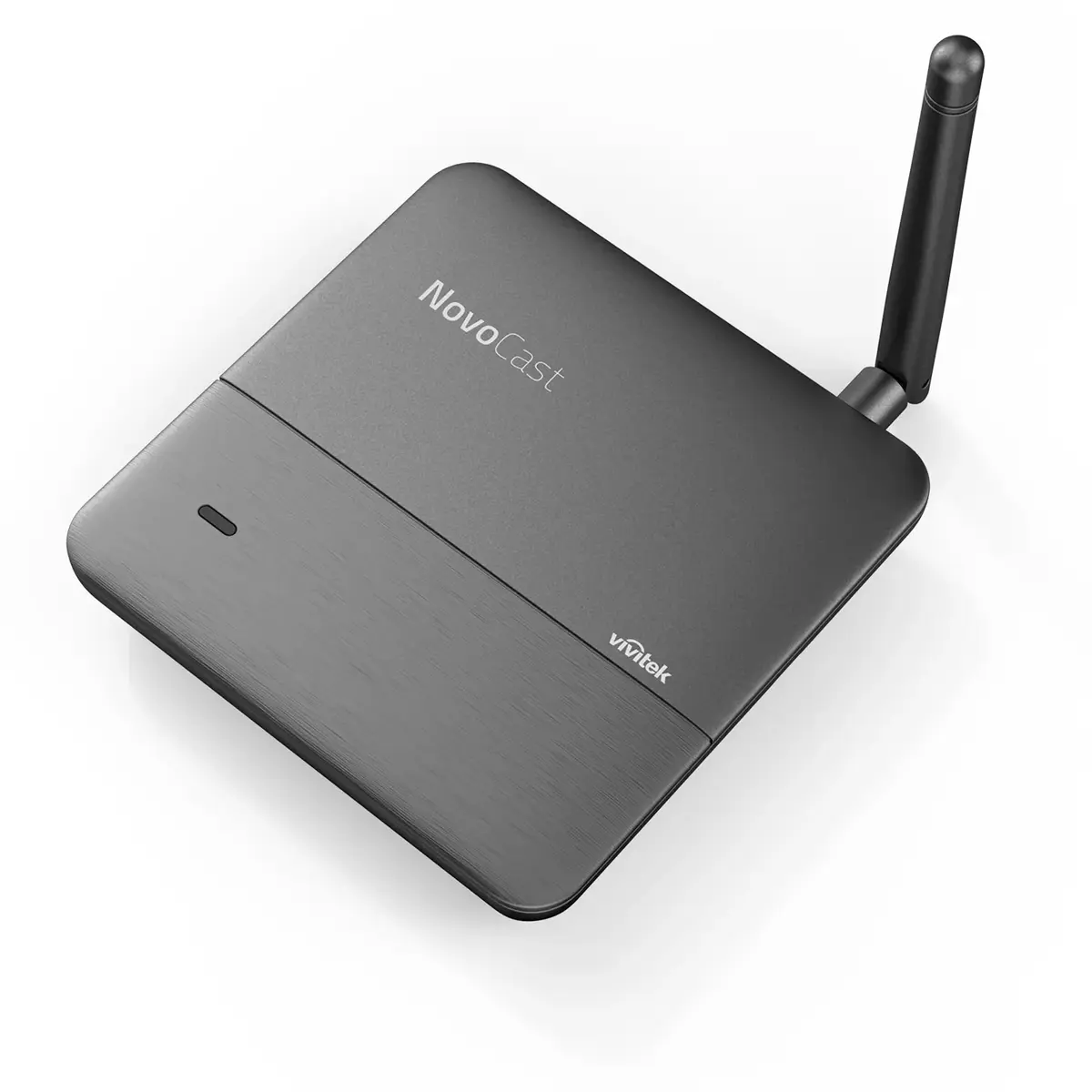
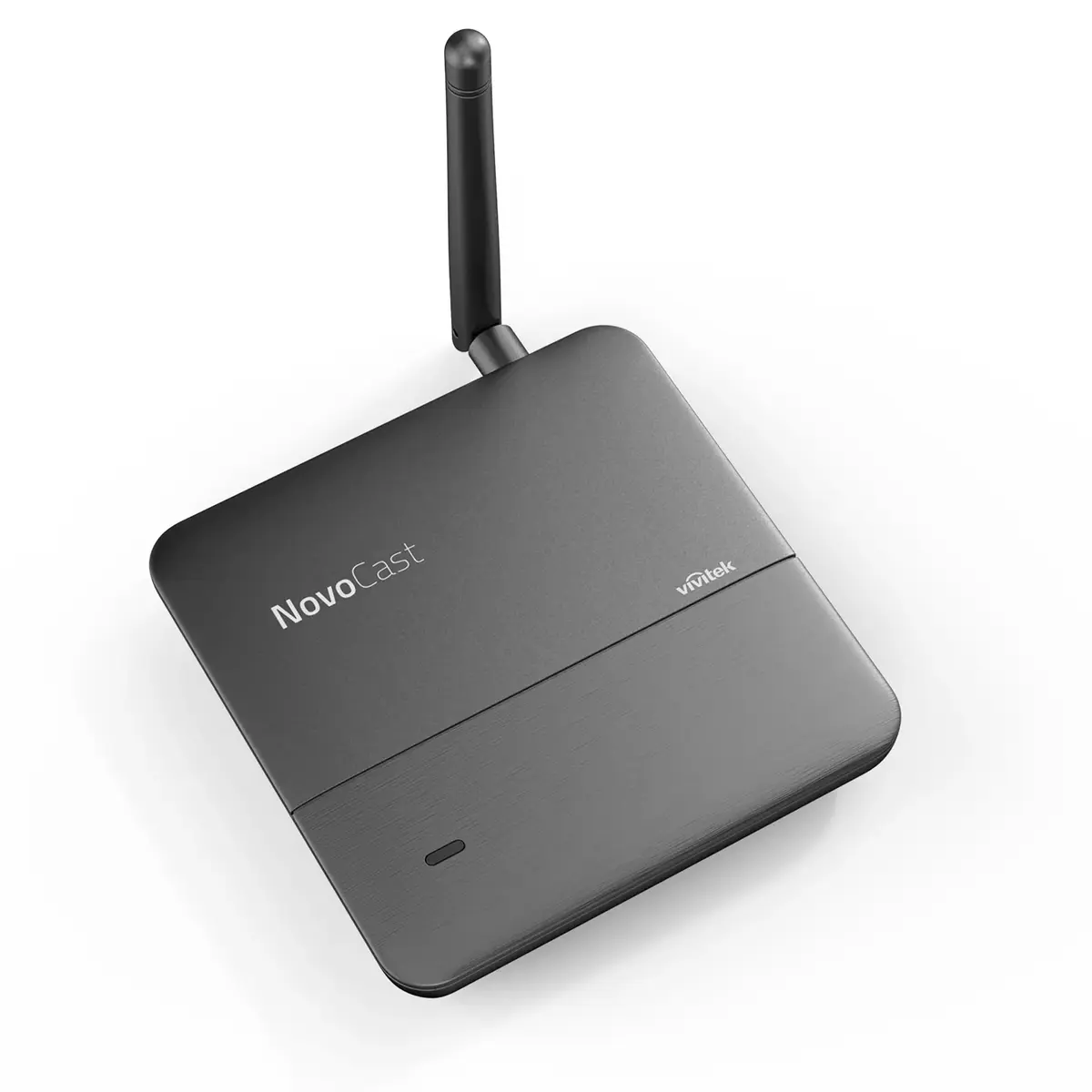
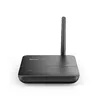
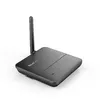
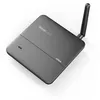
Antenna type:
Type of antenna, also known an aerial, e.g. external, internal.
-
External
-
Number of users:
The number of people that use or can use this product.
-
8 user(s)
-
USB 2.0 ports quantity:
Number of USB 2.0 ports (connecting interfaces) in the device. USB 2.0 was released in April 2000 (now called "Hi-Speed"), adding higher maximum signaling rate of 480 Mbit/s (effective throughput up to 35 MB/s or 280 Mbit/s), USB 2.0 ports are usually black.
-
1
-
DC-in jack:
The socket/plug where the DC electricity supply connects to the device.
-
Yes
-
Quick start guide:
Instructions, either online, as a computer program or in paper form, to allow you to set up and start using the product quickly.
-
Yes
-
Supported graphics resolutions:
The graphic resolutions that can be displayed by the device. The graphic resolution describes the width and height dimensions of a display, such as a computer monitor, measured in pixels.
-
1920 x 1200 (WUXGA)
-
Antennas quantity:
-
1
-
Number of HDMI outputs:
Port (socket) for HDMI output.
-
1
-
Windows operating systems supported:
Windows vesions wich can be used with the device.
-
Windows 10, Windows 7, Windows 8
-
Mac operating systems supported:
Mac operating systems e.g. OS X can be used with the device.
-
Mac OS X 10.14 Mojave, Mac OS X 10.10 Yosemite, Mac OS X 10.11 El Capitan, Mac OS X 10.12 Sierra, Mac OS X 10.13 High Sierra, Mac OS X 10.15 Catalina, Mac OS X 10.7 Lion, Mac OS X 10.8 Mountain Lion, Mac OS X 10.9 Mavericks
-
Mobile operating systems supported:
The operating systems e.g. Android, iOS, that can be used with the mobile device.
-
Android, iOS
-
Storage media:
Used for the storage of data e.g. HDD (hard disk drive), SSD (solid-state drive).
-
eMMC
-
AirPlay mirroring:
-
Yes

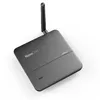
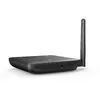
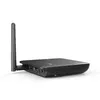
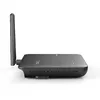
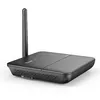
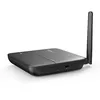
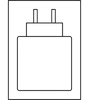 Charging device included


