


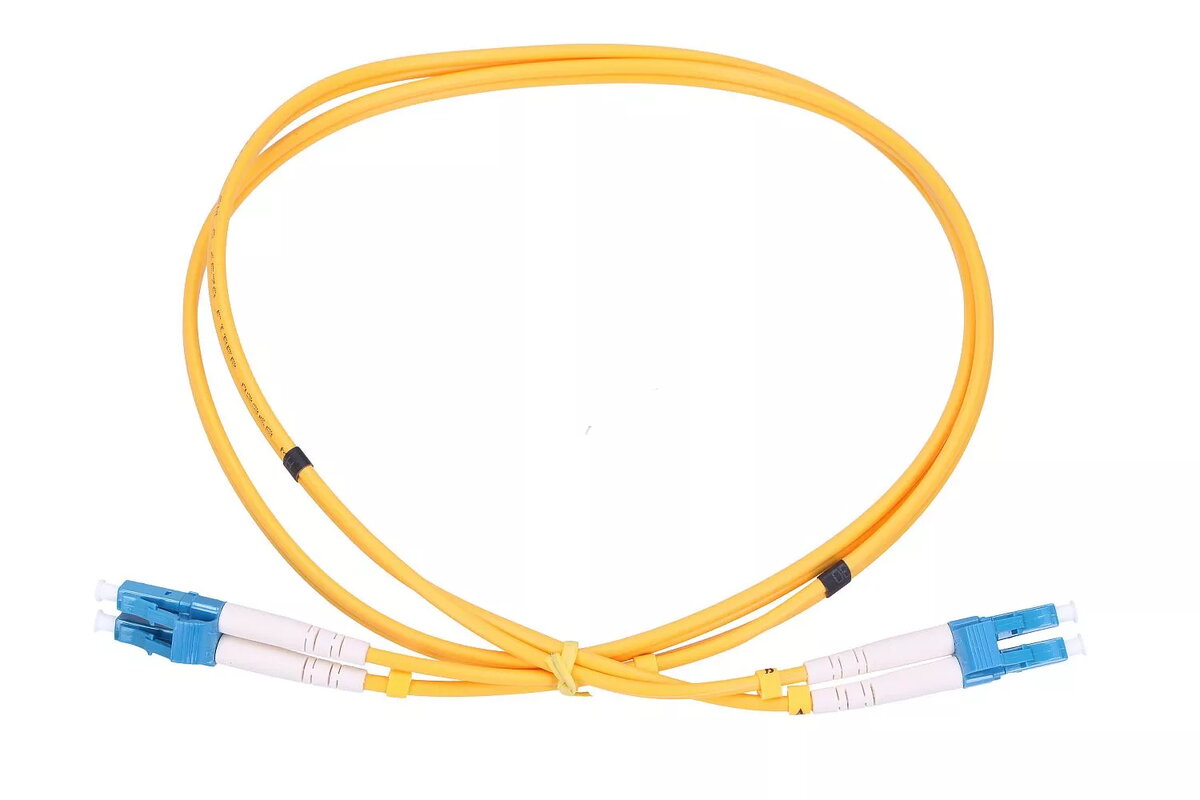
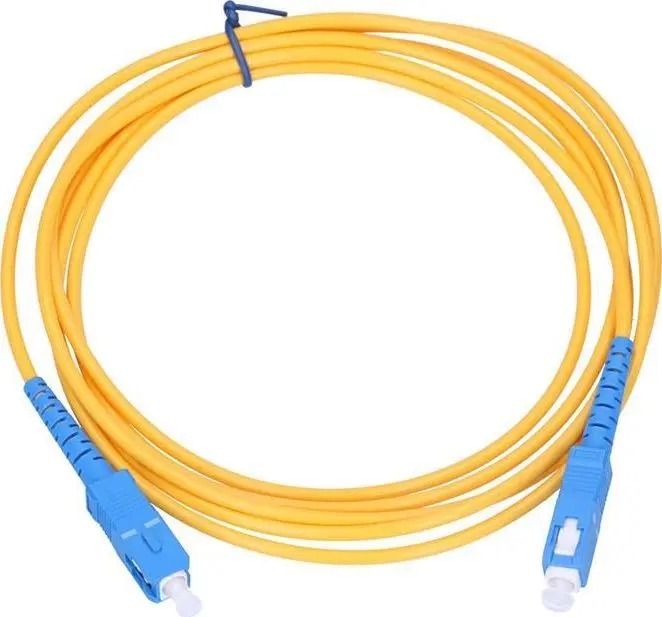
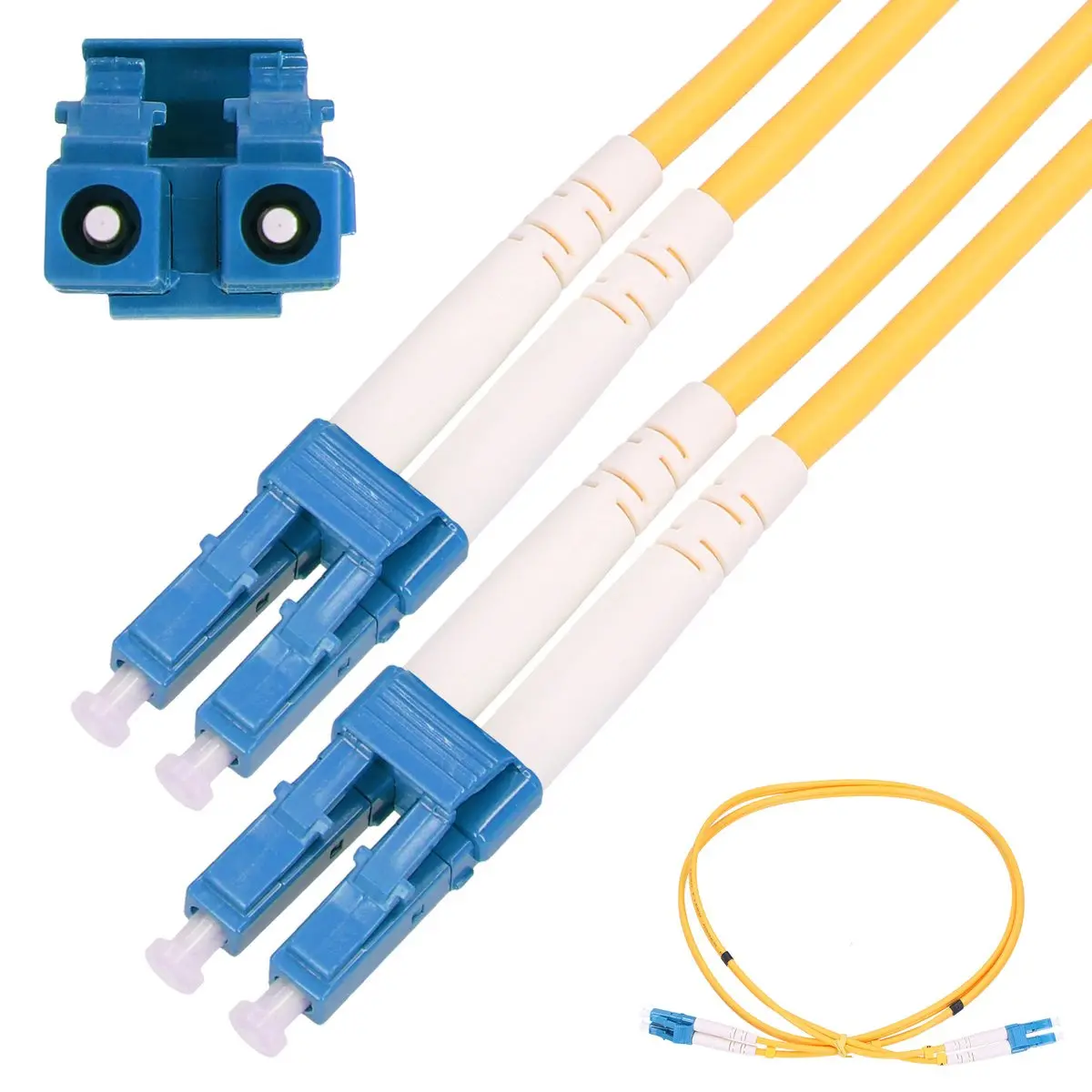
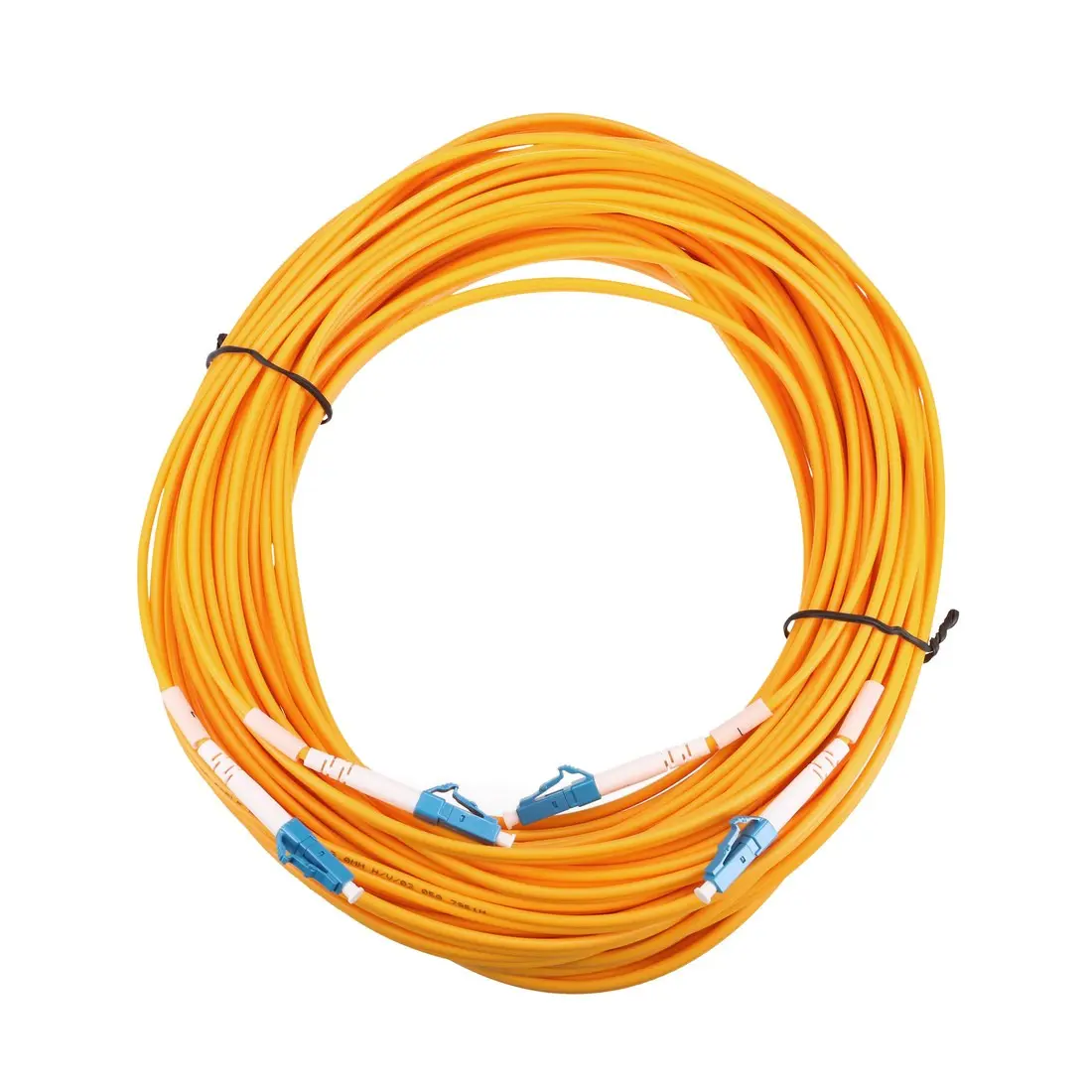
Extralink Single Mode Duplex G.652D FTTH Fiber Optic Patchcord LC/UPC to LC/UPC 3mm 10m


Short description

Cheapest delivery:
Unisend LV
Product information
Description
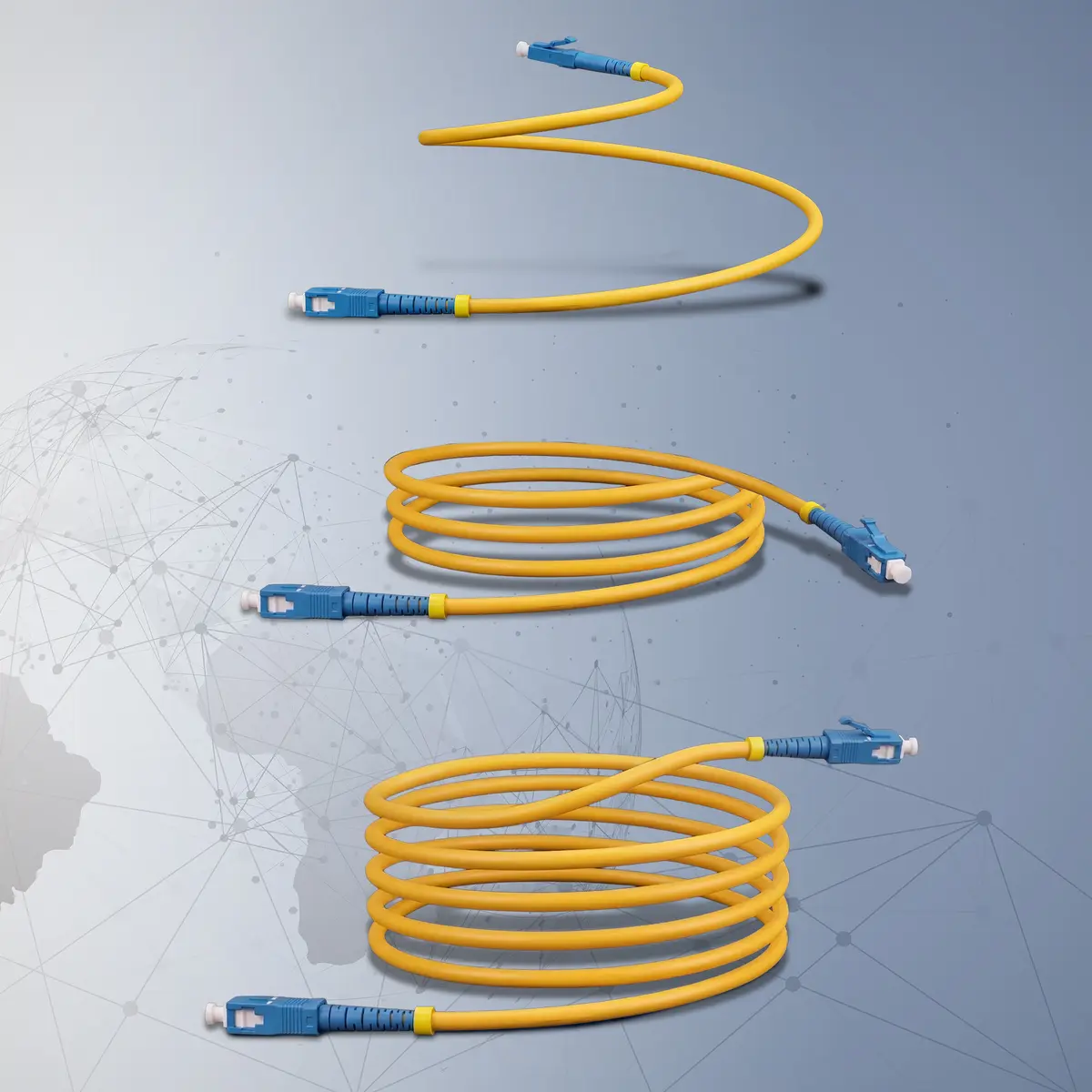
The Extralink Single Mode Duplex G.652D FTTH Fiber Optic Patchcord LC/UPC to LC/UPC 3mm 10m is a high-performance networking cable designed for reliable data transmission and robust network connectivity. Featuring LC/UPC to LC/UPC connectors and a length of 10 meters, this single-mode duplex cable utilizes a G.652D FTTH cable with a 3 mm thickness, making it ideal for telecommunications and data center environments.
Advantages
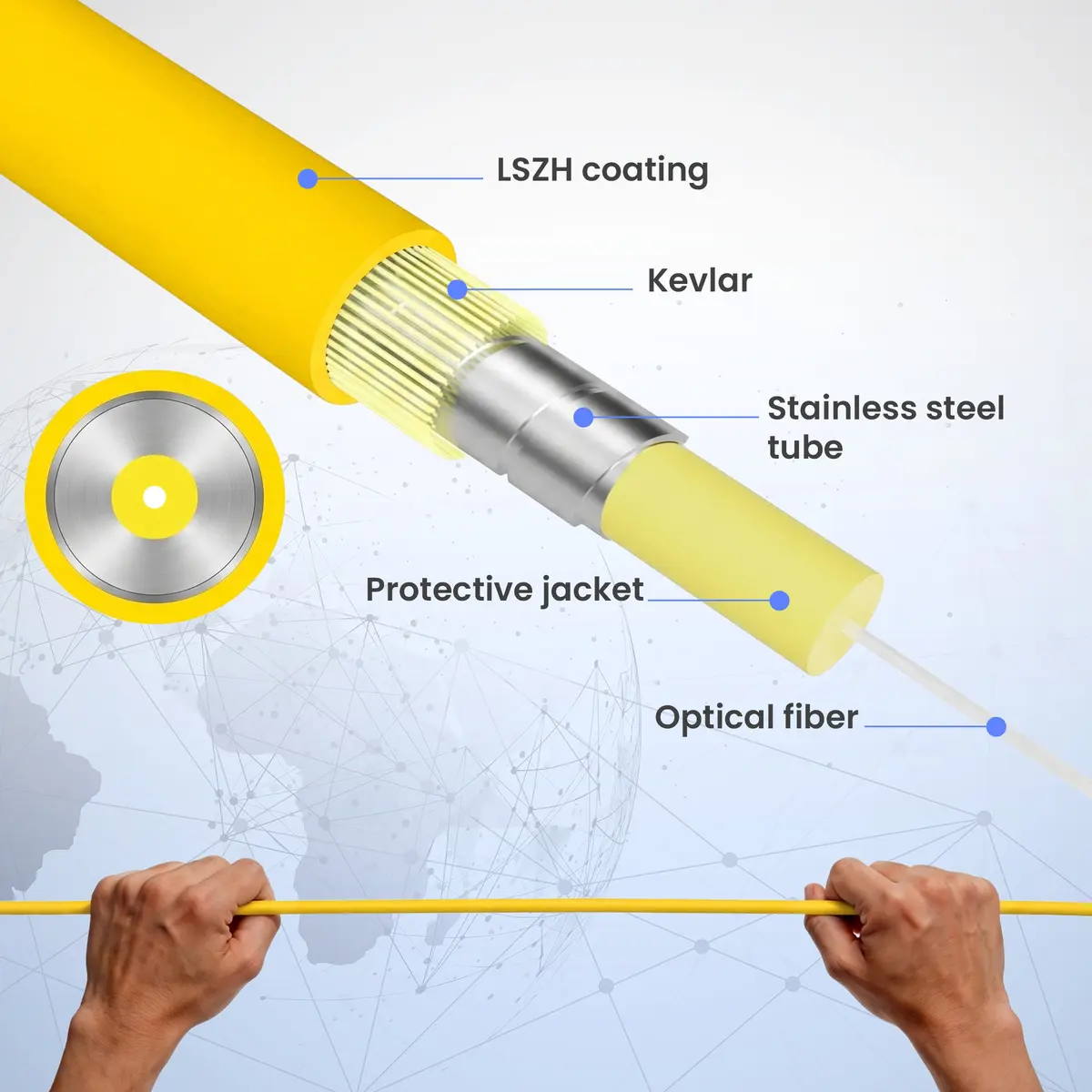
This fiber optic patchcord provides low attenuation and ensures stable signal integrity over long distances. It offers excellent repeatability of measurements and parameters, which contributes to consistent network performance. Built with quality materials and precise UPC polishing, the cable supports efficient data transfer and reliable operation across a wide temperature range.
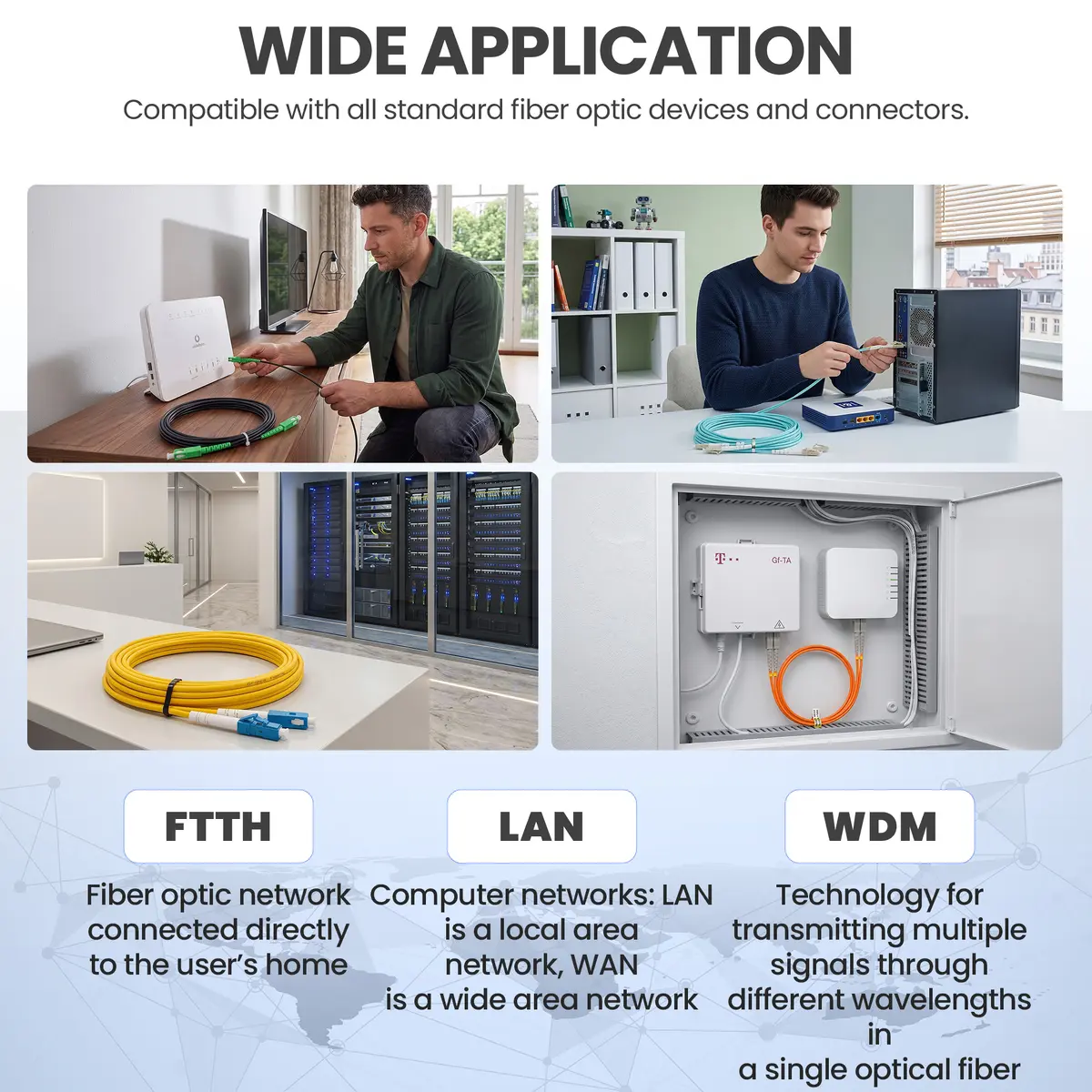
Suitable for
- Connecting optical networking equipment such as switches and media converters
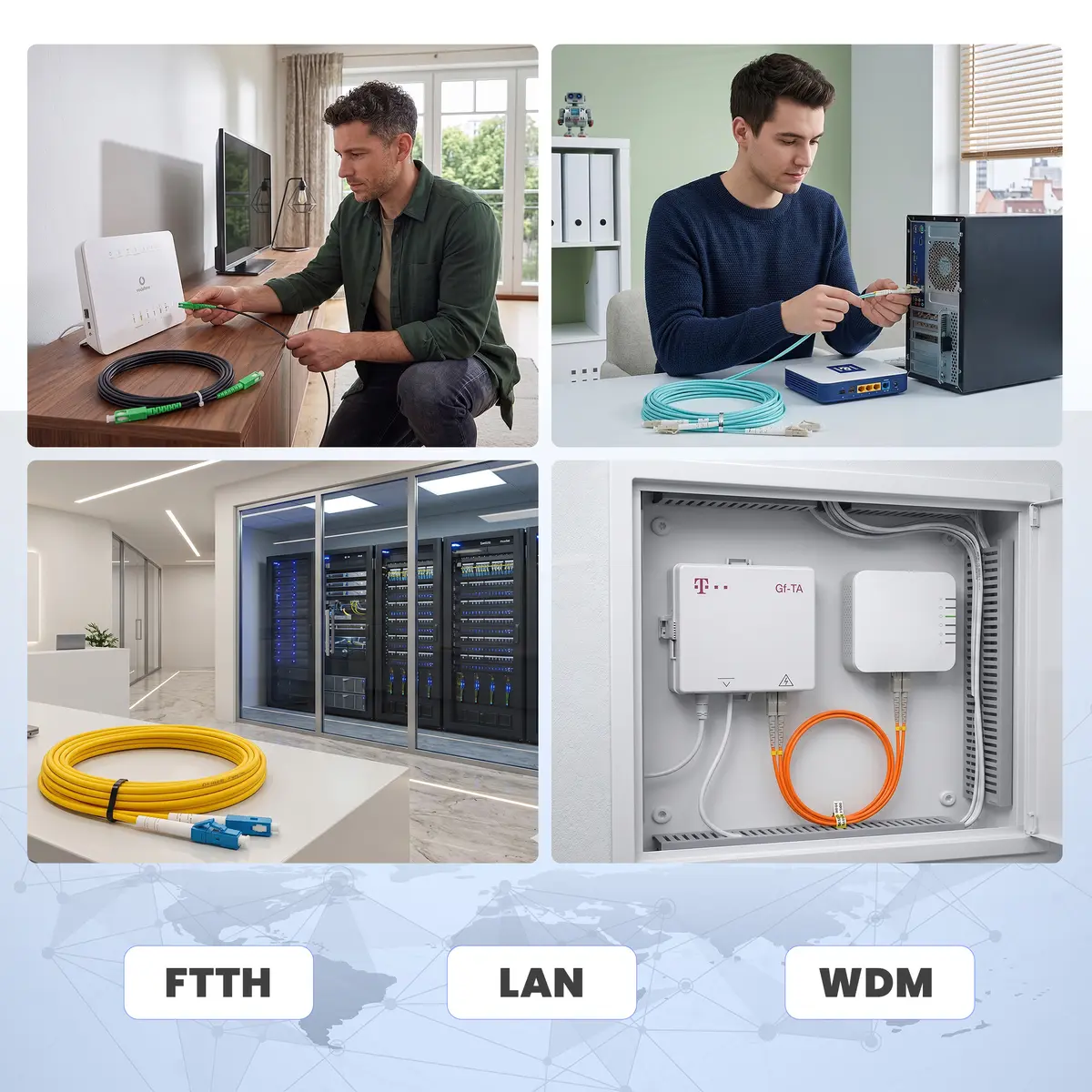
- FTTH network deployments to link OLT and ONU or ONT devices
- Telecommunication installations requiring single-mode duplex connections
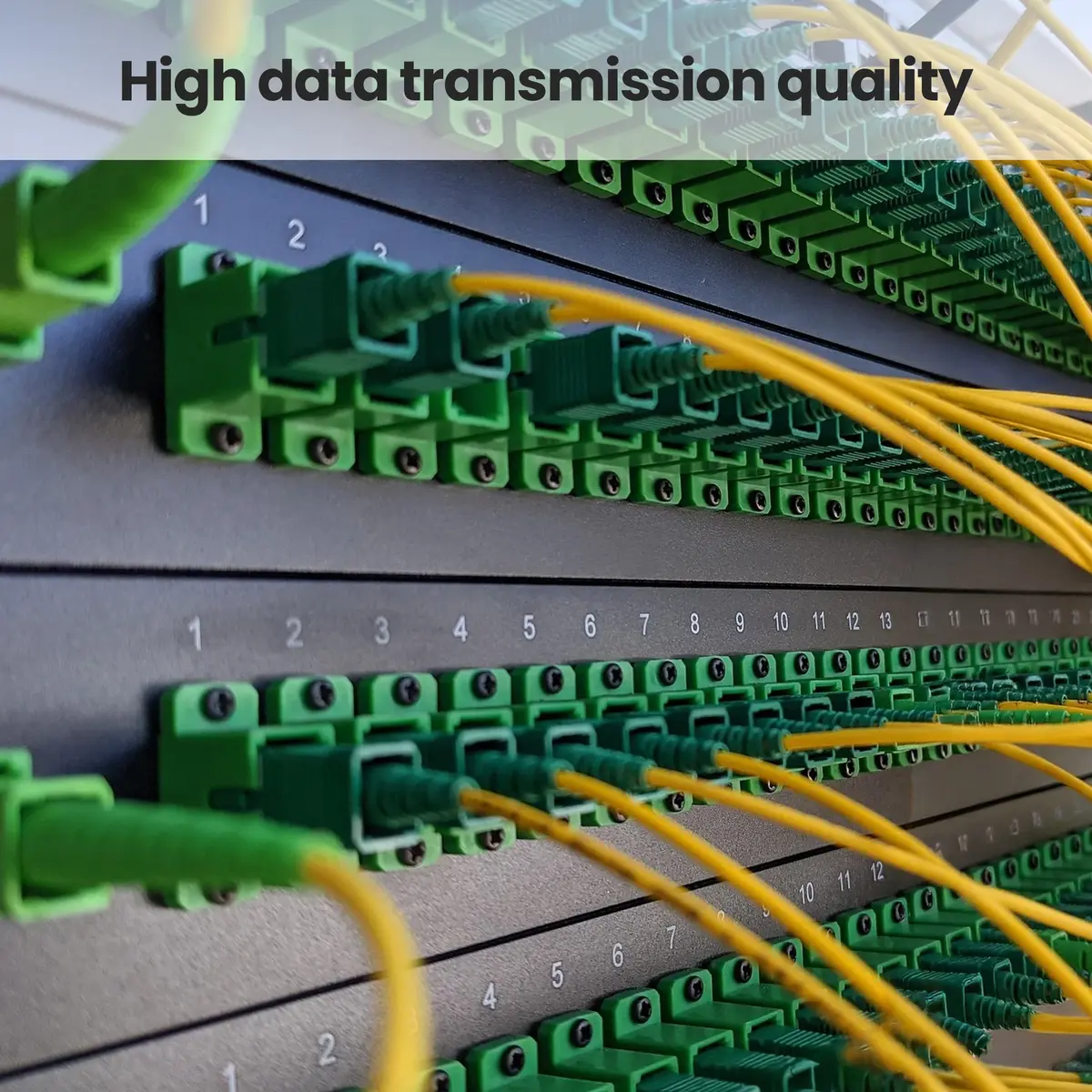
- Data center structured cabling and internal rack connections
When it may not be suitable
This patchcord is not designed for multi-mode network infrastructures and will not be compatible with multi-mode transceivers. Additionally, the 10-meter length may be excessive or insufficient for very short rack connections or long-distance outdoor runs without proper containment.
Key specifications
- Cable length: 10 meters
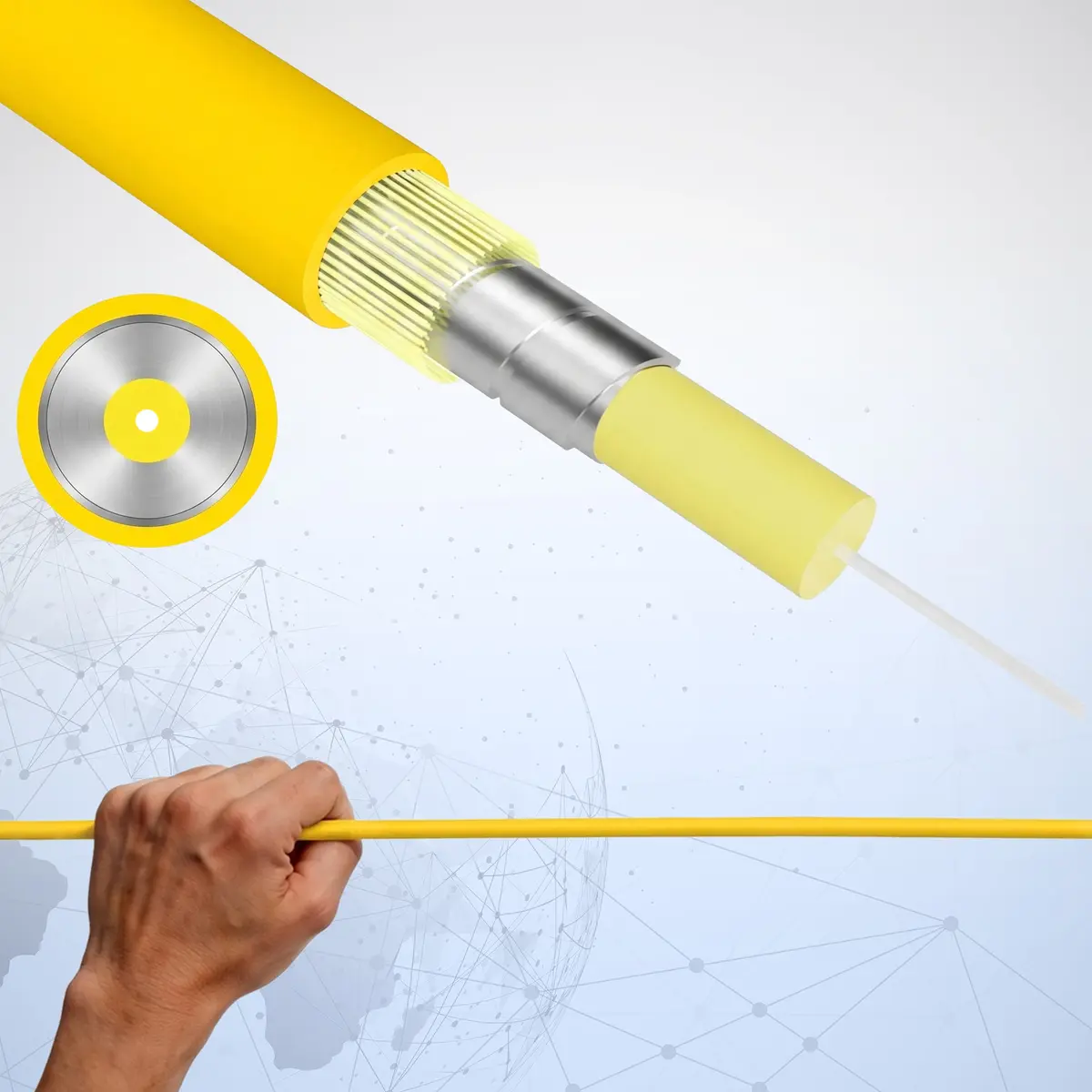
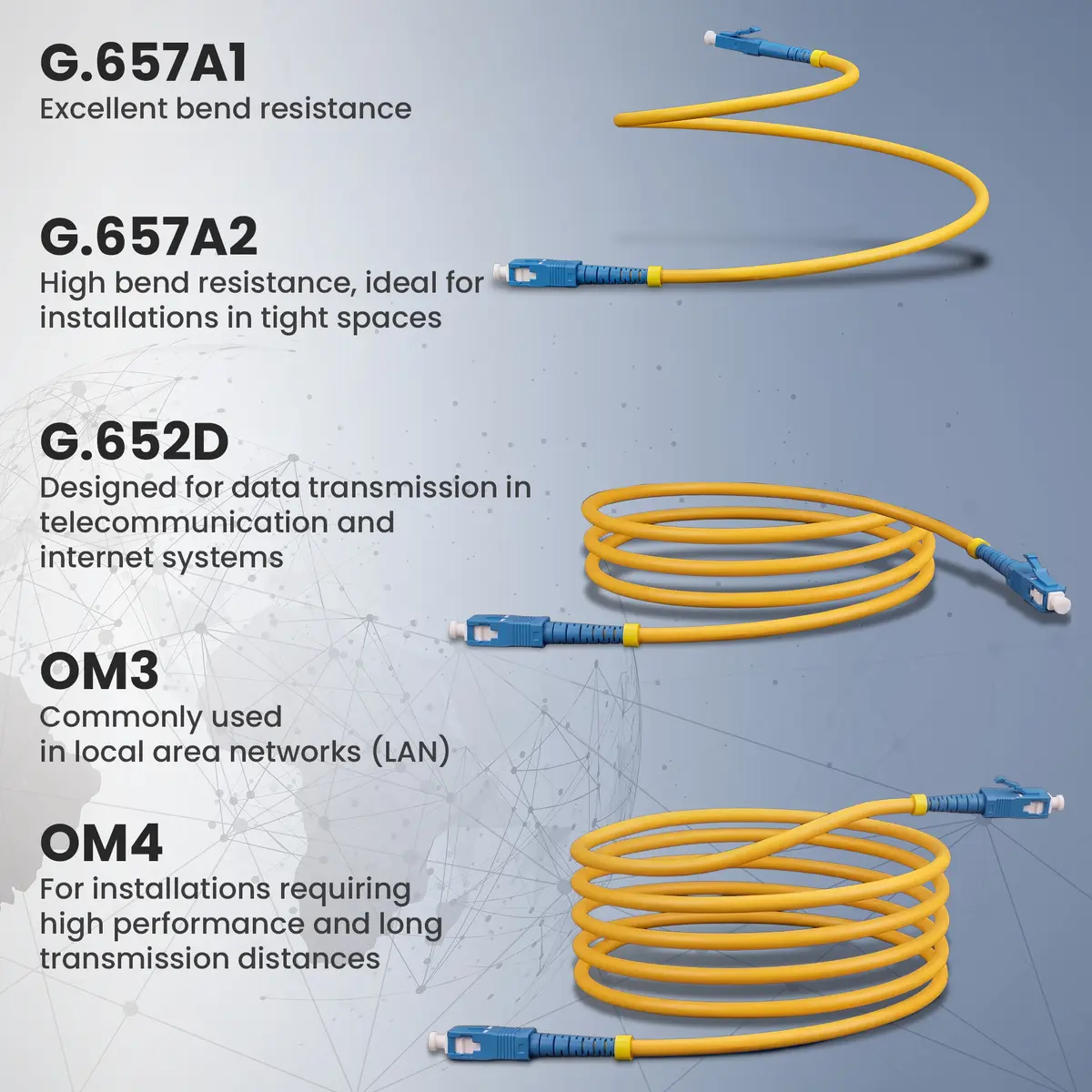
- Fiber optic type: Single mode G.652D
- Cable type: FTTH duplex
- Cable thickness: 3 mm
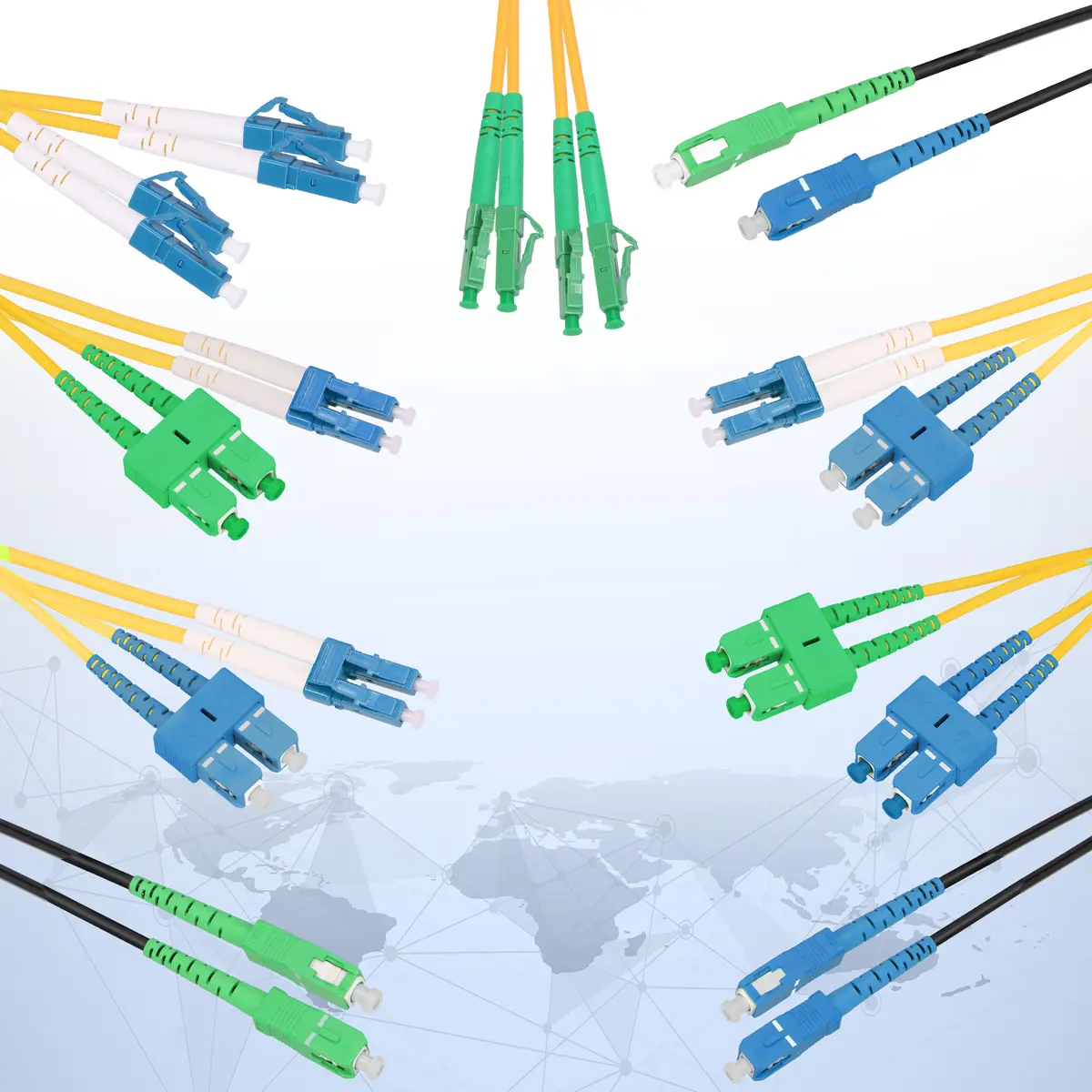
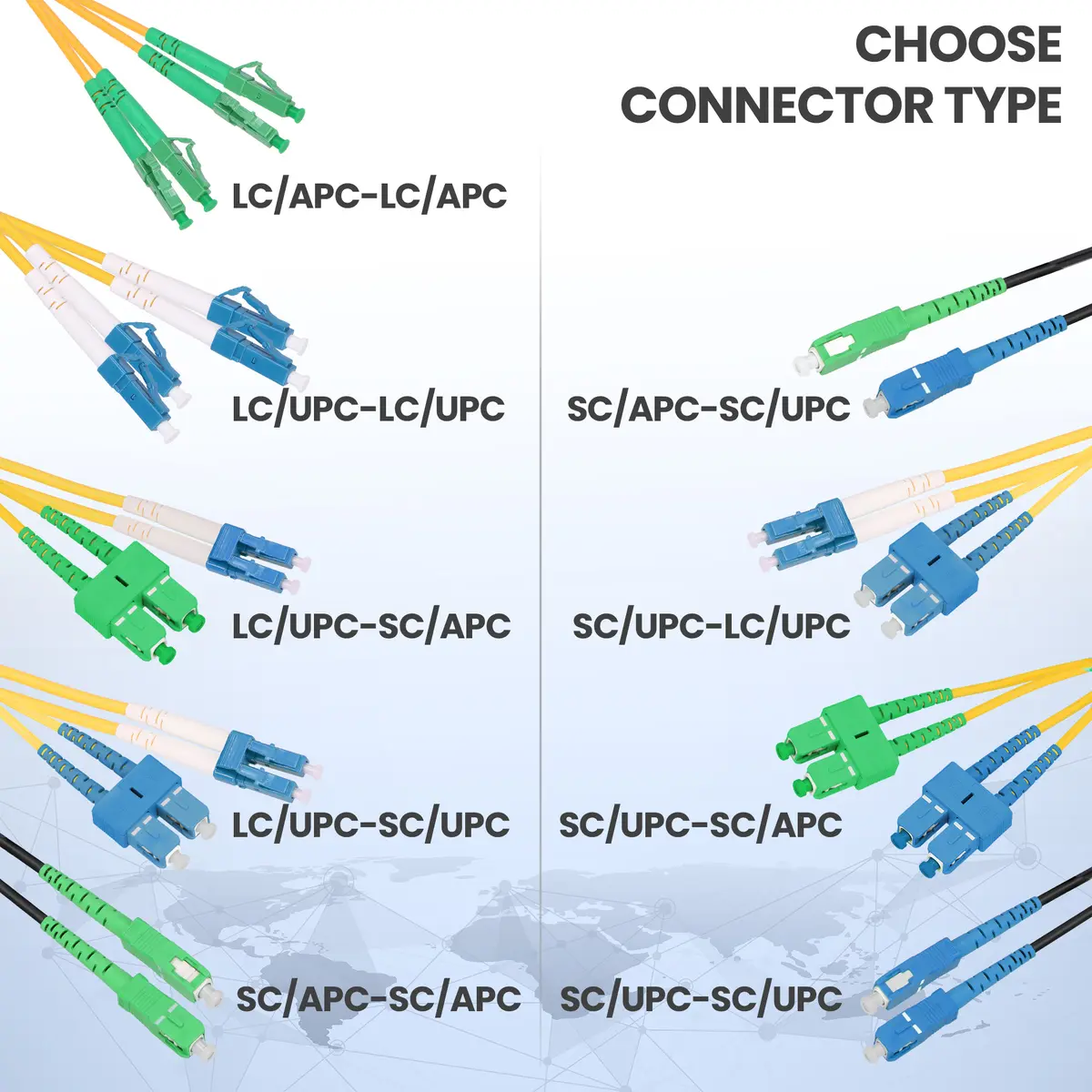
- Connector 1: LC Male with UPC polish
- Connector 2: LC Male with UPC polish
- Jacket material: Polyvinyl chloride (PVC)
- Color: Yellow
How to use
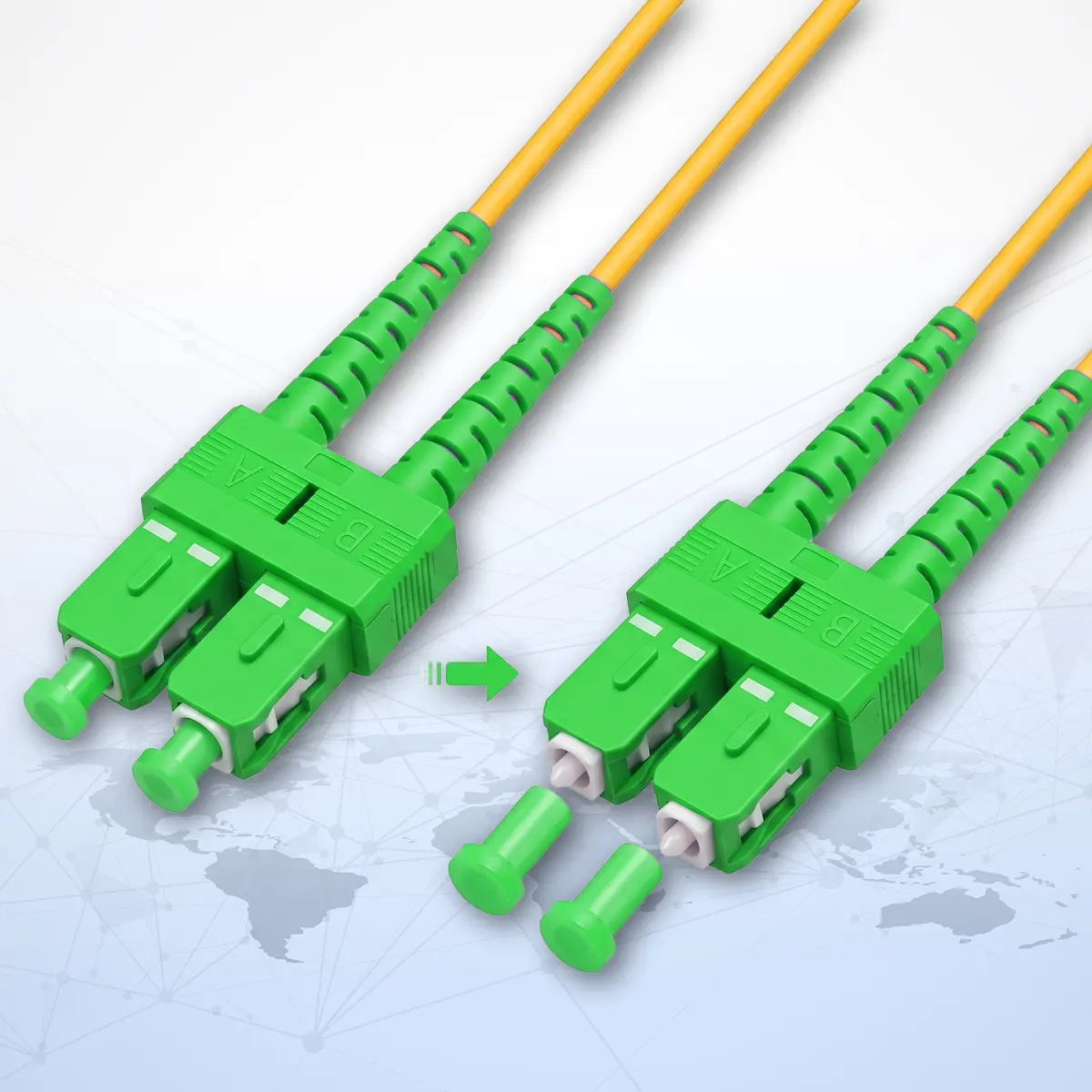
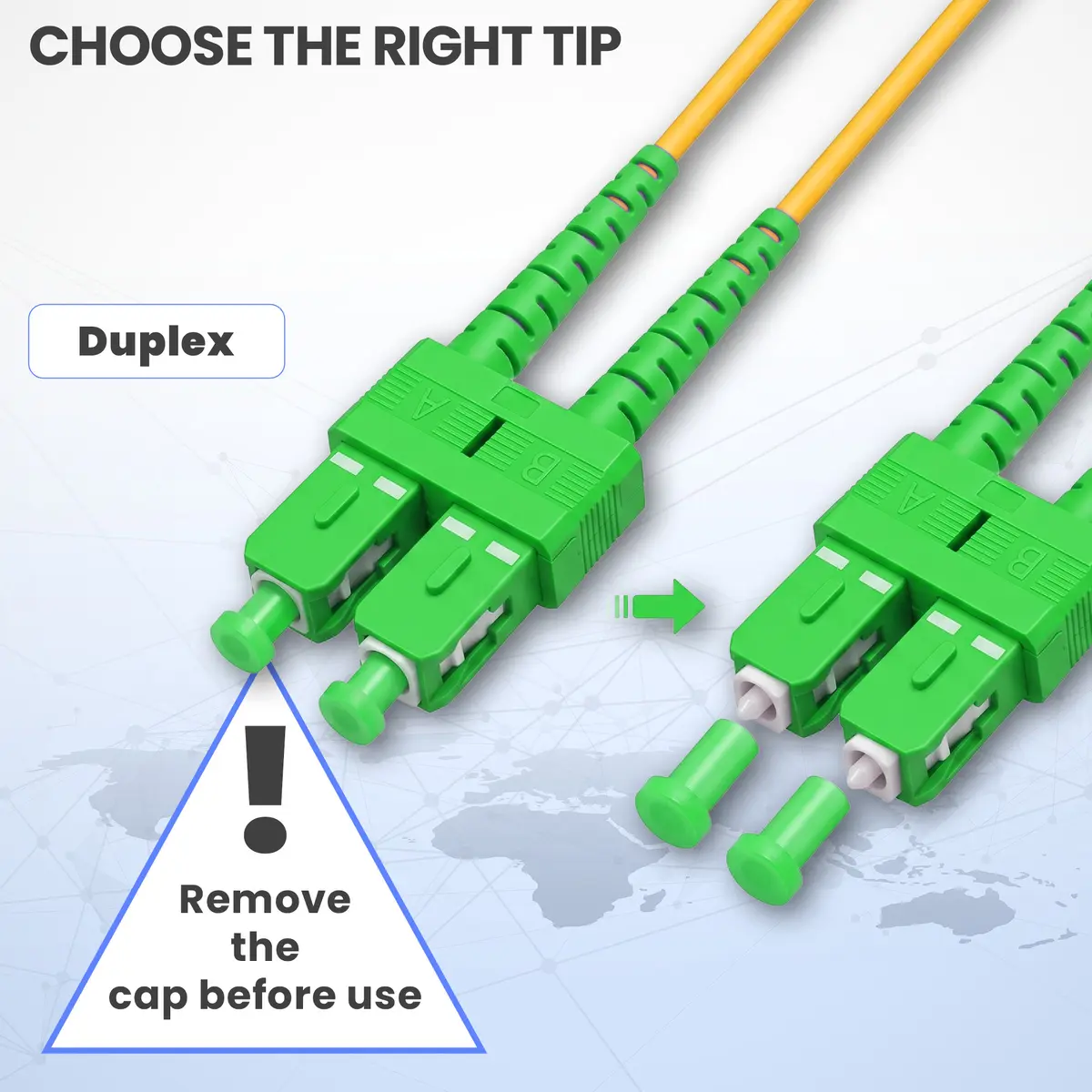
Carefully remove the protective dust caps from both LC/UPC connectors on the patchcord. Align the connector plug with the port on your optical network device, ensuring the latch mechanism matches the port orientation. Push the connector straight in until you hear a click, indicating a secure connection. Repeat the process for the second device. Avoid sharp bends or excessive pulling forces during installation to maintain optimal signal transmission.
What to consider before purchase
- Verify that your network hardware uses LC ports and requires single-mode G.652D compatibility
- Measure the required distance between devices to ensure the 10-meter length is appropriate
- Check whether your setup requires duplex connections or simplex cables
Always keep the connector end-faces clean and protected with dust caps when not in use. Avoid bending the cable beyond its minimum bend radius to prevent signal degradation or internal fiber damage.
Features
- Connector 1 gender:
- Male
- Connector 2 gender:
- Male
- Connector 2:
- LC
- Connector 1:
- LC
- Cable length:
- 10 m


