JBL speakers and headphones for pure and deep sound!
In cart {{totalProductsCount}} item(s)
Your cart is empty
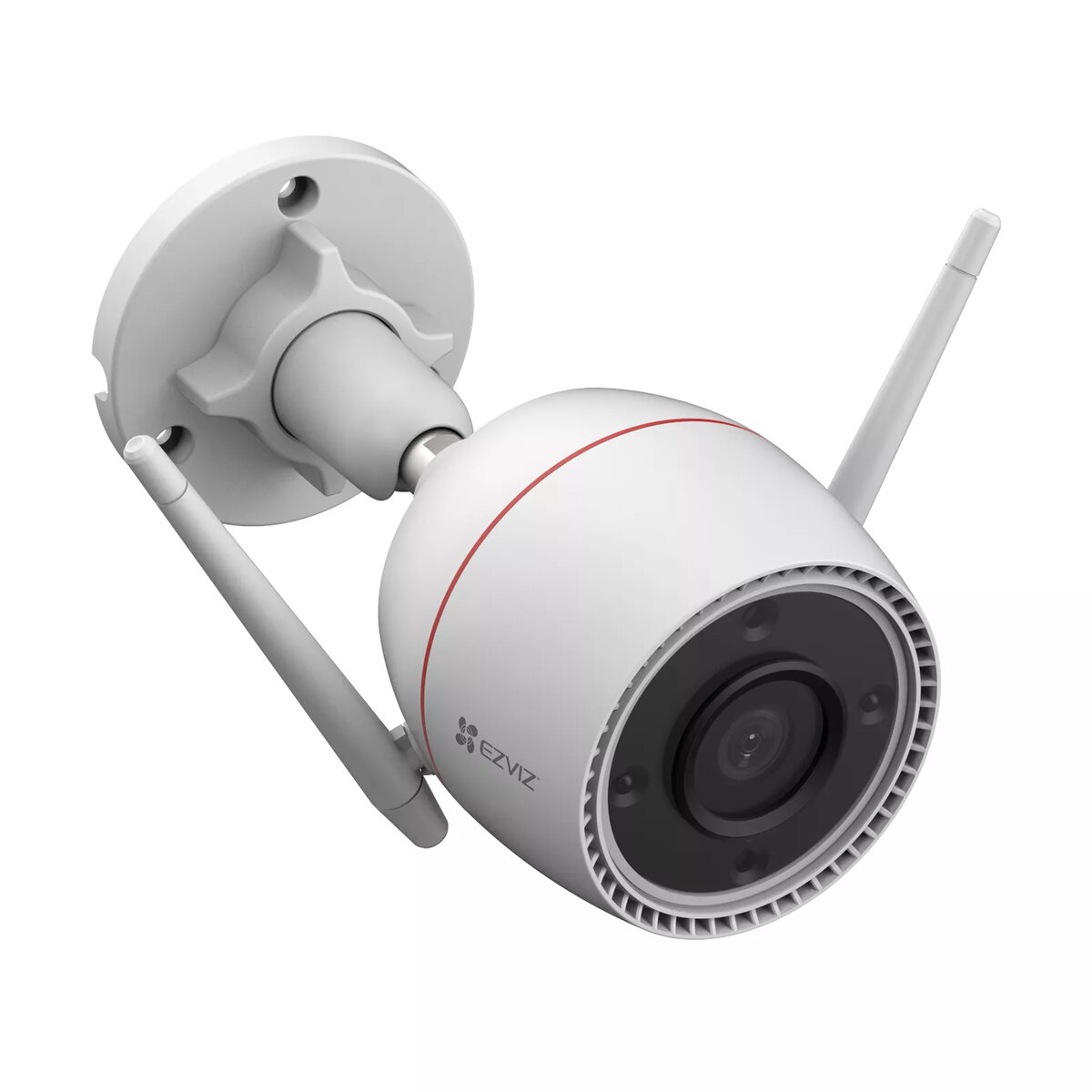
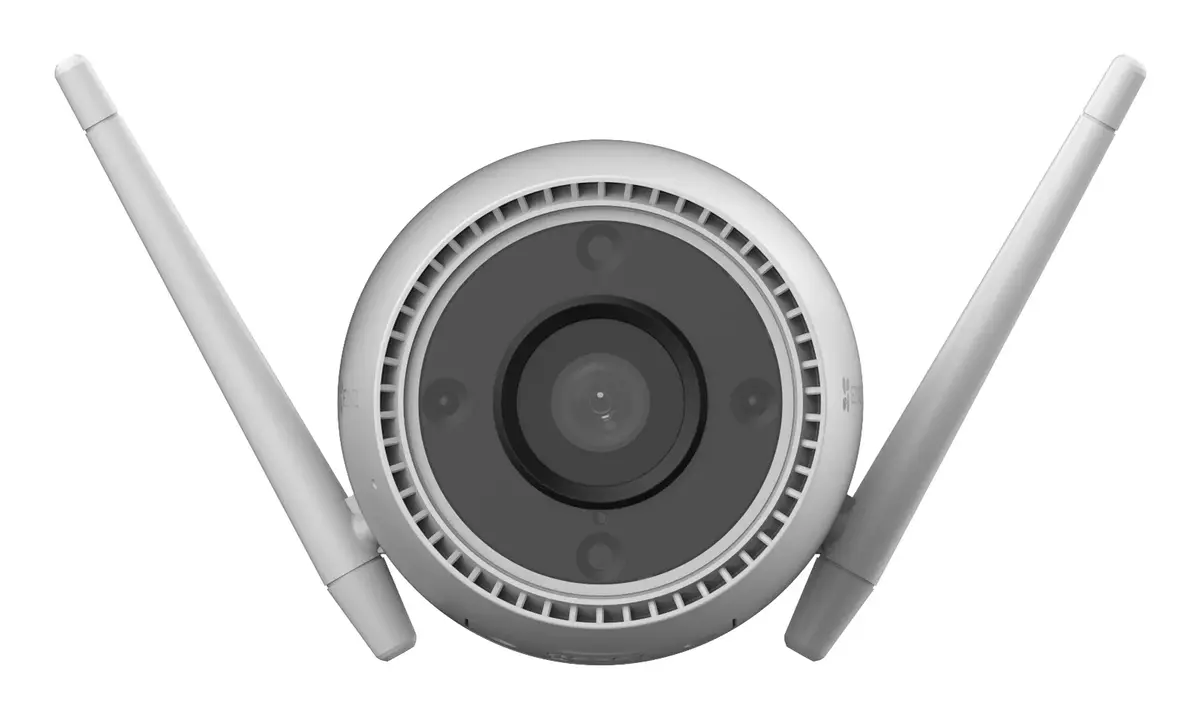
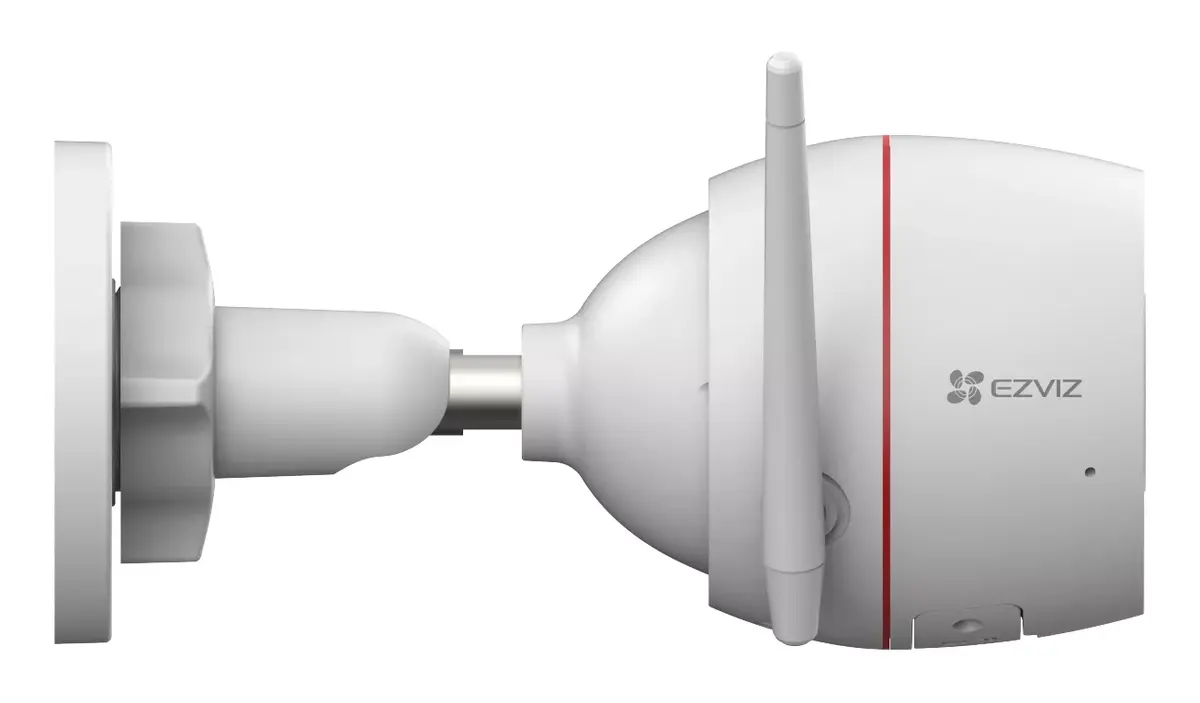
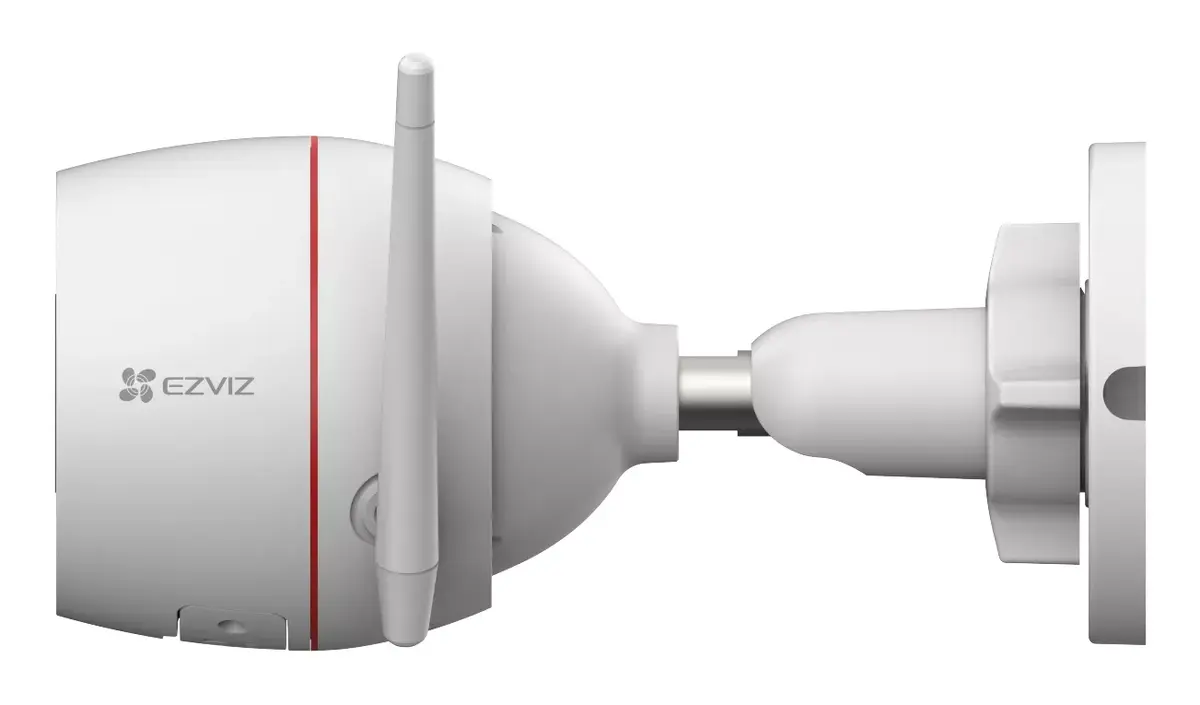
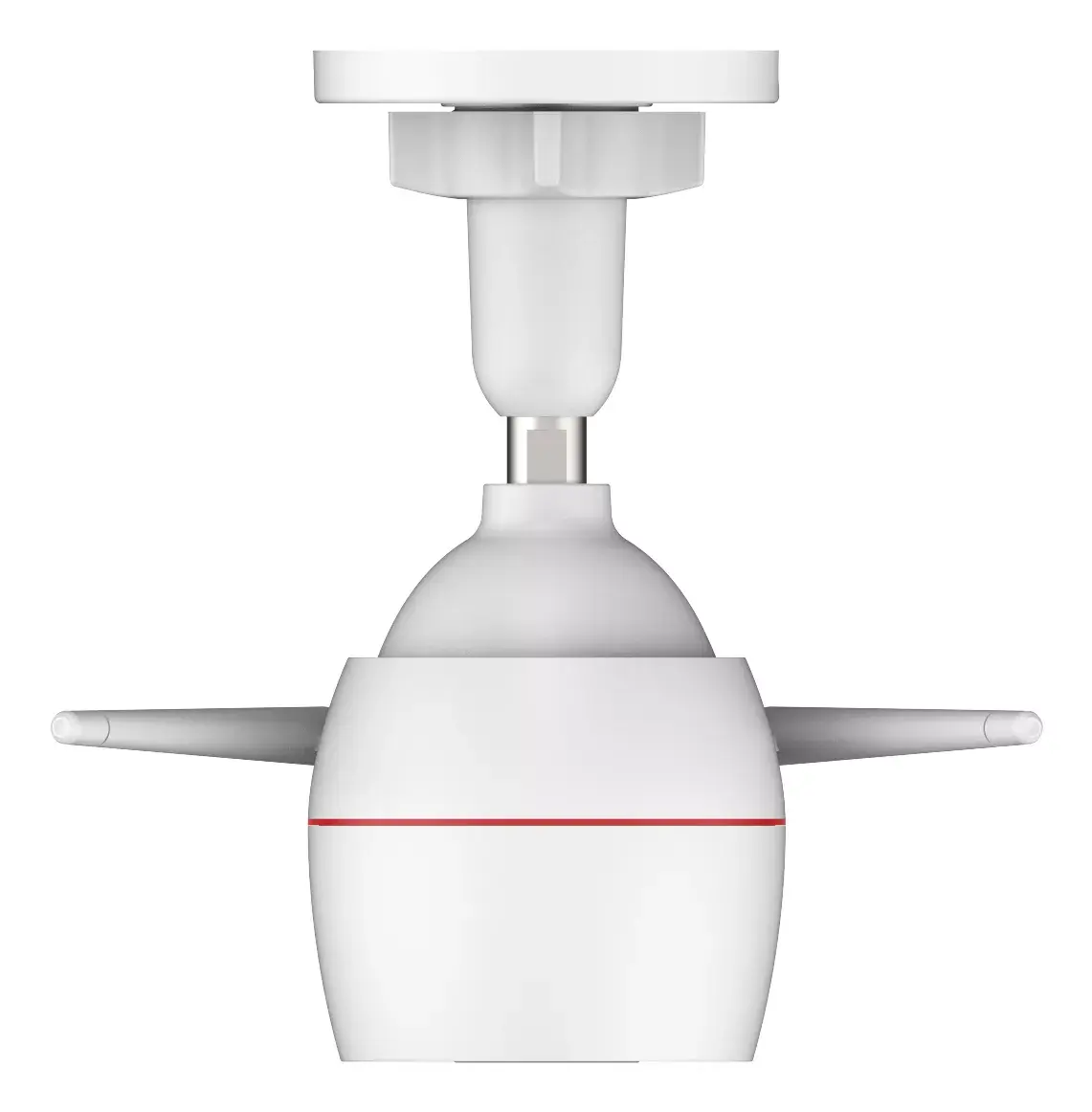
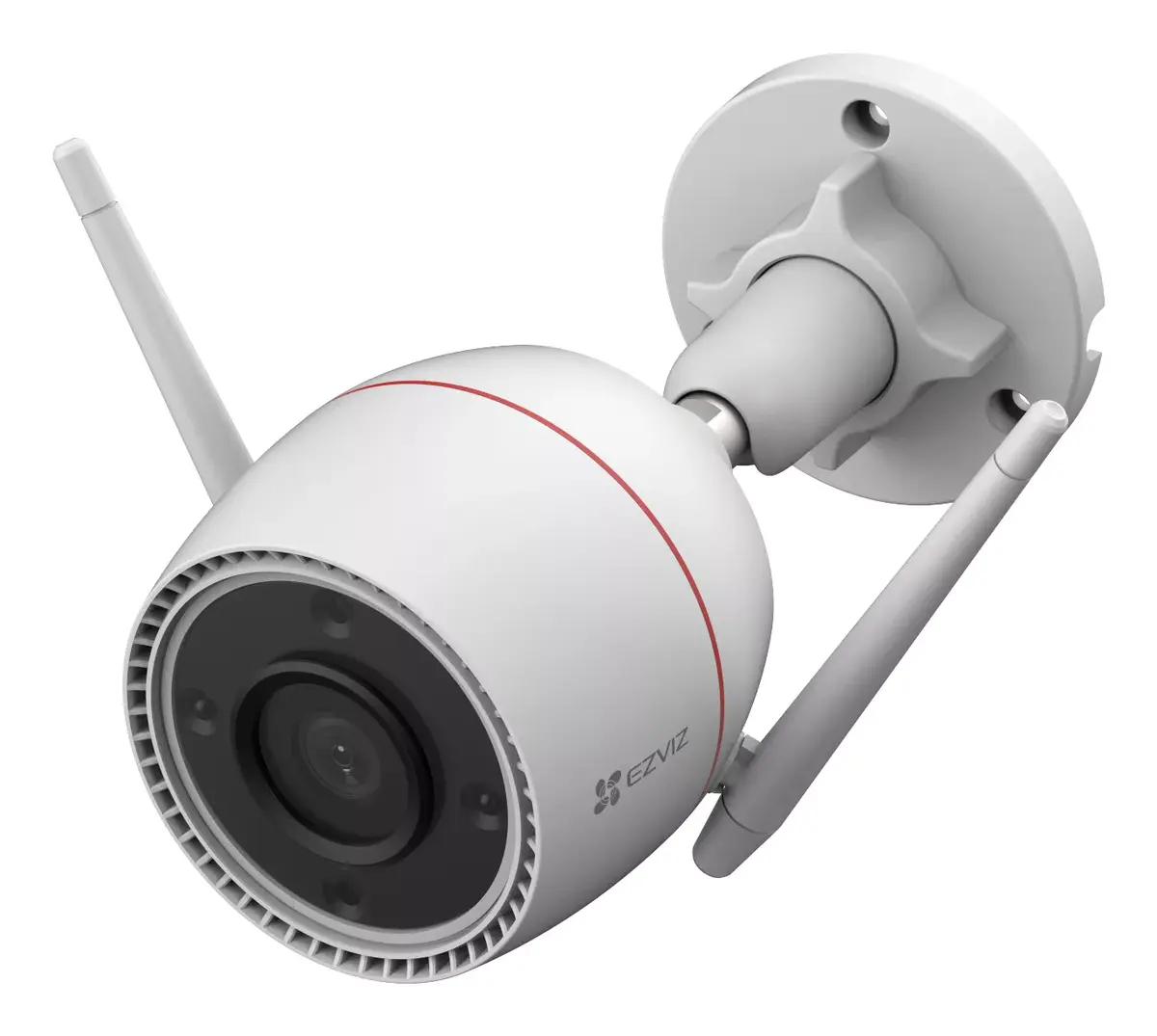
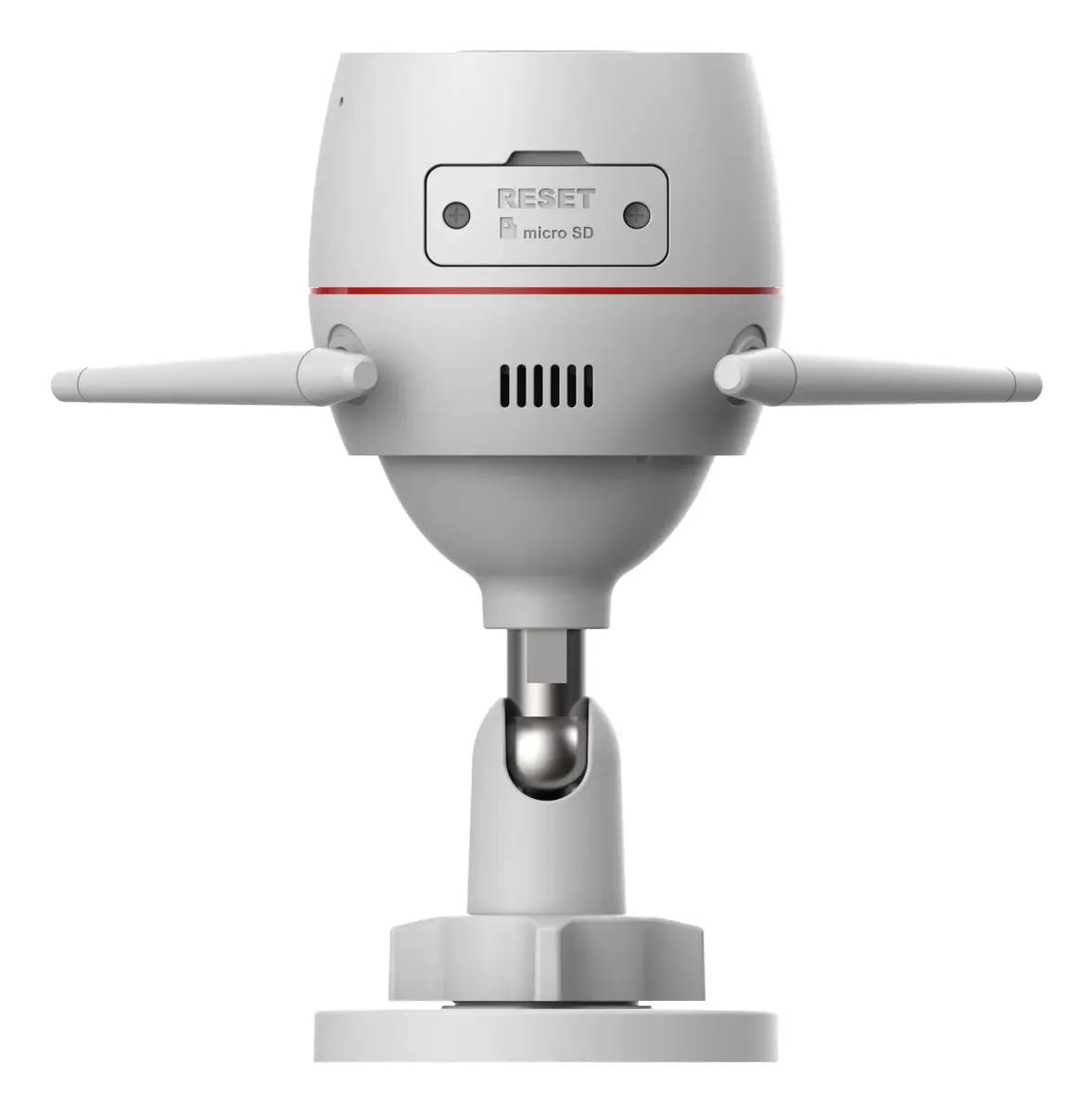
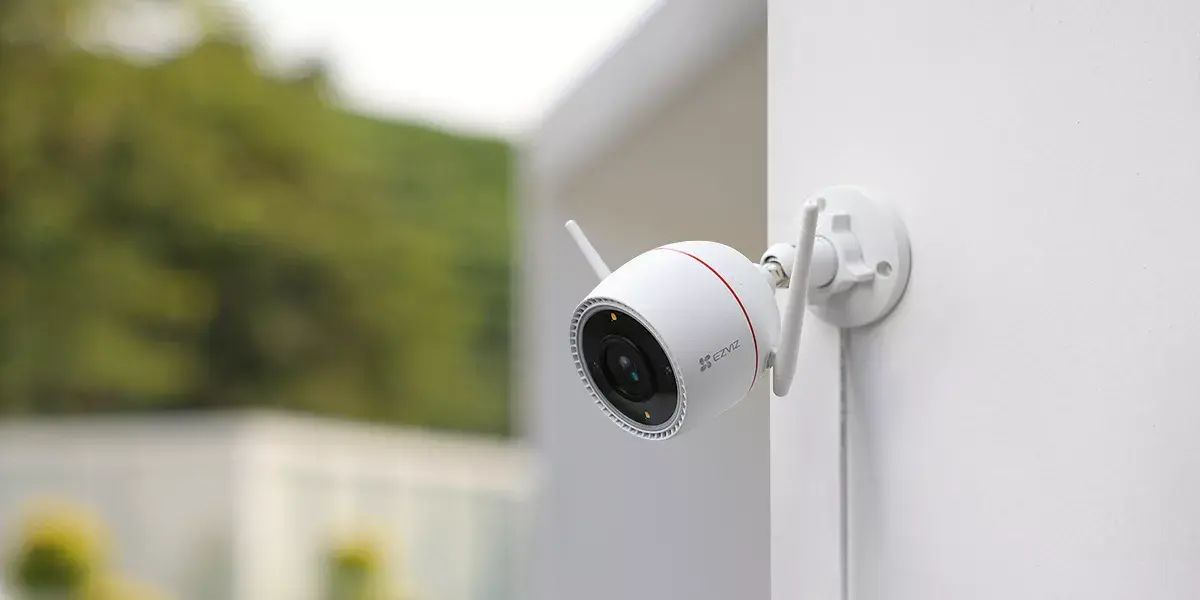
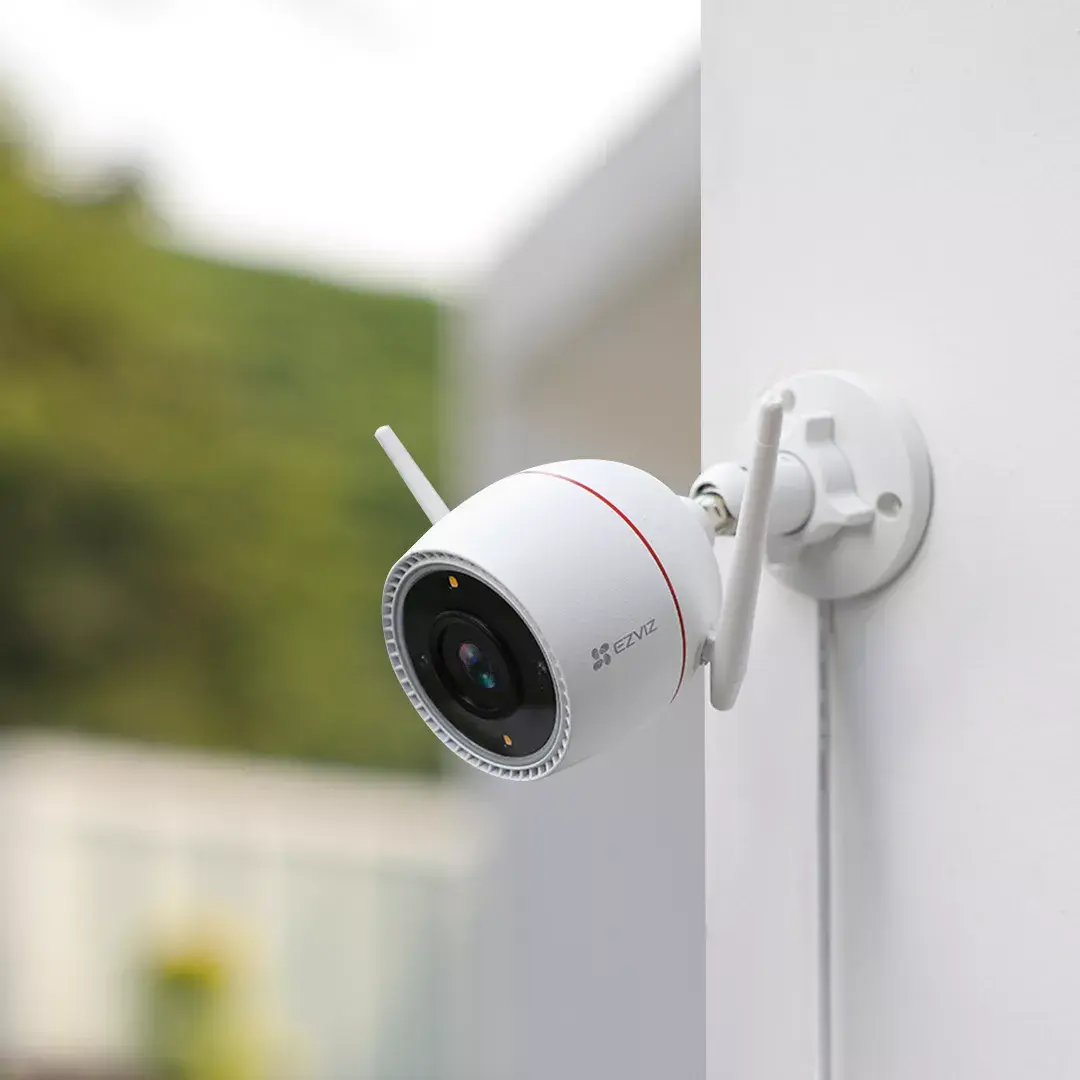
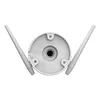
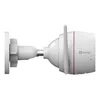
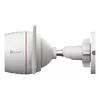
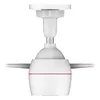
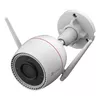
IP security camera EZVIZ H3c 2K+ Bullet 2560 x 1440 pixels
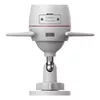
The EZVIZ H3c 2K+ Bullet 2560 x 1440 pixels is an outdoor IP security camera designed for clear daytime and low-light surveillance. It records at a 2K+ resolution (2560 x 1440) and supports both wired Ethernet and wireless Wi‑Fi connections for flexible installation. The camera’s bullet form factor and white finish are suitable for wall or ceiling mounting and provide a discreet but visible presence for perimeter monitoring. With a minimum illumination of 0.01 lx and motion detection capability, the H3c is intended to capture relevant events across a wide field of view.
The camera delivers 2K+ image quality to improve identification of faces and objects compared with standard HD cameras while maintaining a 30 fps frame rate for smooth video. Dual connectivity options (Ethernet and Wi‑Fi) allow the camera to be installed where cabling is convenient or where wireless is preferred. Low-light sensitivity down to 0.01 lx and built-in motion detection reduce missed events in dim conditions and help trigger recording when activity is detected. The bullet design simplifies directional aiming and offers weather-resistant placement suited to outdoor use.
This camera is intended for typical outdoor surveillance but may not be the best choice for large open areas that require ultra-wide or multi-directional coverage; in such cases, panoramic or PTZ systems could be more appropriate. It also relies on network connectivity—situations with no reliable power or network access may require alternative solutions such as battery-powered or cellular cameras.
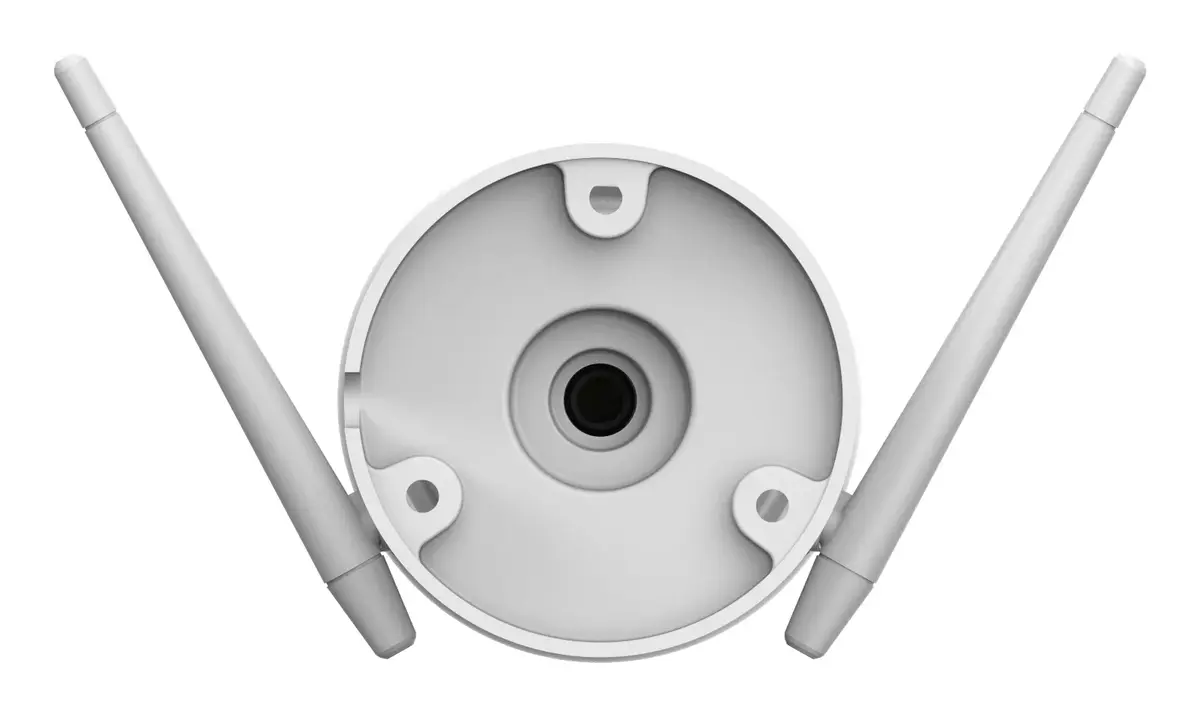
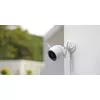
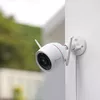
Mount the EZVIZ H3c on a wall or ceiling using appropriate fasteners for the mounting surface and route power and/or Ethernet cabling as required. If using Wi‑Fi, position the camera within reliable wireless range of your router; for wired installations, connect an Ethernet cable to your network. Configure the camera through the EZVIZ app or management interface, set motion detection zones and recording preferences, and verify image framing and focus. Regularly check firmware updates and adjust sensitivity or recording schedules to match site activity patterns.
For best results, mount the camera at a height and angle that minimizes direct sunlight into the lens and allows clear sightlines to entrances or high‑traffic areas. Use the app to define motion zones and set appropriate sensitivity to reduce false alerts from vegetation or passing traffic. If network bandwidth is limited, consider adjusting encoding settings or using event-triggered recording to conserve storage.
{{highlightedFeature.featureTitle}}:
{{getProductFeatureValueById(product, highlightedFeature.featureId)}}
{{ productComparisonGenerationError }}