Dreame vacuums for fast and efficient cleaning!
In cart {{totalProductsCount}} item(s)
Your cart is empty
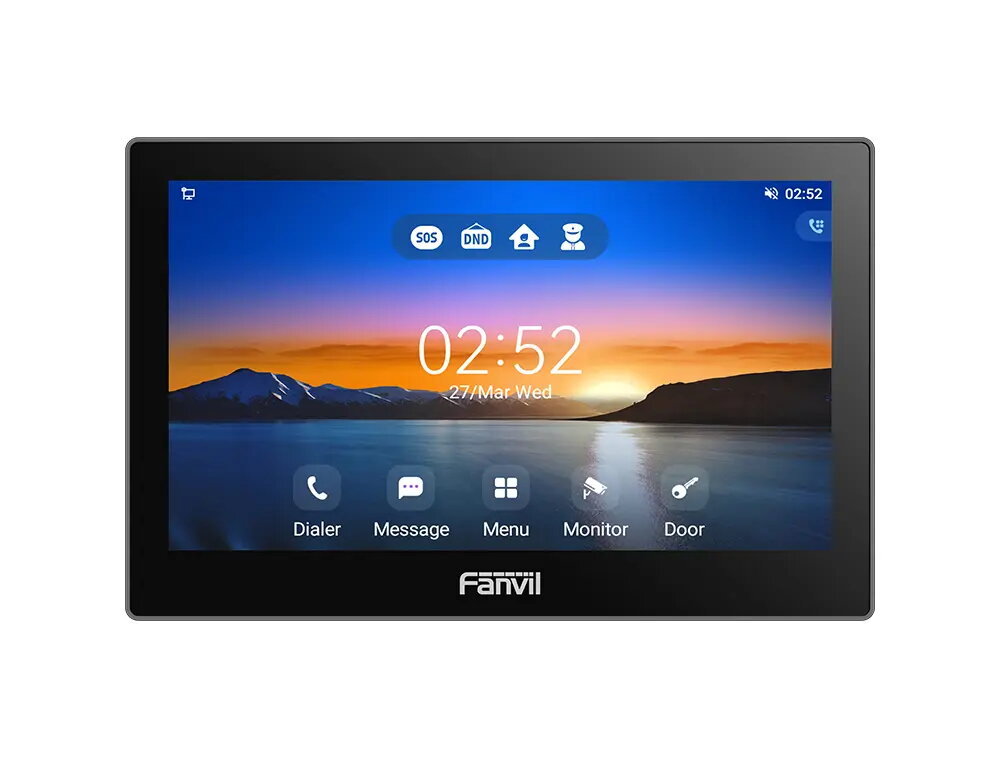
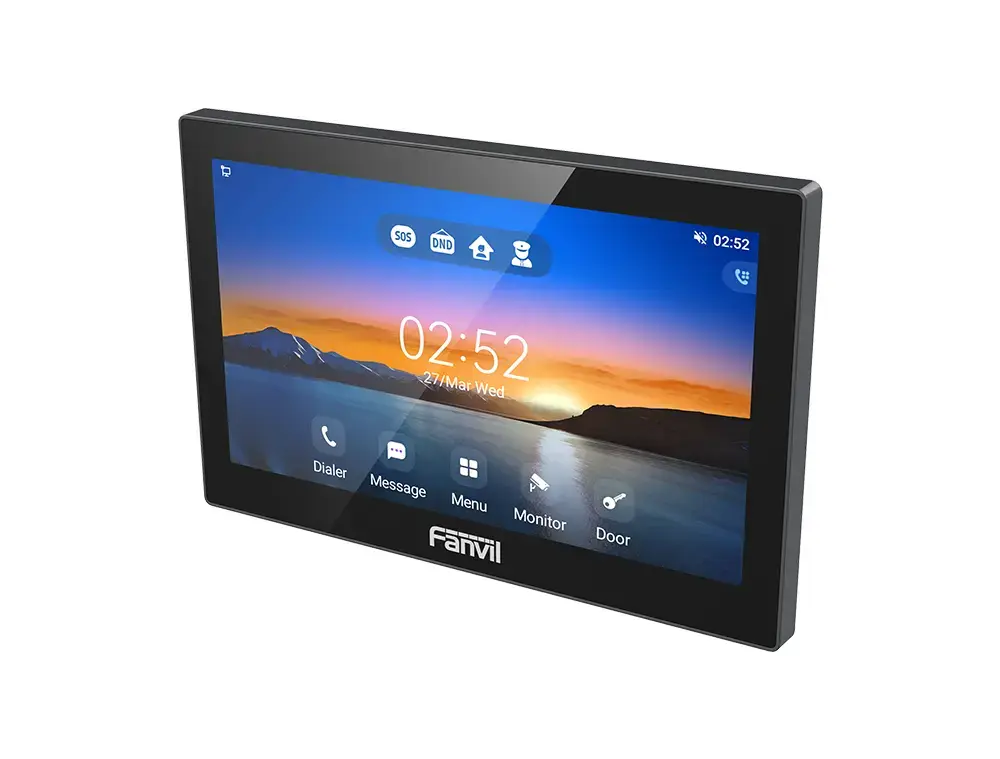
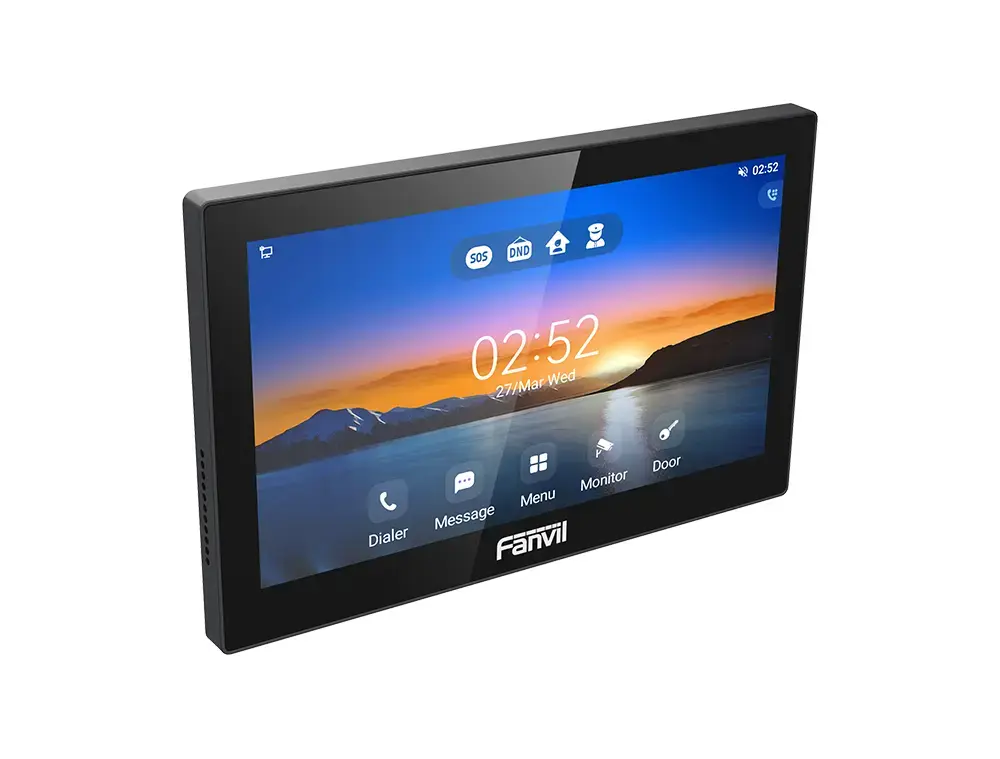
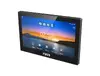
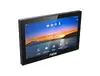
Fanvil i505W Video Intercom System with 7-inch IPS Touchscreen, PoE and Full HD Support
The Fanvil i505W is a professional indoor video intercom station designed to provide seamless communication and security management within modern smart buildings. Featuring a 7-inch IPS touchscreen with a resolution of 1024 x 600 pixels, this device offers an intuitive user interface for managing door access, monitoring IP cameras, and facilitating two-way communication. Built on the Android 9.0 operating system, it supports third-party application integration, making it a versatile hub for residential and commercial security systems.
This intercom station stands out due to its high-definition video support, capable of handling 1080p streams to ensure clear visual identification of visitors. The integration of a 2W speaker combined with advanced audio codecs like G.722 and OPUS guarantees high-quality, hands-free voice communication. Its robust construction using ABS materials ensures durability, while the support for Power over Ethernet (PoE) simplifies installation by combining data and power delivery into a single cable. Furthermore, the inclusion of IEEE 802.1x security standards provides a secure network environment, protecting the system from unauthorized access.
This device is specifically engineered for indoor environments and should not be installed in outdoor locations exposed to direct weather elements. It may also not be suitable for users who require a purely analog intercom system, as it relies on digital network infrastructure and SIP-based communication protocols.
To use the Fanvil i505W, connect the device to your local network via an Ethernet cable or configure the wireless settings if applicable. Once powered on, follow the on-screen prompts to set up your SIP account and integrate any desired third-party IP cameras or security sensors. The touchscreen interface allows for easy navigation through menus to manage door locks, view live video feeds, and adjust audio settings for optimal performance.
For the best performance, ensure the device is connected to a stable network with sufficient bandwidth to handle high-definition video streams. Regularly update the firmware to maintain security and access the latest features provided by the manufacturer.
{{highlightedFeature.featureTitle}}:
{{getProductFeatureValueById(product, highlightedFeature.featureId)}}
{{ productComparisonGenerationError }}