
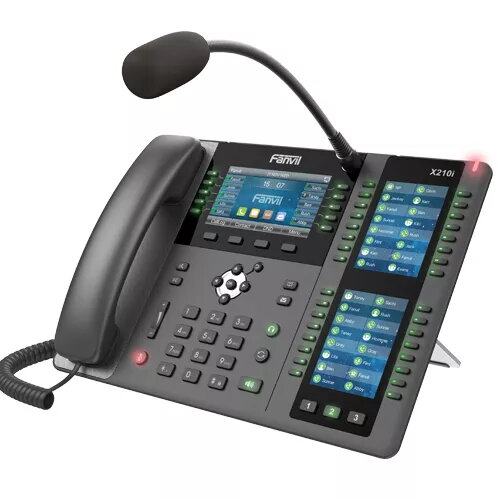
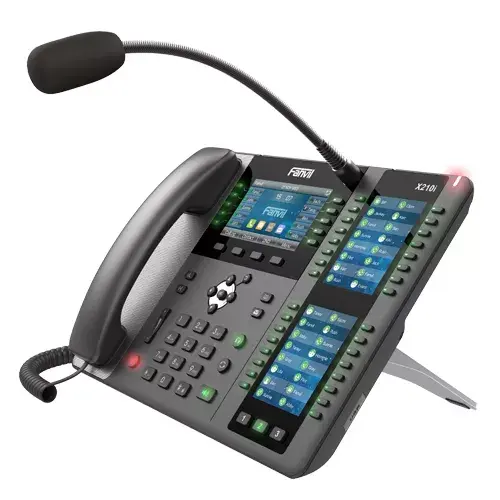
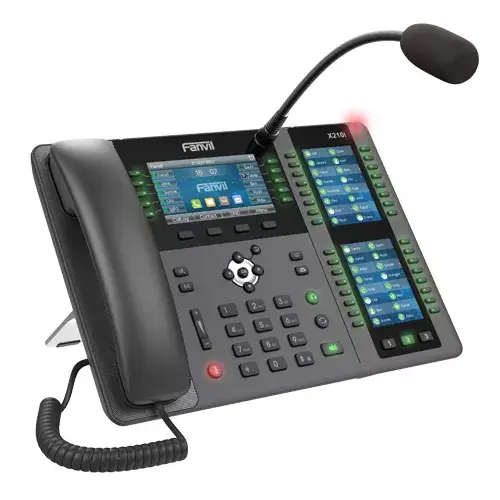
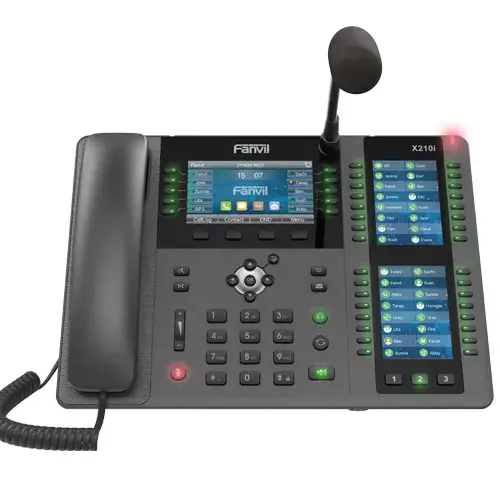
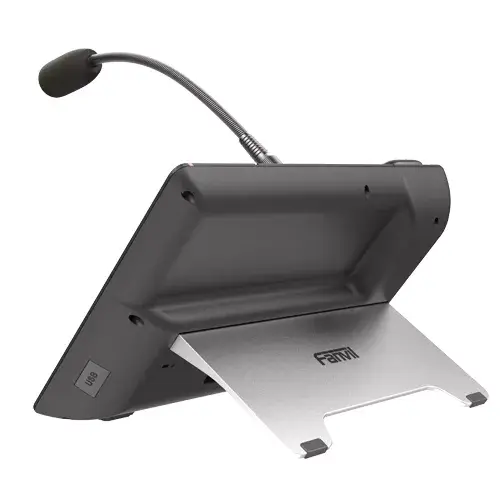


IP Phone Fanvil X210i Black Grey
393.49 €
{{selectedOffer && selectedOffer.price | formatAmount}}
Offer for legal entity, cashless payment.
Why is an item available only for a legal entity?
This is due to long delivery times and limited product warranties.
This is due to long delivery times and limited product warranties.
Short description
The Fanvil X210i IP phone features a sleek design with a 4.3" LCD display and supports up to 20 lines. It offers a phonebook capacity of 2000 entries and includes wired handset functionality. With DTMF modes for flexibility, volume control buttons, and a resolution of 480 x 272 pixels, this phone is ideal for business environments.
Available for order:
8 pcs.
Warranty:
2 Years
SKU:
3070694


Cheapest delivery:
Unisend LV
Pick-up points
Unisend LV
Cost
1.79 €
Deliver
{{selectedOffer.parcelStationDeliveryString}}
Customer service center
2b. Kengaraga str., Riga, Latvia, LV-1063
25.08.2026
{{selectedOffer.officeDeliveryString}}
free
Courier Delivery
Please note that in case of a large parcel additional delivery costs may apply!
From 4.99 € (Weight: 1.86 kg)
Parcel couriers
Unisend LV / Venipak Pickup LV / Venipak Locker LV / Latvijas Pasts pakomāts / DPD Paku skapis / Omniva LV / Latvijas Pasts nodaļa
28.08.2026
{{selectedOffer.parcelStationDeliveryString}}
From 1.79 €

Payment Methods:
Bank transfer


