Save time and money with our discounts!
In cart {{totalProductsCount}} item(s)
Your cart is empty
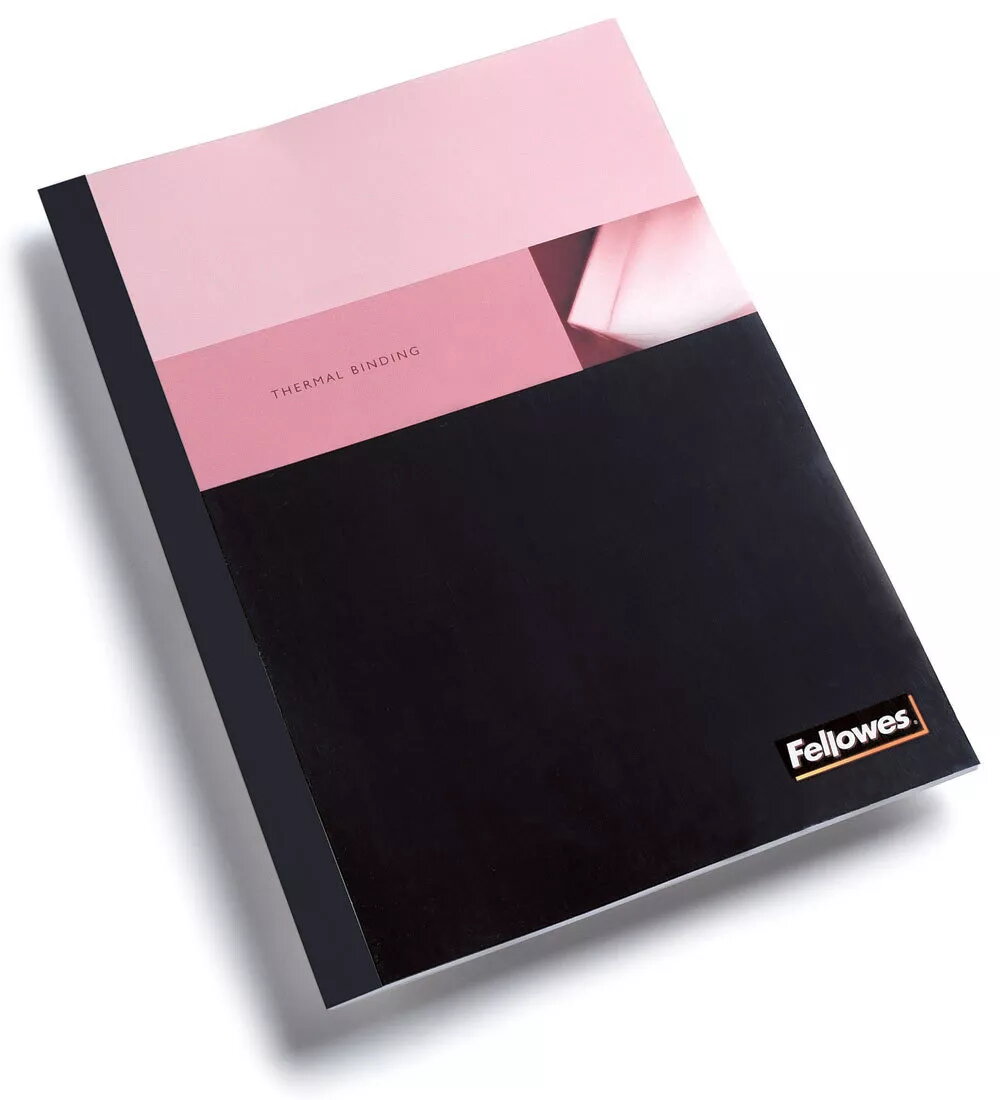
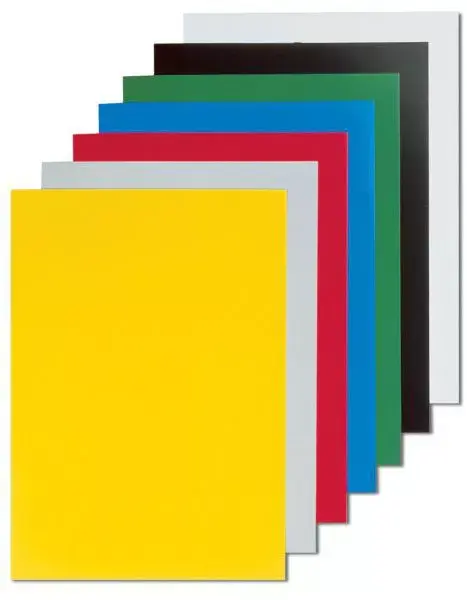
Chromo A4 Black Fellowes 5378501
Fellowes Chromo A4 Black is a pack of 100 high-quality A4 sheets intended for professional printing and document finishing. The sheets have a uniform black color and standard A4 dimensions, making them compatible with most office and home printers, copiers, and finishing equipment. Designed for visible elements such as covers, inserts, dividers or single-sheet presentations, these sheets provide a consistent matte appearance and are easy to handle during printing and manual finishing.
These A4 black sheets combine consistent color depth with media stability to reduce curling and misfeeds in automatic paper paths. The pack of 100 provides a practical quantity for short-run projects while the paper weight and surface treatment allow sharp print contrast for light-colored inks and toners. Sheets are manufactured to maintain flatness and feeding reliability when used in standard desktop and multifunction devices.
Load sheets into the printer tray according to the device manufacturer’s instructions, ensuring the correct side faces the print head if required by your printer. For best results with toner or specialty inks, perform a test print and adjust print settings for heavier media or for printing on dark backgrounds. When removing sheets from the output tray, handle by the edges to avoid fingerprints on the printable area. For manual finishing, align sheets on a flat surface and use standard cutting or binding tools designed for A4 media.
Store unopened packs flat in a dry, temperature-stable environment to preserve flatness and feeding reliability. Allow sheets to acclimate to room temperature before printing if they have been stored in cold or humid conditions. When printing light or metallic inks on black stock, check ink opacity settings and consider using a white underprint or primer where your printer or workflow supports it.
{{highlightedFeature.featureTitle}}:
{{getProductFeatureValueById(product, highlightedFeature.featureId)}}