Dreame vacuums for fast and efficient cleaning!
In cart {{totalProductsCount}} item(s)
Your cart is empty
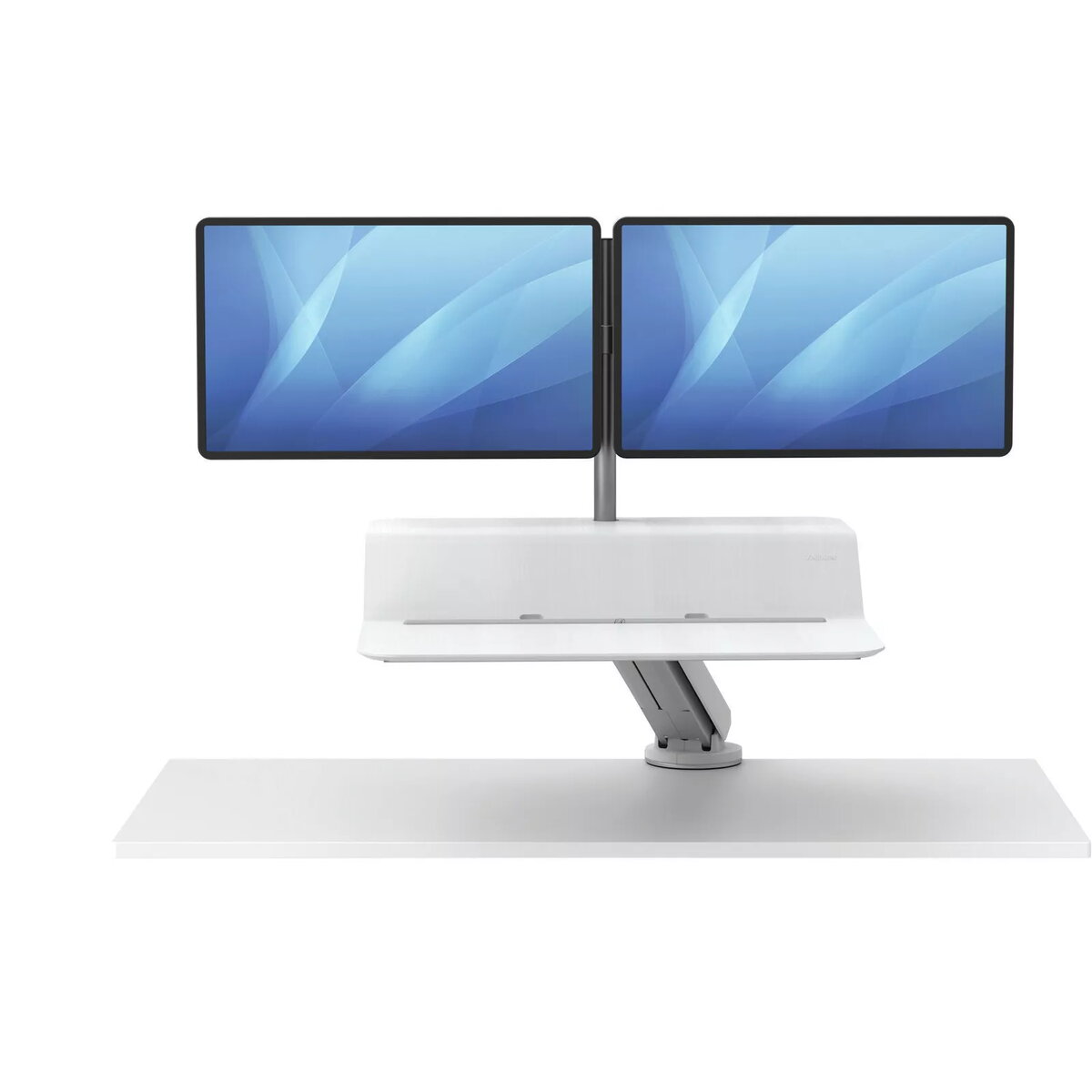
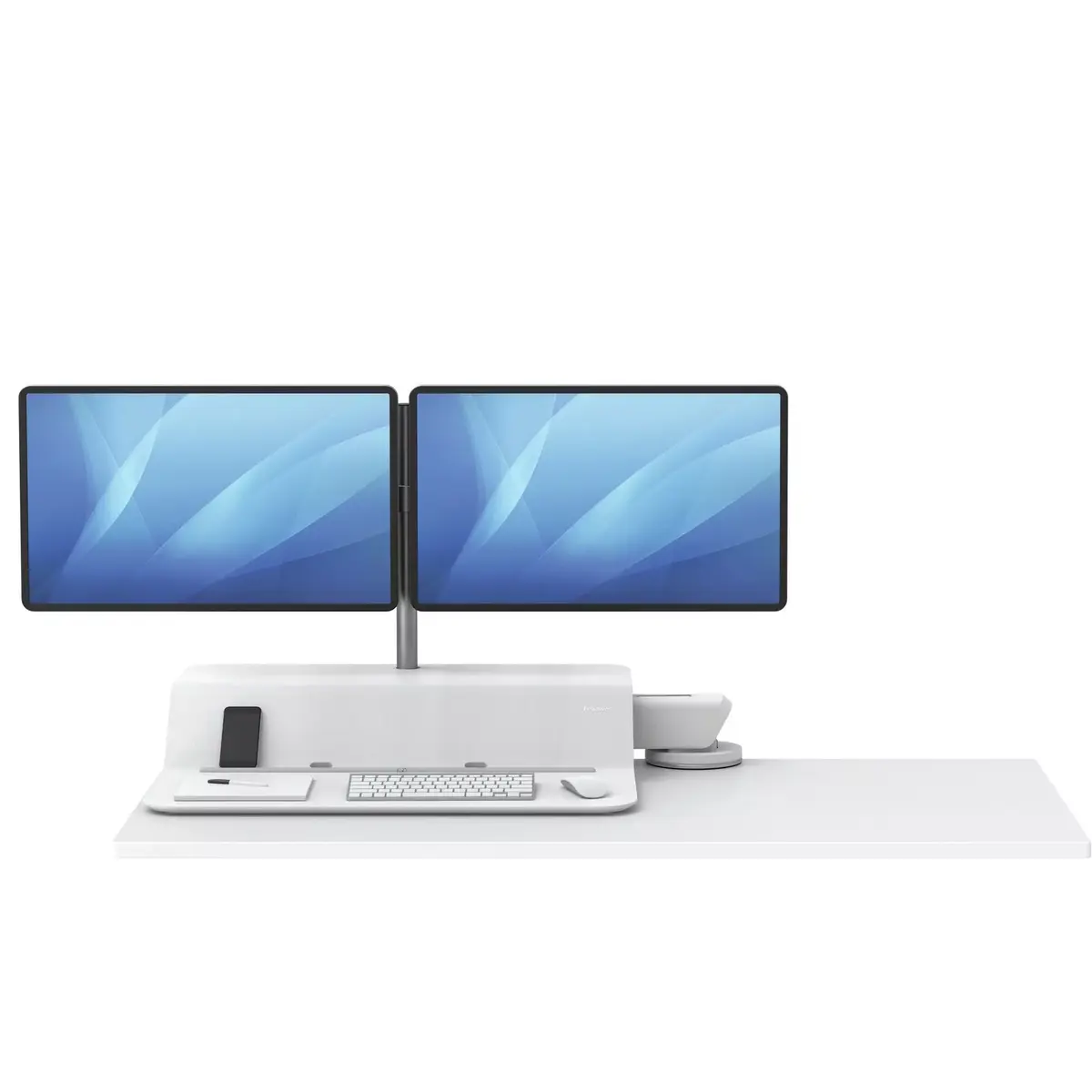
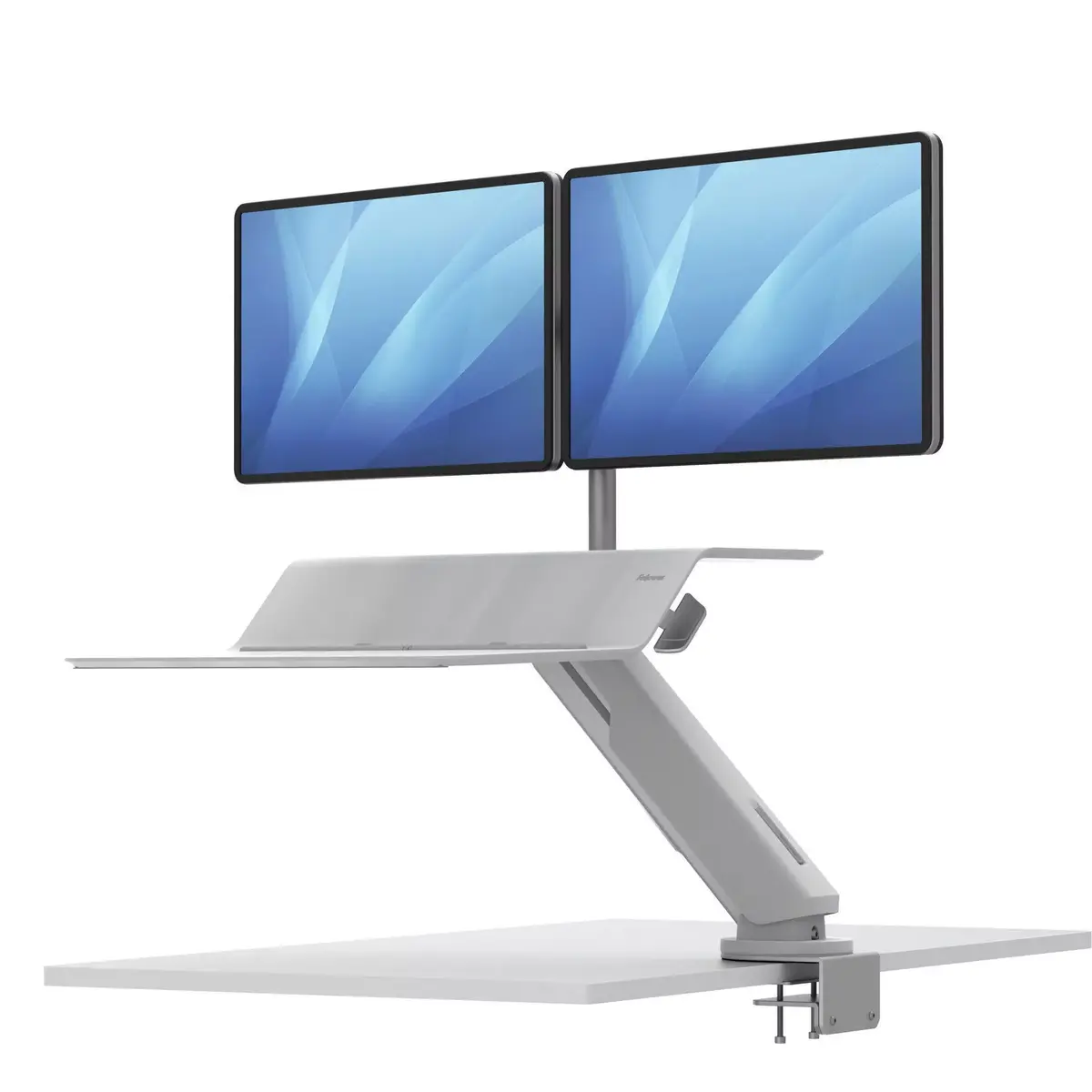
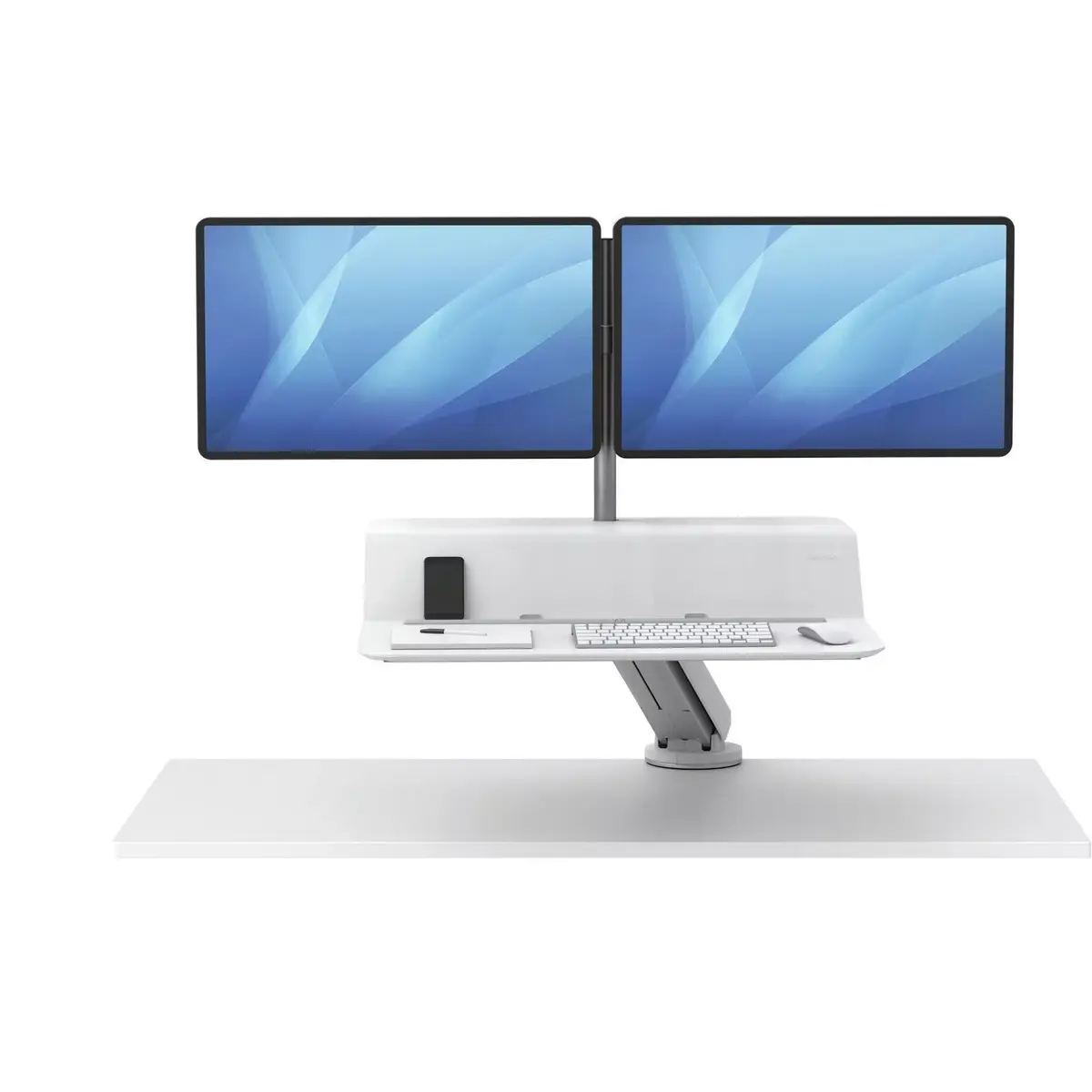
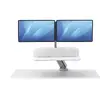
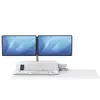
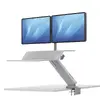
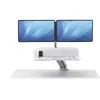
Sit-Stand Workstation Fellowes Lotus RT Dual White — for up to 26" screens, 180° rotation, 901.7×603.3×222.3 mm
The Fellowes Lotus RT Dual White is a sit-stand workstation converter designed to support dual-monitor setups with screens up to 26" (66 cm). The unit offers smooth height adjustment to alternate between sitting and standing postures and incorporates a 180° rotation mechanism that allows flexible screen positioning. With a compact footprint of 901.7 × 603.3 × 222.3 mm and a clean white finish, this desk converter is intended for office and home workspaces where space efficiency and ergonomic adjustment are required. The package includes hexagonal and open-ended wrenches for straightforward assembly, and the product's build accommodates the weight and dimensions typical of dual-monitor arrangements.
The Lotus RT Dual provides a stable platform for two monitors while enabling quick transitions between sitting and standing heights. The 180° rotation increases positioning options without requiring additional desk clearance. Its compact footprint makes it suitable for desks with limited surface area, and the included assembly tools simplify setup. The white color and streamlined design integrate unobtrusively into a variety of environments.
Install the workstation on a stable desk surface following the included assembly instructions and using the supplied hexagonal and open-ended wrenches. Place monitors within the supported size range and secure them according to the monitor mount or stand instructions. Adjust the unit height to alternate between sitting and standing positions, and rotate the screens up to 180° to achieve the desired angle and viewing orientation. Ensure that cables are routed safely and that the workstation is not overloaded beyond its stable capacity.
Position the workstation so there is sufficient desk area at the rear for cable management and to maintain stability. When adjusting height or rotating monitors, move slowly and with even pressure. Alternate between sitting and standing at regular intervals for ergonomic benefit, and confirm monitor placement keeps the top of the screen at or slightly below eye level to reduce neck strain.
Keep your workspace tidy and connected with the workstation’s innovative cord management system featuring rear USB ports. Designed specifically for keyboard and mouse cables, it streamlines cable routing to reduce clutter and maintain a clean, professional desktop while keeping peripherals easily accessible.
Enjoy effortless adjustment and optimum viewing angles with a work surface that swivels 180 degrees. This feature enables quick reorientation for collaboration, desk sharing, or shifting between tasks without repositioning the entire unit.
TriMotion™ engineering delivers a full range of ergonomic movement: 180° rotation at the base, 90° vertical adjustment, and 180° worksurface rotation. Together these motions let you tailor the workstation to your preferred sitting or standing posture, supporting better comfort and productivity throughout the day.
{{highlightedFeature.featureTitle}}:
{{getProductFeatureValueById(product, highlightedFeature.featureId)}}
{{ productComparisonGenerationError }}