


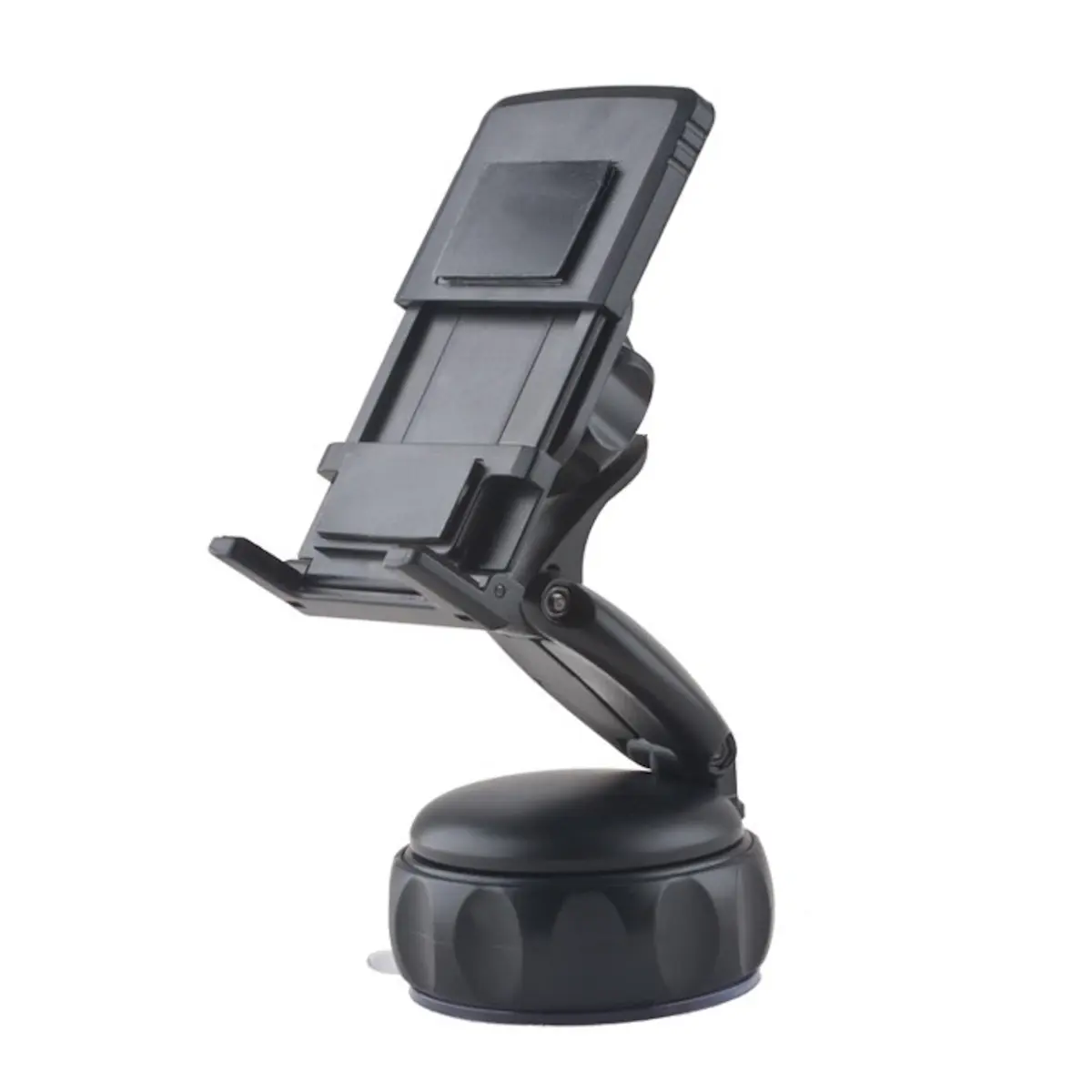
Forever MF014 Universal Car Mount for Smartphones and Navigation with 360-Degree Rotation
Short description

Cheapest delivery:
Unisend LV
Product information
Description
The Forever MF014 Universal Car Mount is a versatile and reliable solution for securing your smartphone, PDA, or GPS navigation device while driving. Designed with functionality in mind, this mount provides a stable platform for your mobile technology, ensuring that your device remains within reach and clearly visible throughout your journey. Its compact design integrates seamlessly into any vehicle interior without obstructing your view.
Advantages
The primary benefit of the Forever MF014 is its highly flexible 360-degree rotating support, which allows users to adjust their device to the perfect viewing angle for navigation or media playback. The mount features a robust sticky pad attachment system that ensures a firm grip on various surfaces, providing peace of mind that your device will remain secure even during travel on uneven roads. Its universal compatibility makes it an ideal choice for households with multiple types of mobile devices.
Suitable for
- Hands-free navigation using GPS apps
- Secure smartphone mounting for music control
- Holding PDAs or small mobile devices during transit
- Drivers who require adjustable viewing angles
When it may not be suitable
This mount may not be suitable for vehicles with highly textured, porous, or curved dashboard surfaces where the adhesive pad cannot achieve a complete vacuum seal. Additionally, it is not intended for heavy tablets or large devices that exceed the weight capacity of the adhesive mount.
Key specifications
- Rotation: 360-degree adjustable head
- Mounting type: Adhesive sticky pad
- Compatibility: Smartphones, PDAs, and GPS devices
- Design: Compact and universal
How to use
To install the mount, first clean the chosen surface thoroughly with an alcohol-based cleaner to remove dust and oils. Peel the protective film from the adhesive pad and press the mount firmly onto the surface, holding it for several seconds to ensure a strong bond. Allow the adhesive to set for a short period before attaching your device. Once secured, you can rotate the head to your preferred orientation and insert your device into the cradle.
What to consider before purchase
- Check the surface texture of your dashboard for compatibility with adhesive pads
- Ensure the device weight is within reasonable limits for a compact mount
- Verify the desired mounting location does not obstruct the driver's field of vision
Usage recommendations
For optimal performance, avoid mounting the device in areas that interfere with airbag deployment. Clean the adhesive pad periodically with a damp cloth if it loses its tackiness due to dust accumulation.


