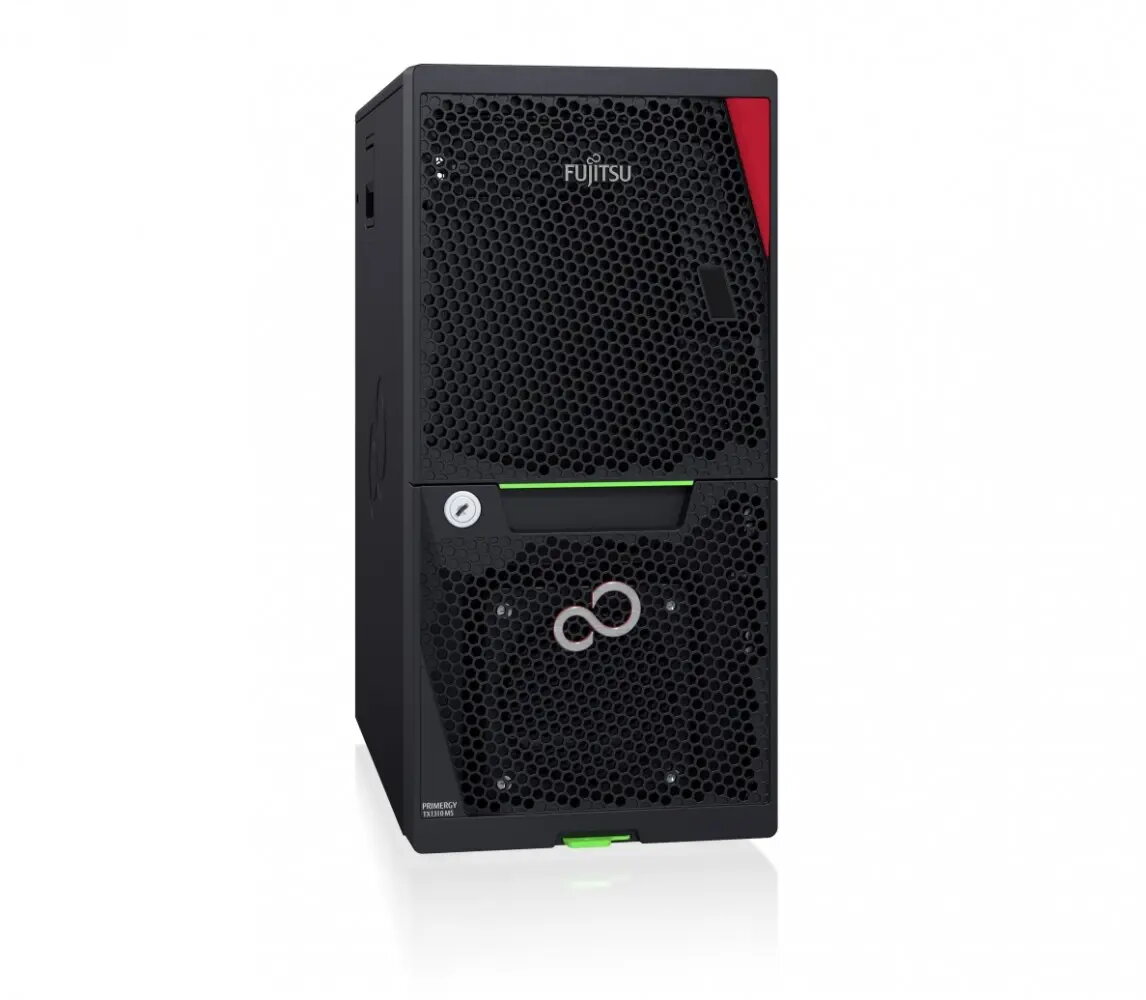
The Fujitsu Primergy TX1310 M5 is a reliable mono-socket tower server engineered to meet the foundational IT requirements of small and medium-sized businesses. This LFF (Large Form Factor) model is built to provide consistent performance for daily office operations, ensuring that essential business data remains accessible and secure. With its ERP LOT9 compliant configuration, the server emphasizes energy efficiency, helping organizations manage their power consumption while maintaining a stable and dependable computing environment for growing infrastructures.
Advantages
This server offers a robust and quiet design that makes it suitable for deployment directly within office environments rather than requiring a dedicated server room. Its mono-socket architecture is optimized for cost-effectiveness and reliability, providing a stable platform for essential business applications. The LFF configuration allows for flexible storage management, enabling businesses to scale their local data capacity as their needs evolve. Furthermore, the adherence to energy efficiency standards ensures that the system operates with reduced power overhead, contributing to lower operational costs over the lifespan of the hardware.
Suitable for
- Small and medium-sized business office workloads
- File sharing and local data storage management
- Running essential business applications and services
- Growing IT infrastructures requiring a reliable entry-level server
When it may not be suitable
This server is not designed for high-performance computing tasks, complex virtualization clusters, or large-scale enterprise data centers that require multi-socket processing power. It may also be insufficient for environments demanding extreme storage density or high-availability configurations that necessitate redundant power supplies and advanced hardware failover mechanisms.
Key specifications
- Mono-socket tower server architecture
- Large Form Factor (LFF) storage support
- ERP LOT9 compliant energy-efficient configuration
- Optimized for quiet office operation
How to use
To set up the Fujitsu Primergy TX1310 M5, place the tower in a well-ventilated area with sufficient clearance for airflow. Connect the necessary power and network cables to the rear ports. Access the system management interface during the initial boot sequence to configure the BIOS and storage settings according to your specific network requirements. Once the operating system is installed, ensure that all drivers are updated to maintain optimal performance and security.
What to consider before purchase
- Verify that the LFF storage capacity meets your current and future data requirements
- Ensure the server's processing power aligns with your intended software applications
- Check for compatibility with your existing network infrastructure and operating system
- Assess the physical space available in your office for a tower-style server
Usage recommendations: Regularly monitor the system's storage health and ensure that the server is kept in a dust-free environment to maintain cooling efficiency and hardware longevity.