Dreame vacuums for fast and efficient cleaning!
In cart {{totalProductsCount}} item(s)
Your cart is empty
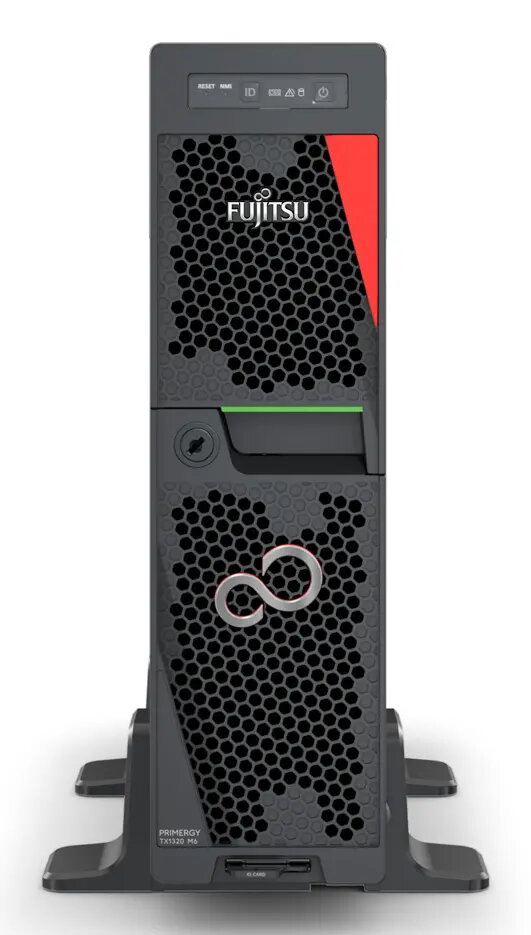
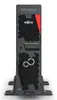
Fujitsu PRIMERGY TX1320 M6 Ultra Micro Tower Server, Intel Xeon 6369P 3.3 GHz, 32 GB DDR5-SDRAM, 500 W
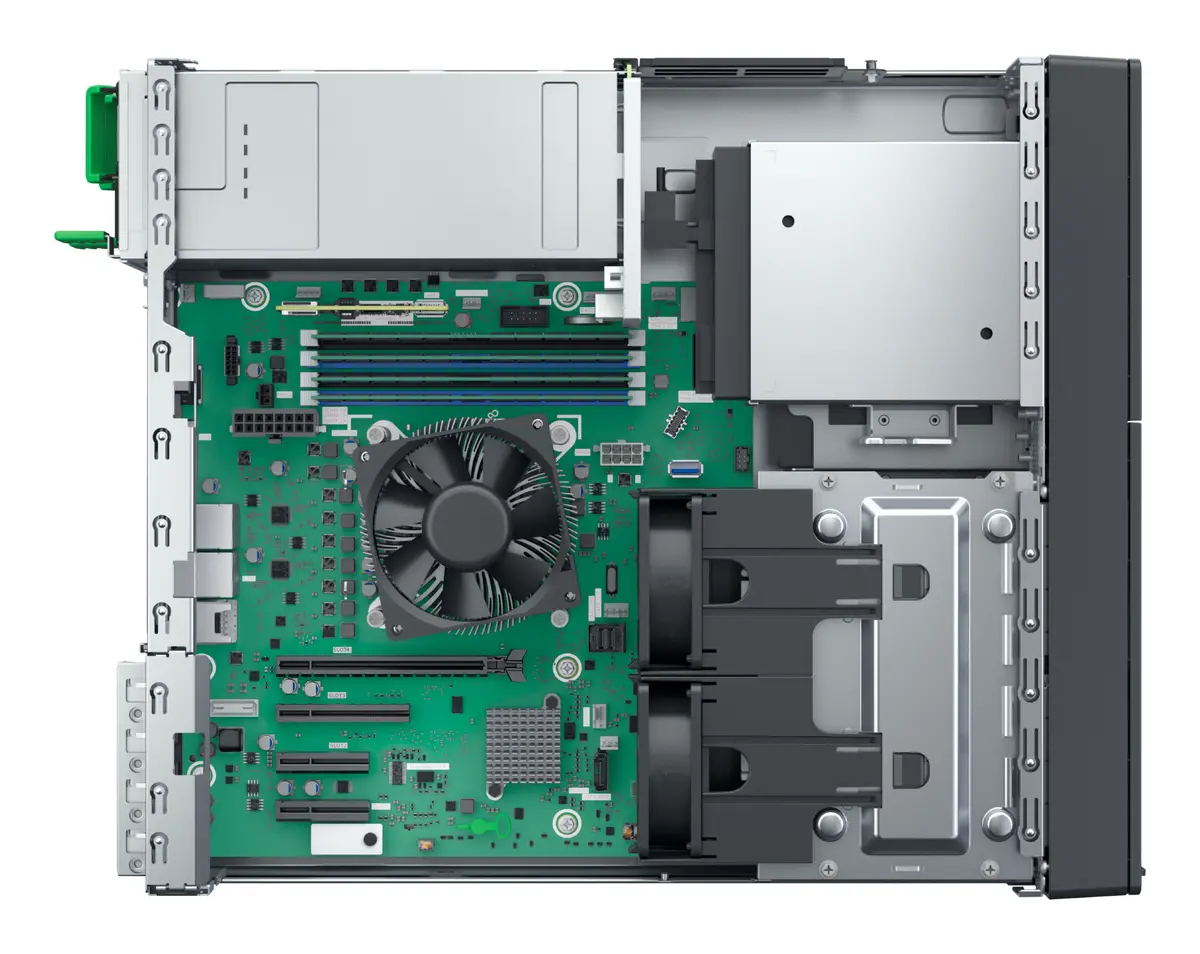
The Fujitsu PRIMERGY TX1320 M6 is a compact Ultra Micro Tower server engineered to deliver robust performance for small to medium-sized business environments. Equipped with an Intel Xeon 6369P 3.3 GHz processor and 32 GB of high-speed DDR5-SDRAM, this server provides the necessary computing power to handle demanding daily workloads efficiently. Its space-saving design makes it an ideal choice for offices where physical space is limited, while the integrated 500 W power supply ensures stable operation.
This server offers a significant advantage by combining high-performance computing with a minimal physical footprint, allowing businesses to optimize their office space without sacrificing processing capabilities. The inclusion of modern DDR5 memory technology ensures rapid data processing and improved multitasking performance, which directly contributes to higher employee productivity. Furthermore, the system is designed for reliability and ease of management, providing a stable foundation for critical business applications and data storage needs.
This server may not be the optimal choice for large-scale data centers or high-performance computing clusters that require massive rack-mount density or specialized cooling solutions. It is also not intended for heavy-duty virtualization tasks that exceed the memory and processing capacity of a single-socket tower configuration.
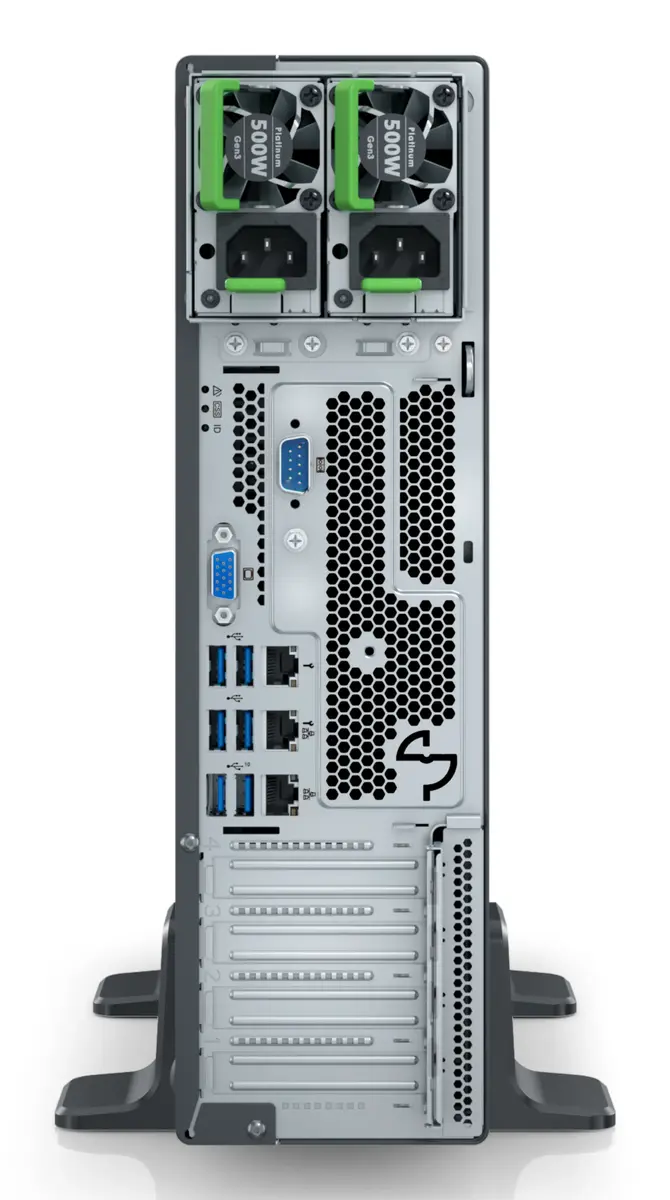
The Fujitsu PRIMERGY TX1320 M6 is designed for straightforward deployment in a standard office environment. After unboxing, ensure the server is placed on a stable, flat surface with adequate ventilation to maintain optimal operating temperatures. Connect the necessary peripherals, including a monitor, keyboard, and network cable, to the designated ports. Since the system is delivered without an operating system, you will need to install your preferred server OS via a bootable USB drive or network installation media. Once the OS is installed, configure your RAID settings through the integrated management interface to ensure data redundancy and protection.
Usage recommendations: To maintain peak performance and hardware longevity, keep the server in a dust-free environment and perform regular firmware updates through the manufacturer's management tools. Always utilize the integrated RAID functionality to protect your data against potential drive failures.
{{highlightedFeature.featureTitle}}:
{{getProductFeatureValueById(product, highlightedFeature.featureId)}}
{{ productComparisonGenerationError }}