JBL speakers and headphones for pure and deep sound!
In cart {{totalProductsCount}} item(s)
Your cart is empty
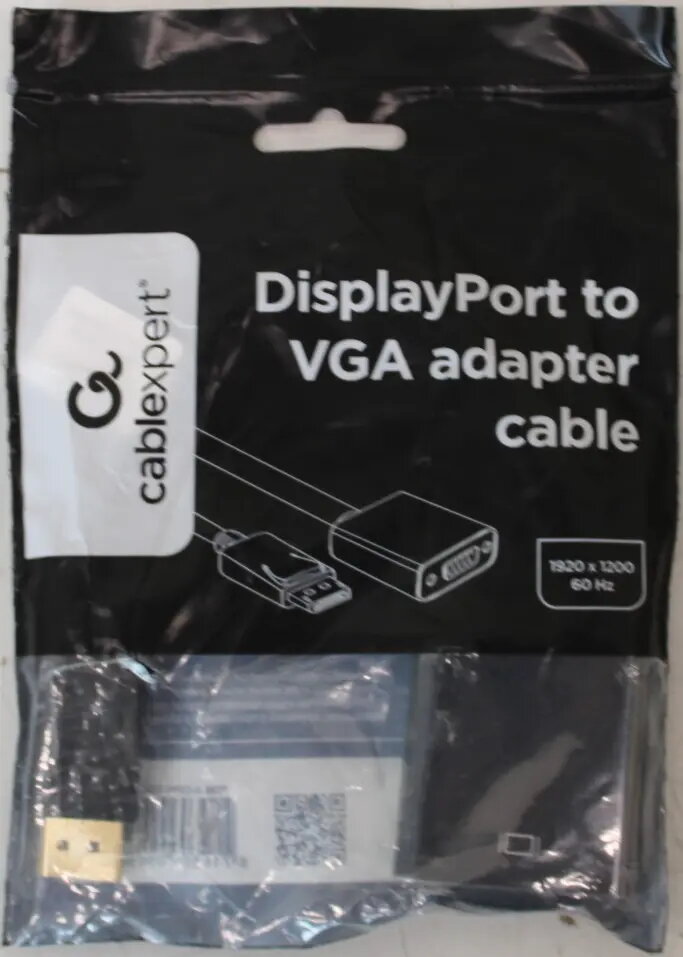
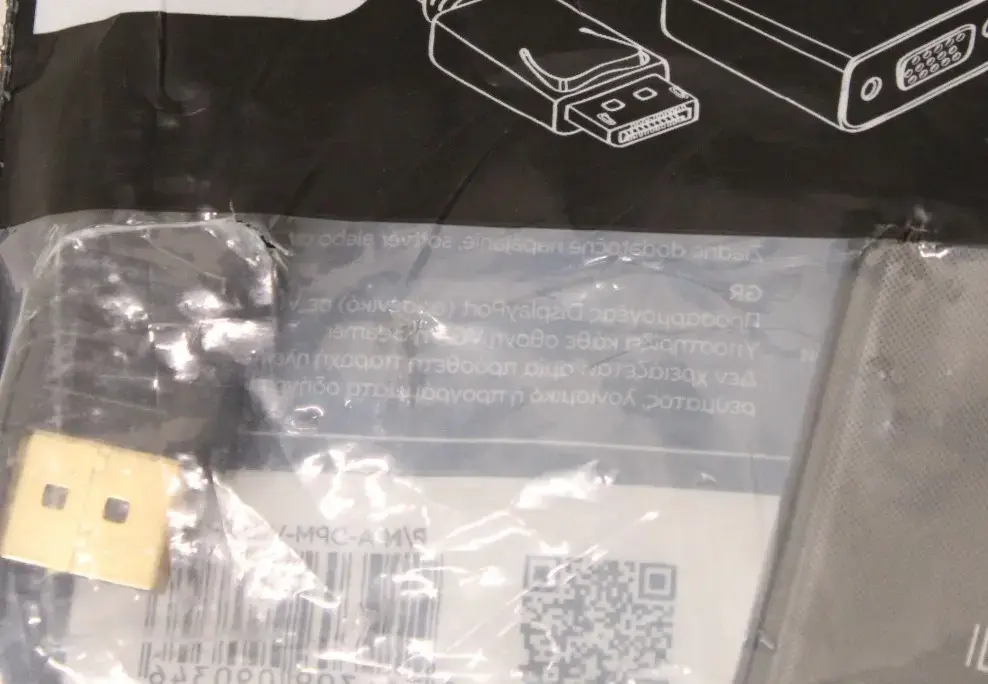
Gembird A-DPM-VGAF-02SO DisplayPort to VGA Adapter Cable, Black
The Gembird A-DPM-VGAF-02SO DisplayPort to VGA adapter cable is a functional solution for bridging the gap between modern digital hardware and legacy analog display equipment. This black adapter cable enables a seamless connection between a computer or laptop equipped with a DisplayPort output and a monitor, projector, or television that utilizes a VGA input. It is designed to provide a stable signal conversion, ensuring that your existing display hardware remains useful even when upgrading your primary computer system. Please note that this specific item is being offered as a sale-out product due to damaged packaging, though the internal adapter cable remains in new, functional condition.
This adapter cable offers a straightforward way to extend the life of older display devices without the need for expensive hardware replacements. Its compact design ensures it does not clutter your workspace, while the high-quality construction provides a reliable connection for daily office or home use. Because it functions as a plug-and-play device, it requires no additional software or complex driver installations, making it an accessible tool for users of all technical levels.
This adapter is designed for a one-way signal conversion from DisplayPort to VGA and will not function in reverse. It is not suitable for connecting a VGA source to a DisplayPort monitor. Additionally, because it converts a digital signal to an analog one, it does not support high-definition digital audio transmission.
To use the adapter, simply insert the DisplayPort connector into the output port of your computer or graphics card. Connect your VGA cable from your monitor or projector into the VGA port on the adapter. Once connected, your computer should automatically detect the external display. If the display does not appear immediately, navigate to your computer's display settings to configure the screen resolution and extend or duplicate your desktop as needed.
For the best performance, ensure all connections are firmly seated. If you experience flickering or signal loss, check that the VGA cable is securely tightened to the adapter and the monitor.
{{highlightedFeature.featureTitle}}:
{{getProductFeatureValueById(product, highlightedFeature.featureId)}}
{{ productComparisonGenerationError }}