

Save time and money with our discounts!
In cart {{totalProductsCount}} item(s)
Your cart is empty
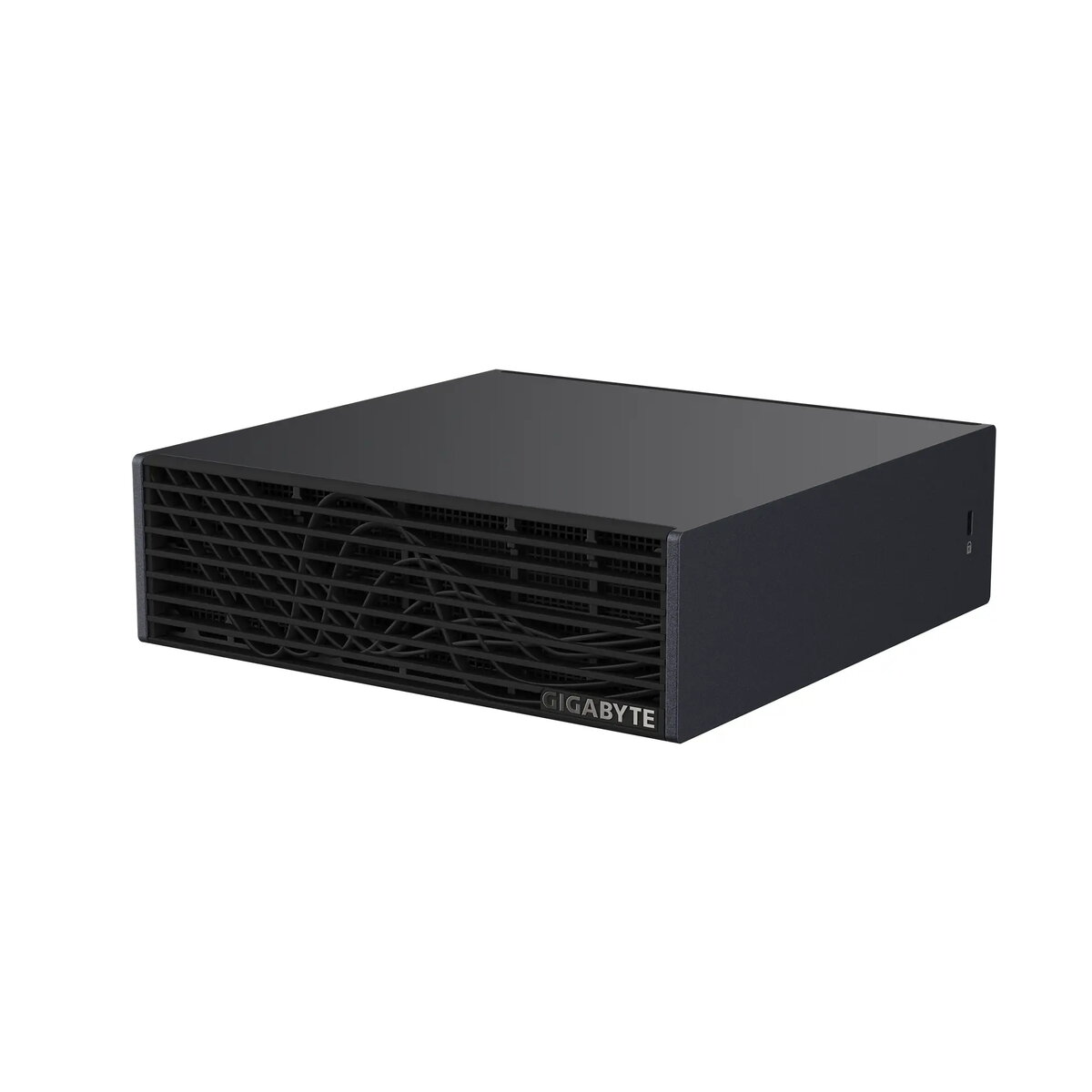
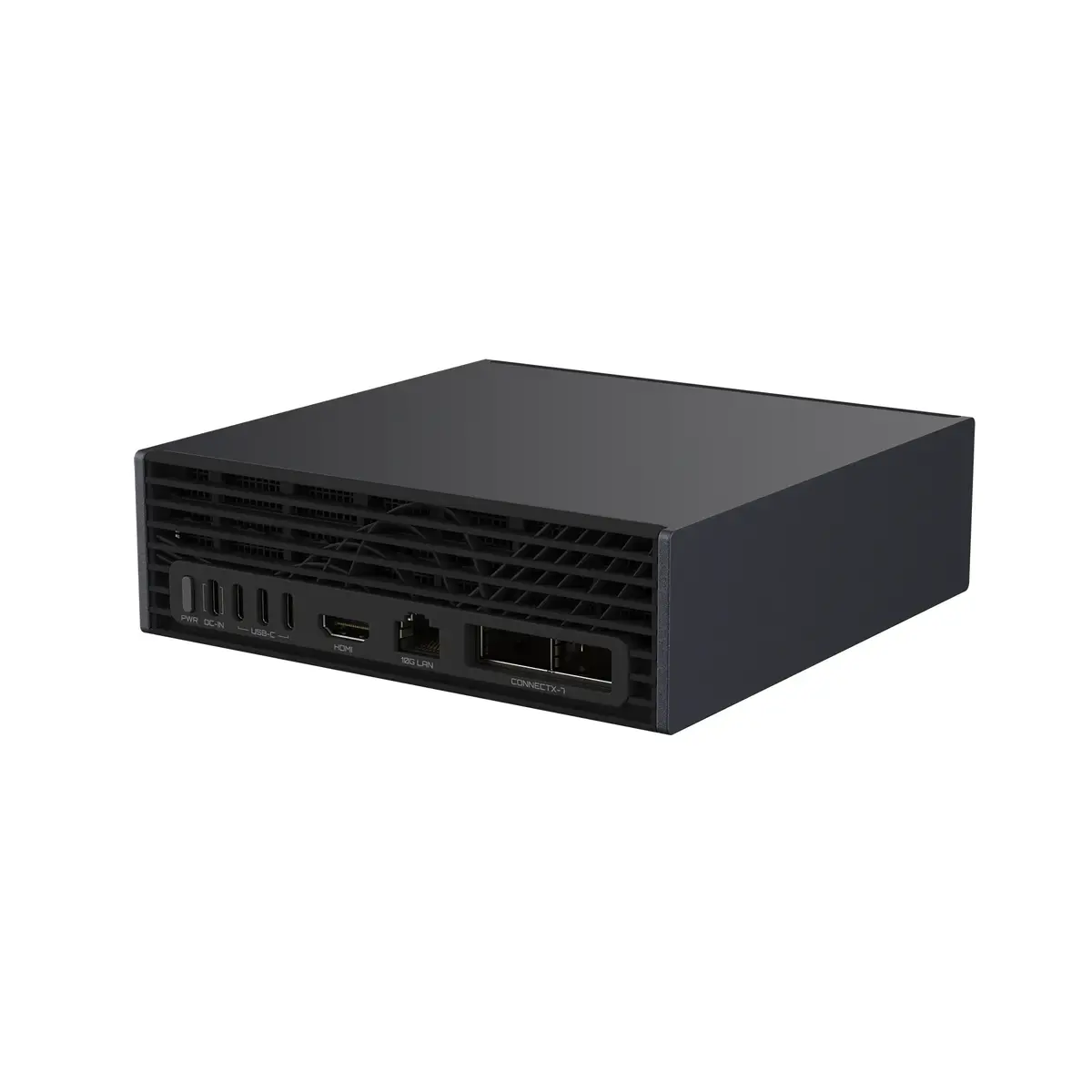
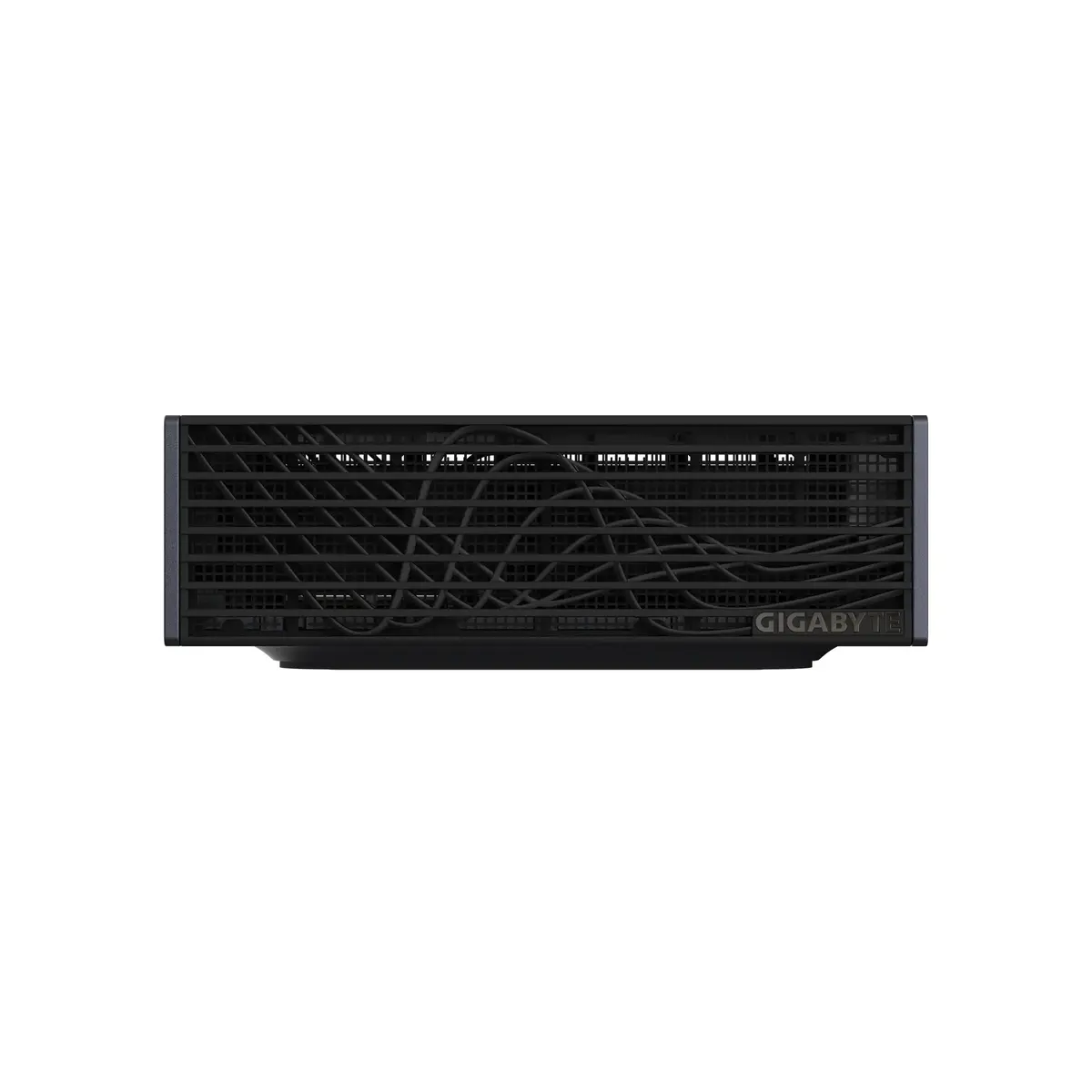
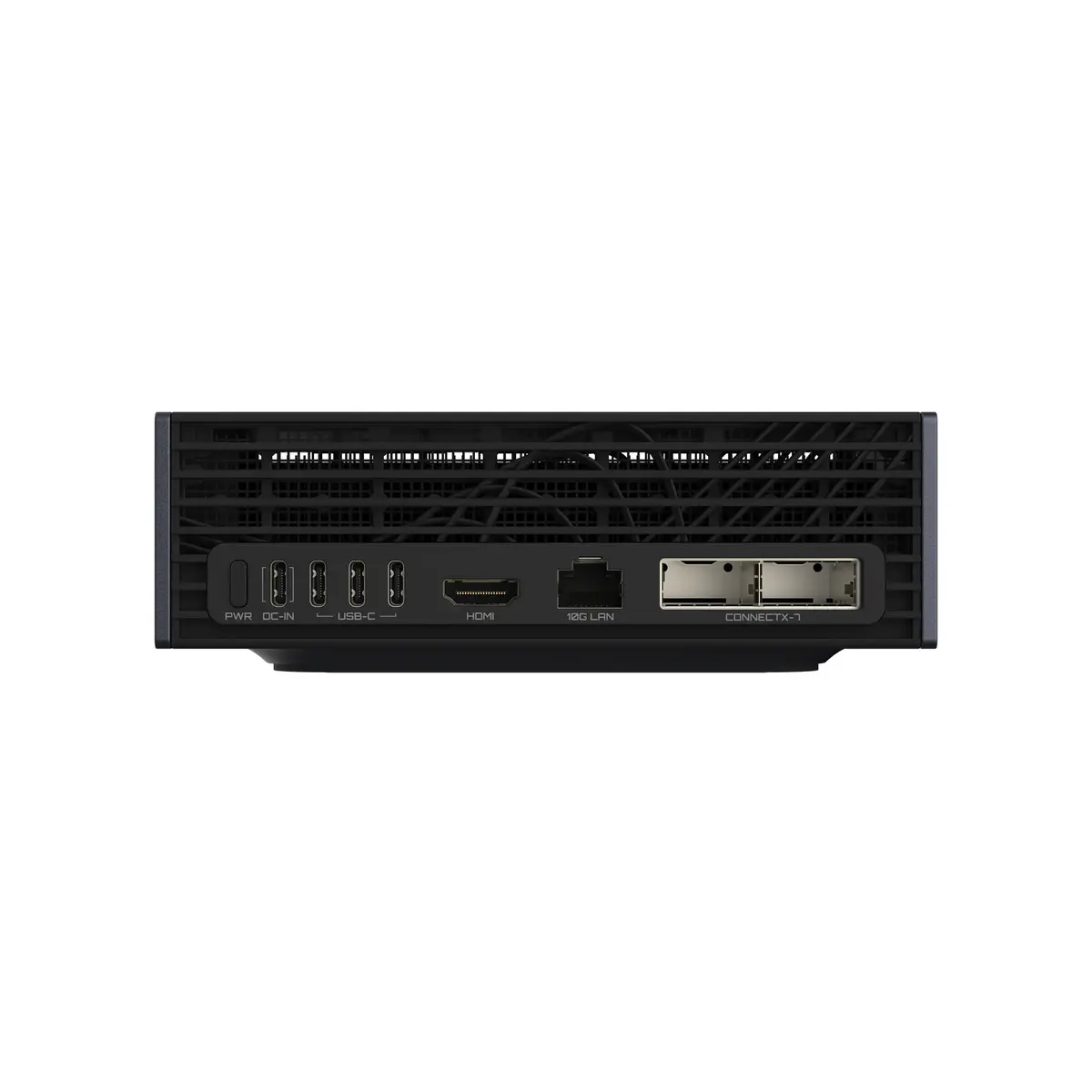
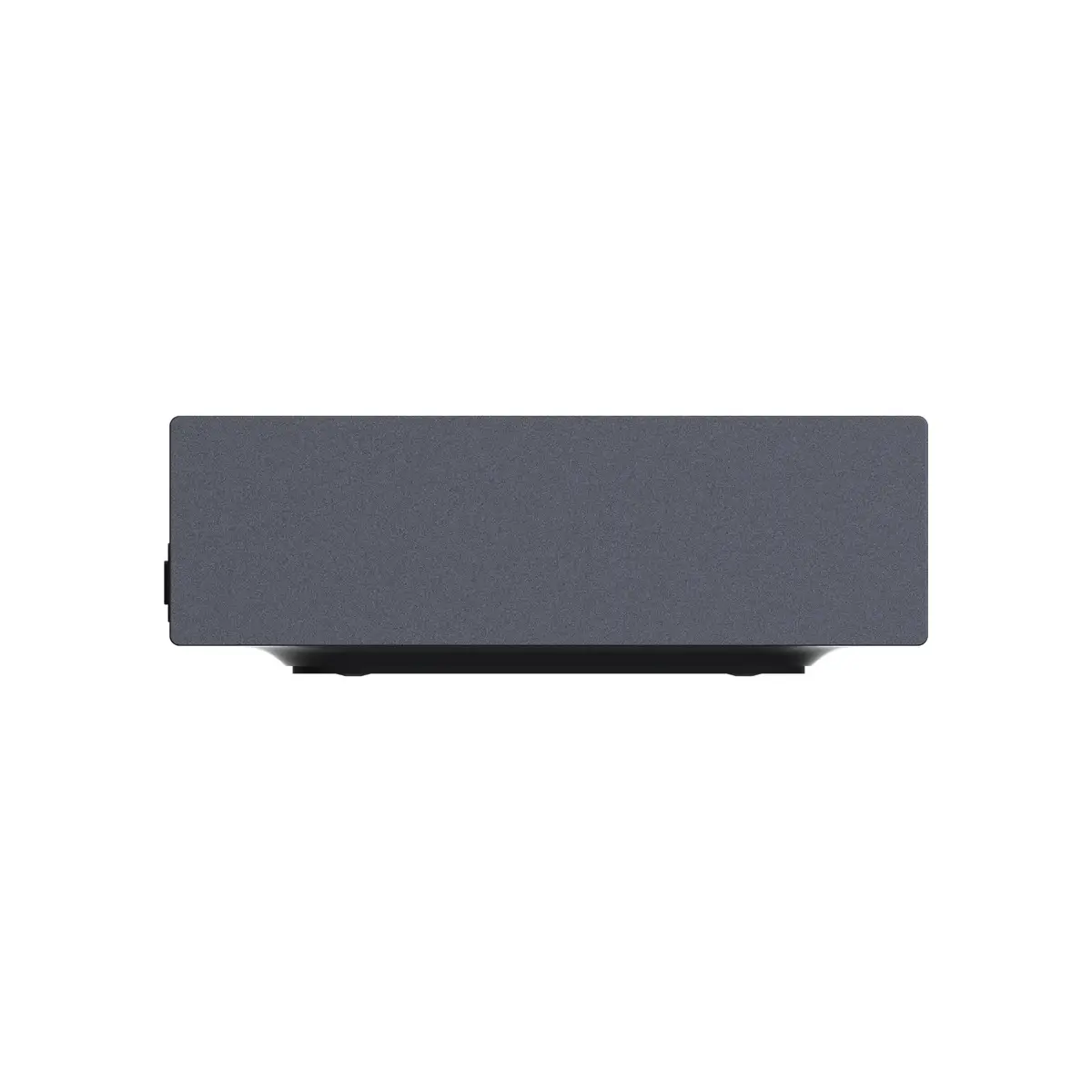
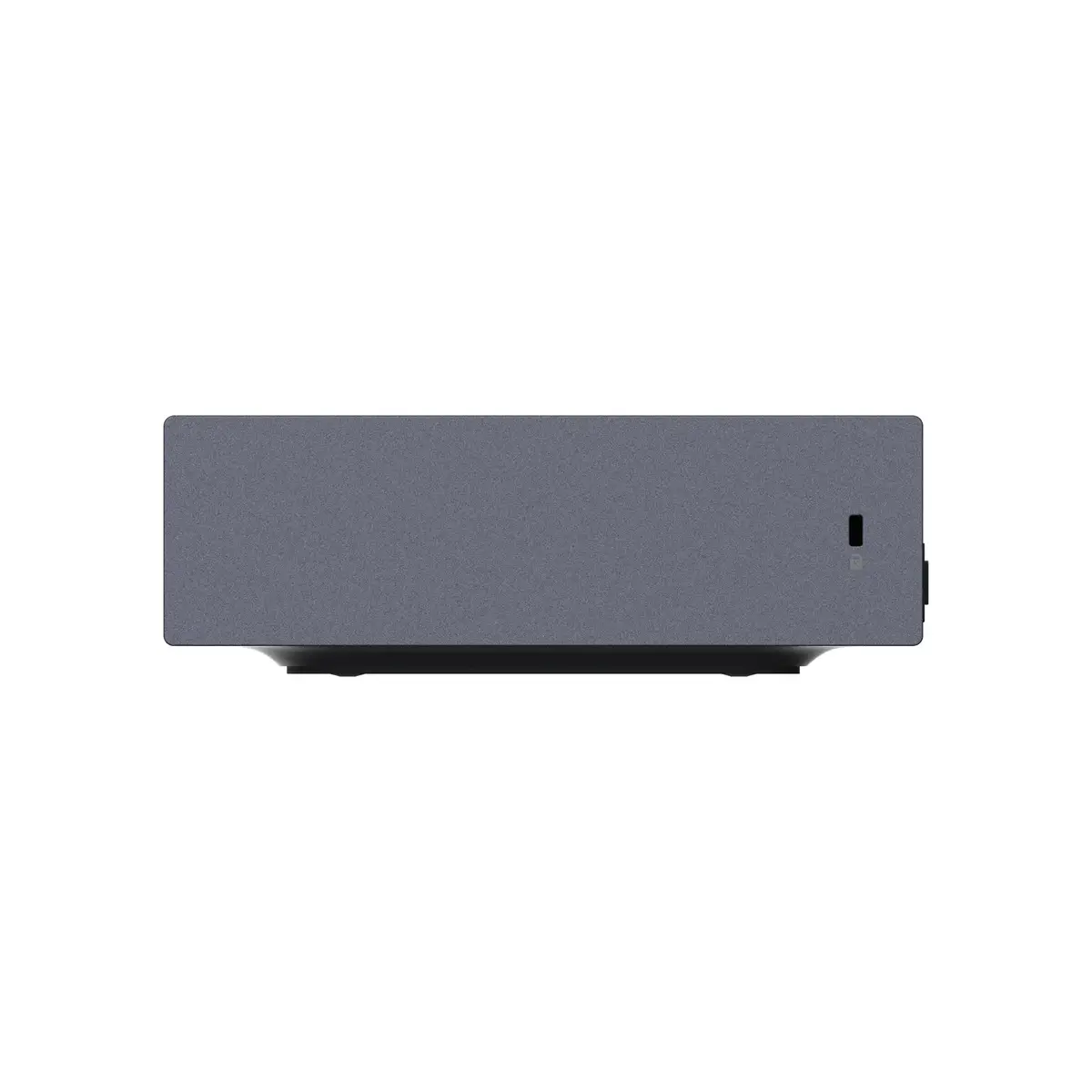
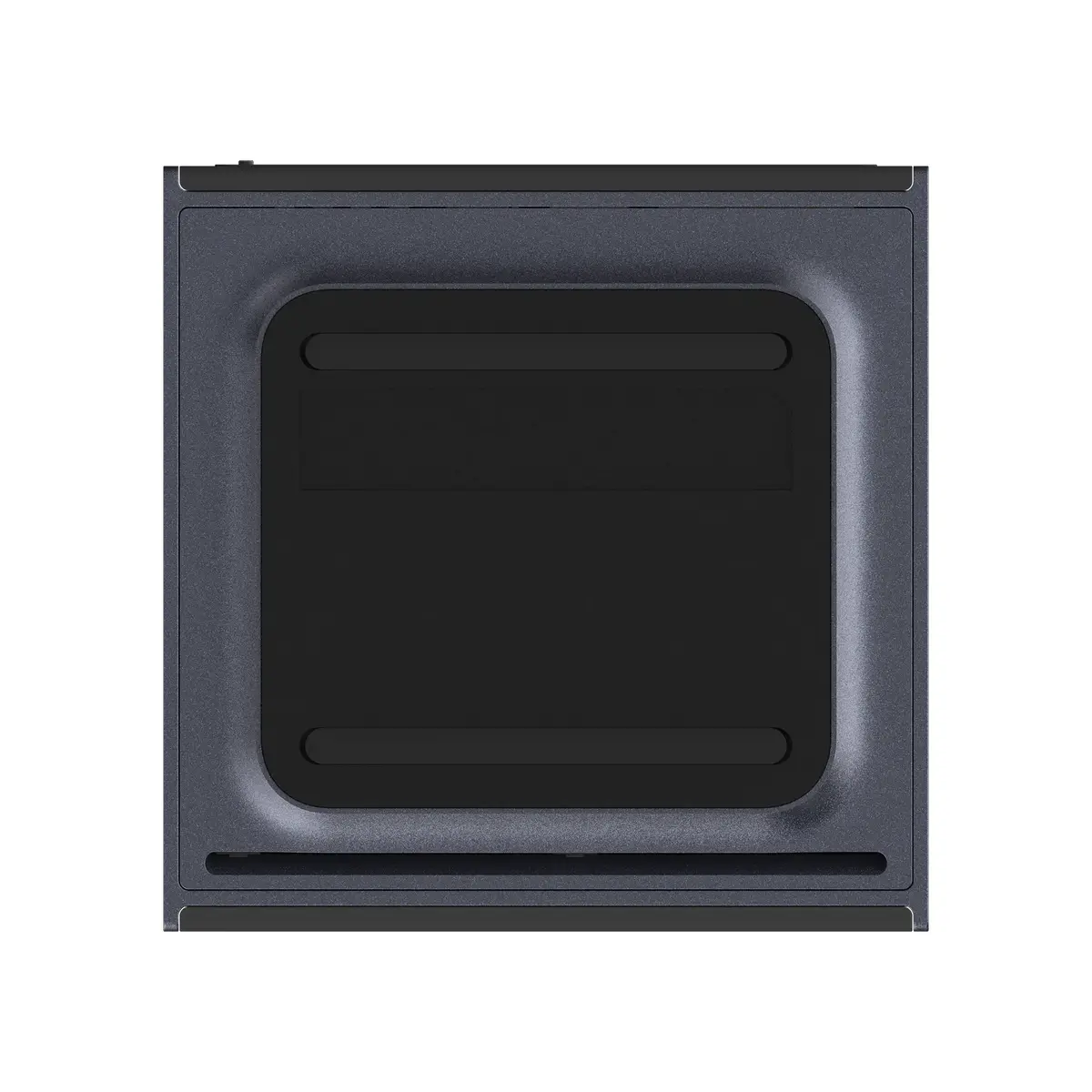
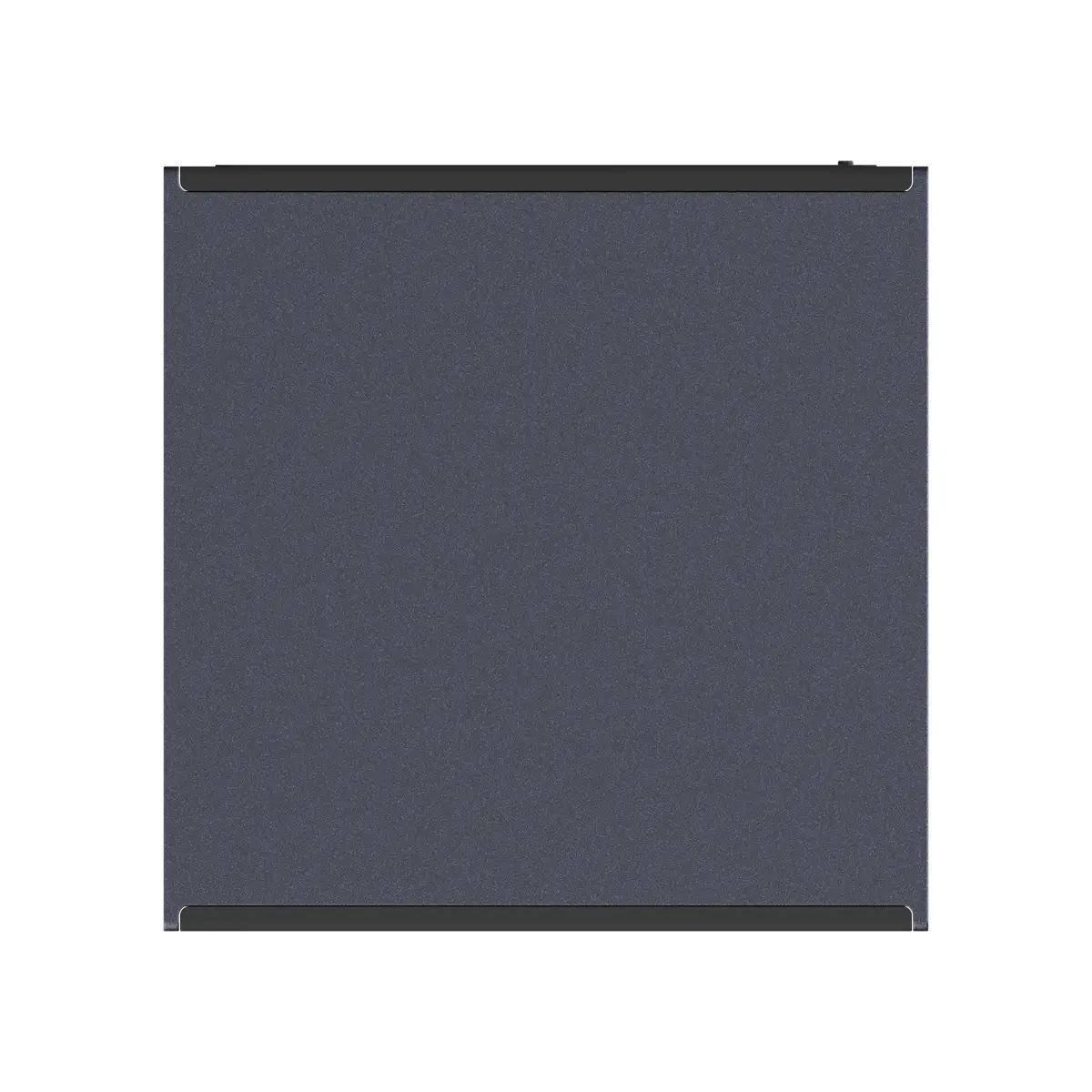
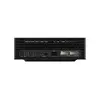
GIGABYTE AI TOP ATOM GB10 Mini PC, 128GB LPDDR5x RAM, 4TB SSD, NVIDIA DGX OS
The GIGABYTE AI TOP ATOM GB10 is a compact personal AI supercomputer designed to bring powerful local AI capabilities directly to your desktop. Powered by the NVIDIA Grace Blackwell Superchip, it delivers significant AI performance with 128GB of unified memory, enabling seamless development, fine-tuning, and inference of large AI models without relying on the cloud. Its energy-efficient, ready-to-run design makes advanced AI accessible for developers, researchers, and creators in a small, desktop-friendly form factor.
This mini PC offers a unique combination of high-performance computing and a space-saving design. By utilizing a unified memory architecture, it eliminates traditional VRAM bottlenecks, allowing for the smooth execution of complex AI models. The pre-integrated NVIDIA AI software stack ensures that users can begin deployment, training, and inference tasks immediately upon setup. Furthermore, its optimized power efficiency makes it suitable for continuous operation in professional environments.
This device is specifically engineered for AI-native workloads and may not be the most cost-effective solution for general office tasks, standard web browsing, or casual multimedia consumption. Users requiring traditional desktop expandability or specific non-NVIDIA software environments may find the specialized architecture limiting.
To begin using the GIGABYTE AI TOP ATOM, connect the device to a power source using the provided 240W adapter and link it to your network via the high-speed Ethernet port or Wi-Fi 7. Upon powering on, the pre-installed NVIDIA DGX OS will guide you through the initial configuration. Utilize the GIGABYTE AI TOP Utility to manage your AI models and monitor system performance. Ensure the device is placed in a well-ventilated area to maintain optimal thermal performance during intensive computational tasks.
For optimal performance and longevity, keep the system firmware and the NVIDIA AI software stack updated regularly. Ensure the device is positioned to allow for unobstructed airflow to the cooling system, especially during prolonged model training sessions.
{{highlightedFeature.featureTitle}}:
{{getProductFeatureValueById(product, highlightedFeature.featureId)}}
{{ productComparisonGenerationError }}