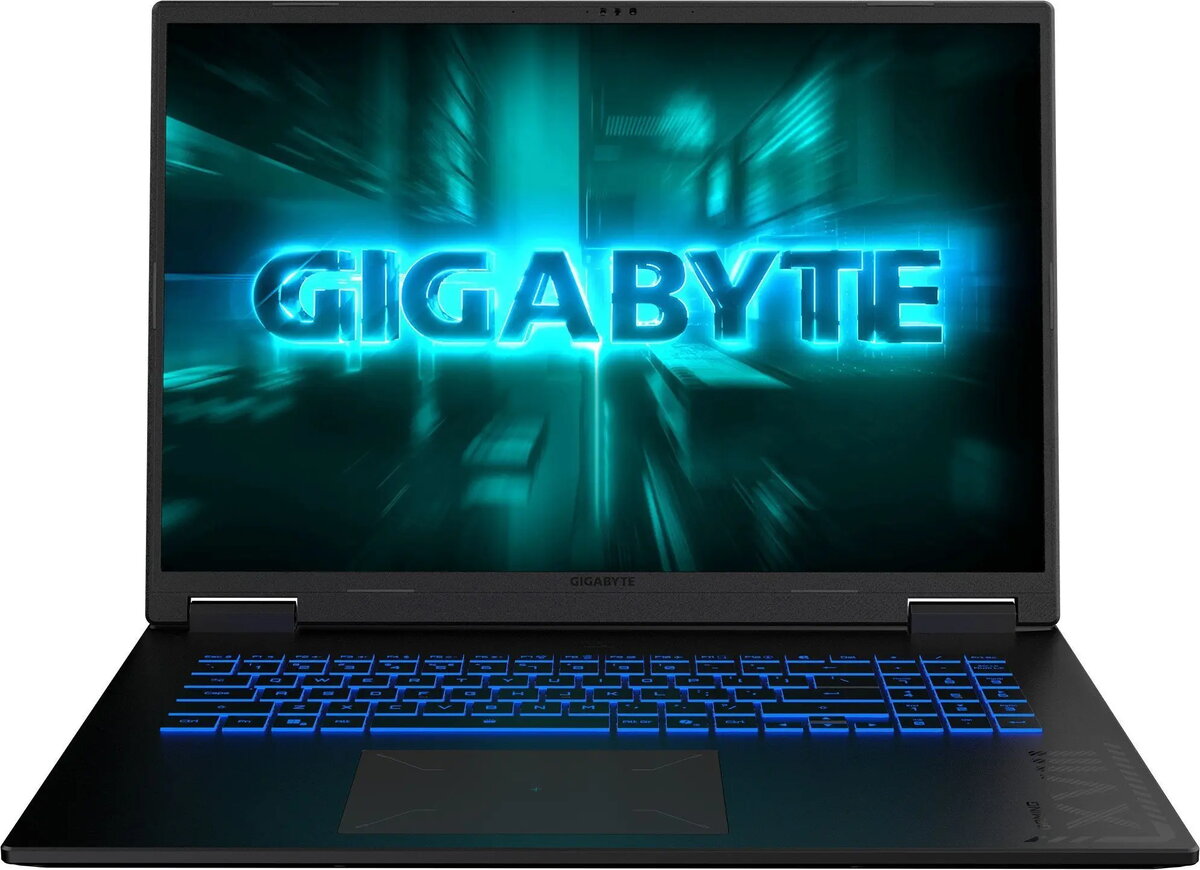
The Gigabyte A18 18" AMD Ryzen 7 260 16GB 1TB RTX 5050 NoOS is a high-performance laptop built for demanding applications and gaming on a large 18-inch display. It combines an AMD Ryzen 7 260 CPU with an NVIDIA RTX 5050 graphics solution and 16GB of system memory, paired with a 1TB storage drive to provide a balance of processing power, graphical capability, and local capacity. This configuration is delivered without a preinstalled operating system to allow flexible software setup according to the user’s needs.
Advantages
The 18-inch screen offers an extended workspace and improved visual immersion for multimedia, creative work, and gaming. The AMD Ryzen 7 260 processor provides multi-core performance suitable for multitasking and compute-heavy workloads, while the RTX 5050 GPU accelerates graphics rendering, hardware-accelerated video decoding and supports modern APIs for gaming and content creation. With 16GB of RAM and 1TB of storage, the system supports large files, multiple simultaneous applications and faster data access compared with smaller-capacity configurations. The absence of a preinstalled operating system allows organizations and advanced users to install a preferred OS image or to maintain a standardized environment.
Suitable for
- 3D modelling and rendering workflows that benefit from dedicated GPU acceleration
- Modern gaming at medium to high settings and eSports titles
- Photo and video editing, including timeline-based projects and hardware-accelerated encoding/decoding
- Software development, virtualization and multitasking with large datasets
- General productivity, web browsing and media consumption on a large display
Key specifications
- Display size: 18 inches
- Processor type: AMD Ryzen 7 260 (multi-core CPU)
- System memory: 16 GB RAM
- Storage capacity: 1 TB (internal drive)
- Graphics: NVIDIA RTX 5050 discrete GPU
- Operating system: sold without preinstalled OS (NoOS)
- Intended use: gaming, content creation, professional applications
How to use
Power on the laptop and, since it is supplied without an operating system, use a bootable USB installer or network deployment tools to install your chosen OS. Install platform drivers from the manufacturer’s support site for chipset, graphics and peripheral functions to ensure optimal performance. For gaming or content-creation workflows, install the latest GPU drivers and relevant application software. Manage power and graphics settings in the operating system to balance performance and battery life according to your current tasks.
Usage recommendations
For reliable performance, keep system drivers and GPU firmware up to date, ensure adequate ventilation during prolonged workloads, and store critical data with regular backups. When installing an operating system, create a recovery image if you plan to standardize setups across multiple devices.