
Save time and money with our discounts!
In cart {{totalProductsCount}} item(s)
Your cart is empty
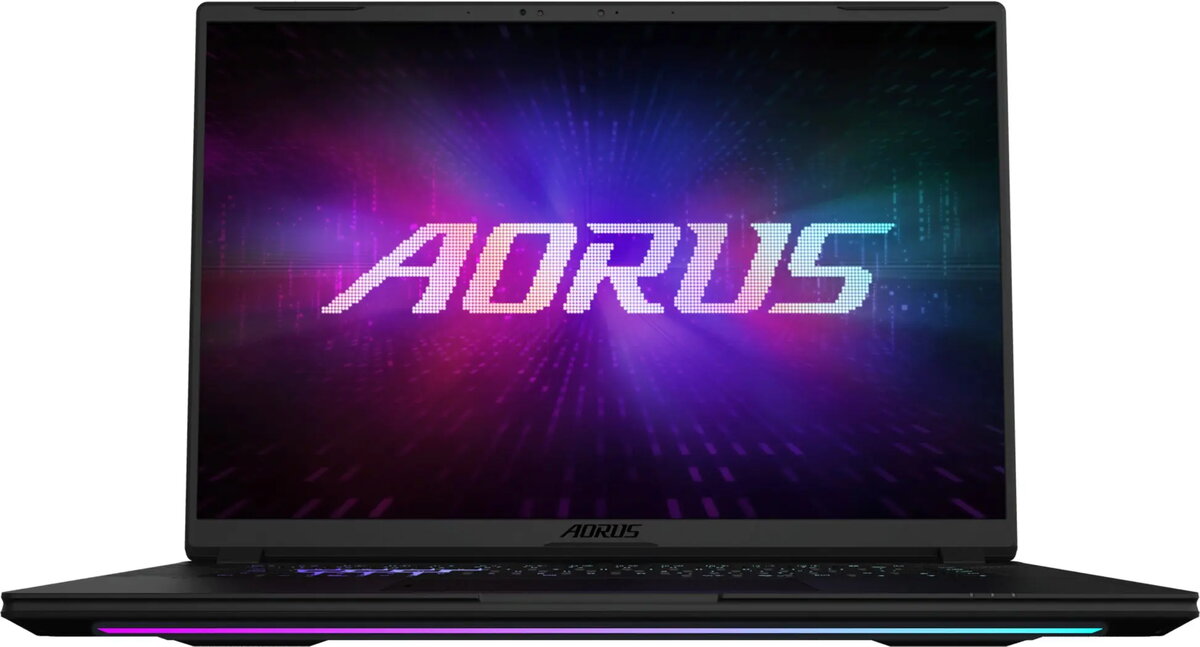
Gigabyte Aorus Master 16 Gaming Laptop, Ryzen 9 9955X3D, 32GB RAM, 1TB SSD, RTX 5090, 240Hz Display, Windows 11 Pro
The Gigabyte Aorus Master 16 is a high-performance gaming laptop engineered for users who demand top-tier processing power and graphical fidelity. At its core, the device features the AMD Ryzen 9 9955X3D processor paired with the NVIDIA GeForce RTX 5090 graphics card, creating a robust foundation for intensive gaming, 3D rendering, and complex multitasking. With 32GB of RAM and a 1TB SSD, the system offers rapid data access and ample storage for modern software and large game libraries, all managed by the Windows 11 Pro operating system.
This laptop excels by combining cutting-edge hardware with a high-refresh-rate display, ensuring that visual output remains smooth and responsive during fast-paced action. The integration of the Ryzen 9 processor and RTX 5090 GPU allows for advanced ray tracing and high frame rates in demanding titles. Furthermore, the inclusion of Windows 11 Pro provides professional-grade security features and management tools, making the device suitable for both entertainment and high-end productivity tasks. The thermal management system is designed to sustain performance during prolonged usage sessions.
This laptop may not be the ideal choice for users seeking a lightweight or ultra-portable device for basic office tasks, as its high-performance components result in a larger chassis and increased power consumption. It is also likely overkill for users who only require a computer for web browsing, media consumption, or light document editing.
To begin using the Gigabyte Aorus Master 16, connect the provided power adapter to ensure the system has sufficient energy for initial setup. Follow the on-screen instructions provided by Windows 11 Pro to configure your user account, network settings, and security preferences. Once the operating system is initialized, it is recommended to update the graphics drivers and system firmware via the manufacturer's support software to ensure optimal performance and compatibility with the latest games and applications.
For the best experience, keep the laptop on a flat, hard surface to allow for proper airflow through the cooling vents. Regularly clean the intake areas to prevent dust accumulation, which can impact thermal efficiency during heavy workloads.
{{highlightedFeature.featureTitle}}:
{{getProductFeatureValueById(product, highlightedFeature.featureId)}}
{{ productComparisonGenerationError }}