






Save time and money with our discounts!
In cart {{totalProductsCount}} item(s)
Your cart is empty
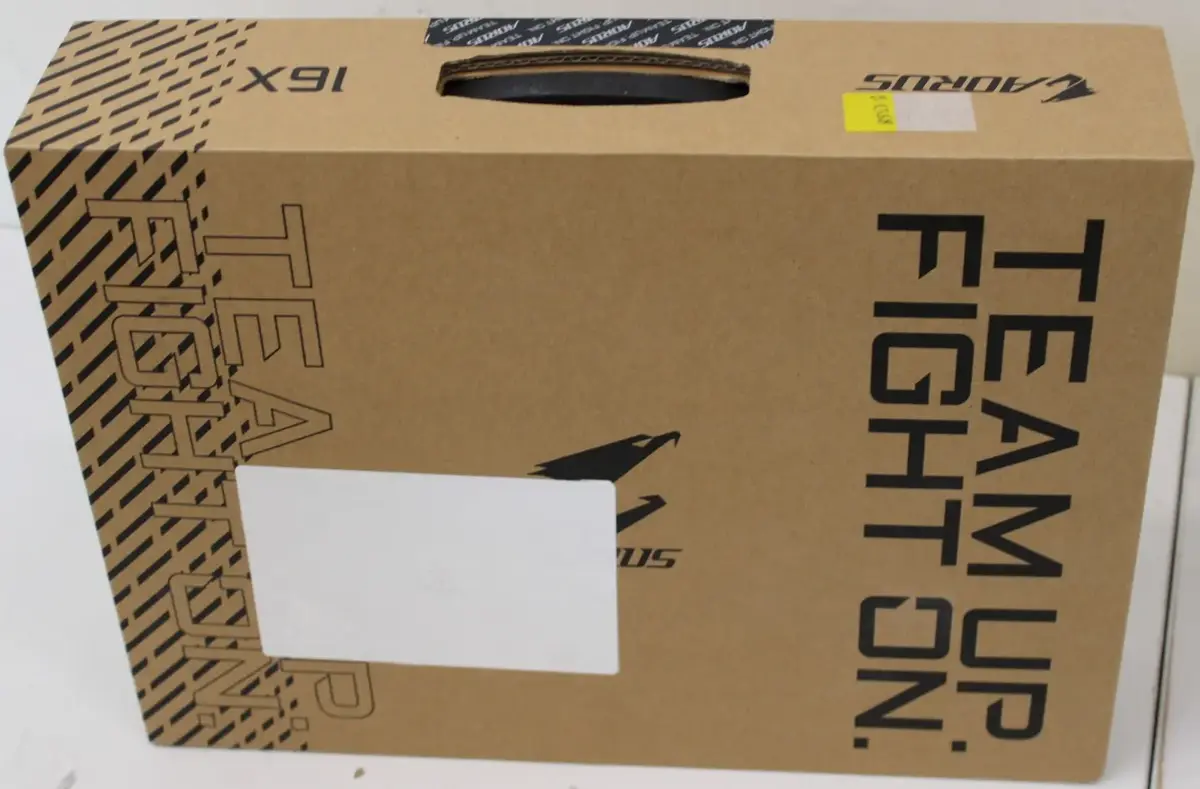
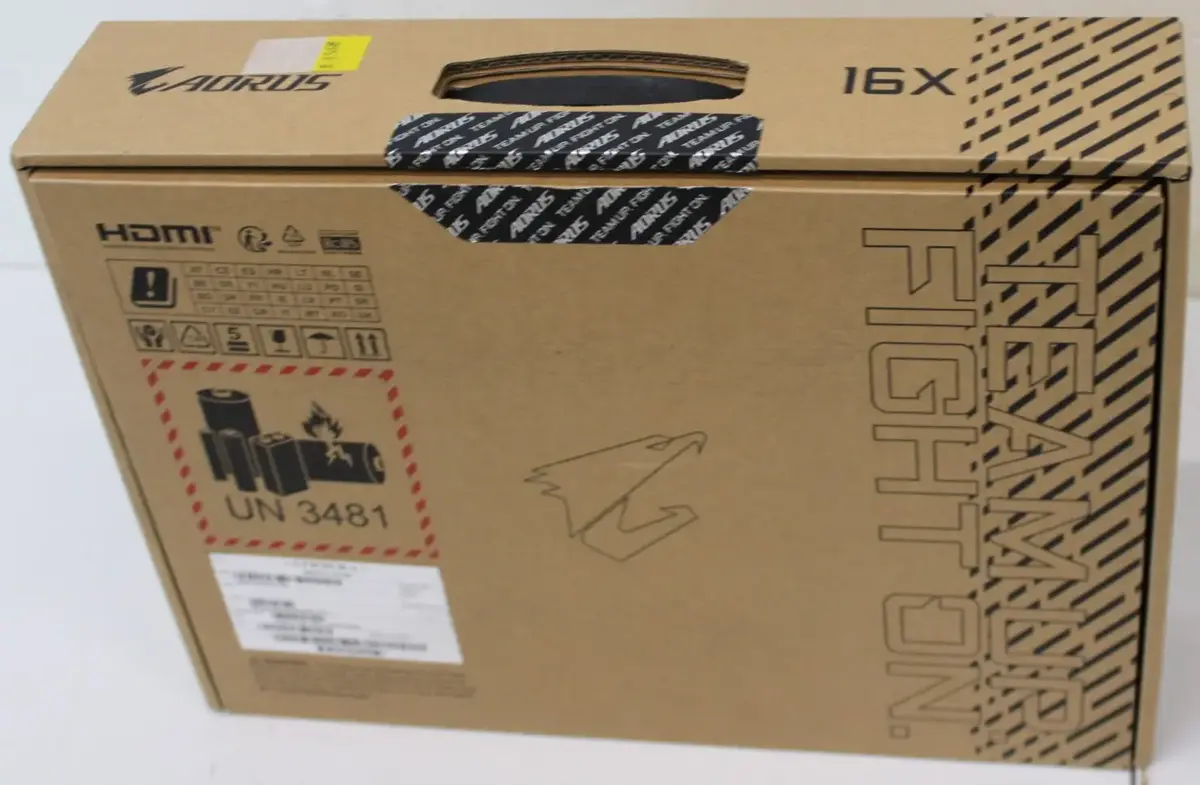
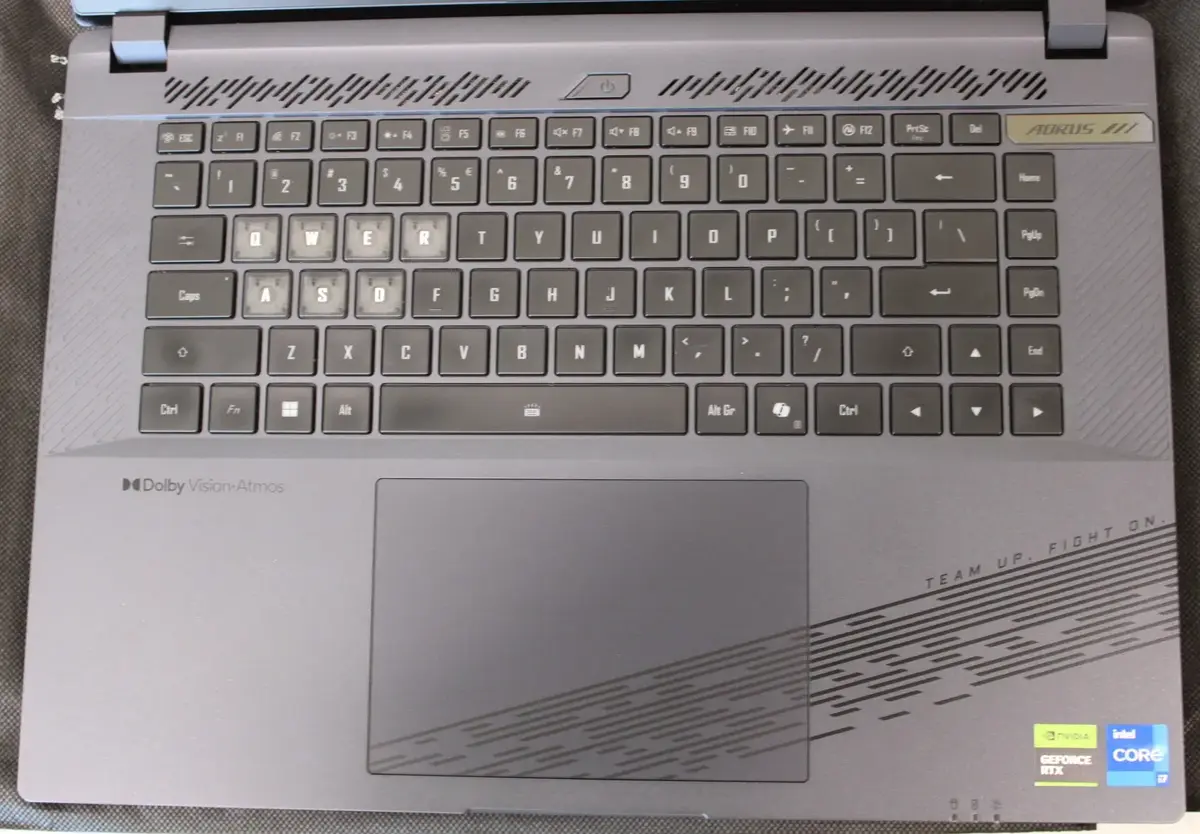
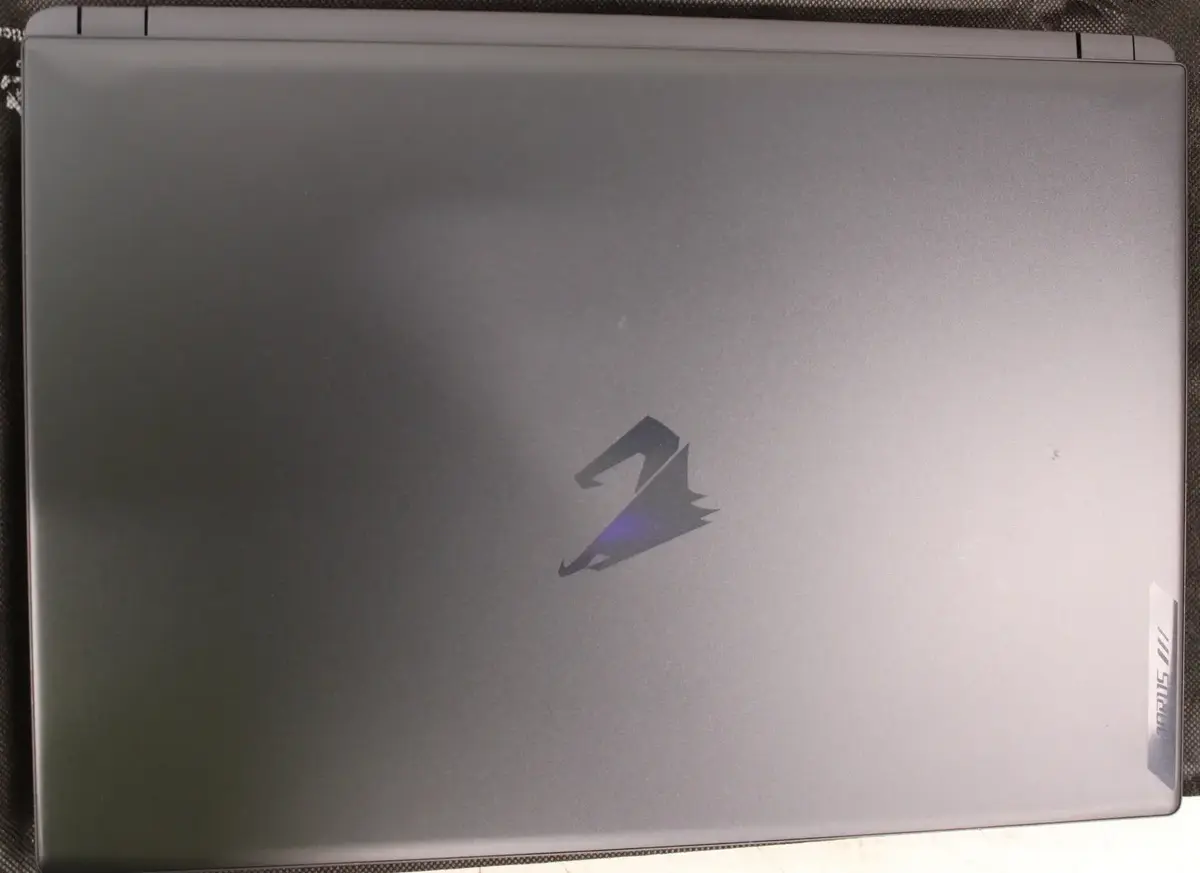
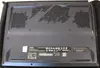
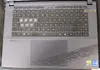
Gigabyte AORUS 16X 9SG-43EEC94SH Gaming Laptop, 16" WQXGA, Intel Core i7-13650HX, 16GB RAM, 1TB SSD, NVIDIA GeForce RTX 4070, Windows 11 Home
The Gigabyte AORUS 16X 9SG-43EEC94SH is a high-performance gaming laptop engineered to deliver exceptional speed and visual clarity. Featuring a 16-inch WQXGA display with a 16:10 aspect ratio, this device provides an immersive viewing experience for both gaming and professional creative work. At its core, the laptop is powered by an Intel Core i7-13650HX processor and an NVIDIA GeForce RTX 4070 graphics card, ensuring smooth performance in demanding applications and modern titles. This refurbished unit comes equipped with 16GB of DDR5 RAM and a 1TB SSD, offering a balance of fast multitasking and ample storage space for your library.
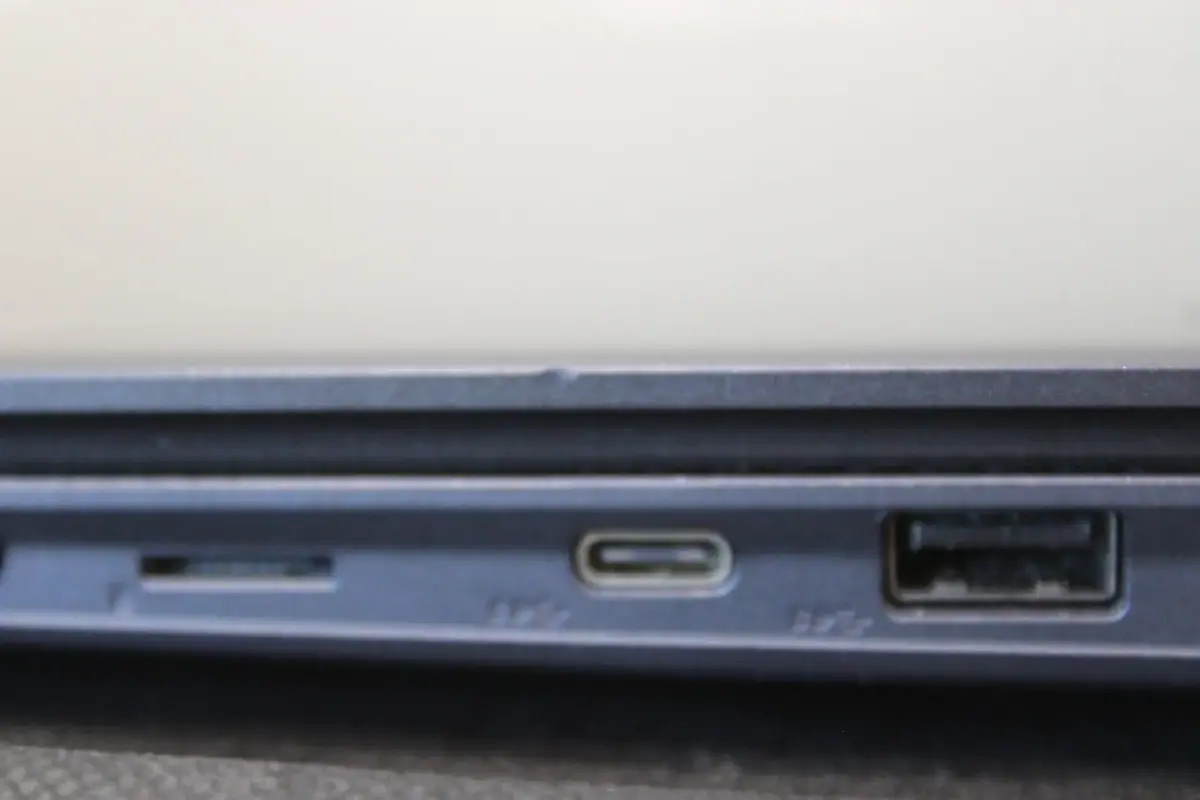
This laptop stands out due to its powerful hardware configuration, which is optimized for high-frame-rate gaming and intensive computational tasks. The inclusion of Wi-Fi 7 and Bluetooth 5.4 ensures cutting-edge connectivity, providing faster data transfer speeds and more stable wireless connections. The 16:10 display aspect ratio offers more vertical screen real estate, which is highly beneficial for productivity and immersive gaming. Furthermore, the backlit keyboard enhances usability in low-light environments, making it a versatile tool for various settings.
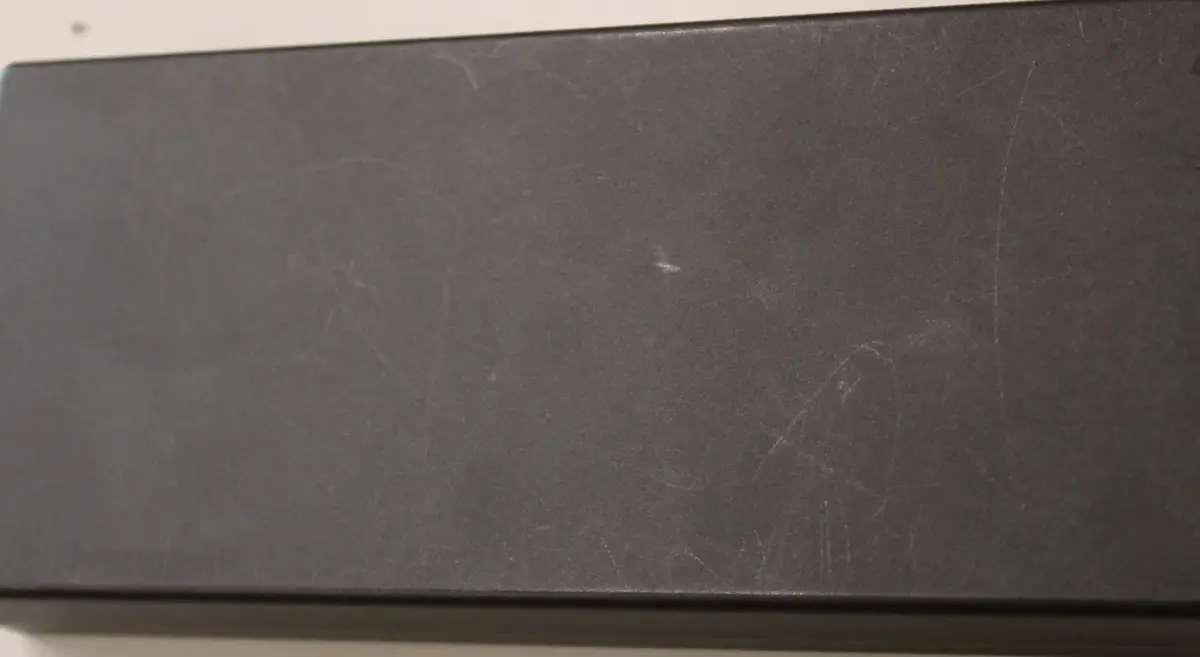
This laptop may not be the ideal choice for users who require extreme portability, as its high-performance components and cooling system result in a larger chassis. Additionally, because this is a refurbished unit with cosmetic scratches, it may not be suitable for those seeking a pristine, brand-new aesthetic.
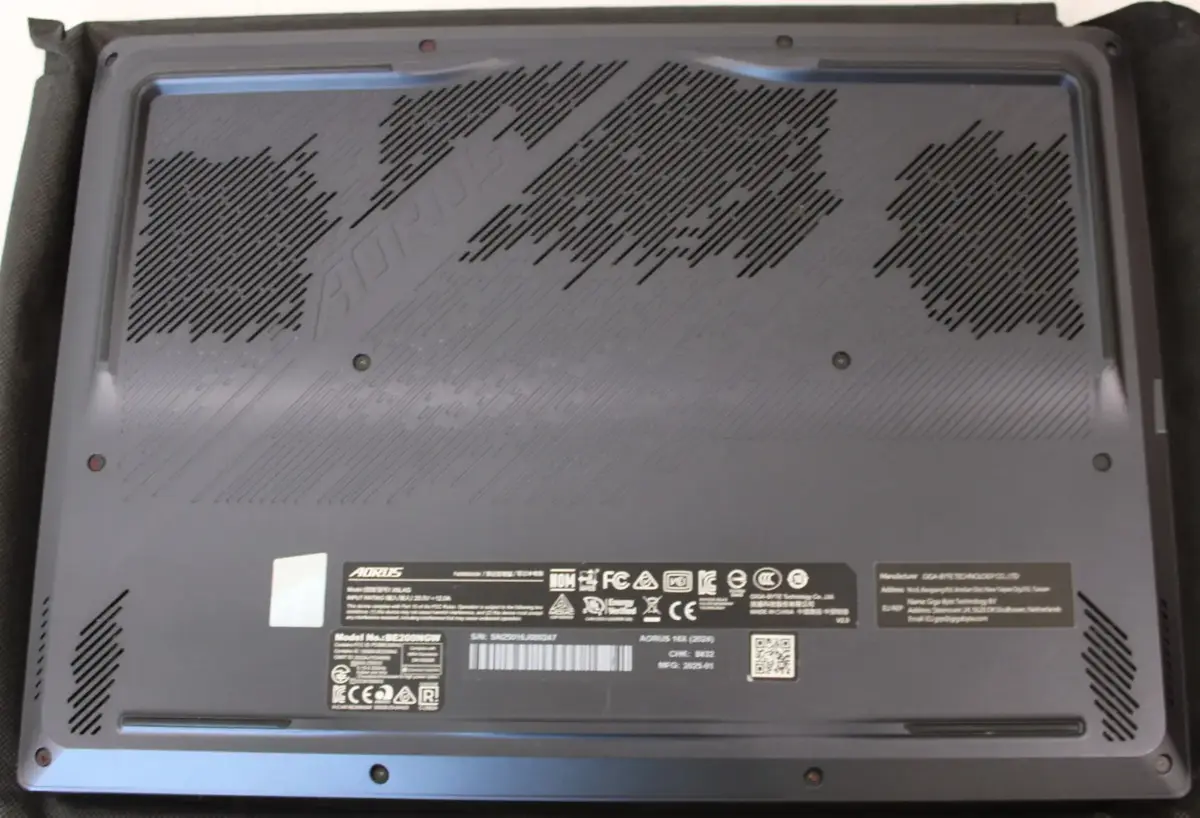
To begin using the laptop, connect the power adapter to ensure the battery is fully charged. Upon powering on, follow the on-screen prompts to complete the Windows 11 Home setup process. Once configured, you can install your preferred gaming platforms, creative software, and drivers to optimize the system for your specific needs. Ensure the device is placed on a flat, stable surface to allow for proper airflow through the cooling vents during operation.
For optimal performance and longevity, keep the laptop's software and drivers updated regularly. Ensure the air vents remain unobstructed during use to prevent overheating, and consider using a cooling pad if you plan on running intensive tasks for extended periods.
{{highlightedFeature.featureTitle}}:
{{getProductFeatureValueById(product, highlightedFeature.featureId)}}
{{ productComparisonGenerationError }}