Filters you can trust. Pure water every day.
In cart {{totalProductsCount}} item(s)
Your cart is empty
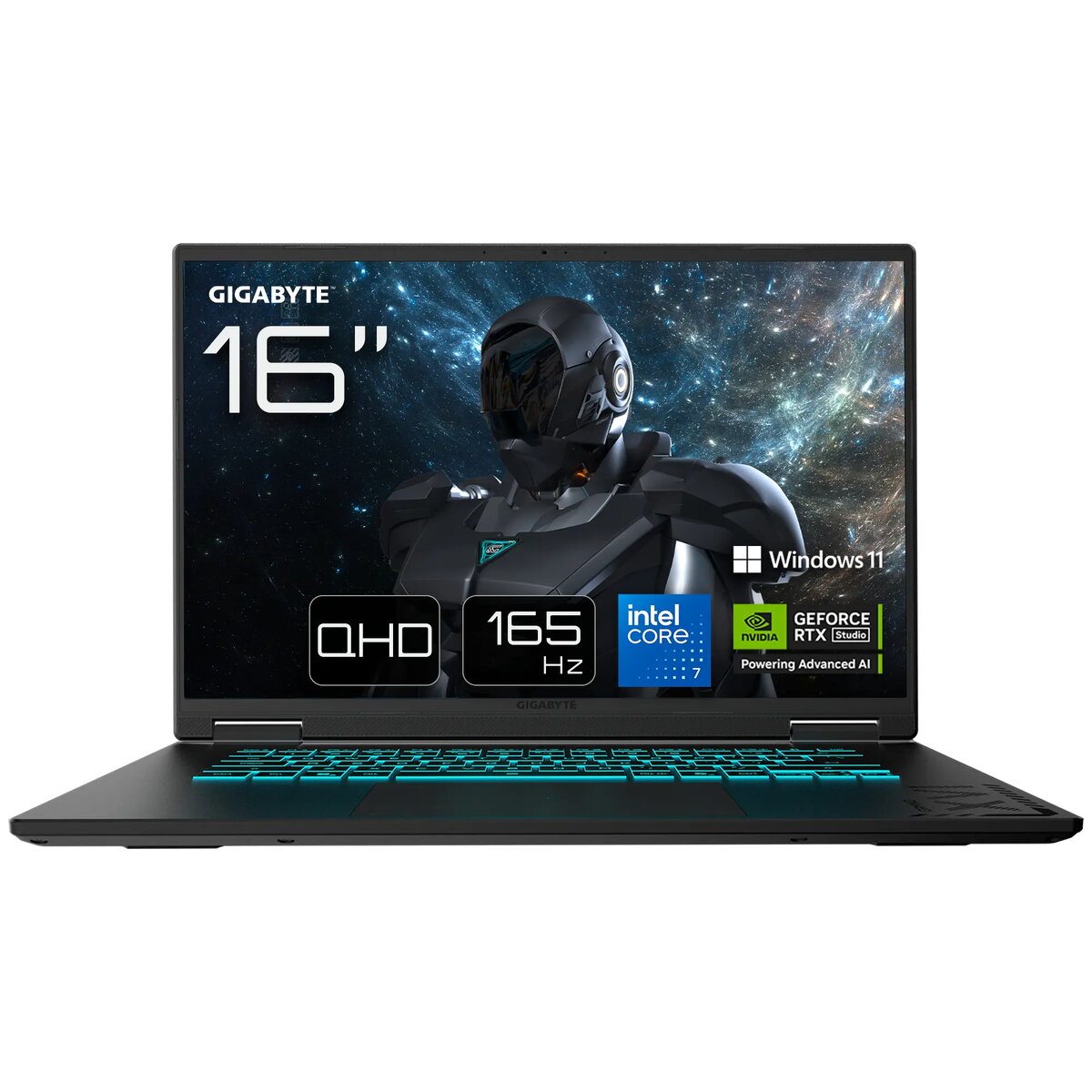
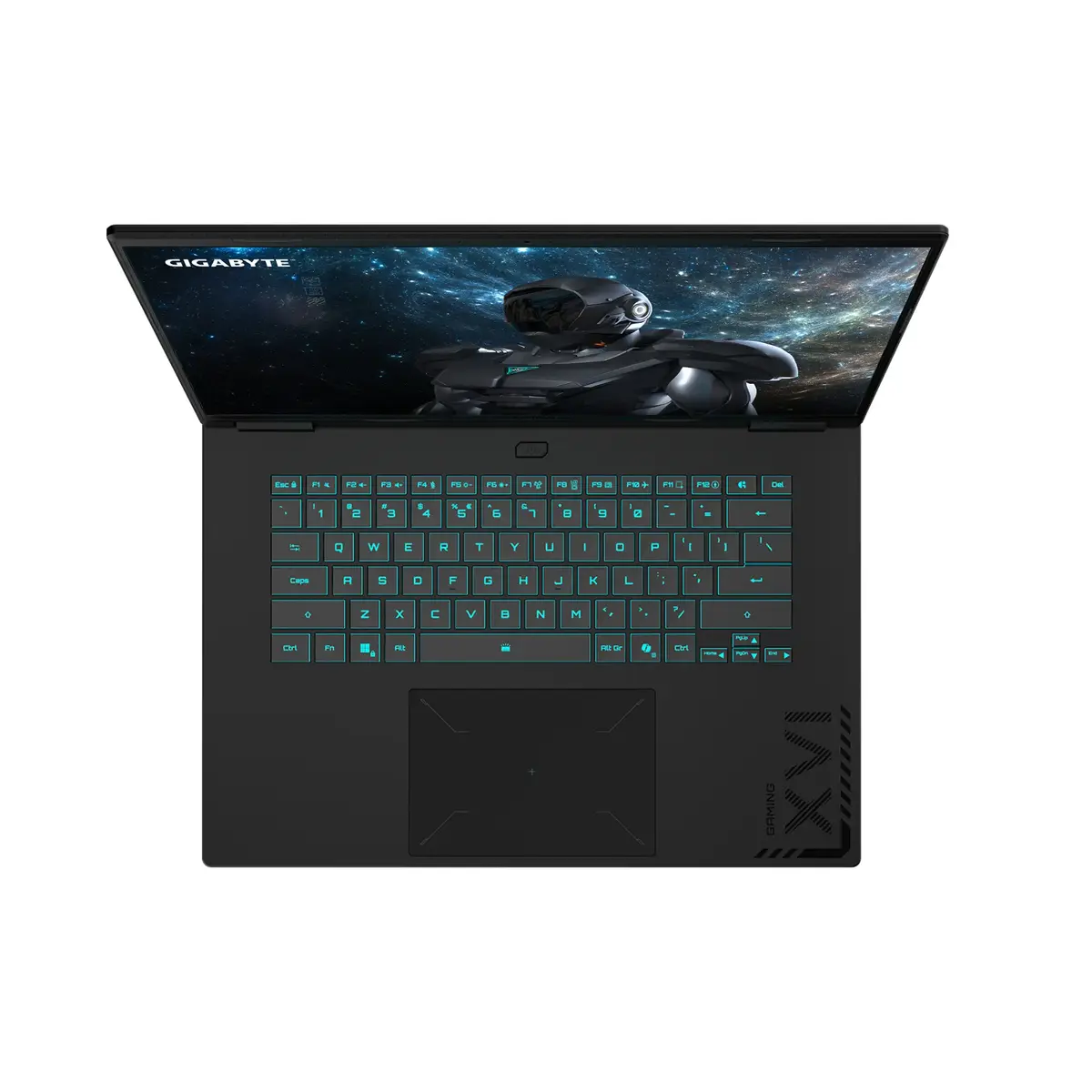
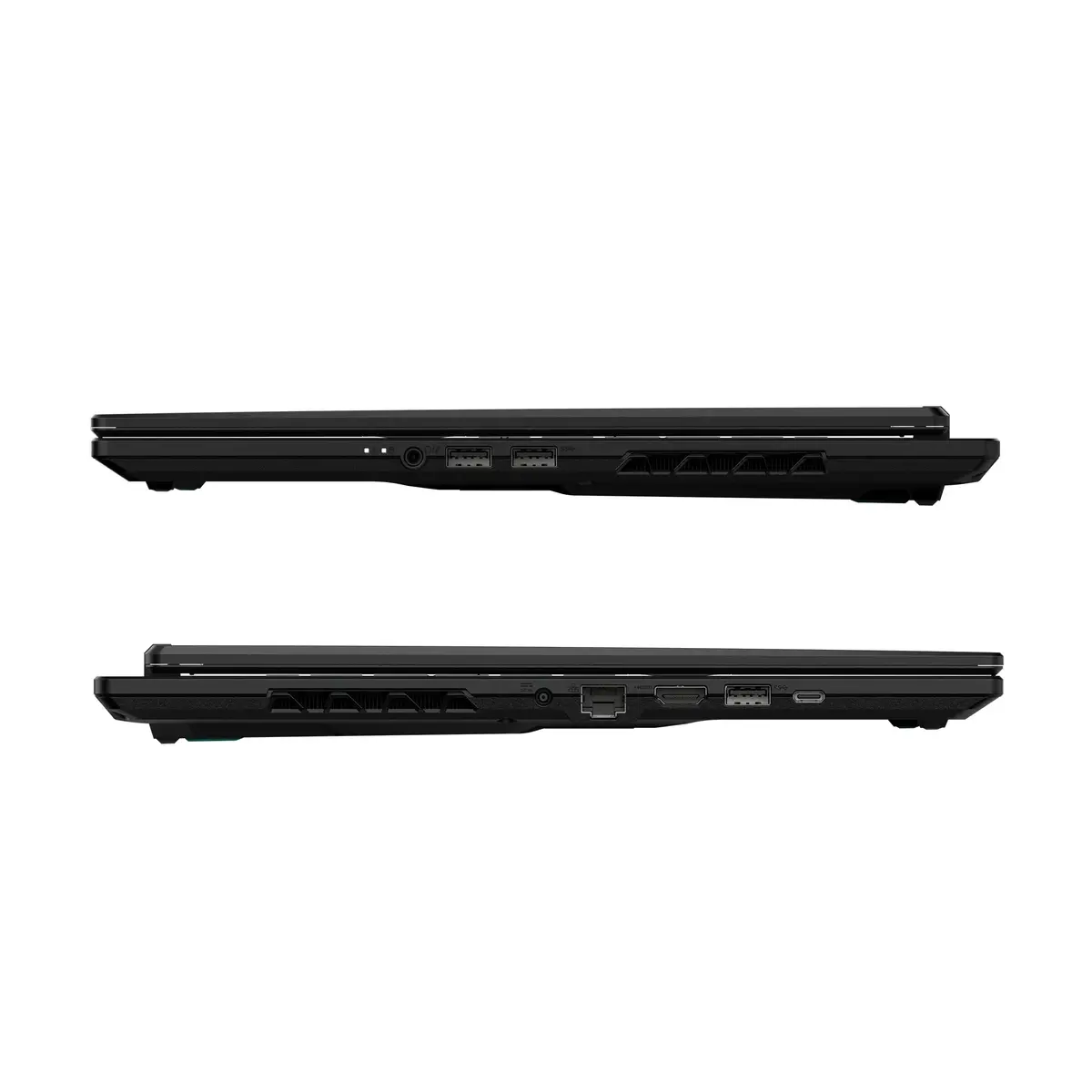
Laptop GIGABYTE GAMING A16 PRO DXHG4FRCC4SH — Intel Core 7 240H, 16" Quad HD+ 2560×1600, 32 GB LPDDR5x, 1 TB SSD, NVIDIA GeForce RTX 5070 Ti, Wi‑Fi 6E...
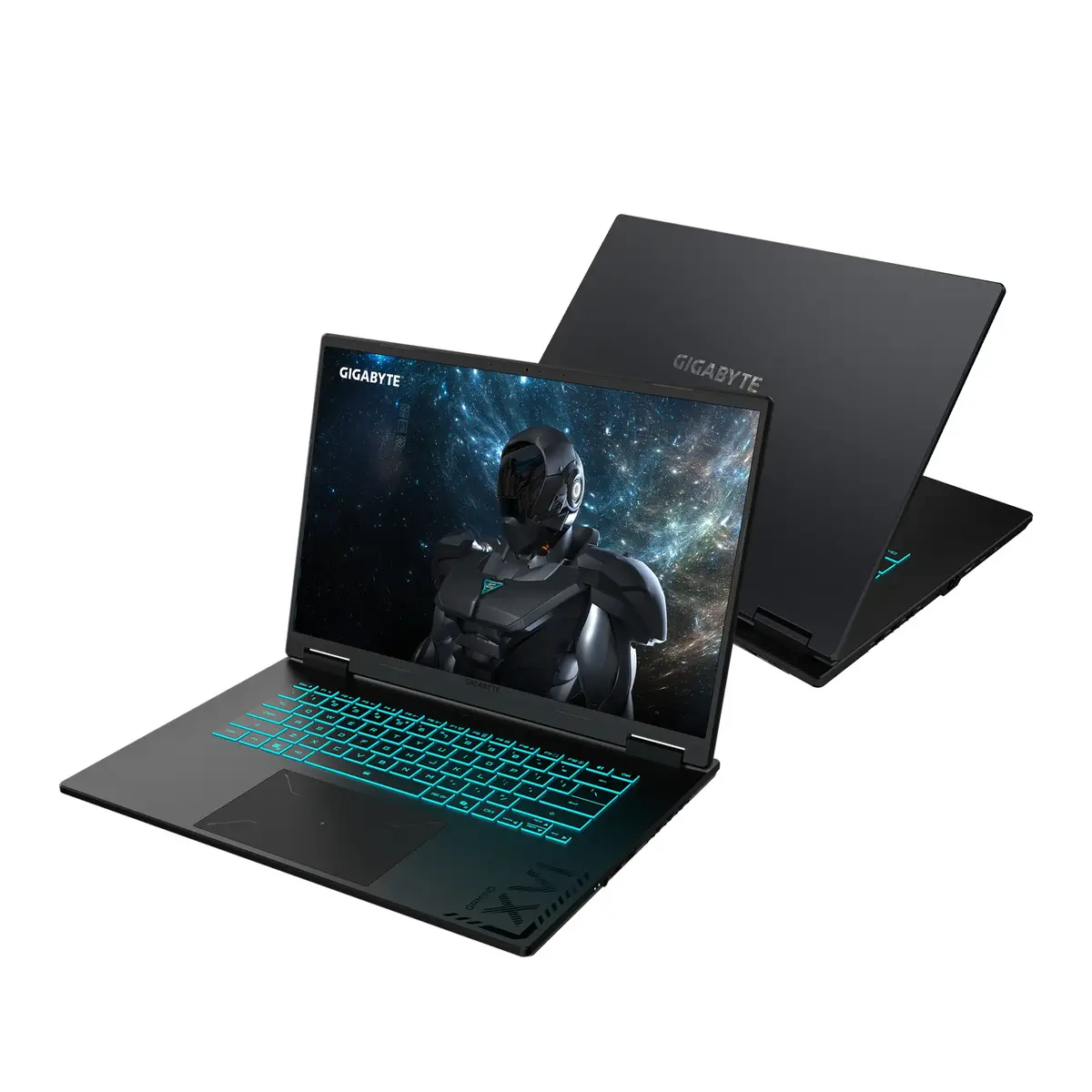
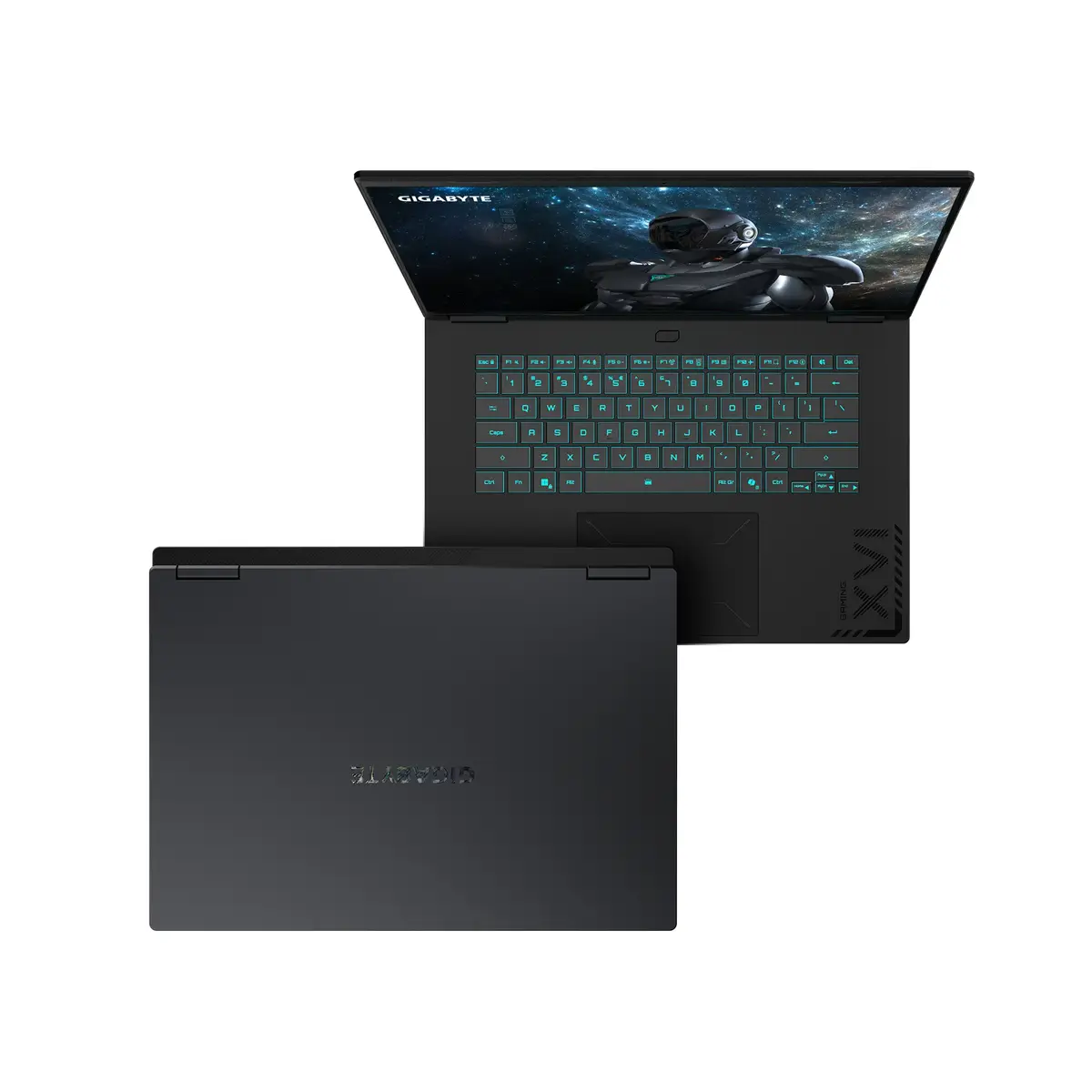
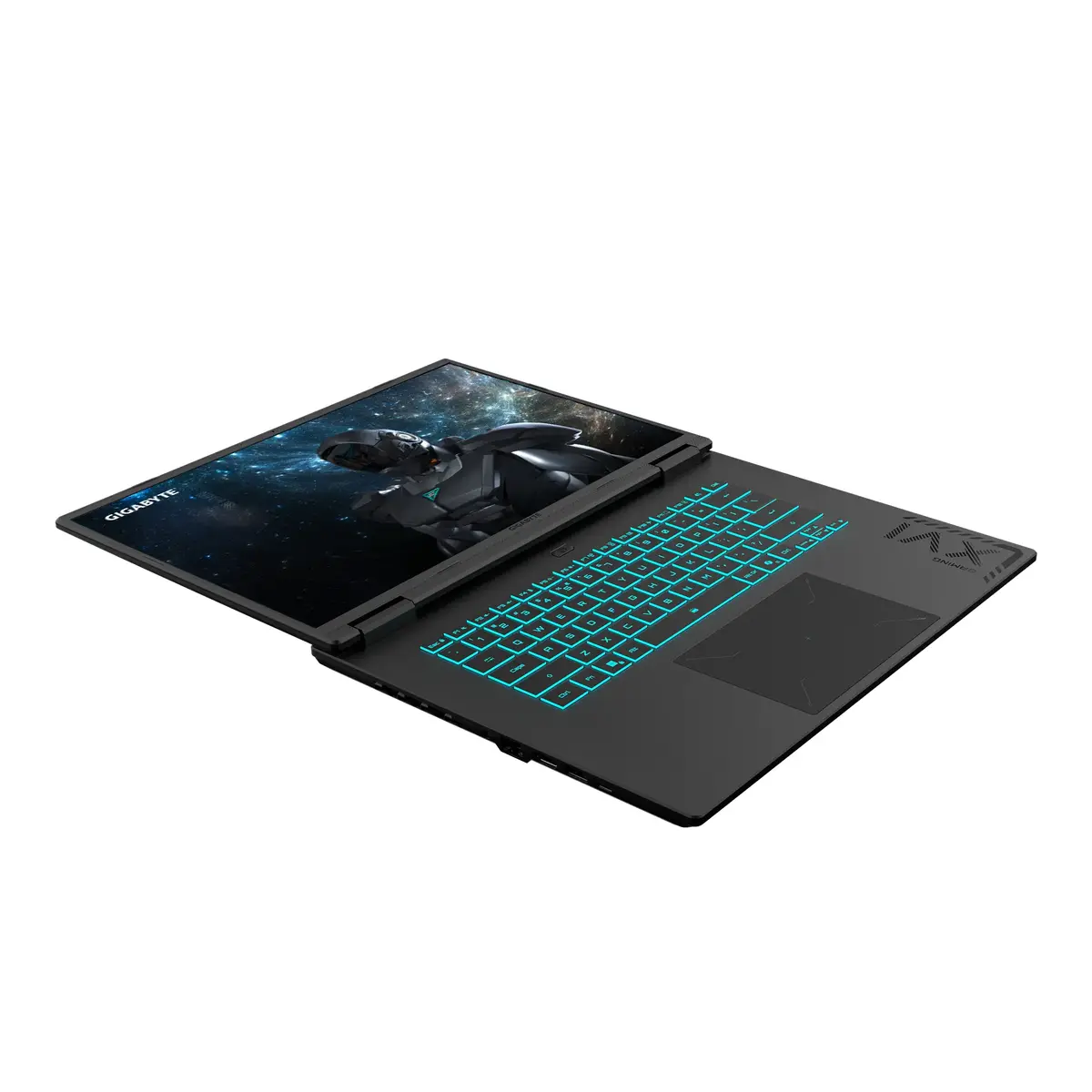
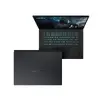
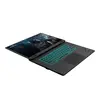
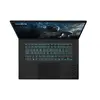
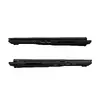
The GIGABYTE GAMING A16 PRO DXHG4FRCC4SH is a clamshell gaming laptop with a 16-inch Quad HD+ (2560 x 1600) IPS display in a 16:10 aspect ratio. It is powered by an Intel Core 7 240H processor with 10 cores, paired with 32 GB of LPDDR5x-5600 memory and a 1 TB SSD. Graphics are handled by an NVIDIA GeForce RTX 5070 Ti alongside integrated Intel® Graphics. Connectivity includes Wi‑Fi 6E, Bluetooth 5.2 and gigabit Ethernet. The system ships with Windows 11 Home and comes in a black finish.
This laptop combines a high-resolution 16:10 Quad HD+ IPS panel with a high-performance CPU and a dedicated RTX 5070 Ti GPU, making it suitable for demanding games and graphics work. The 32 GB of fast LPDDR5x memory and 1 TB SSD provide responsive multitasking and quick storage access. Modern connectivity options such as Wi‑Fi 6E and Ethernet support low-latency networking while the included Windows 11 Home offers a current operating environment.
Due to its performance-focused components and discrete GPU, the laptop may have limited battery life under heavy loads and can be heavier than ultrabooks, which reduces long-term portability for frequent travelers. It is not intended as a fanless or ultra-compact device for casual office tasks where maximum battery endurance or minimal weight is the priority.
Set up the laptop on a stable surface, connect the supplied power adapter for initial configuration and updates, and follow the Windows 11 out-of-box setup. Install or update GPU drivers from the NVIDIA website and Intel drivers for best performance. For gaming or content creation, use a cooling-friendly position and consider connecting to external displays or peripherals via available ports for extended workflows.
To get stable high performance, keep drivers updated, use a well-ventilated workspace, and plug in the 240 W adapter for sustained gaming or rendering sessions. Adjust graphics settings to balance frame rate and thermals depending on the game or application.
{{highlightedFeature.featureTitle}}:
{{getProductFeatureValueById(product, highlightedFeature.featureId)}}
{{ productComparisonGenerationError }}