


Leave your address - as soon as the price of the product goes down, you'll know about it right away
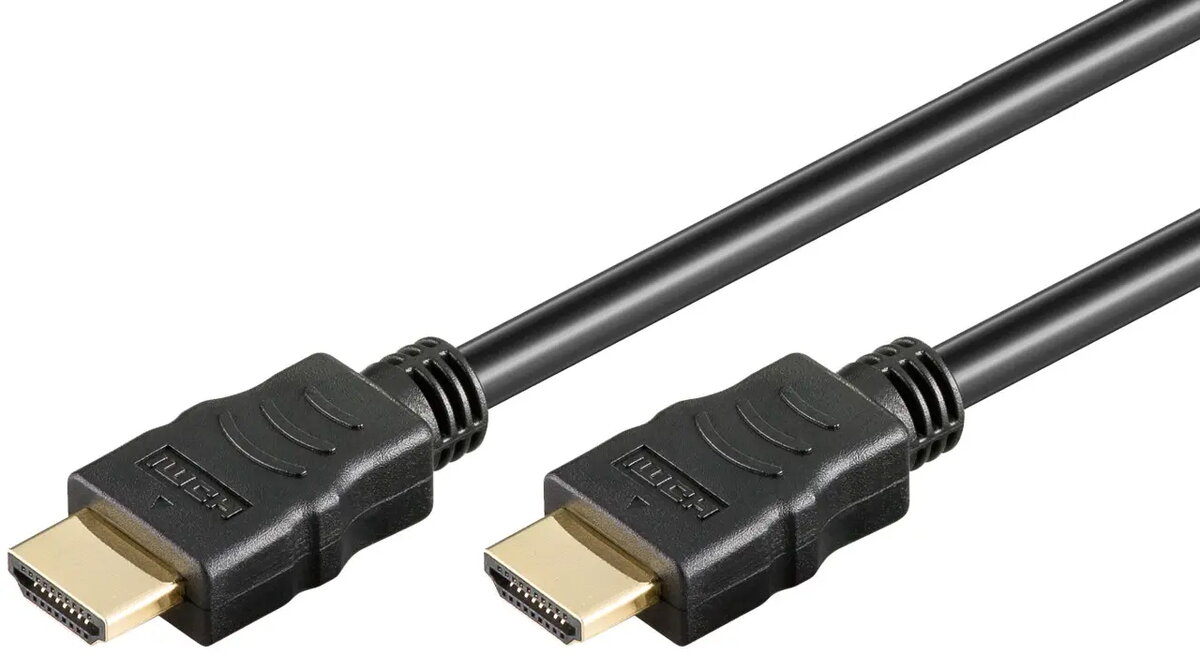
Goobay HDMI High-Speed Cable with Ethernet, 0.5m, Soft, Black
In cart {{totalProductsCount}} item(s)
Your cart is empty
Goobay HDMI High-Speed Cable with Ethernet, 0.5m, Soft, Black
Leave your address - as soon as the price of the product goes down, you'll know about it right away
Goobay HDMI High-Speed Cable with Ethernet, 0.5m, Soft, Black
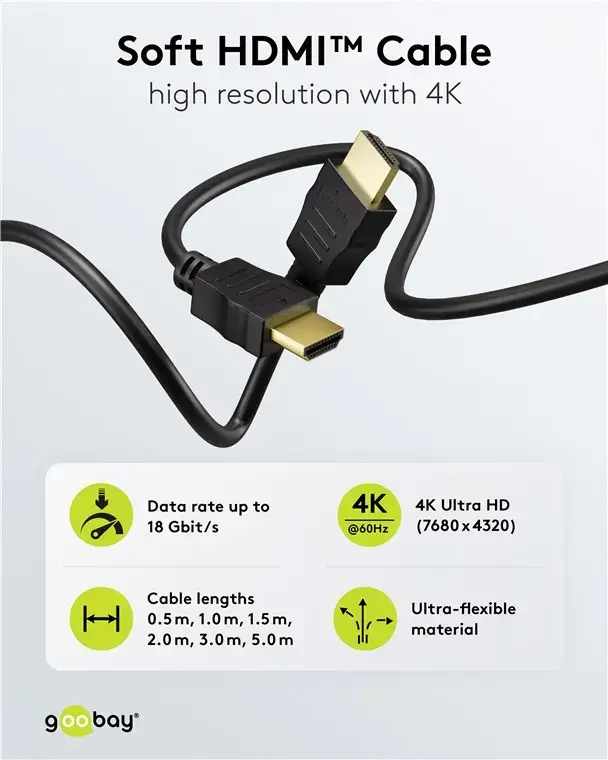
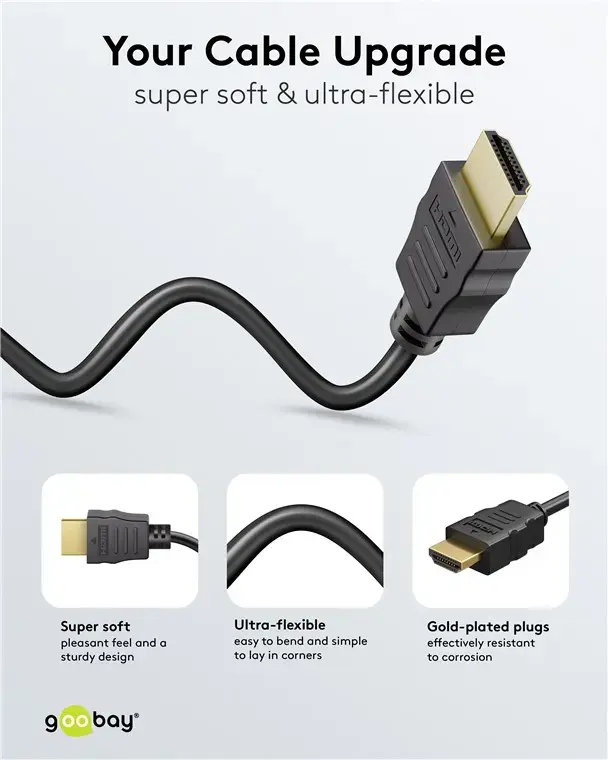
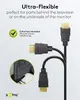
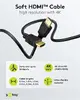
The Goobay HDMI High-Speed Cable with Ethernet is a reliable 0.5-meter connectivity solution engineered for high-quality digital audio and video transmission. Designed with a soft and flexible outer jacket, this black cable allows for effortless routing and installation, even in confined spaces where traditional, rigid cables might be difficult to manage. It provides a stable connection between multimedia devices, ensuring that your signal remains clear and consistent for your display needs.
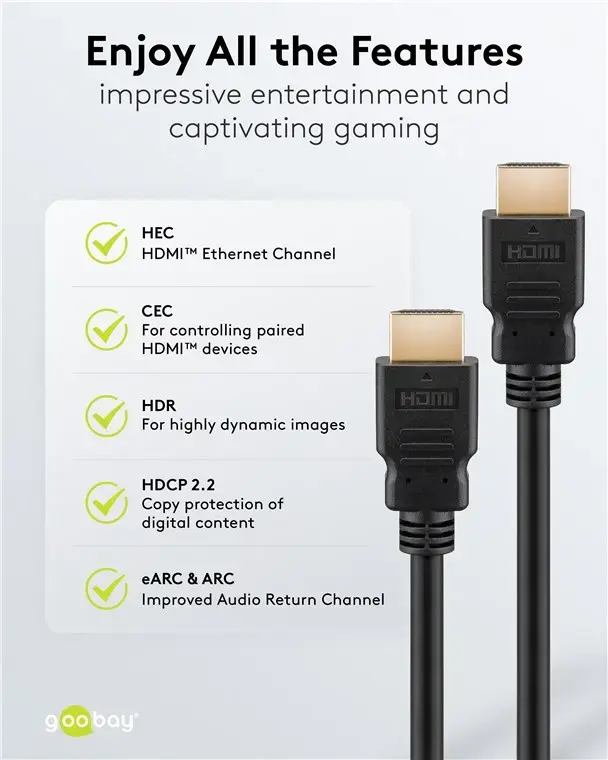
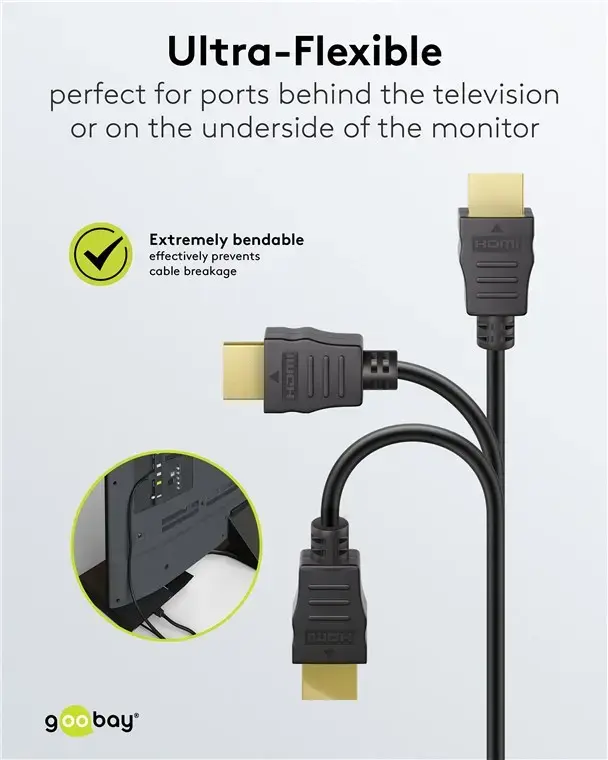
The primary benefit of this cable is its specialized soft design, which offers superior flexibility compared to standard HDMI cables. This makes it an excellent choice for setups where cable management is tight or where the cable needs to bend around corners without putting excessive strain on the device ports. Furthermore, the integrated Ethernet support allows for network data transmission between compatible devices, reducing the need for additional cabling in your home entertainment or office setup.
This cable is 0.5 meters in length, which may be insufficient for setups where devices are placed far apart. It is intended for short-range connections and will not be suitable for installations requiring long cable runs.
To use the cable, simply insert one end into the HDMI output port of your source device, such as a computer or media player, and the other end into the HDMI input port of your monitor or television. Ensure that both connectors are fully seated to maintain a secure connection. The flexible nature of the cable allows you to route it neatly behind equipment or through cable management channels without the risk of kinking or damaging the internal wiring.
For the best signal integrity, avoid bending the cable at sharp angles or placing heavy objects on top of it. Always hold the connector housing when plugging or unplugging the cable to prevent damage to the internal pins.
{{highlightedFeature.featureTitle}}:
{{getProductFeatureValueById(product, highlightedFeature.featureId)}}