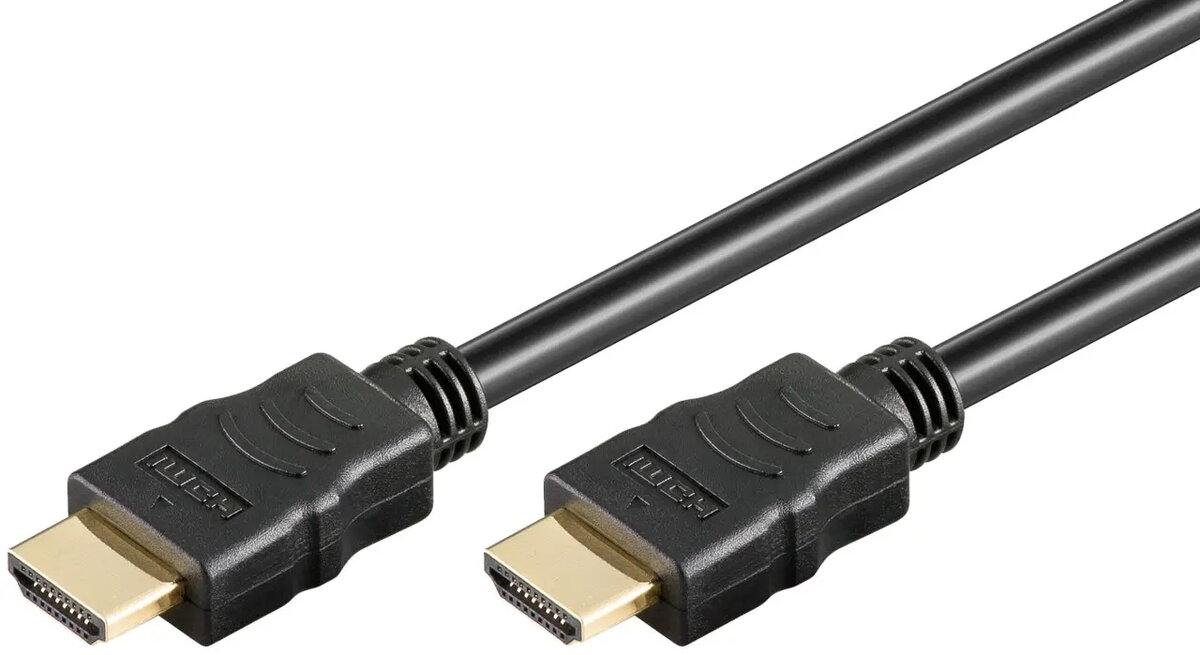
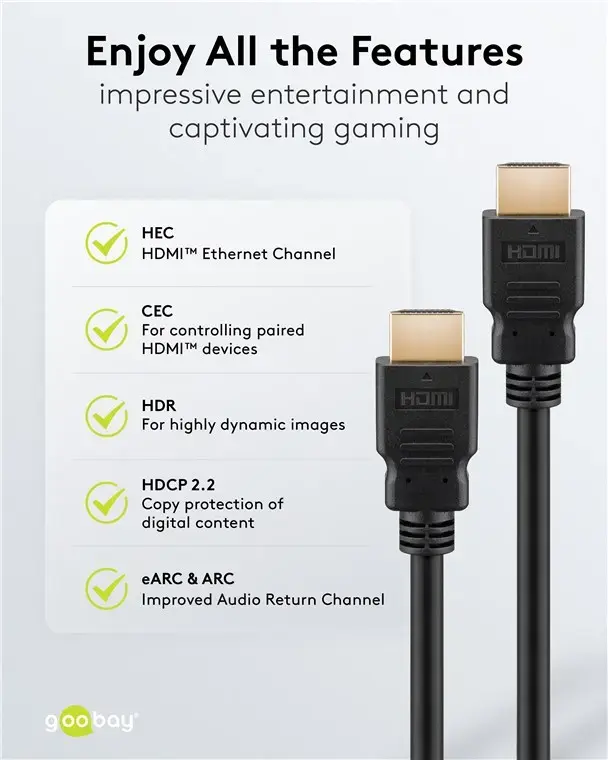
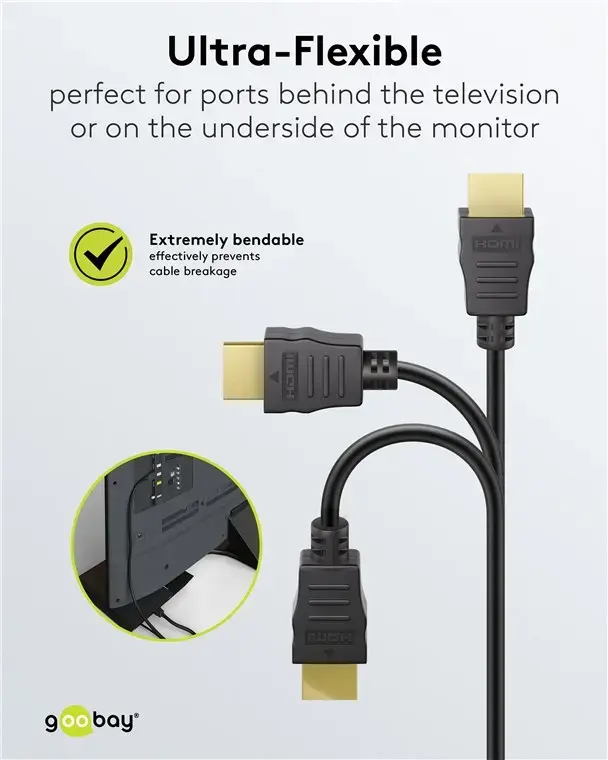
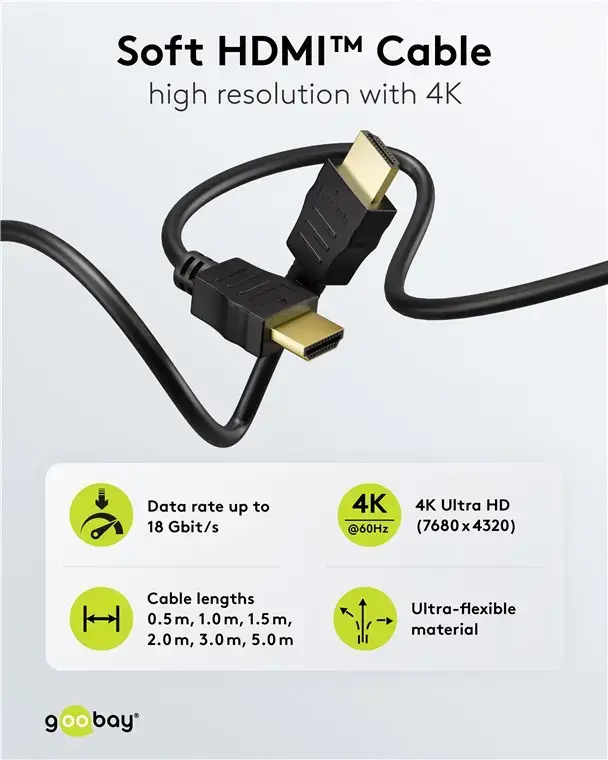
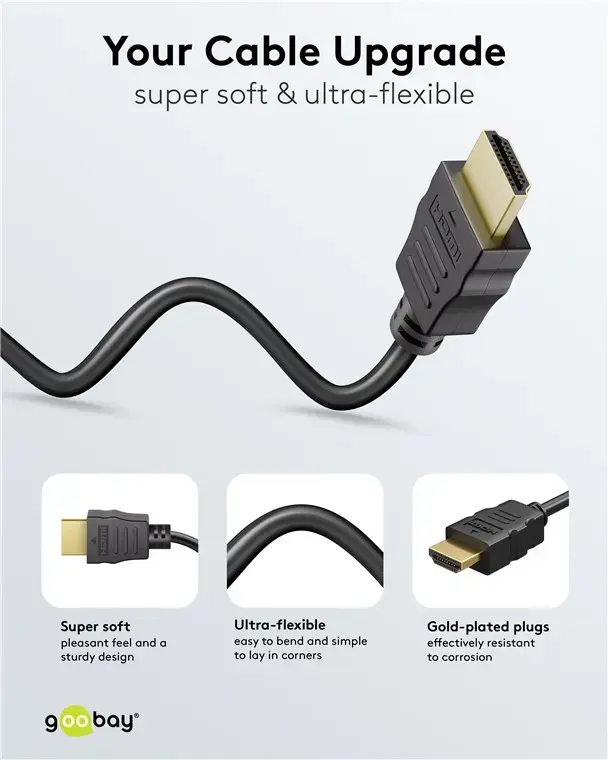
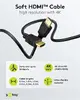
In this overview, the main product Goobay 80102 HDMI High-Speed Cable with Ethernet, 1.5m, Soft, Black is compared with alternative Goobay Soft High-Speed HDMI cables with Ethernet support from GOOBAY and WENTRONIC. All presented products share a common purpose: they provide reliable digital audio and video signal transmission, support high-speed data transfer, and feature a flexible soft cable design for easy management. The main differences between the models lie in their length, which dictates the operational reach between connected devices, as well as the brand representation in the catalog.
⚙️ The specifications comparison table below evaluates parameters such as cable length, Ethernet support, cable flexibility, and practical use cases for each option.
| Parameter | Goobay 80102 (1.5m) | WENTRONIC Goobay (80103) | Goobay 80105 (5m) | WENTRONIC Goobay (80096) | Goobay 80104 (3m) | goobay (80105, 5.0m) | Practical significance of differences |
|---|
| Cable type | HDMI High-Speed with Ethernet | HDMI High-Speed with Ethernet | HDMI High-Speed with Ethernet | HDMI High-Speed with Ethernet | HDMI High-Speed with Ethernet | HDMI High-Speed with Ethernet | Core audio, video, and network transmission capabilities are identical across all options. |
| Length | 1.5 meters | Not specified | 5 meters | Not specified | 3 meters | 5.0 meters | Different length options allow matching the cable to the exact distance required between devices. |
| Design | Soft and flexible | Soft and flexible | Soft and flexible | Soft and flexible | Soft and flexible | Soft and flexible | All cables feature enhanced flexibility for easy routing and cable management in tight spaces. |
◎ The suitability table below highlights which product is most appropriate for various user needs and usage scenarios.
| Use case | Recommended product | Why |
|---|
| Connecting devices at close range (such as a desktop computer and monitor on the same desk) | Goobay 80102 HDMI High-Speed Cable with Ethernet, 1.5m, Soft, Black | The 1.5-meter length is ideal for compact workstation setups and home entertainment areas without excessive slack. |
| Connecting hardware at medium distance (up to three meters) | Goobay 80104 Soft HDMI High-Speed Cable with Ethernet, 3 m | The 3-meter length ensures a convenient connection between multimedia devices positioned further apart. |
| Setting up connections over long distances (up to five meters) | Goobay 80105 Soft HDMI High-Speed Cable with Ethernet, 5 m, Black or goobay Soft High-Speed HDMI Cable with Ethernet, 5.0 m, Black | The 5-meter length is well-suited for larger rooms and equipment positioned at a considerable distance from the display. |
The Goobay 80102 HDMI High-Speed Cable with Ethernet, 1.5m, Soft, Black differs from alternative versions by offering a shorter 1.5-meter length, making it the optimal choice for close-range device setups and tidy desktop environments. You may prefer this product over longer alternatives if you do not need to bridge large distances and wish to avoid unnecessary cable clutter.