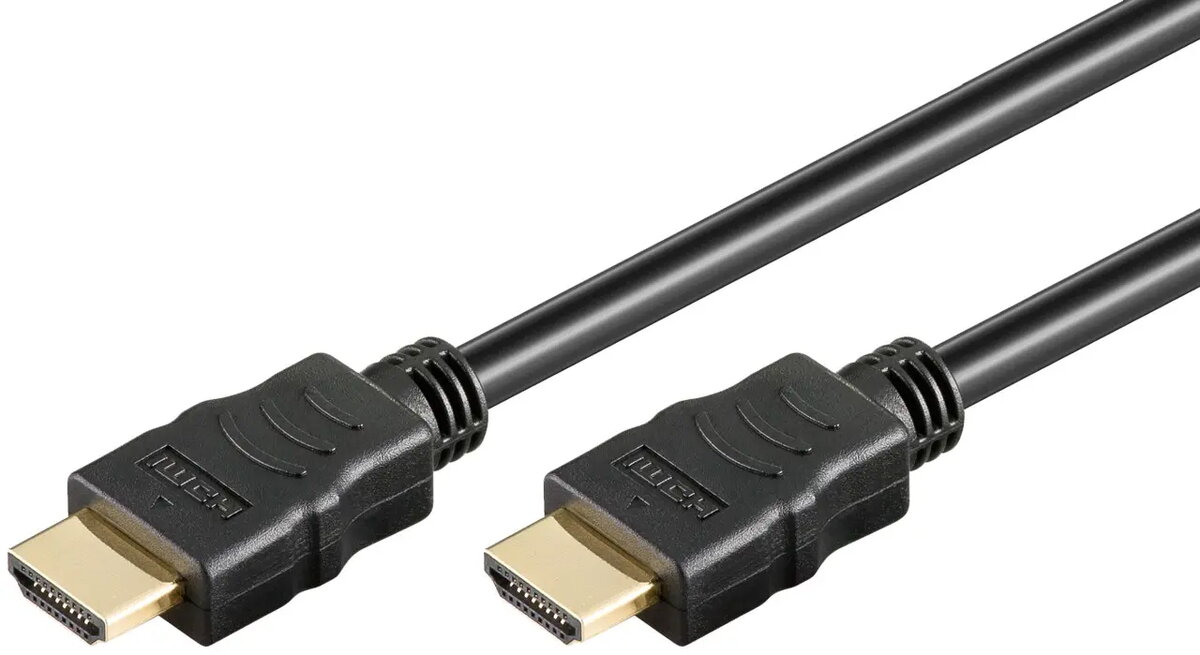
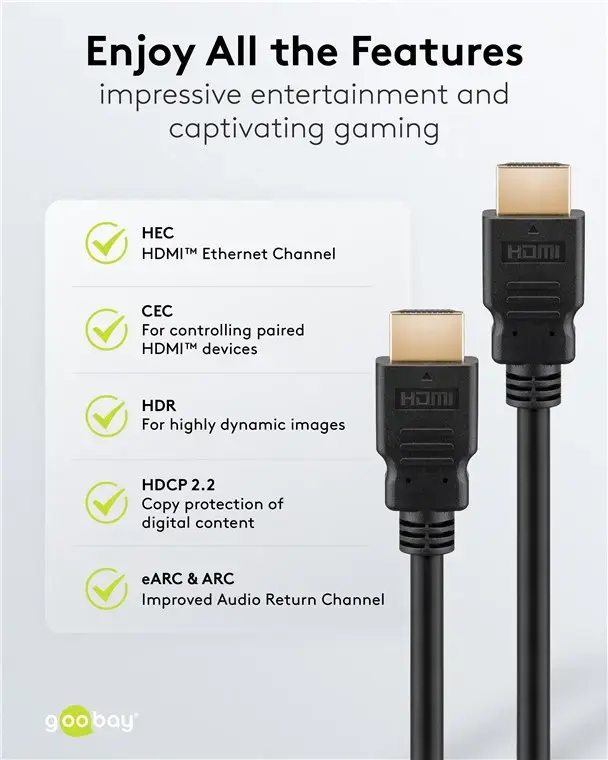
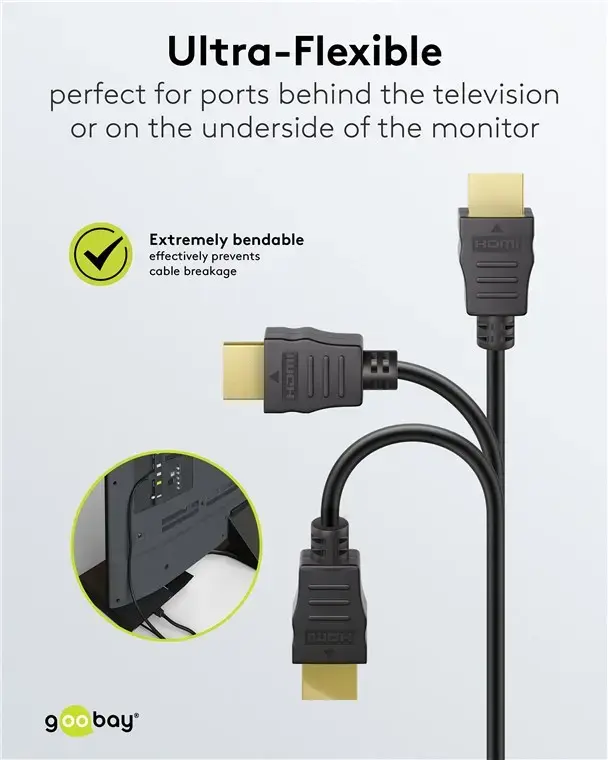
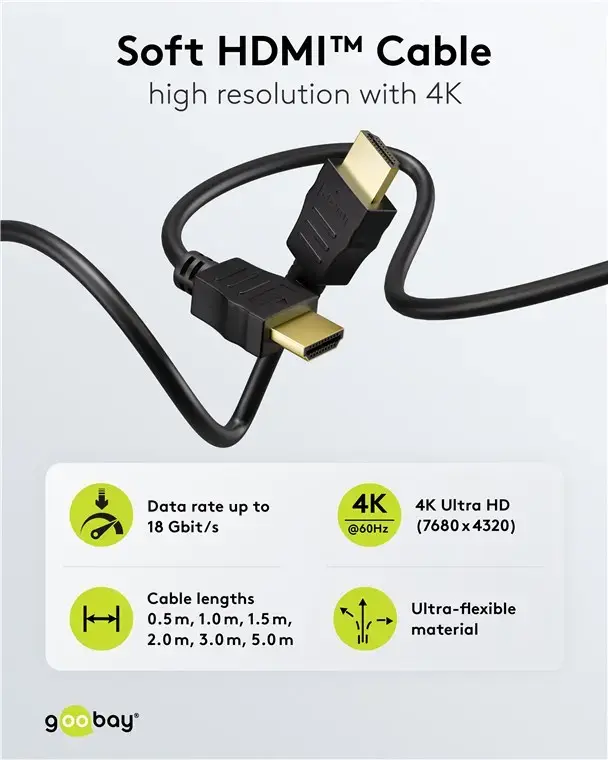
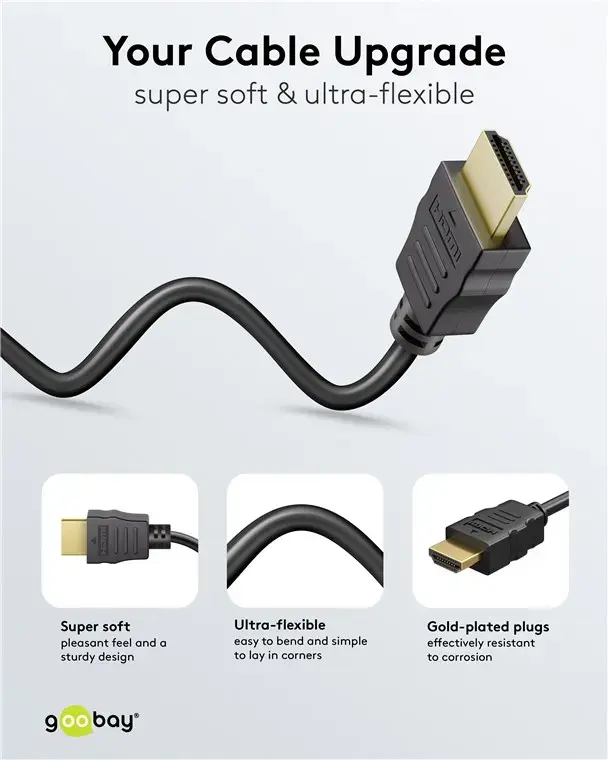
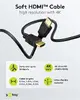
The Goobay 80104 Soft HDMI High-Speed Cable with Ethernet, 3 m is compared with similar alternatives within the same flexible HDMI cable series, including an identical option under an alternative listing name Goobay High-Speed HDMI Cable with Ethernet Soft Series 80104, related models with different part numbers such as WENTRONIC Goobay Soft High-Speed HDMI Cable with Ethernet, as well as alternative length variants from the same lineup—Goobay 80105 Soft HDMI High-Speed Cable with Ethernet, 5 m, Black (5 meters) and Goobay 80102 HDMI High-Speed Cable with Ethernet, 1.5m, Soft, Black (1.5 meters). All these products share a core soft and flexible jacket design for easy cable routing, alongside Ethernet support and stable digital audio and video transmission. The primary differences among them lie in the cable length and suitability for specific spatial layouts.
⚙️ The specifications comparison covers key parameters such as cable length, flexible Soft series construction, Ethernet support, and intended use for digital multimedia setups.
| Parameter | Goobay 80104 (3 m) | Goobay 80104 (Alternative) | WENTRONIC Goobay (80103) | WENTRONIC Goobay (80096) | Goobay 80105 (5 m) | Goobay 80102 (1.5 m) | Practical conclusion |
|---|
| Cable length | 3 meters | 3 meters | Not specified (different MPN) | Not specified (different MPN) | 5 meters | 1.5 meters | Length determines the optimal distance between the source and display without excessive slack. |
| Series type | Soft High-Speed with Ethernet | Soft High-Speed with Ethernet | Soft High-Speed with Ethernet | Soft High-Speed with Ethernet | Soft High-Speed with Ethernet | Soft High-Speed with Ethernet | All compared cables feature the same flexible construction for easy installation in tight spaces. |
| Intended use | Monitors, displays, multimedia | Displays, monitors, receivers, consoles | Monitors, displays, multimedia | Monitors, displays, consoles, TVs | Home and professional installations | Home and workstation setups | Core application remains identical; selection depends entirely on room layout and required reach. |
◎ The suitability and use cases analysis helps determine the most appropriate cable length for a specific multimedia configuration.
| Use case | Recommended product | Why |
|---|
| Connecting devices at a medium distance (around 3 meters) | Goobay 80104 Soft HDMI High-Speed Cable with Ethernet, 3 m | Provides the ideal length for standard home and office setups without excess cable clutter. |
| Connecting equipment across a greater distance | Goobay 80105 Soft HDMI High-Speed Cable with Ethernet, 5 m, Black | The five-meter length suits larger rooms and wider spacing between home entertainment components. |
| Compact desktop or workstation setup | Goobay 80102 HDMI High-Speed Cable with Ethernet, 1.5m, Soft, Black | The 1.5-meter length is ideal for connecting a monitor to a nearby desktop PC or laptop. |
The Goobay 80104 Soft HDMI High-Speed Cable with Ethernet, 3 m offers a well-balanced, medium-length solution for connecting multimedia devices. The main difference from the alternatives in the lineup is the physical reach, while the flexible Soft series construction and core connectivity features remain consistent. This cable is most suitable for users requiring a stable connection over a three-meter span, whereas shorter or longer variants are better suited for closer setups or extended distances respectively.