
Filters you can trust. Pure water every day.
In cart {{totalProductsCount}} item(s)
Your cart is empty
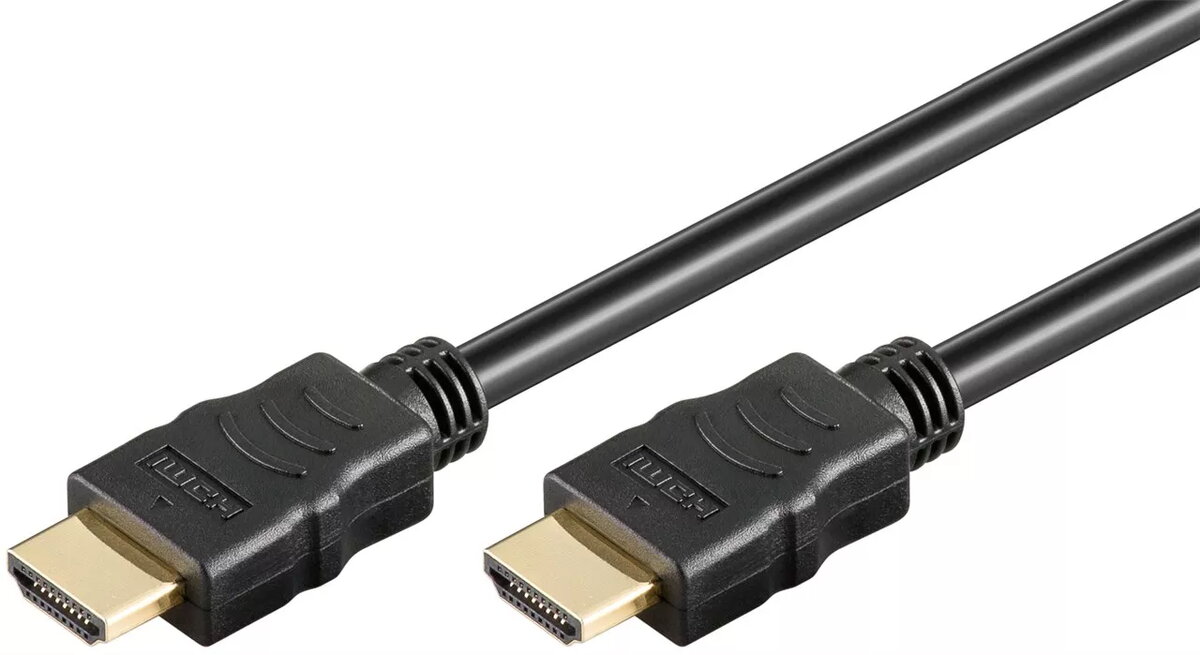
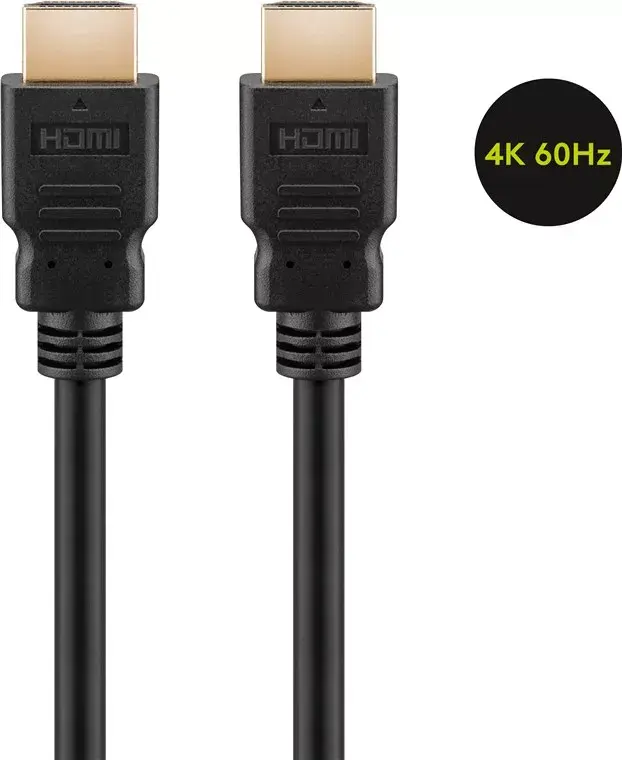
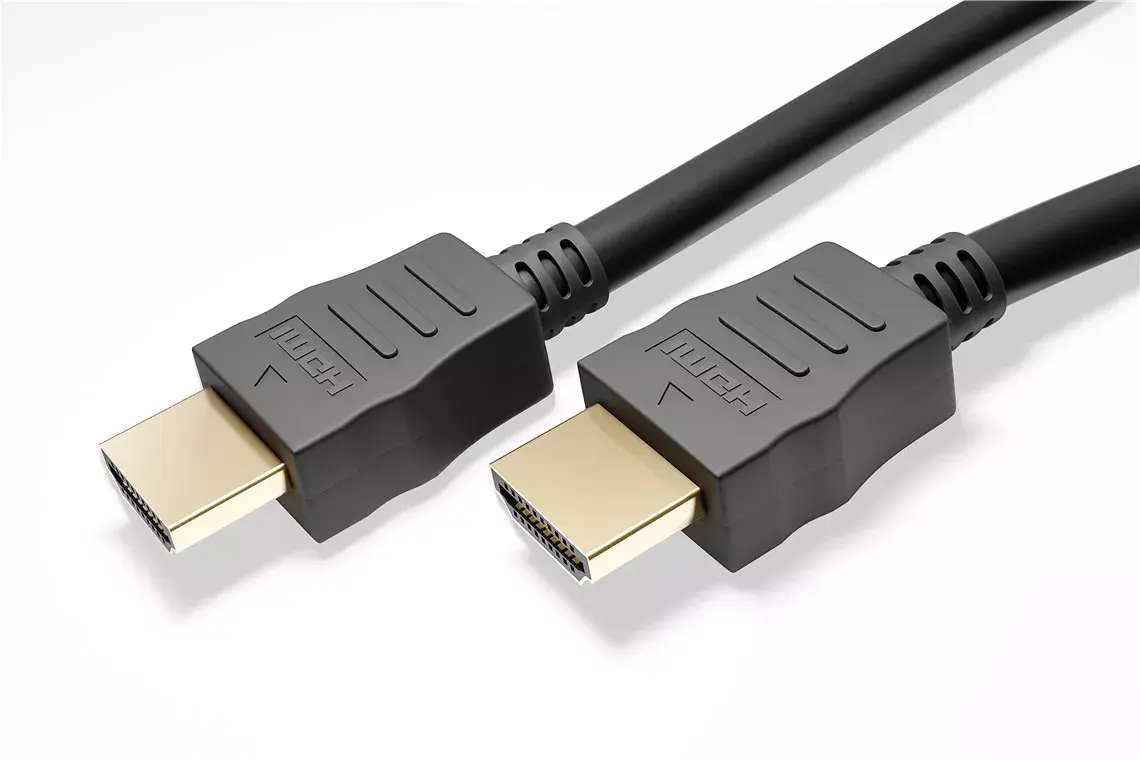
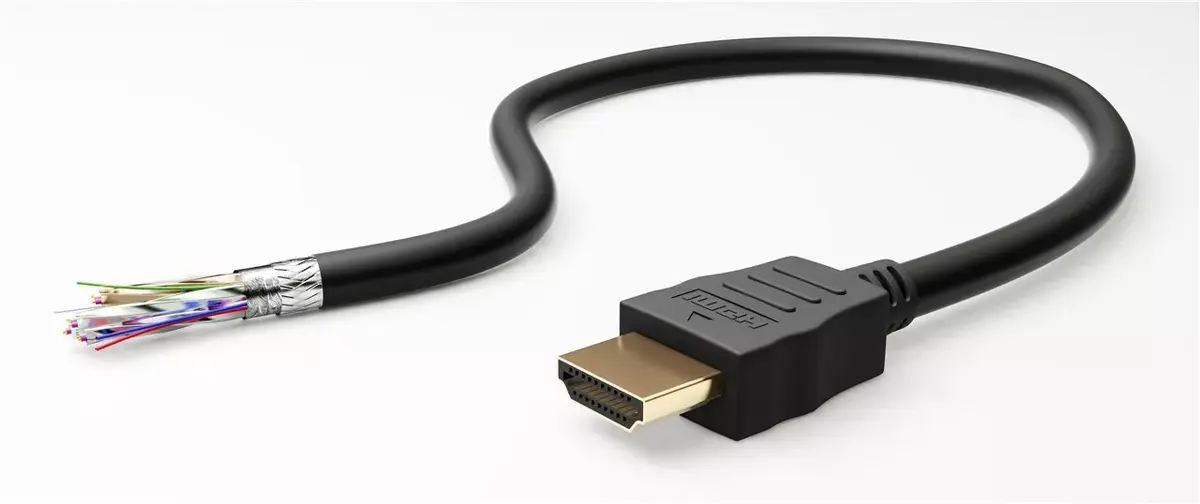
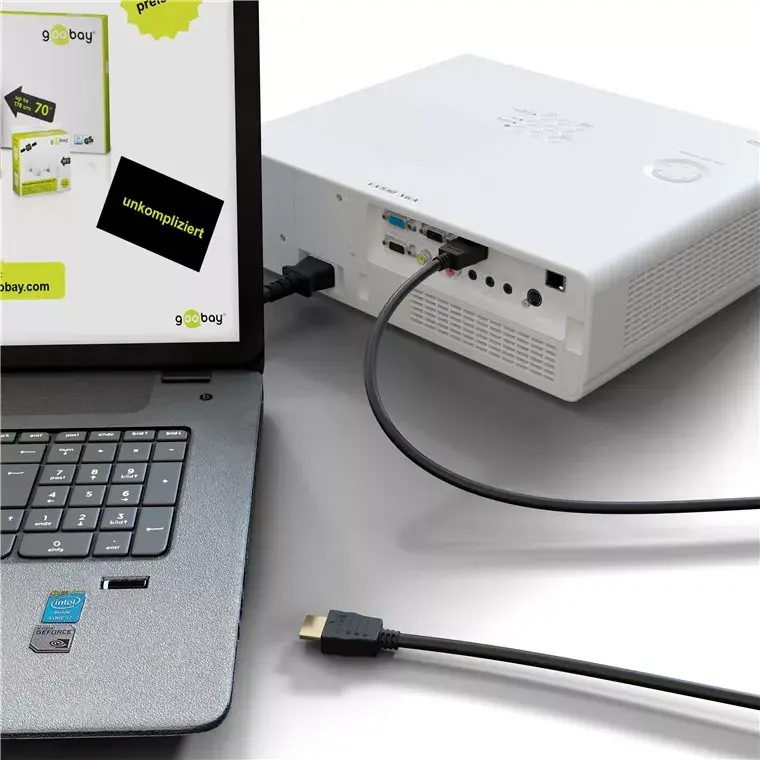
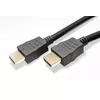
Goobay 60624 HDMI Cable 5m, HDMI Type A Male to Male, 4K 60Hz, 18 Gbit/s, Black
The Goobay 60624 HDMI cable is a high-performance solution designed to deliver exceptional audio and video quality for your home entertainment or office setup. With a length of 5 meters, this cable provides the flexibility needed to connect devices across a room while maintaining a stable and reliable signal. It supports high-definition 4K resolution at 60Hz, ensuring that your movies, games, and presentations are displayed with sharp detail and fluid motion. The cable is engineered to handle data transfer rates of up to 18 Gbit/s, making it suitable for demanding multimedia applications.
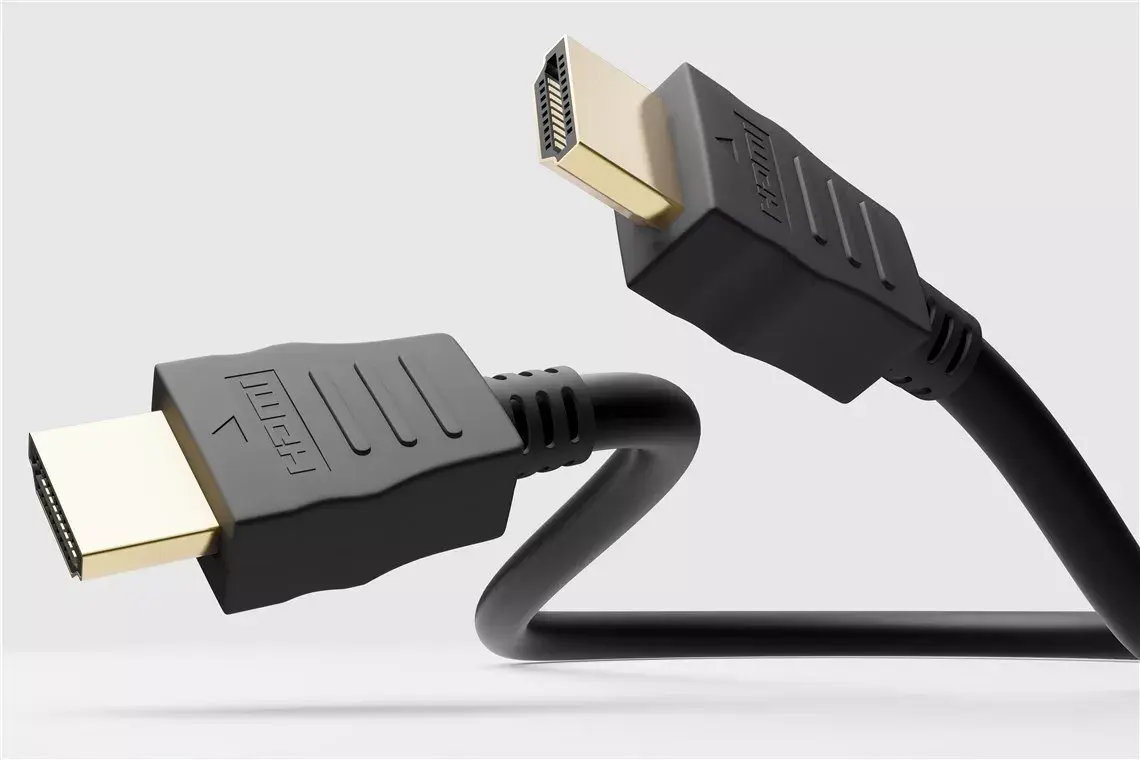
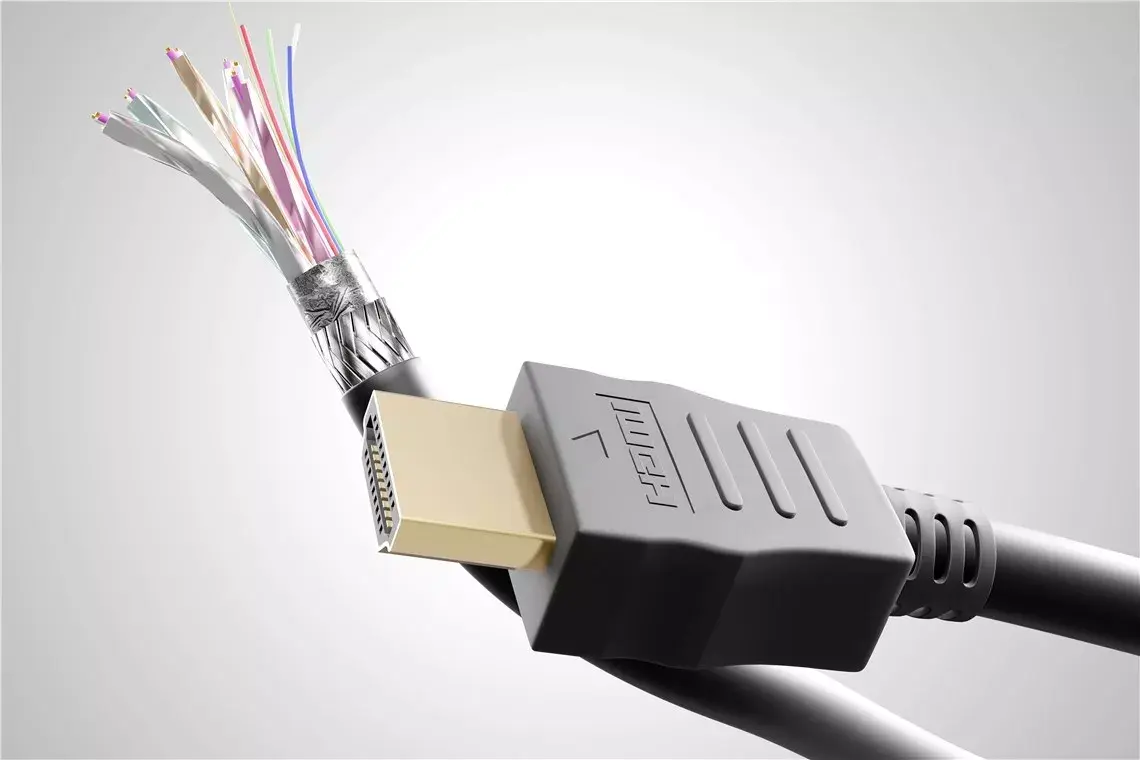
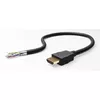
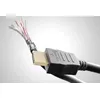
This HDMI cable features gold-plated connectors that enhance conductivity and provide superior resistance to corrosion, ensuring a long-lasting and reliable connection. The cable supports advanced audio formats including 7.1 surround sound, Dolby Atmos, and DTS:X, which contribute to a truly immersive audio experience. Additionally, the inclusion of the Audio Return Channel (ARC) simplifies your setup by allowing audio to travel from your TV back to your sound system using a single cable. Its robust construction ensures consistent performance, minimizing the risk of signal interference or data loss during operation.
This cable is designed for standard HDMI Type A connections and may not be suitable for devices requiring specialized connectors like Micro or Mini HDMI without the use of additional adapters. Furthermore, while it supports 4K at 60Hz, it may not be the optimal choice for ultra-high-end setups requiring 8K resolution or higher refresh rates beyond 60Hz.
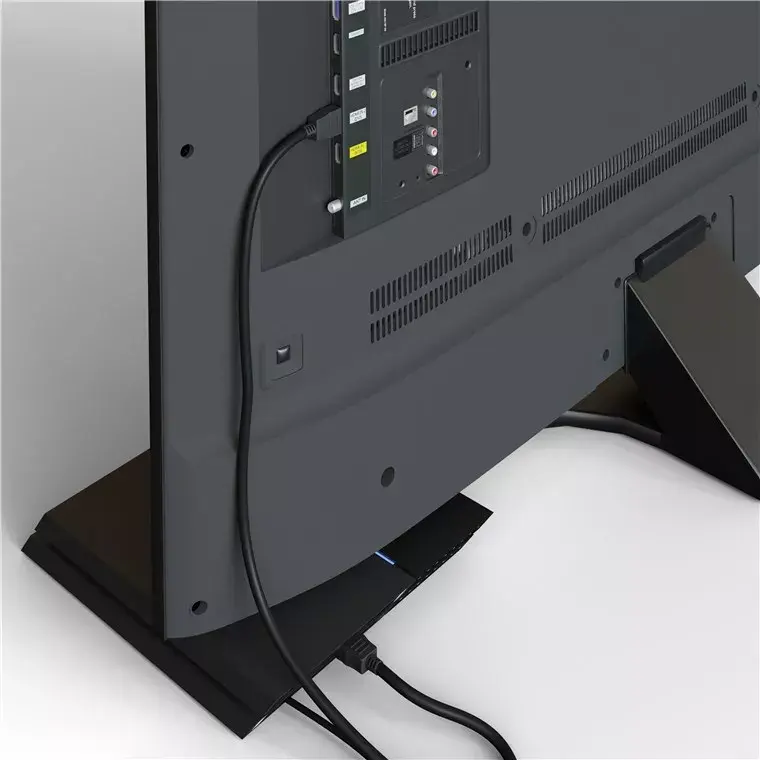
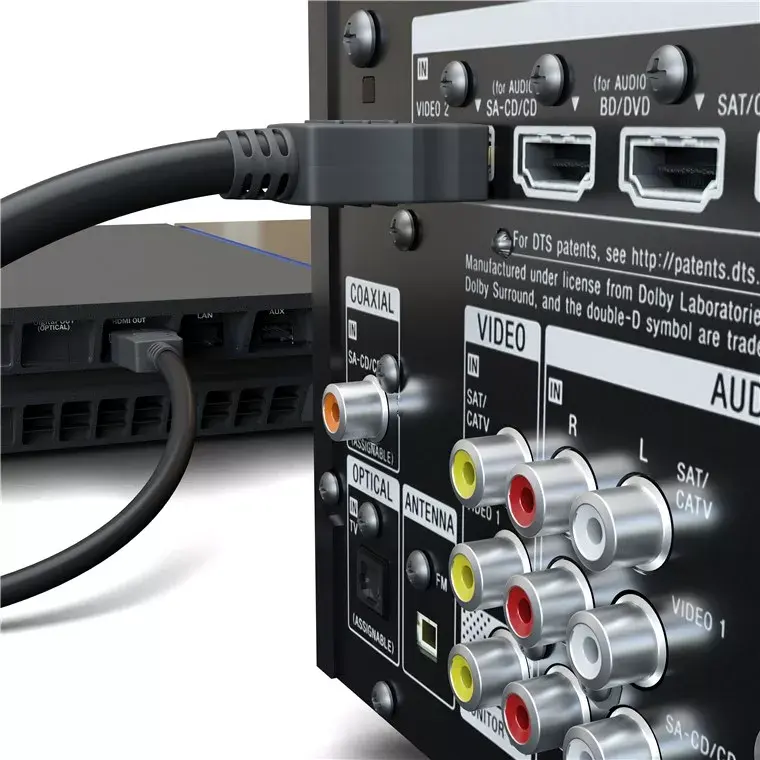
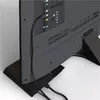
To use the Goobay HDMI cable, simply insert one end of the connector into the HDMI output port of your source device, such as a gaming console, computer, or media player. Insert the other end into the HDMI input port of your display device, such as a television or monitor. Ensure that both connectors are pushed firmly into the ports until they are fully seated. Once connected, select the appropriate input source on your display device to begin receiving the signal. No additional software or driver installation is required.
For the best performance, avoid bending the cable at sharp angles or placing heavy objects on top of it, as this can damage the internal wiring. Ensure that the cable is not pulled taut between devices to prevent strain on the HDMI ports.
{{highlightedFeature.featureTitle}}:
{{getProductFeatureValueById(product, highlightedFeature.featureId)}}
{{ productComparisonGenerationError }}