Leave your address - as soon as the price of the product goes down, you'll know about it right away
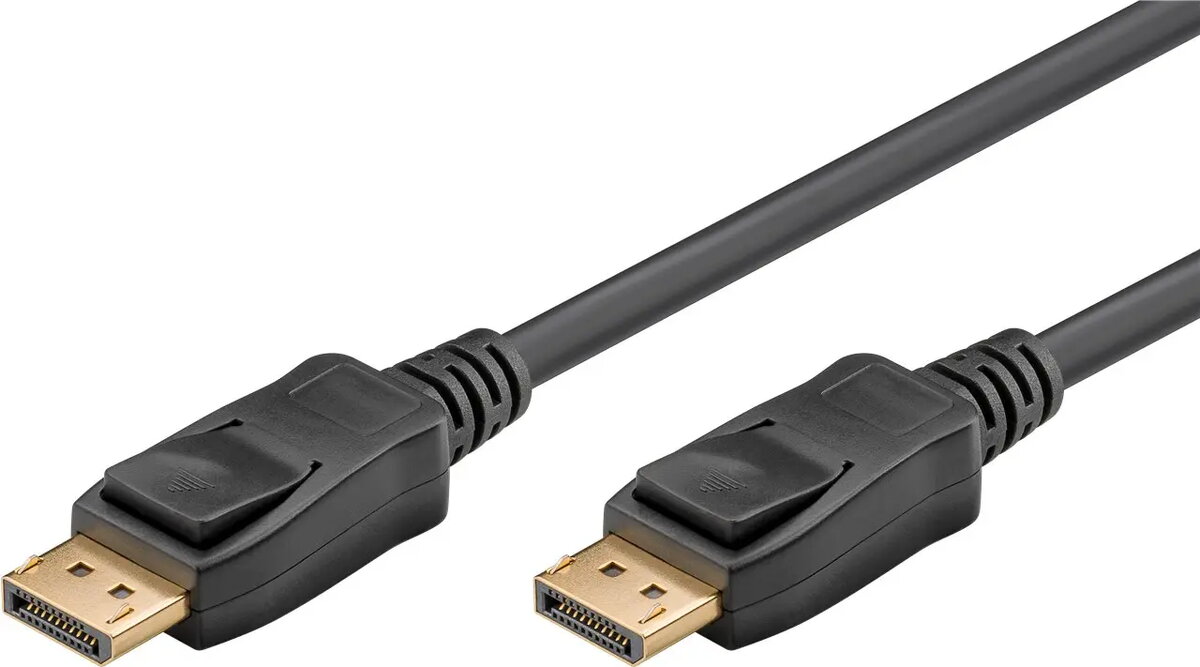
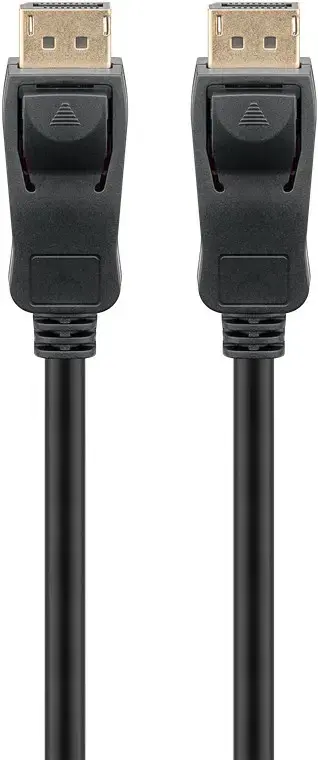
DisplayPort cable GOOBAY 74746 — DisplayPort to DisplayPort, 5 m, Black
In cart {{totalProductsCount}} item(s)
Your cart is empty
DisplayPort cable GOOBAY 74746 — DisplayPort to DisplayPort, 5 m, Black
Leave your address - as soon as the price of the product goes down, you'll know about it right away
DisplayPort cable GOOBAY 74746 — DisplayPort to DisplayPort, 5 m, Black
GOOBAY 74746 DisplayPort cable, 5 m length, delivers high-bandwidth digital video and audio between DisplayPort-equipped devices. Compliant with DisplayPort 2.0, the cable supports data rates up to 40 Gbit/s and high resolutions including uncompressed 8K @ 60 Hz. Its black, robust construction is intended for desktop setups, multi-monitor workstations and home entertainment systems that require a long, reliable DisplayPort connection.
The DisplayPort 2.0 specification implemented in this cable enables very high throughput (up to 40 Gbit/s) and advanced features such as UHBR10 signalling for improved HDR performance, low-latency high refresh rates and expanded colour depth. The cable supports multi-monitor configurations via daisy-chaining, adaptive sync technologies (FreeSync and G-Sync), HDCP 2.2 content protection and a wide range of audio formats with up to 32 audio channels. At 5 metres, the cable balances reach with signal integrity for longer desktop and meeting-room connections.
Connect one end of the DisplayPort cable to the DisplayPort output on the source device (for example a graphics card or docking station) and the other end to the DisplayPort input on the display device (monitor or projector). Ensure connectors are fully inserted until they click into place where applicable. Configure the display settings on the source device to select desired resolution, refresh rate and HDR or colour profile. For multi-monitor daisy-chaining, connect the primary monitor to the source and then use the monitor’s DisplayPort output to chain subsequent displays, following the monitor manufacturer’s instructions.
The cable performs best when used with devices that support DisplayPort 2.0 or compatible UHBR signalling. To achieve maximum resolution and refresh rate, use compatible graphics hardware and displays, enable required settings in the GPU driver and ensure firmware on connected devices is up to date. Avoid sharp bends and excessive pulling on the cable and keep connectors free of dust for optimal signal quality.
{{highlightedFeature.featureTitle}}:
{{getProductFeatureValueById(product, highlightedFeature.featureId)}}